Native macOS menu bar app for tracking Claude AI usage limits in real-time. Built with Swift/SwiftUI.
3.5k
Native macOS menu bar app for tracking Claude AI usage limits in real-time. Built with Swift/SwiftUI.
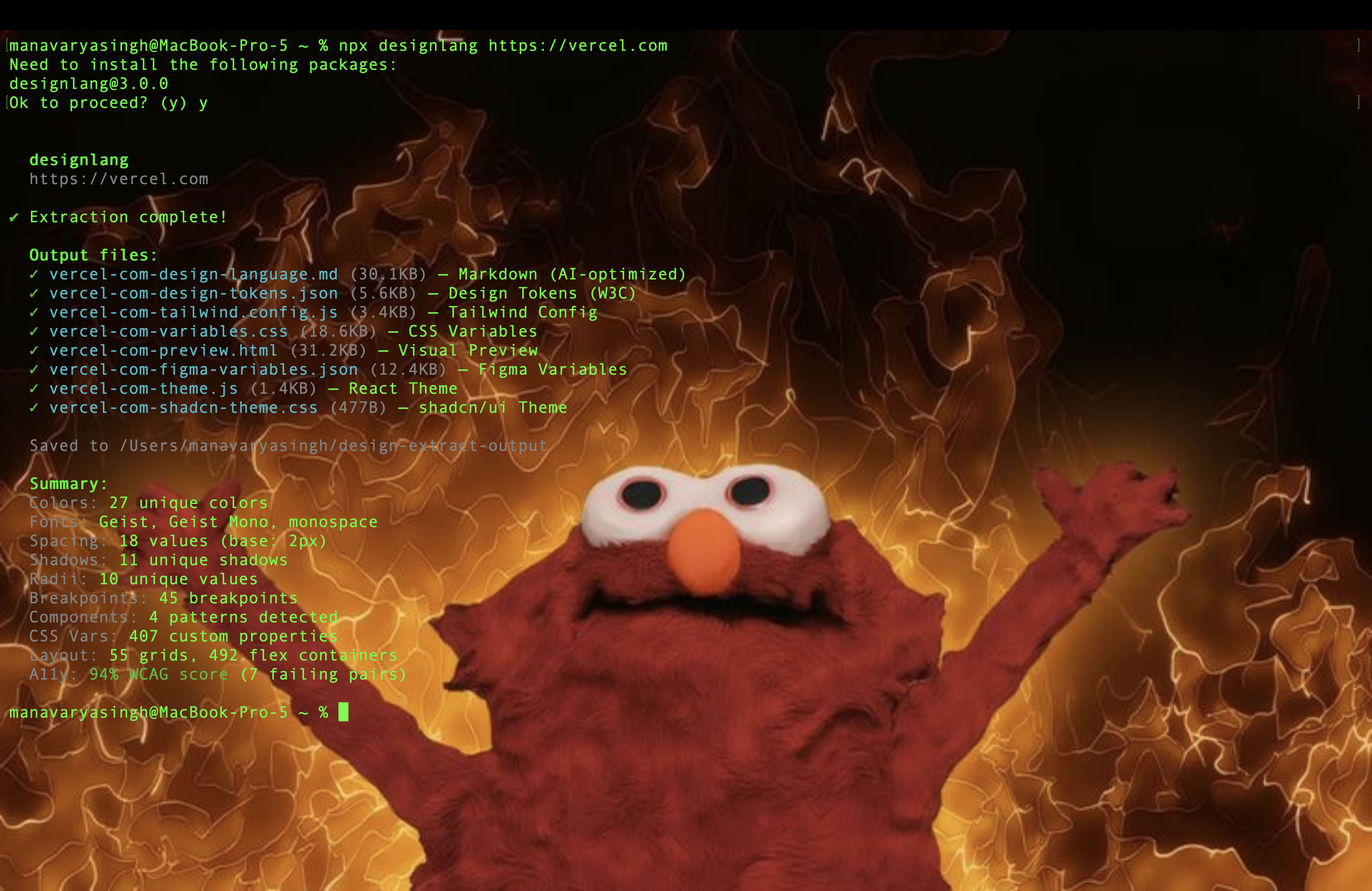
Extract any website's complete design system with one command. DTCG tokens, semantic+primitive+composite, MCP server for Claude Code/Cursor/Windsurf, multi-platform emitters (iOS SwiftUI, Android Compose, Flutter, WordPress), Tailwind v4, Figma variables, shadcn/ui, CSS health audit, WCAG remediation, Chrome extension. MIT, Playwright, Node 20+.

A native macOS app to manage skills across coding agents — Claude Code, Cursor, Copilot CLI, Codex, Gemini CLI

macOS desktop widget for Claude Code. See what Claude is doing, respond by voice, never miss a permission request.
A keyboard-first menubar app to monitor and jump between AI coding sessions — minimum setup required.
Universal mobile devtool for Agents & Humans - control iOS Simulators, Android Emulators, and real devices from a single dashboard and CLI

Native Liquid Glass AI token tracker for macOS. Breakdown into sessions/models/tools.

AI token usage & quota monitor for the macOS menu bar — native Swift, Liquid Glass, 3D contribution graph. Tracks Claude Code, Codex, Cursor, OpenCode & 25+ agents locally.
Cover your Mac screen with a hotkey while AI agents keep running. Dog/cat mascot, native Settings, Touch ID unlock.

A Dynamic Island for your coding agents — a native macOS notch monitor for Claude Code, Grok, Copilot and more. Monitor, approve, and jump back without leaving your flow.

A desktop pet for macOS & Windows that monitors your AI coding agents (Claude Code, Codex, Cursor, Gemini...) in real time, and grows as you code, feed it tokens, level it up, climb the leaderboard.

The native macOS & iOS app for browsing AI agent memory files — Claude Code, OpenClaw, Codex, Cursor, Gemini

Open-source native iPhone/iPad client for OpenAI Codex CLI and Claude Code — review diffs, approve actions, steer sessions, and manage Git remotely.

A native macOS browser for your Claude Code session history. Search, pin, tag, resume sessions in any terminal. Transcripts stay on your Mac.