context-space/context-spaceConnectors
Ultimate Context Engineering Infrastructure, starting from MCPs and Integrations
813
Ultimate Context Engineering Infrastructure, starting from MCPs and Integrations

Klavis AI: MCP integration platforms that let AI agents use tools reliably at any scale

A Model Context Protocol (MCP) server for Zammad integration, enabling AI assistants to interact with tickets, users, and organizations.

MCP server for Google Search integration using Gemini's built-in search capabilities
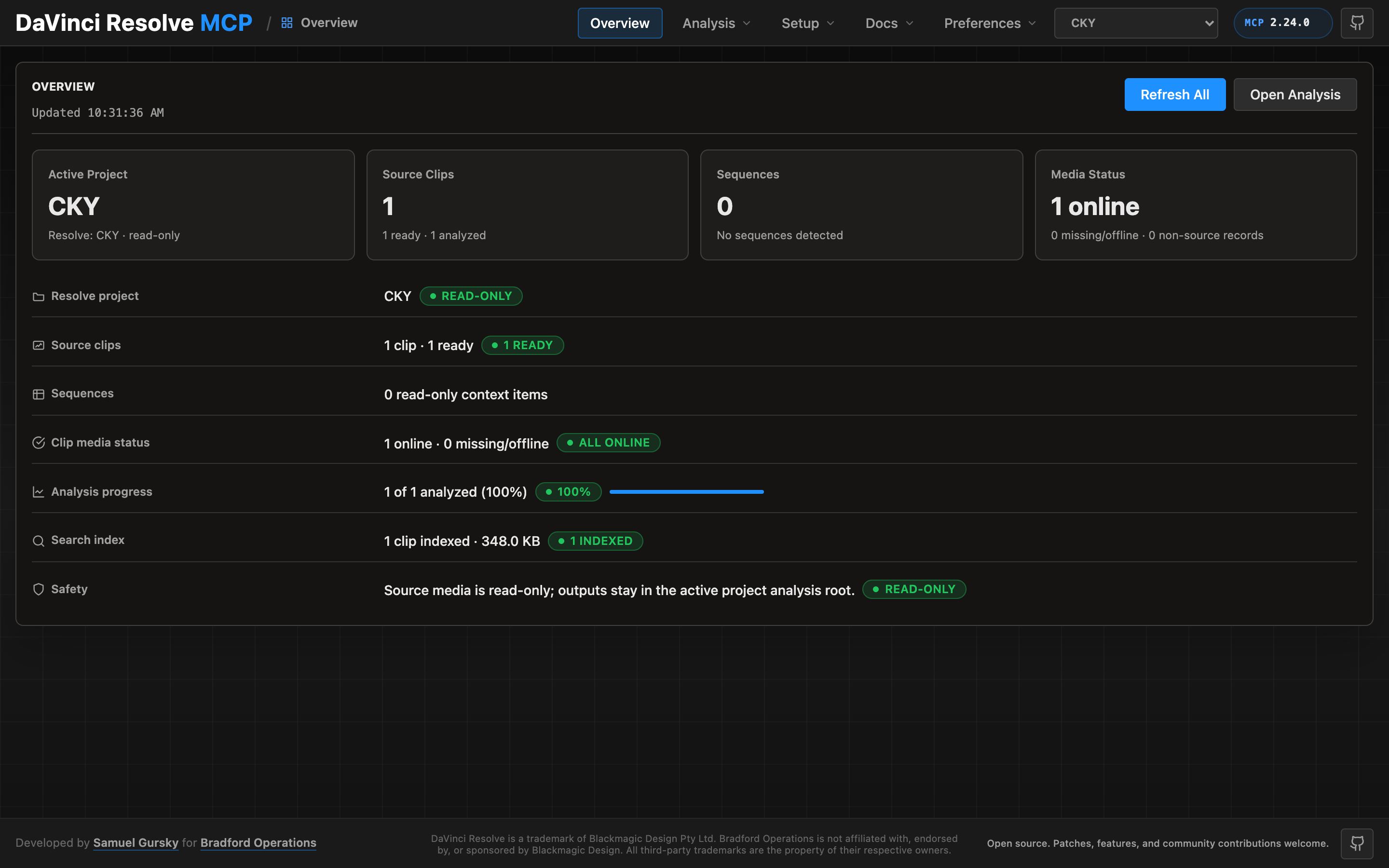
MCP server integration for DaVinci Resolve Studio

Fabric MCP Server: Seamlessly integrate Fabric AI capabilities into MCP-enabled tools like IDEs and chat interfaces.

Academic Paper Search MCP Server for Claude Desktop integration. Allows Claude to access data from Semantic Scholar and Crossref.

An MCP (Model Context Protocol) server implementation for Microsoft Teams integration, providing capabilities to read messages, create messages, reply to messages, mention members.

A Model Context Protocol (MCP) Server for https://joplinapp.org/ that enables note access through the https://modelcontextprotocol.io. Perfect for integration with AI assistants like Claude.

Trello integration for Claude Desktop via Model Context Protocol (MCP) - 19 tools for comprehensive board, card, and list management

An MCP server that integrates with gpt-image-1 & Gemini imagen4 model for text-to-image generation services

This project provides a toolset to crawl websites wikis, tool/library documentions and generate Markdown documentation, and make that documentation searchable via a Model Context Protocol (MCP) server, designed for integration with tools like Cursor.

A Model Context Protocol (MCP) server that provides secure integration with Google Drive, Docs, Sheets, Slides and Calendar. It allows Claude Desktop and other MCP clients to manage files in Google Drive through a standardized interface.
Conversion from Excel to structured JSON (tables, shapes, charts) for LLM/RAG pipelines, and autonomous Excel reading/writing by AI agents via CLI and MCP integration.

A lightweight MCP (Model Context Protocol) server for integrating ComPDF AI with Claude Desktop, enabling AI-powered intelligent document processing and data extraction from PDFs via natural language.

MCP Documentation Server - Bridge the AI Knowledge Gap. ✨ Features: Document management • Gemini integration • AI-powered semantic search • File uploads • Smart chunking • Multilingual support • Zero-setup 🎯 Perfect for: New frameworks • API docs • Internal guides
An MCP client for Neovim that seamlessly integrates MCP servers into your editing workflow with an intuitive interface for managing, testing, and using MCP servers with your favorite chat plugins.

A MCP server that enables Claude to discover and call any API endpoint through semantic search. Intelligently chunks OpenAPI specifications to handle large API documentation, with built-in request execution capabilities. Perfect for integrating private APIs with Claude Desktop.
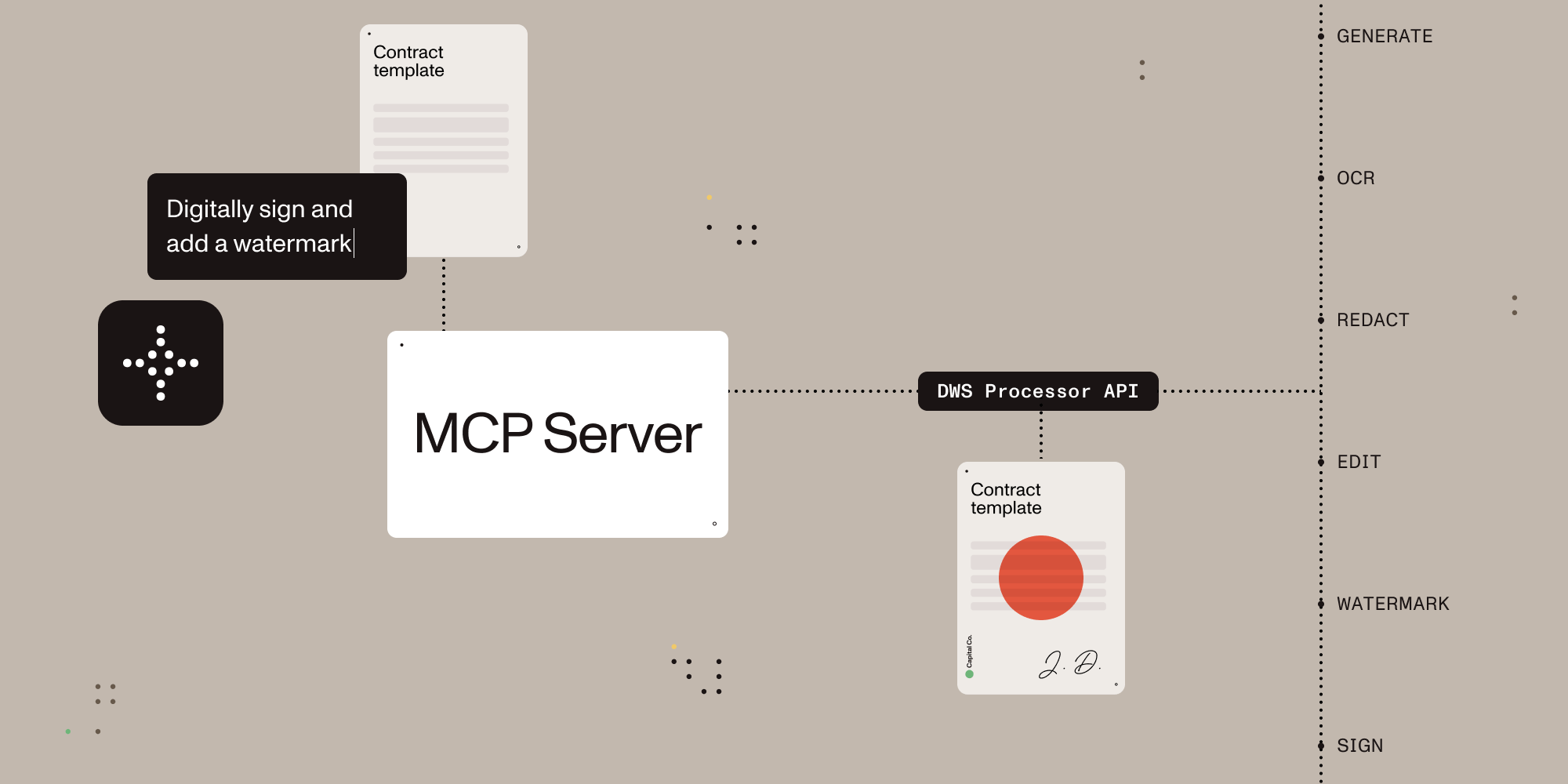
A Model Context Protocol (MCP) server implementation that integrates with the Nutrient Document Web Service (DWS) Processor API, providing powerful PDF processing capabilities for AI assistants.

Give your AI assistant superpowers for Zotero plugin development. 28 tools for screenshots, DOM inspection, JavaScript execution, build integration, and debugging via Model Context Protocol.

Human-like memory for AI agents — semantic, episodic & procedural. Experience-driven procedures that learn from failures. Free API, Python & JS SDKs, LangChain, CrewAI & OpenClaw integrations.

An MCP server providing web search and content extraction capabilities. Integrates DuckDuckGo search functionality and URL content extraction into your MCP environment, enabling AI assistants to search the web and extract webpage content.
Arkon: Enterprise AI Knowledge Hub & MCP Server. Self-hosted knowledge base for teams to manage RAG contexts, access policies, and AI skills. Connect Claude and other LLMs via Model Context Protocol (MCP) for automated, secure organizational knowledge integration.

oo is OOMOL's CLI toolkit. Everything can be done in the CLI.