yogthos/
Matryoshka

yogthos/MatryoshkaConnectors
MCP server for token-efficient large document analysis via the use of REPL state
148
MCP server for token-efficient large document analysis via the use of REPL state

🦜✨ Chat system, MCP server, and reusable components to improve LLMs capabilities when generating SPARQL queries

Quarkus LangChain4J Workshop that demonstrates both single AI service capabilities and Agentic AI orchestration

An agent skill to evolve the quality of LLM-Wiki (Graphify) at test time.
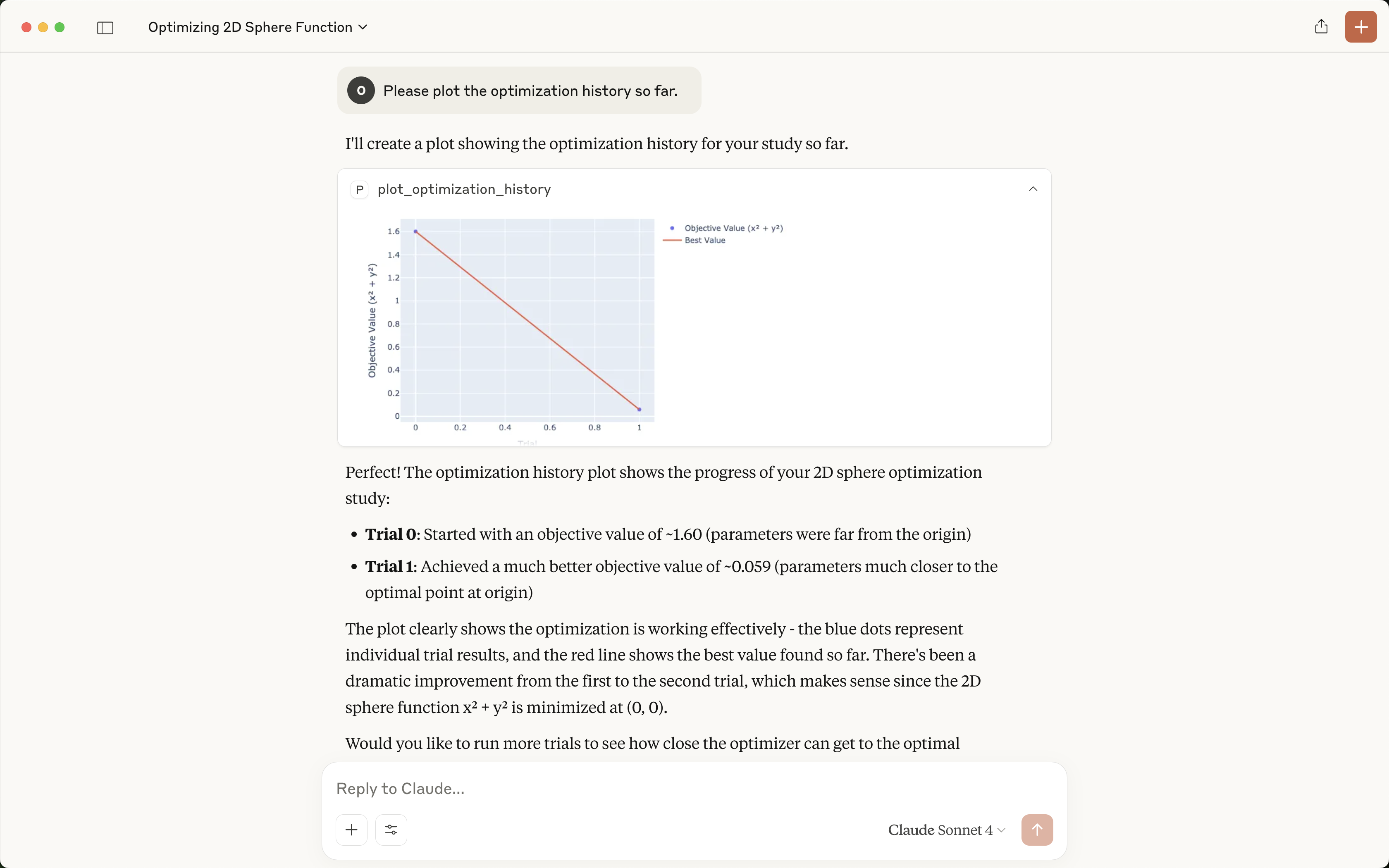
The Optuna MCP Server is a Model Context Protocol (MCP) server to interact with Optuna APIs.

Fast, flexible, and open tooling for building intelligent workflows with Cypress.

SpecStory's official collection of agent skills. Summarize, organize and create with `.specstory/history`

an open source, extensible AI agent that goes beyond code suggestions - install, execute, edit, and test with any LLM

OpenSquilla — Token-Efficient AI Agent with same budget, higher intelligence density

📦️ A fast, secure MCP server that extends its capabilities through WebAssembly plugins.

MCP for semantic code search & navigation that reduces token waste

[COLM'26] SkillLearnBench is the first benchmark for evaluating continual learning methods that automatically generate agent skills.

The open-source talent graph for humans and AI agents.
A Claude skill that writes the accurate prompts for any AI tool. Zero tokens or credits wasted. Full context and memory retention

Browser MCP is a Model Context Provider (MCP) server that allows AI applications to control your browser

The spatial IDE for recursive multi-agent orchestration. It's like an Obsidian graph-view that you work directly inside of.

MCP server that connects AI assistants to HackerOne for bug bounty hunting
Community Repo for Nowledge Labs Products

[ICML 2026] Meta Context Engineering via Agentic Skill Evolution

Scala code intelligence for coding agents. Zero Build Server. Zero Compilation. Just answers.

Curated reusable skills, workflows, and tool-backed capabilities for AI agents.

Deep Skill Finder – Find the right Skill for every Agent task
The Wiki-link doc compiler for the LLM era.
A2A protocol client for your terminal