CursorTouch/
MacOS-MCP

CursorTouch/MacOS-MCPConnectors
Lightweight MCP server for computer use in MacOS
175
Lightweight MCP server for computer use in MacOS

MCP server for controlling a real iPhone via macOS iPhone Mirroring...and any MacOs app. Screenshot, tap, swipe, type — from any MCP client.

Control your Mac with detailed mouse, keyboard, screen, and window management capabilities.
Full computer-use for AI agents. Self-learning workflows. Native macOS. No screenshots required.

Peekaboo is a macOS CLI & optional MCP server that enables AI agents to capture screenshots of applications, or the entire system, with optional visual question answering through local or remote AI models.

Rust MCP server and CLI for serial/UART devices, with JSON macro automation and agent skills for repeatable timed workflows.

Secure MCP runtime for AI agents to operate local machines, servers, and containers with multi-device orchestration.
MCP configuration to connect AI agent to a Linux machine.
A Model Context Protocol (MCP) server and CLI that provides tools for agent use when working on iOS and macOS projects.
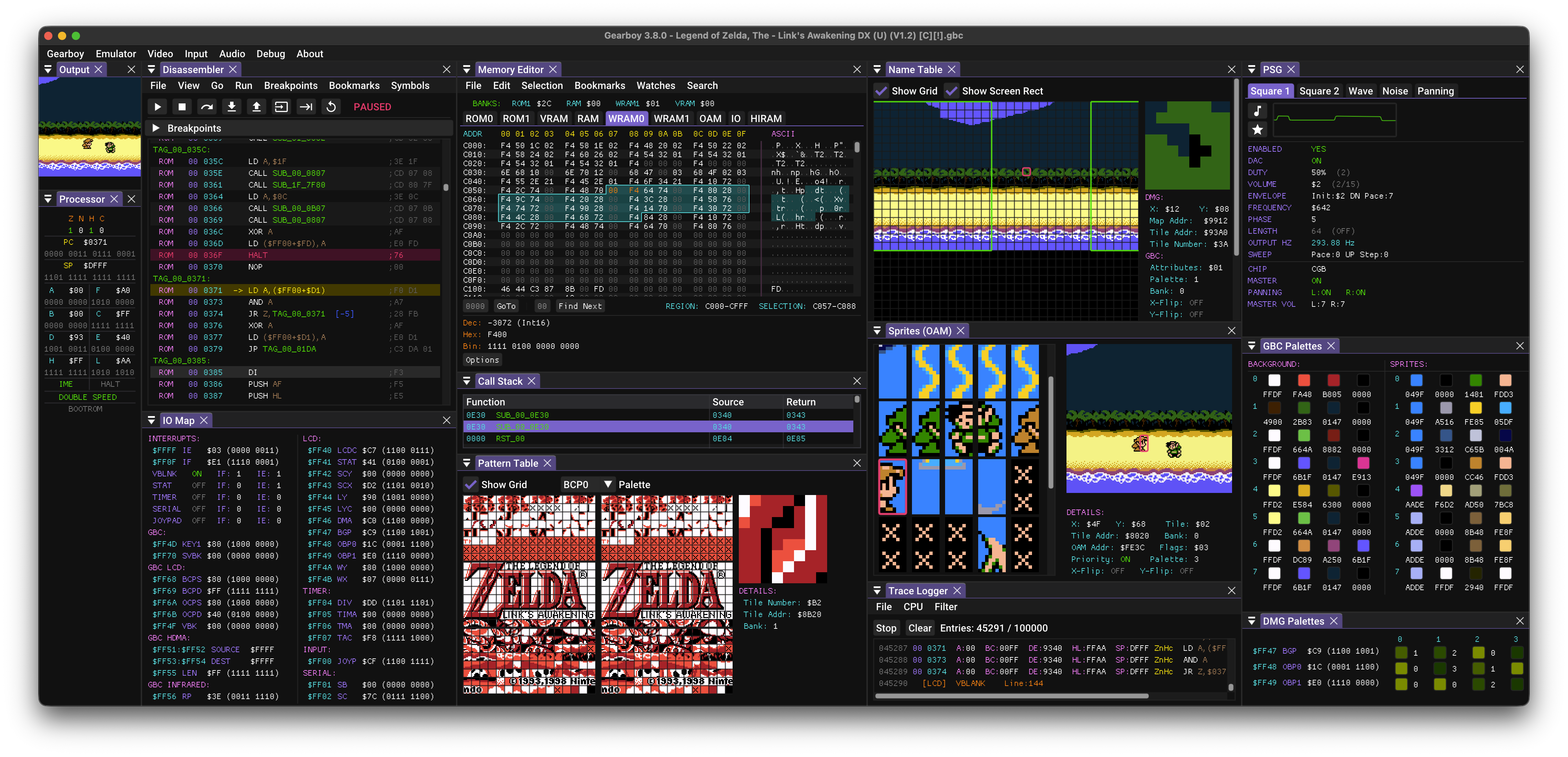
Game Boy / Game Boy Color / Super Game Boy emulator, debugger and embedded MCP server for macOS, Windows, Linux, BSD and RetroArch.

👾 Open Computer Use – Open-Source Alternative to Codex Computer Use

Windows Computer Use for AI Agents. Both a tool (22 MCP tools for click, type, screenshot, OCR, UI inspection) and an agent (autonomous mission engine, macro recorder, intent-based discovery, event watchers). Built with opencode (DeepSeek V4). Ships as MCP server, web UI, and Tauri desktop app.
Native Safari browser automation for AI agents. 97 tools via AppleScript — zero overhead, keeps logins, runs silently in background. Drop-in alternative to Chrome DevTools MCP with 40-60% less CPU/heat on Apple Silicon.

Use ChatGPT Developer Mode as a local coding agent for your repo through MCP.
Give any AI agent a full desktop — it sees the screen, clicks, types, and runs apps like a human. Automate anything with a UI: browsers, legacy software, internal tools. No API needed. One Docker command.
clawdcursor compiles whatever's on screen into one UI map — accessibility tree and OCR fused into stable, addressable elements, with a screenshot only when needed — then drives apps through reusable scripts, verifying every action and routing it through a single safety gate.