agent-sh/
agent-workspace-linux

agent-sh/agent-workspace-linuxConnectors
Isolated Linux desktop workspaces for AI agents — a hidden, agent-owned desktop and browser over MCP, so an agent can do GUI and web work without touching your real desktop.
97
Isolated Linux desktop workspaces for AI agents — a hidden, agent-owned desktop and browser over MCP, so an agent can do GUI and web work without touching your real desktop.

MCP configuration to connect AI agent to a Linux machine.
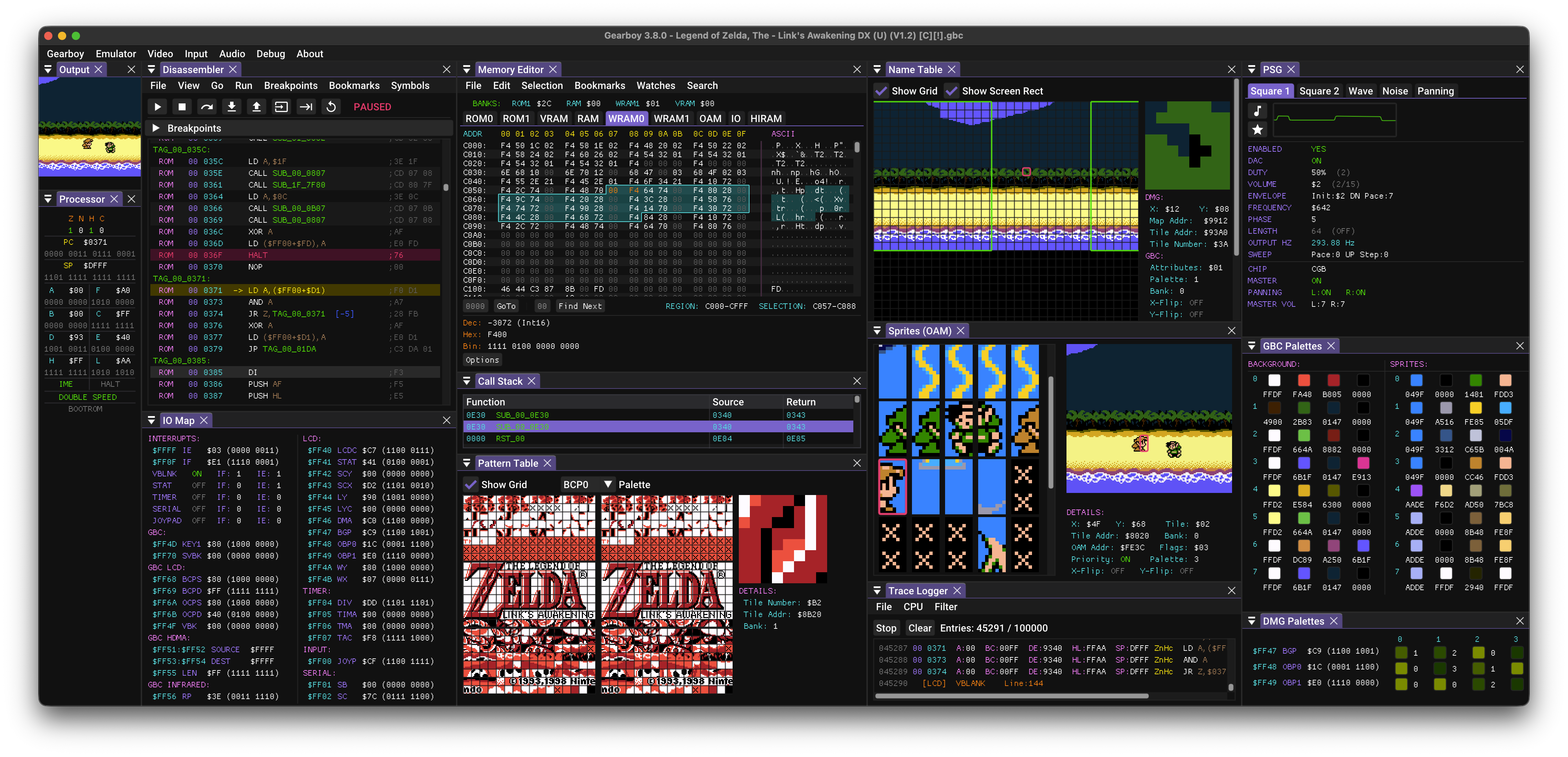
Game Boy / Game Boy Color / Super Game Boy emulator, debugger and embedded MCP server for macOS, Windows, Linux, BSD and RetroArch.
MCP server for Linux desktop GUI automation on KDE Plasma 6 Wayland -- 30 tools for virtual and live sessions

MCP server for Kali Linux penetration testing - 121 tools for AI-assisted security testing - Giving Agents access to full pentesting tools
Fully functional AI Logic Calculator utilizing Prover9/Mace4 via Python based Model Context Protocol (MCP-Server)- tool for Windows, Linux, Claude App etc

Full-featured, multi-account MCP email server for Windows, macOS, and Linux—read, search, organize, and send email via IMAP and SMTP.
Built from the ground-up for agents, Vessel Browser is an open source AI browser for Linux/Mac/Windows that provides a durable state, MCP control, and BYOK with full autonomous browsing. Use with Hermes Agent, OpenClaw, or connect to your favorite API provider.

Apple Music MCP server: playlists, library, catalog, playback and the Up Next queue, on macOS, Windows and Linux. A Mac or an Apple Music subscription is all you need.
The universal MCP server for Claude Code and other MCP-compatible clients. One installation gives AI access to 10,000+ PowerShell modules and any CLI tool. You and AI collaborate in the same console with full transparency. Supports Windows, Linux, and macOS.
Fast, interruptible verification browser for AI coding agents: 35 ms checks, pixel diffs, live human hand-off
Daymon puts your favorite AI to work 24/7. It schedules, remembers, and orchestrates your own virtual team. Free.

👾 Open Computer Use – Open-Source Alternative to Codex Computer Use
Give any AI agent a full desktop — it sees the screen, clicks, types, and runs apps like a human. Automate anything with a UI: browsers, legacy software, internal tools. No API needed. One Docker command.