

heygen-com/hyperframesFrameworks & SDKs
Write HTML. Render video. Built for agents.
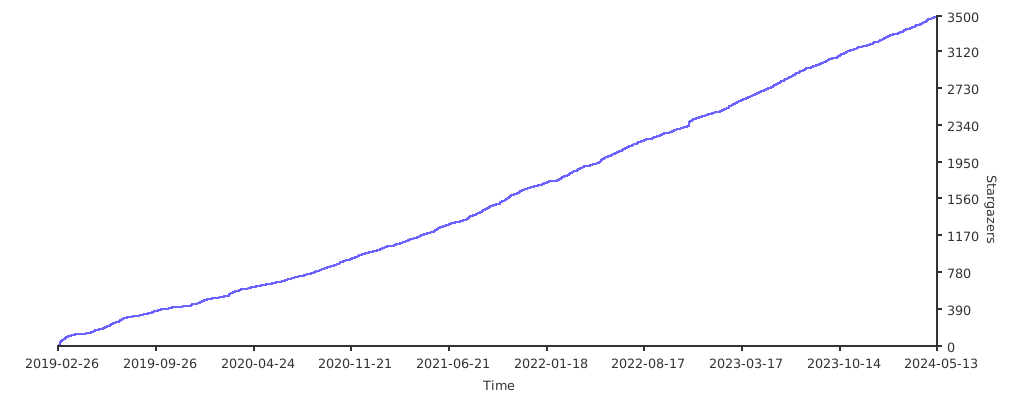
49k
unidbg emulates Android native libraries and experimental iOS binaries so you can load code, call JNI_OnLoad, trace execution, and inspect memory. It plugs in backends like unicorn, dynarmic, hypervisor, and KVM, and adds hooks, leak tracking, and MCP tools for debugging with AI clients.
Builders who need to inspect, test, or reverse engineer Android native libraries or iOS native code in an emulator.
You can run native code outside the device, trace what it does, and debug it with AI tools without restarting the process.
Loads Android native libraries and experimental iOS binaries, with support for ARM32 and ARM64.
Implements the JNI Invocation API, JavaVM, JNIEnv, and syscall instruction handling so native code can run.
Includes inline hooks through Dobby, Android import hooks through xHook, and iOS hooks through fishhook, substrate, and whale.
Supports unicorn, dynarmic, Apple M1 hypervisor, and Linux KVM backends for different speed and host options.
Provides a console debugger, gdb stub, instruction tracing, and memory read/write tracing.
Exposes emulator state and actions through MCP so Cursor and other AI tools can inspect modules, registers, memory, breakpoints, and function calls.
Tracks guest allocations and reports leaked blocks with guest backtraces and host Java stack traces.
Offers a reusable worker pool for running emulator instances across threads with idle cleanup and limits.
Allows you to emulate an Android native library, and an experimental iOS emulation.
This is an educational project to learn more about the ELF/MachO file format and ARM assembly.
Use it at your own risk !
unidbg supports Model Context Protocol (MCP) for AI-assisted debugging. When the debugger is active, type mcp in the console to start an MCP server that AI tools (e.g. Cursor) can connect to.
unidbg MCP has two operating modes:
Mode 1: Breakpoint Debug — Attach the debugger and run your code. When a breakpoint is hit, Breaker.debug() pauses the emulator — type mcp in the console to start MCP server and let AI assist with analysis. All debugging tools are available (registers, memory, disassembly, stepping, tracing, etc). After resuming, if another breakpoint is hit the debugger pauses again. Once execution completes without hitting a breakpoint, the process exits and MCP shuts down.
Debugger debugger = emulator.attach();
debugger.addBreakPoint(address);
// run your emulation logic — debugger pauses when breakpoint is hit
Mode 2: Custom Tools (Repeatable) — Use McpToolkit to register custom tools and let AI re-run target functions with different parameters. The native library is loaded once; after each execution the process stays alive and MCP remains active for the next run.
McpToolkit toolkit = new McpToolkit();
toolkit.addTool(new McpTool() {
    @Override public String name() { return "encrypt"; }
    @Override public String description() { return "Run encryption"; }
    @Override public String[] paramNames() { return new String[]{"input"}; }
    @Override public void execute(String[] params) {
        String input = params.length > 0 ? params[0] : "default";
        // call encryption with input
    }
});
toolkit.run(emulator.attach());
When the debugger breaks, type mcp (or mcp 9239 to specify port) in the console. Then add to Cursor MCP settings:
{
  "mcpServers": {
    "unidbg-mcp-server": {
      "url": "http://localhost:9239/sse"
    }
  }
}
Status & Info
| Tool | Description |
|---|---|
check_connection | Emulator status: Family, architecture, backend capabilities, isRunning, loaded modules |
list_modules / get_module_info | List loaded modules, get detail including exported symbol count and dependencies |
list_exports | List exported/dynamic symbols of a module with optional filter and C++ demangling |
find_symbol | Find symbol by name or find nearest symbol at address |
get_threads | List all threads/tasks in the emulator |
Registers & Disassembly
| Tool | Description |
|---|---|
get_registers / get_register / set_register | Read/write CPU registers |
disassemble | Disassemble instructions at address (branch targets auto-annotated with symbol names) |
assemble | Assemble instruction text to machine code |
get_callstack | Get current call stack (backtrace) |
Memory
| Tool | Description |
|---|---|
read_memory / write_memory | Read/write raw memory bytes |
read_string / read_std_string | Read C string or C++ std::string (with SSO detection) |
read_pointer | Read pointer chain with symbol resolution |
read_typed | Read memory as typed values (int8–int64, float, double, pointer) |
search_memory | Search memory for byte patterns with scope/permission filters |
list_memory_map | List all memory mappings with permissions |
allocate_memory / free_memory / list_allocations | Allocate (malloc/mmap) with optional initial data, free, and track memory blocks |
patch | Write assembled instructions to memory |
Breakpoints & Execution
| Tool | Description |
|---|---|
add_breakpoint / add_breakpoint_by_symbol / add_breakpoint_by_offset | Add breakpoints by address, symbol, or module+offset |
remove_breakpoint / list_breakpoints | Remove or list breakpoints (with disassembly) |
continue_execution | Resume execution. Use poll_events to wait for breakpoint_hit or execution_completed |
step_over / step_into / step_out | Step over, into (N instructions), or out of function |
next_block | Break at next basic block (Unicorn only) |
step_until_mnemonic | Break at next instruction matching mnemonic, e.g. bl, ret (Unicorn only) |
poll_events | Poll for breakpoint_hit, execution_completed, trace events |
Tracing
| Tool | Description |
|---|---|
trace_code | Trace instructions with register read/write values (regs_read, prev_write) |
trace_read / trace_write | Trace memory reads/writes in address range |
Function Calls
| Tool | Description |
|---|---|
call_function | Call native function by address with typed arguments (hex, string, bytes, null). Returns value with symbol resolution and memory preview |
call_symbol | Call exported function by module + symbol name, e.g. libc.so + malloc |
iOS Only (available when Family=iOS)
| Tool | Description |
|---|---|
inspect_objc_msg | Inspect objc_msgSend call: show receiver class name and selector, e.g. -[NSString length] |
get_objc_class_name | Get ObjC class name of an object at a given address (pure memory parsing, no state change) |
dump_objc_class | Dump ObjC class definition (properties, methods, protocols, ivars) |
dump_gpb_protobuf | Dump GPB protobuf message schema as .proto format (64-bit only) |
Use McpToolkit to register custom tools, each implementing the McpTool interface. This replaces manual if-else dispatch with clean, self-contained tool classes. By this point the native library is fully loaded (JNI_OnLoad / entry point already executed), so the code inside each tool's execute() is the target function logic to analyze. AI can set breakpoints and traces before triggering a custom tool, then inspect execution results across different inputs without restarting the process.
Android Example — See Utilities64.java for an Android JNI example with custom MCP tools:
DalvikModule dm = vm.loadLibrary(new File("libtmessages.29.so"), true);
dm.callJNI_OnLoad(emulator);
cUtilities = vm.resolveClass("org/telegram/messenger/Utilities");

McpToolkit toolkit = new McpToolkit();
toolkit.addTool(new McpTool() {
    @Override public String name() { return "aesCbc"; }
    @Override public String description() { return "Run AES-CBC encryption on input data"; }
    @Override public String[] paramNames() { return new String[]{"input"}; }
    @Override public void execute(String[] params) {
        byte[] input = params.length > 0 ? params[0].getBytes() : new byte[16];
        aesCbcEncryptionByteArray(input);
    }
});
toolkit.addTool(new McpTool() {
    @Override public String name() { return "aesCtr"; }
    @Override public String description() { return "Run AES-CTR decryption on input data"; }
    @Override public String[] paramNames() { return new String[]{"input"}; }
    @Override public void execute(String[] params) {
        byte[] input = params.length > 0 ? params[0].getBytes() : new byte[16];
        aesCtrDecryptionByteArray(input);
    }
});
toolkit.addTool(new McpTool() {
    @Override public String name() { return "pbkdf2"; }
    @Override public String description() { return "Run PBKDF2 key derivation"; }
    @Override public String[] paramNames() { return new String[]{"password", "iterations"}; }
    @Override public void execute(String[] params) {
        String password = params.length > 0 ? params[0] : "123456";
        int iterations = params.length > 1 ? Integer.parseInt(params[1]) : 100000;
        pbkdf2(password.getBytes(), iterations);
    }
});
toolkit.run(emulator.attach());
iOS Example — See IpaLoaderTest.java for an iOS IPA loading example with custom MCP tools:
IpaLoader ipaLoader = new IpaLoader64(ipa, new File("target/rootfs/ipa"));
LoadedIpa loader = ipaLoader.load(this);
emulator = loader.getEmulator();
loader.callEntry();
module = loader.getExecutable();

McpToolkit toolkit = new McpToolkit();
toolkit.addTool(new McpTool() {
    @Override public String name() { return "dumpClass"; }
    @Override public String description() { return "Dump an ObjC class definition by name"; }
    @Override public String[] paramNames() { return new String[]{"className"}; }
    @Override public void execute(String[] params) {
        String className = params.length > 0 ? params[0] : "AppDelegate";
        IClassDumper classDumper = ClassDumper.getInstance(emulator);
        System.out.println("dumpClass(" + className + "):\n" + classDumper.dumpClass(className));
    }
});
toolkit.addTool(new McpTool() {
    @Override public String name() { return "readVersion"; }
    @Override public String description() { return "Read the TelegramCoreVersionString from the executable"; }
    @Override public void execute(String[] params) {
        Symbol sym = module.findSymbolByName("_TelegramCoreVersionString");
        if (sym != null) {
            Pointer pointer = UnidbgPointer.pointer(emulator, sym.getAddress());
            if (pointer != null) {
                System.out.println("_TelegramCoreVersionString=" + pointer.getString(0));
            }
        }
    }
});
toolkit.run(emulator.attach());
Once the MCP server is started, AI can call these tools via MCP to run emulations with custom parameters, set breakpoints, trace execution, and inspect results — all without restarting the process.
Low-level API: You can also use
Debugger.addMcpTool()+Debugger.run(DebugRunnable)directly for full control.McpToolkitis a higher-level wrapper that eliminates if-else dispatch.
Track guest-side memory allocations (mmap/munmap/brk) to detect leaks in emulated native code. Use try-with-resources — tracking starts on creation, and the leak report is printed automatically on close.
try (MemoryTracker tracker = emulator.traceMemoryLeaks()) {
    module.callFunction(emulator, "targetFunction", arg1, arg2);
}
Each leaked block includes guest ARM backtrace (module+offset+symbol) and host Java stack trace. Sample output:
=== Memory Leak Report ===
Tracking duration: 42ms
Total allocations: 5
Total deallocations: 3
Leaked blocks: 2
Total leaked size: 32768 bytes (32.0 KB)

--- Leak #1 ---
Address: 0x40001000, Size: 16384 (16.0 KB), Perms: rw-
Guest Backtrace:
  #0 0x40123456 libexample.so+0x3456 (malloc+0x12)
  #1 0x40124000 libexample.so+0x4000 (doSomething+0x48)
Host Stack Trace:
  com.github.unidbg.linux.AndroidElfLoader.mmap2(AndroidElfLoader.java:785)
  ...
You can also access the report programmatically before close:
try (MemoryTracker tracker = emulator.traceMemoryLeaks()) {
    module.callFunction(emulator, "targetFunction", arg1, arg2);
    List<AllocationRecord> leaks = tracker.getLeaks();
    assert leaks.isEmpty() : "Memory leak detected!";
}
A thread-safe object pool for reusing emulator instances across multiple threads, avoiding the overhead of repeated initialization.
public class MyWorker implements Worker {
    private final AndroidEmulator emulator;

    public MyWorker() {
        emulator = AndroidEmulatorBuilder.for64Bit().build();
        // load .so, call JNI_OnLoad, etc.
    }

    @Override
    public void destroy() {
        emulator.close();
    }

    public byte[] doWork(byte[] input) {
        // call native methods and return the result
    }
}
// Create a worker pool (max = CPU cores, lazy-initialized)
WorkerPool pool = WorkerPoolFactory.create(MyWorker::new);
// Or specify max workers explicitly
// WorkerPool pool = WorkerPoolFactory.create(MyWorker::new, 4);

// Optional: customize idle timeout (default 10 minutes, minimum 1 minute)
pool.setIdleTimeout(30); // idle workers destroyed after 30 minutes
// Optional: customize minimum kept-alive workers (default 1, minimum 1)
pool.setMinIdle(2); // always keep at least 2 workers alive
// Optional: pre-create workers eagerly (default 0, fully lazy)
pool.setInitialSize(4); // eagerly create 4 workers on startup

// Concurrent invocation from multiple threads
ExecutorService executor = Executors.newFixedThreadPool(100);
for (int i = 0; i < 100; i++) {
    executor.submit(() -> {
        try (WorkerLoan<MyWorker> loan = pool.borrow(1, TimeUnit.MINUTES)) {
            if (loan != null) {
                byte[] result = loan.get().doWork(input);
            }
        } // worker is automatically returned to the pool
    });
}

executor.shutdown();
executor.awaitTermination(10, TimeUnit.MINUTES);
pool.close(); // destroy all workers and release resources
See TTEncryptWorker.java for a complete example.
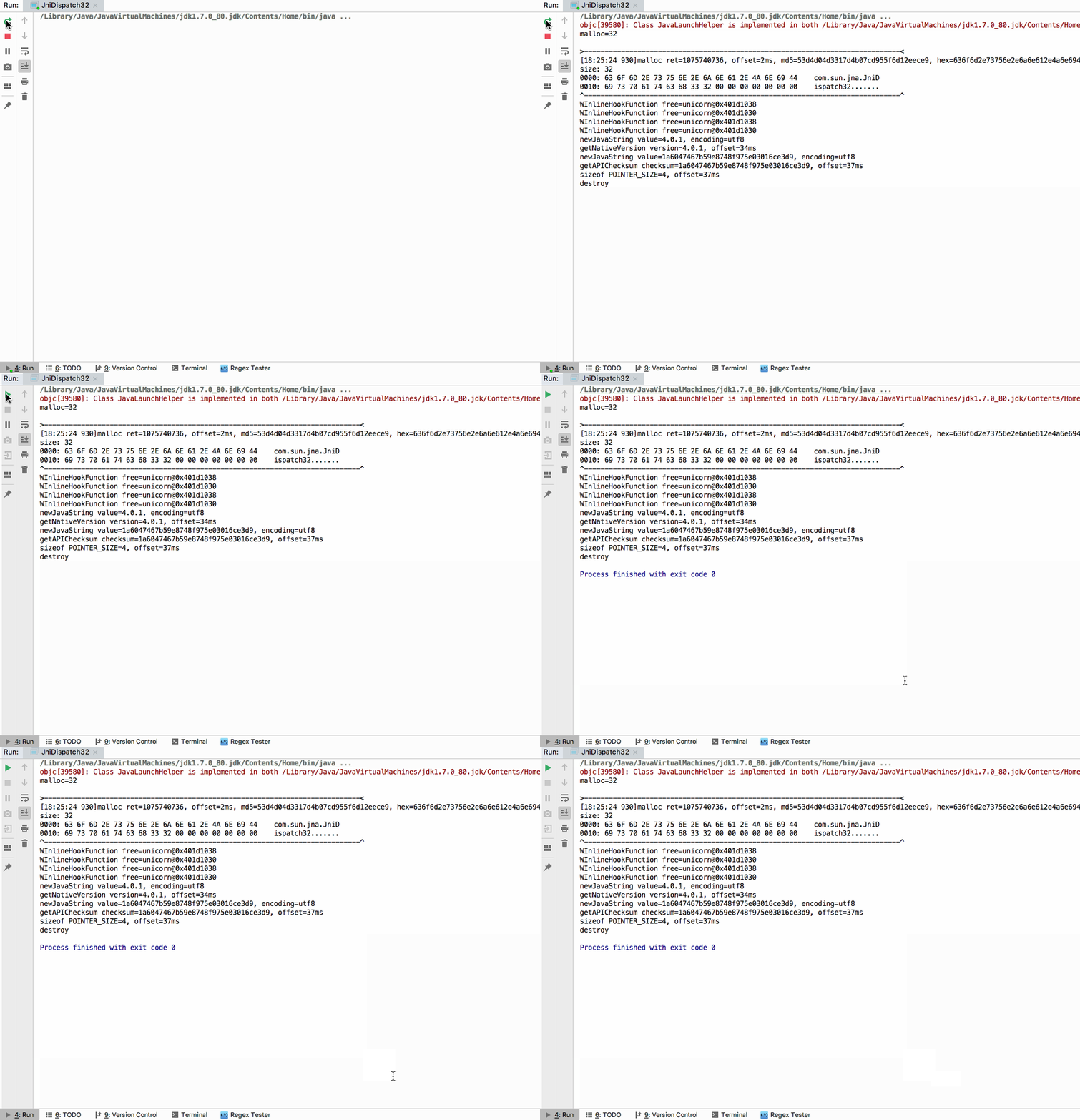
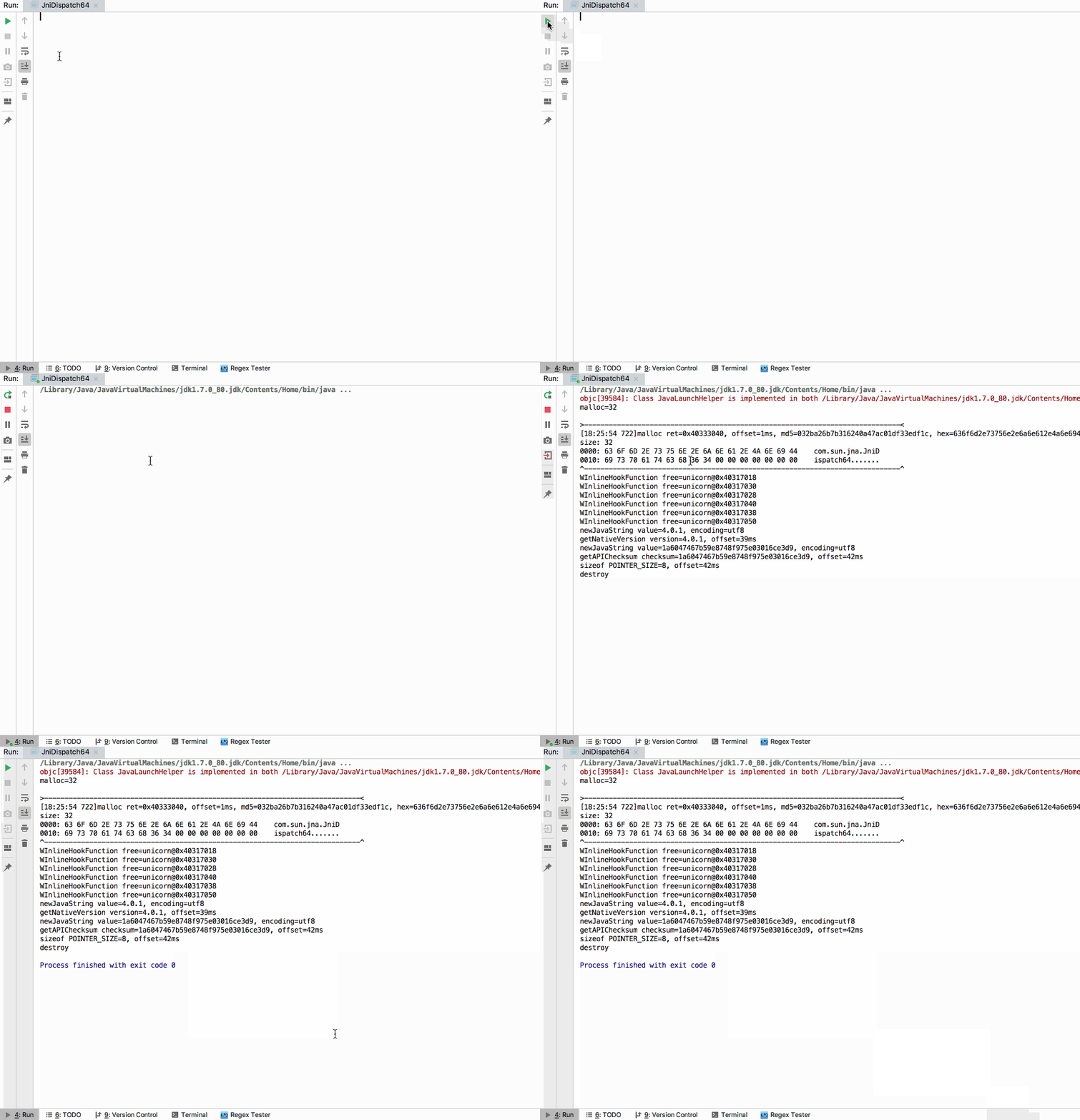
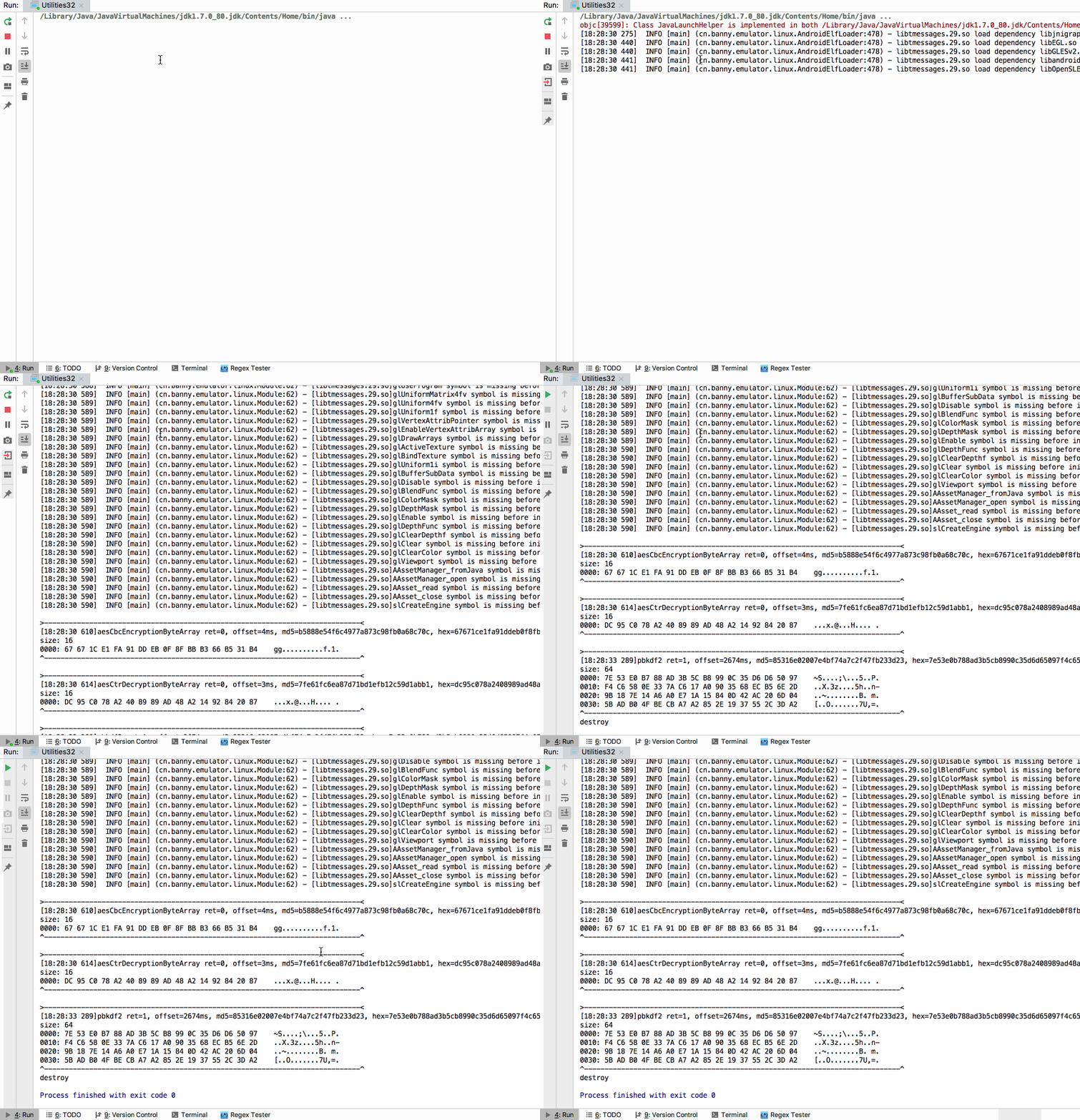
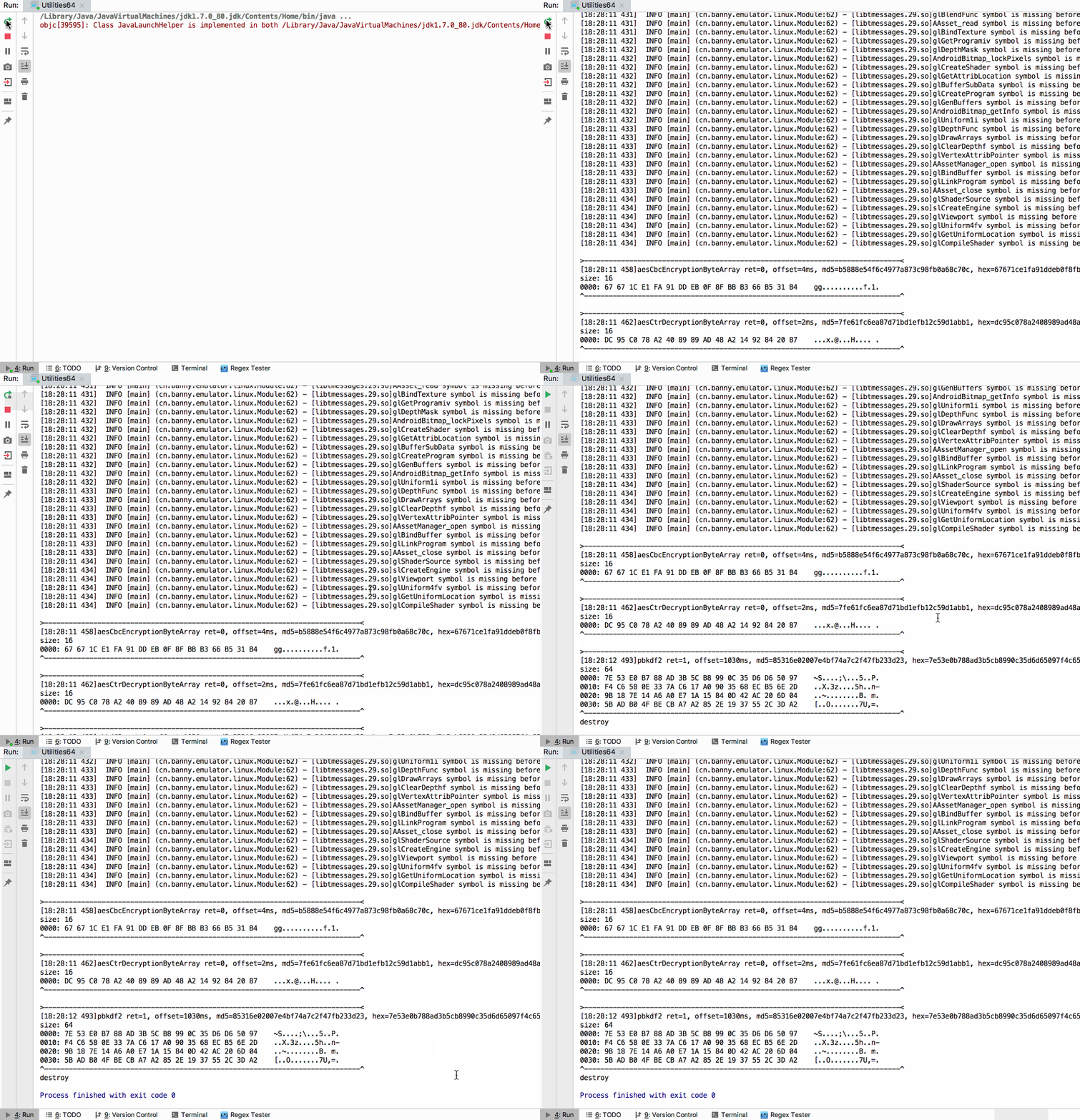
Simple tests under src/test directory:
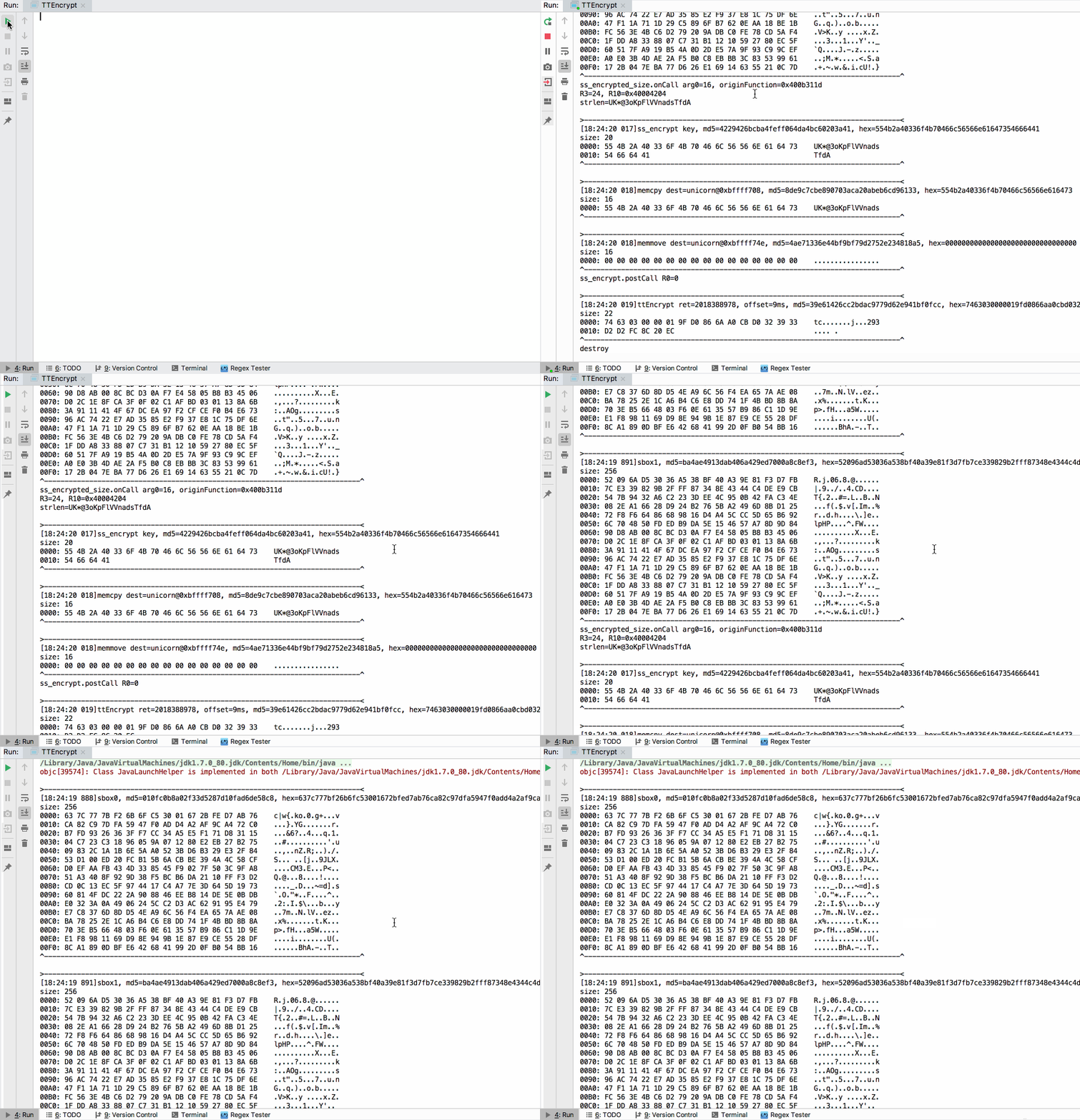
More tests:
Sign in to join the discussion.
No comments yet. Be the first to say what this is good for.
Write HTML. Render video. Built for agents.
Ultra-lightweight, open-source, self-hosted personal AI agent framework in Python with WebUI, tools, memory, MCP, multi-agent workflows, automation, and chat apps

SkillOpt is a text-space optimizer that trains reusable natural-language skills for frozen LLM agents through trajectory-driven edits, validation-gated updates, and deployable best_skill.md artifacts.

Omnigent is an open-source AI agent framework and meta-harness: orchestrate Claude Code, Codex, Cursor, Pi, and custom agents — swap harnesses without rewriting, enforce policies and sandboxing, and collaborate in real time from any device.

A theoretical reconstruction of the Claude Mythos architecture, built from first principles using the available research literature.
🕷️ An adaptive Web Scraping framework that handles everything from a single request to a full-scale crawl!