
NousResearch/
hermes-agent

The agent that grows with you
245k
LeAgent is a desktop AI agent platform that plans, calls tools, self-corrects, and runs visual workflows. It also streams generative UI, loads Agent Skills, and connects to tools through MCP and built-in offline actions.
Builders who want to run an agent locally, wire it to workflows, and keep their work on their own machine.
You can turn prompts into tool use, workflow runs, and finished documents without stitching together separate agent pieces.
Runs multi-turn sessions that plan, call tools, and recover when a turn needs to pause and resume.
Lets the agent design and run ReactFlow DAGs, with typed nodes for registered tools and reusable templates.
Streams live UI blocks like KPI boards, slide decks, and galleries into chat and can export them.
Loads `SKILL.md` bundles, supports install from links or archives, and can use an HTTP skill registry.
Ships 100+ built-in tools for documents, web research, data, code, databases, media, and automation.
Connects to MCP servers, webhooks, cron jobs, and outbound channels through declarative rules.
git clone https://github.com/vixues/LeAgent.git
cd LeAgent
./start.sh                # backend :7860 + frontend :5173
cd LeAgent/deploy
cp .env.example .env      # set LEAGENT_SECRET_KEY + at least one provider key
docker compose up -d --build
curl -fsSL https://vixues.com.cn/install.sh | bash

The open-source desktop AI agent that gets work done — an agent that plans and self-corrects, agentic visual workflows, generative UI, and 100+ offline tools in a single self-hostable stack.





中文文档 · 汉文 · Tutorial · Contributor guide · Releases
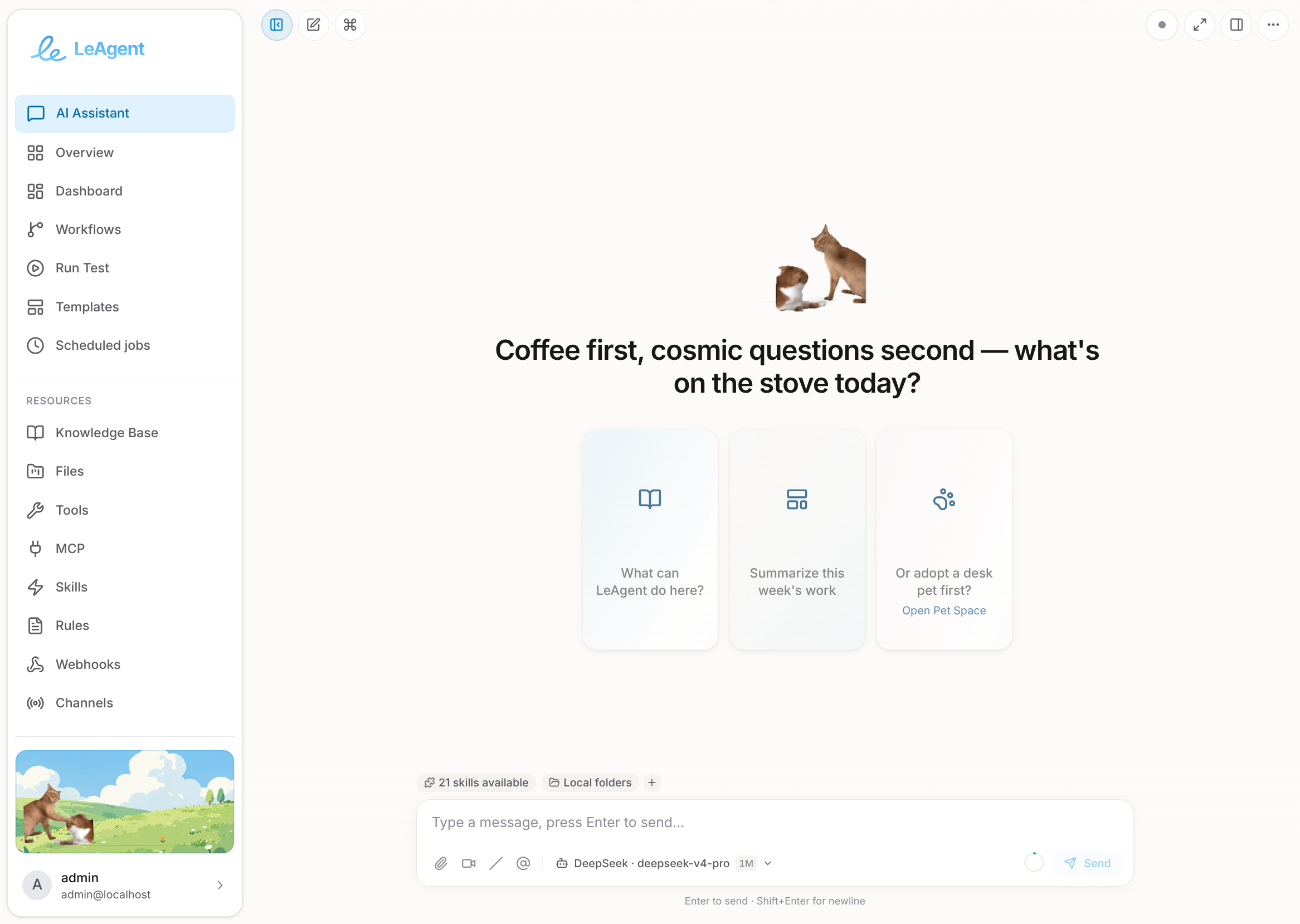
LeAgent is an open-source desktop AI agent that doesn't just chat — it gets work done. Unlike cloud chatbots and code-only CLIs, LeAgent fuses three capabilities most agents keep apart: a streaming agent runtime that plans, calls tools, and self-corrects in one think-act loop; agentic visual workflows where the agent designs, runs, and refines ReactFlow DAGs (and every one of its tools is automatically a typed node); and a generative UI layer that streams live, interactive interfaces — KPI boards, slide decks, galleries — right into the chat. It ships 100+ built-in offline tools (documents, web, data, code, databases, media, game-art generation) plus a declarative rule engine, Agent Skills, and the Model Context Protocol — all running locally with zero external dependencies by default (SQLite, single process). Bring your own model keys, or run fully offline against a local Ollama / vLLM endpoint.
It is built for people who want a private, hackable, self-hosted alternative to closed agent products: your documents, sessions, and credentials never leave the machine unless you point a provider at a remote API.
QueryEngine session orchestrator drives both chat and background paths through one think-act loop, with durable checkpoints for pausing and resuming turns.SKILL.md bundles with progressive disclosure and on-demand loading. Ship built-in skills, install from links or archives, or plug in an HTTP skill registry.LeAgent is a complete agent platform, not a starter kit — the building blocks below are wired together and work out of the box, fully offline by default.
LeAgent is an async Python (FastAPI) backend plus a React 19 single-page app, packaged as a modular monolith. The backend uses a strict, downward-only layered domain model — File → Code → Project — over a single persistence layer, and every agent turn (chat, SDK, background task, sub-agent, workflow node) converges on one think-act kernel.
LeAgent/
├── backend/                 # FastAPI backend (Python 3.11+, uv-managed)
│   └── leagent/
│       ├── agent/           # QueryEngine orchestrator, planner, subagents
│       ├── sdk/             # Versioned public Agent SDK (runtime, kernel, protocols)
│       ├── api/             # FastAPI routers (v1 + incubating v2)
│       ├── llm/             # LLM service, providers, transport, streaming, generation
│       ├── tools/           # 100+ tools across 13 categories
│       ├── workflow/        # Workflow engine, nodes, art-asset pipeline, templates
│       ├── context/         # Source-driven, relevance-gated prompt assembly
│       ├── prompts/         # Layered PromptBuilder, registry, templates
│       ├── memory/          # Episodic / semantic / procedural agent memory
│       ├── skills/          # Agent Skills v1.0 loader + registry
│       ├── rules/           # Declarative YAML rule engine
│       ├── mcp/             # Model Context Protocol
│       ├── file/ code/ project/   # Layered file → code → project domain model
│       ├── db/              # Persistence: engine, SQLModel models, repositories
│       └── services/        # DB, auth, chat, session, gen-ui, cron, ...
├── frontend/                # React 19 + TypeScript SPA (Vite, Zustand, React Query)
├── desktop/                 # Electron shell (bundled Python runtime)
├── deploy/                  # Dockerfile + SQLite-only Compose
├── config/                  # Demo workflows + workflow templates
├── docs/                    # Architecture, guides, deployment docs
└── start.sh / start.ps1     # Dev orchestrator (uv + npm)
Regardless of where a request enters, it flows through one set of well-defined boundaries. Each ingress mints a single ExecutionRun (with a run_id and, for child scopes, a parent_run_id), goes through a thin facade, runs on the shared kernel, and persists to durable state with one owner per state class:
Ingress   HTTP/SSE · WebSocket · Cron · Background task · GenUI
   │
   ▼
Facade    ServiceManager.runtime_context · AgentRuntime · WorkflowService
   │
   ▼
Kernel    run_loop → QueryEngine → tool executor          (single think-act loop)
   │
   ▼
State     TieredSessionStore · CheckpointStore · WorkflowStateStore
   │
   ▼
Observe   EventManager (FLOW_*/TASK_*/AGENT_*) · OpenTelemetry
leagent.sdk.kernel.run_loop. Turns pause to a durable checkpoint when they await user input, then resume exactly where they left off.WorkflowExecutor, which stages ready batches, runs independent branches concurrently, and applies centralized retry/backoff and timeouts.TieredSessionStore, paused turns in CheckpointStore (agent_checkpoints), and workflow runs in WorkflowStateStore — no shared mutable state across subsystems.See AGENTS.md for the full subsystem map and docs/technical/execution-topology.md for the authoritative agent-loop / workflow-engine state contract.
Every tool is auto-exposed as a typed workflow node, so anything the agent can call can also be wired into a visual flow.
| Category | What it covers |
|---|---|
| Documents | Read/write Word, Excel, PPTX, PDF; OCR; classification; archives; text processing |
| Web | Search (DuckDuckGo / SearXNG / Bing), scraping, image & native media download |
| Data | Clean, merge, validate, transform, aggregate, SQL & vector search |
| Code | Sandboxed in-process scripts and a subprocess code-execution agent |
| Database | Schema-aware querying over the managed database |
| Generate | Word / Excel / PPTX / PDF / report / checklist / template-fill generators |
| Canvas / GenUI | Stream and patch declarative UI trees; publish canvases |
| Charts & Images | Chart generation and image processing |
| Media | Image / video / 3D / audio generation backends |
| Skills | Discover, install, and invoke Agent Skills |
| Workflow | Save, run, and inspect workflows from inside an agent turn |
| Integration | MCP, webhooks, channels, and external service calls |
| Utilities | Cron, tasks, rule matching, folders, text splitting, pet bubbles, and more |
Tool.<name> node automatically — exposing a new capability visually needs zero glue code.FileRefs through a unified file layer with HMAC-signed preview/download URLs.SKILL.md) with progressive disclosure: ship built-ins, install from links/archives, or connect an HTTP skill registry.Cost-tiered routing (tier1 reasoning / tier2 fast) with automatic failover — bring cloud keys, or stay fully local.
| Provider | Notes |
|---|---|
| DeepSeek | Recommended default; auto-aliased to tier1 (v4-pro) + tier2 (v4-flash); reasoning content + prompt-cache metrics |
| DashScope (Qwen) | Thinking + search modes |
| OpenAI / Anthropic / Azure OpenAI | Cloud frontier models |
| Ollama / vLLM | Fully local / self-hosted OpenAI-compatible inference |
Prerequisites: git, uv, Node.js 20+ or 22+
git clone https://github.com/vixues/LeAgent.git
cd LeAgent
./start.sh                # backend :7860 + frontend :5173
The dev orchestrator syncs the Python env with uv, installs frontend deps, and (unless skipped) installs the Playwright Chromium used by web tools.
cd LeAgent/deploy
cp .env.example .env      # set LEAGENT_SECRET_KEY + at least one provider key
docker compose up -d --build
API and interactive docs at http://localhost:8000/docs. The default image is a single SQLite-backed container; optional overlays add a local GPU vLLM service (docker-compose.vllm.yml).
# Backend
cd backend
uv sync --extra dev
uv run leagent init
uv run leagent app

# Frontend (separate terminal)
cd frontend
npm install && npm run dev
curl -fsSL https://vixues.com.cn/install.sh | bash
Set at least one provider key (env var or Settings → Environment secrets in the web UI, which writes ~/.leagent/.env). The most common knobs:
| Variable | Purpose |
|---|---|
LEAGENT_SECRET_KEY | App secret for signed URLs and session crypto (openssl rand -hex 32) |
DEEPSEEK_API_KEY | DeepSeek provider — auto-aliased as tier1 (reasoning) / tier2 (fast) |
OPENAI_API_KEY / ANTHROPIC_API_KEY / DASHSCOPE_API_KEY | Additional cloud providers |
VLLM_ENDPOINT / LLM_OLLAMA_ENDPOINT | Local / self-hosted OpenAI-compatible inference |
DATABASE_URL | Switch from SQLite to PostgreSQL |
LEAGENT_DEBUG | Enable debug logging |
See deploy/.env.example for the full annotated list.
Installers for each platform ship with every GitHub release — download and run. No separate Python, Node, or Docker install required; the build bundles its own Python runtime and backend.
| Platform | Download | Notes |
|---|---|---|
| Windows 10/11 (x64) | LeAgent-Setup-*.exe | NSIS installer; desktop + start-menu shortcut |
| macOS (Apple Silicon) | LeAgent-*-arm64.dmg | Unsigned — xattr -dr com.apple.quarantine /Applications/LeAgent.app after install |
| macOS (Intel) | LeAgent-*.dmg | Same Gatekeeper note as above |
| Linux (x64) | LeAgent-*.AppImage / LeAgent-*.deb | AppImage: chmod +x then run. .deb: sudo dpkg -i |
See all releases: https://github.com/vixues/LeAgent/releases
| Layer | Technology |
|---|---|
| Backend | Python 3.11+, FastAPI, Uvicorn/Gunicorn, SQLModel + Alembic, Pydantic v2, async I/O, OpenTelemetry |
| Frontend | React 19, TypeScript, Vite, Zustand, TanStack Query, ReactFlow, i18next (zh-CN / en-US / 汉文) |
| Desktop | Electron (ESM main process), bundled Python backend |
| Data | SQLite (default), PostgreSQL (optional), Milvus (optional vector memory) |
| Tooling | uv (Python), npm (frontend), Playwright, black + ruff, ESLint |
:7860 and the Vite frontend on :5173 (start.sh); the Docker image publishes the API on :8000.LEAGENT_HOME: the SQLite database (WAL mode) plus the working-uploads, knowledge, and coding-project trees. A complete backup is the database and that directory.DATABASE_URL and front the app with sticky sessions (the in-process execution registry and event bus are per-worker). Milvus is optional and only powers vector-backed memory recall./docs; set LEAGENT_DEBUG=true for verbose tracing.The full documentation set lives in docs/ — start with the architecture overview.
Issues and pull requests are welcome. Please:
cd backend && uv run pytest tests/ -v / cd frontend && npm run test).AGENTS.md for coding conventions and i18n rules (every new UI string must exist in both zh-CN and en-US bundles).See CONTRIBUTING.md for full guidelines and CODE_OF_CONDUCT.md for community standards.
Apache License 2.0 — see LICENSE.
Sign in to join the discussion.
No comments yet. Be the first to say what this is good for.
The agent that grows with you

Open-source coding agent for your terminal, built in Rust and on a journey of continuous community improvement. Issues and PRs welcome.
A lightweight alternative to OpenClaw that runs in containers for security. Connects to WhatsApp, Telegram, Slack, Discord, Gmail and other messaging apps,, has memory, scheduled jobs, and runs directly on Anthropic's Agents SDK

OpenSquilla — Token-Efficient AI Agent with same budget, higher intelligence density
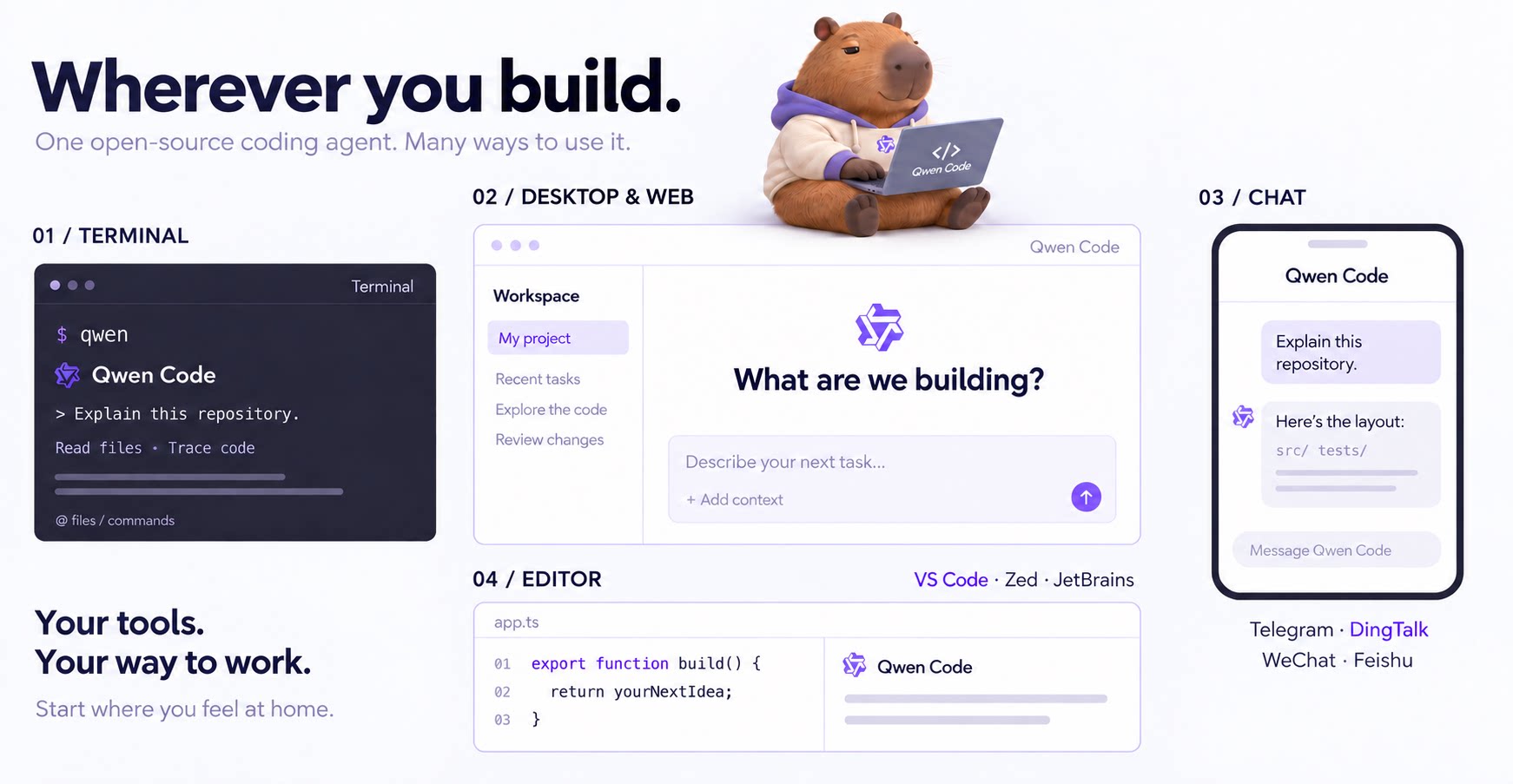
An open-source AI coding agent that lives in your terminal.

Run and supervise teams of coding agents from planning to merge. Any harness (Claude code, codex, +25 more). Desktop, web, mobile, and cloud agents.