

NousResearch/
hermes-agent

The agent that grows with you
245k
Maestro turns tasks from systems like Linear and TAPD into isolated agent runs against a target Git repository. It prepares the workspace, starts a supported coding agent, records diffs and logs, and sends the result back for review or handoff.
Builders who want project tasks to drive Codex, Claude Code, or OpenCode in isolated workspaces.
You can turn a task into a reviewable agent run instead of managing chats by hand.
Reads or syncs tasks from Linear, TAPD, or memory for local demos.
Creates a separate workspace for each task so runs do not collide and can be retried or inspected.
Runs Codex, Claude Code, OpenCode, or mock agents with the task and repository context.
Uses bundled templates such as `linear/github/codex` and `tapd/github/claude_code` to define the task flow.
Captures diffs, logs, tool calls, summaries, and links for human review.
Supports a memory-backed demo flow that works without real project accounts or repositories.
git clone https://github.com/joosure/Maestro.git
cd Maestro
cd elixir
mise trust
mise install
cd ..
make -C elixir deps
make -C elixir test
make -C elixir build
cd elixir
./bin/symphony \
  --i-understand-that-this-will-be-running-without-the-usual-guardrails \
  --template memory/no_repo/mock \
  --port 4000
http://localhost:4000


Languages: English · 简体中文 · 日本語 · 한국어 · Español · Português · More
Maestro connects project systems, Git repositories, and coding agents into one engineering task execution flow.
Instead of watching one AI chat at a time, Maestro can read new or ready tasks from systems such as Linear or TAPD, create an isolated workspace for each task, prepare the target Git repository, start the right AI agent, record what happened, and write the result back to the project system.
It is not another coding agent.
It helps teams answer the questions that appear after agents become useful: where the task comes from, where the code comes from, where the agent runs, how many tasks can run in parallel, what changed, whether the result can be trusted, and how the team can review or recover the run.
Symphony proved that project tasks can drive agents. Maestro turns that pattern into an operable engineering platform.
Imagine a new task appears in TAPD or Linear:
The checkout page fails when a user applies two coupons.
With Maestro, that task can become a visible agent run:
The point is not to let an agent run blindly. The point is this:
A project task becomes an isolated, recorded, reviewable agent engineering run.
The isolated workspace matters because each task gets its own directory, repository copy, logs, and temporary files. Multiple projects and tasks can run in parallel without polluting each other, and failed runs are easier to inspect, clean up, and retry.
Coding agents are getting better at writing code. Teams need more than code generation.
They need practical answers:
Maestro is built around those questions.
A bug appears in TAPD or Linear. Maestro reads the task, creates an isolated workspace, prepares the target Git repository, starts an agent, lets the agent analyze and change code, and writes the PR link, summary, and open questions back to the task.
If a requirement is not ready, Maestro can ask an agent to produce scope, risks, acceptance criteria, and clarification questions before anyone starts implementation.
If a task lacks context, Maestro can surface assumptions, blockers, and questions instead of letting an agent guess.
Maestro can help classify new tasks, suggest priority, identify risk, and recommend the next state.
Run similar tasks with Codex, Claude Code, or OpenCode and compare outputs, failure modes, logs, and delivery records.
Use the local memory/mock flow to understand Maestro without connecting Linear, TAPD, GitHub, CNB, Codex, Claude Code, or OpenCode.
The systems below are supported integrations and bundled templates, not systems embedded inside Maestro. Linear, TAPD, GitHub, CNB, Codex, Claude Code, and OpenCode remain external systems or tools. Maestro connects and orchestrates them.
Project-system adapters:
Agent adapters:
Code-platform adapters:
Bundled workflow templates include:
memory/no_repo/mocklinear/github/codexlinear/github/claude_codelinear/github/opencode.canarytapd/github/codextapd/cnb/opencodetapd/cnb/claude_codeMaestro is designed to grow through more project systems, code platforms, agents, and workflow templates.
Task in a project system
   ↓
Maestro reads/syncs the task and decides whether to handle it
   ↓
Maestro creates an isolated workspace in its own runtime environment
   ↓
The target Git repository is prepared inside that workspace
   ↓
An AI agent runs with the task, repository copy, and allowed tools
   ↓
The agent produces a code change, analysis result, or review suggestion
   ↓
Maestro records diffs, logs, tool calls, summaries, and links
   ↓
Maestro writes the result back to the project system for review or handoff
For developers, the same flow is organized around a few extension points:
Clone the repository:
git clone https://github.com/joosure/Maestro.git
cd Maestro
Install the pinned Erlang / Elixir toolchain. mise is recommended:
cd elixir
mise trust
mise install
cd ..
Install dependencies and run tests:
make -C elixir deps
make -C elixir test
Start the local demo:
make -C elixir build
cd elixir
./bin/symphony \
  --i-understand-that-this-will-be-running-without-the-usual-guardrails \
  --template memory/no_repo/mock \
  --port 4000
Open the optional dashboard at:
http://localhost:4000
This demo uses memory data and a mock agent. It is the safest way to understand the project before connecting real systems.
Public branding uses Maestro. Some runtime names still use
symphonyfor compatibility, including the CLI entrypoint and some environment variables.
After the local demo, you can connect a real project system, Git repository, and coding agent.
export TAPD_API_USER=...
export TAPD_API_PASSWORD=...
export TAPD_WORKSPACE_ID=...
export SOURCE_REPO_URL=https://github.com/owner/repo.git
export SOURCE_REPO_BASE_BRANCH=main
export SOURCE_REPO_PROVIDER_REPOSITORY=owner/repo

./bin/symphony \
  --i-understand-that-this-will-be-running-without-the-usual-guardrails \
  --template tapd/github/codex \
  --port 4000
export LINEAR_API_KEY=...
export LINEAR_PROJECT_SLUG=...
export SOURCE_REPO_URL=https://github.com/owner/repo.git
export SOURCE_REPO_BASE_BRANCH=main
export SOURCE_REPO_PROVIDER_REPOSITORY=owner/repo

./bin/symphony \
  --i-understand-that-this-will-be-running-without-the-usual-guardrails \
  --template linear/github/codex \
  --port 4000
Before using real repositories or high-privilege credentials, read the runtime and template documentation:
Maestro is:
Maestro is not:
Maestro is early-stage software under active development.
It is suitable for:
Use extra care before:
The guiding rule is:
Automate boldly. Gate carefully. Keep the trail visible.
Maestro started as a fork of OpenAI Symphony. Symphony demonstrated that project tasks can drive coding agents. Maestro extends that idea into a broader platform for real engineering workflows.
Maestro is licensed under the GNU Affero General Public License version 3 (AGPL-3.0-only). Portions derived from OpenAI Symphony retain their Apache-2.0 attribution and notice requirements. Review LICENSE, NOTICE, LICENSES/Apache-2.0.txt, MODIFICATIONS.md, SOURCE.md, and THIRD_PARTY_LICENSES.md before using or distributing Maestro.
Sign in to join the discussion.
No comments yet. Be the first to say what this is good for.
The agent that grows with you

Open-source coding agent for your terminal, built in Rust and on a journey of continuous community improvement. Issues and PRs welcome.
A lightweight alternative to OpenClaw that runs in containers for security. Connects to WhatsApp, Telegram, Slack, Discord, Gmail and other messaging apps,, has memory, scheduled jobs, and runs directly on Anthropic's Agents SDK

OpenSquilla — Token-Efficient AI Agent with same budget, higher intelligence density
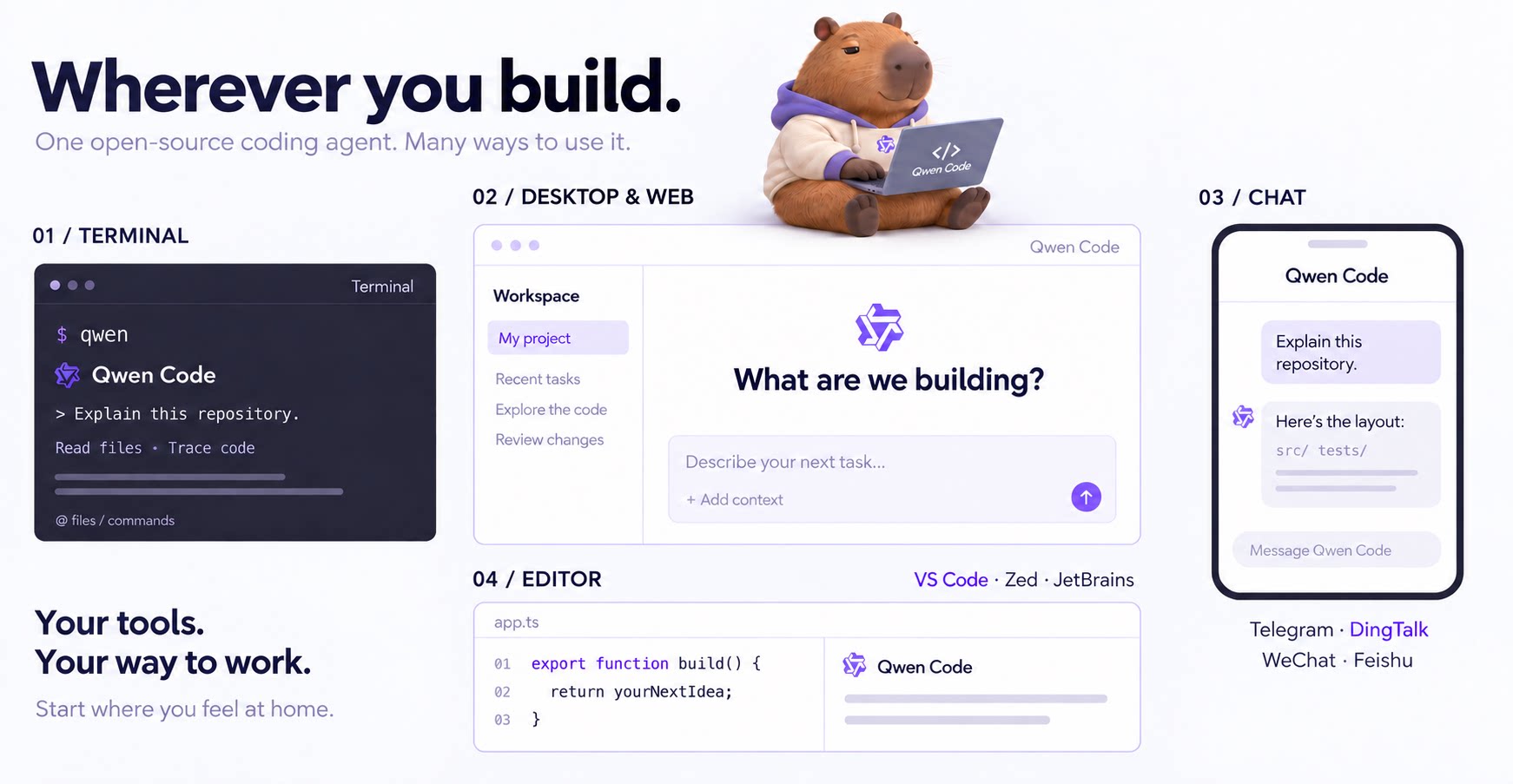
An open-source AI coding agent that lives in your terminal.

Run and supervise teams of coding agents from planning to merge. Any harness (Claude code, codex, +25 more). Desktop, web, mobile, and cloud agents.