English | 简体中文 | 繁體中文 | Español | Русский | 日本語 | 한국어
The IM for agents. AI remote desktop, shared memory, OpenSpec Auto Deliver, managed MCP tools, supervised execution, and cross-agent audit across AI providers.
Two heads are better than one.
But minds in concert don't answer fate, they author it.
— IM.codes
IM.codes connects AI agents not only to coding sessions, but also to the computers where work happens. Enroll supported machines as restricted Controlled Nodes, then let an authorized agent directly operate one or many computers with scoped commands, file transfer, and typed Computer Use. When a person needs to see or take over, capable Windows nodes also provide browser-based remote desktop from desktop or mobile.
Alongside machine control, IM.codes gives coding agents one shared memory layer and one managed MCP tool surface across providers. It turns completed work into reusable context across Claude Code, Codex, Gemini CLI, GitHub Copilot, Cursor, OpenCode, OpenClaw, Qwen, and more. Terminal access, file and Git views, localhost preview, notifications, multi-agent workflows, OpenSpec Auto Deliver, Auto supervision, and cross-provider Team audit keep both human and agent work visible and connected.
Disclaimer: This is an actively developed personal open-source project. There are no warranties, no SLA, and no guarantees of stability, security, or backward compatibility. Use at your own risk.
Controlled Nodes: AI Remote Desktop
Turn supported computers into AI-operated nodes without making each machine a full IM.codes source server.
- One AI, multiple computers. Enroll multiple machines and let one agent—or a team of agents—operate them directly to get work done.
- Real computer actions. Run scoped commands, move individual files, and control desktop applications through typed Computer Use tools.
- Remote desktop when humans need it. Open a capable Windows node from a browser or mobile device to view the screen or take control directly.
- Scoped and revocable. Every node has independent credentials, remains separate from normal server/session lists, and can have execution access disabled or revoked by its owner.
Screenshots
Desktop
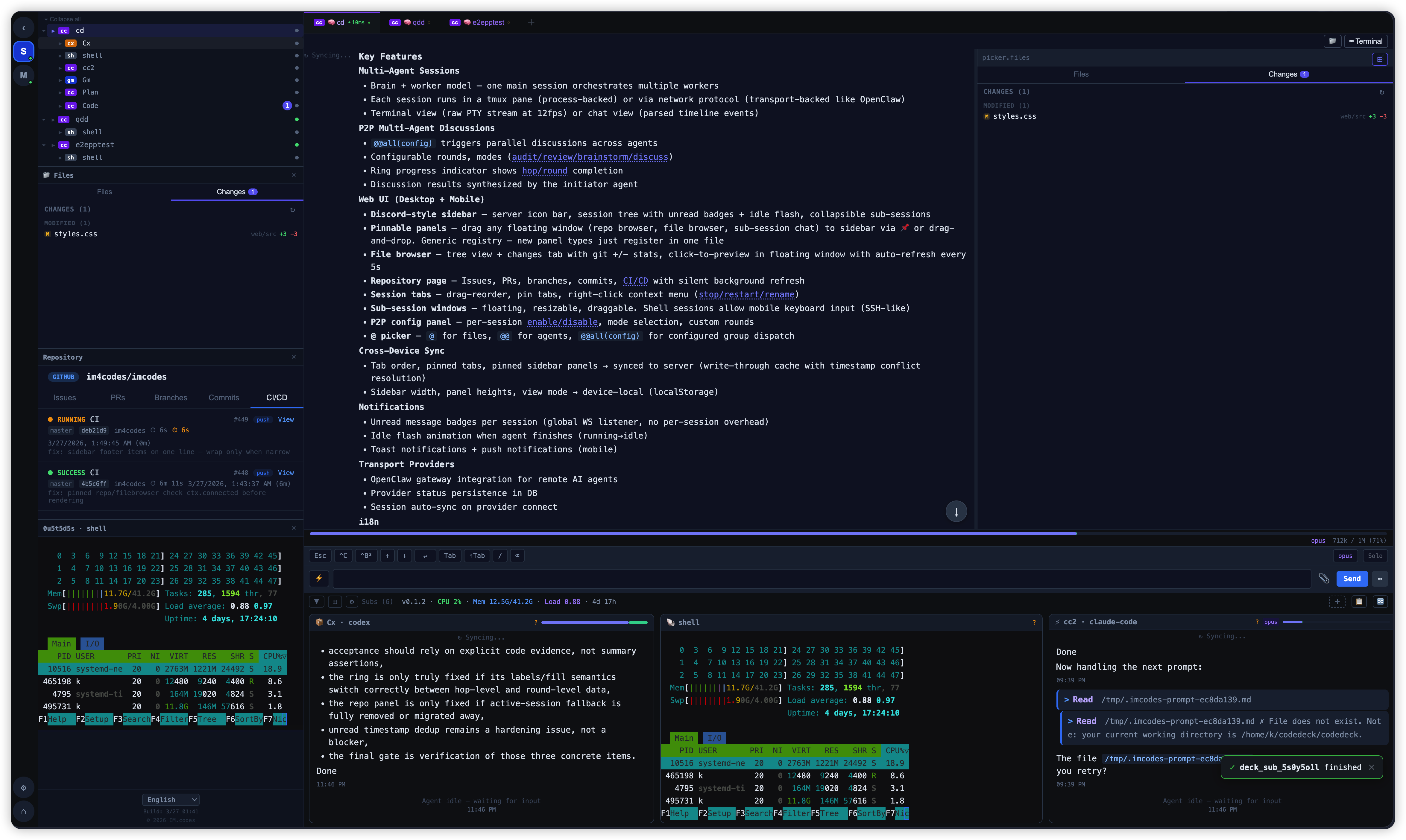
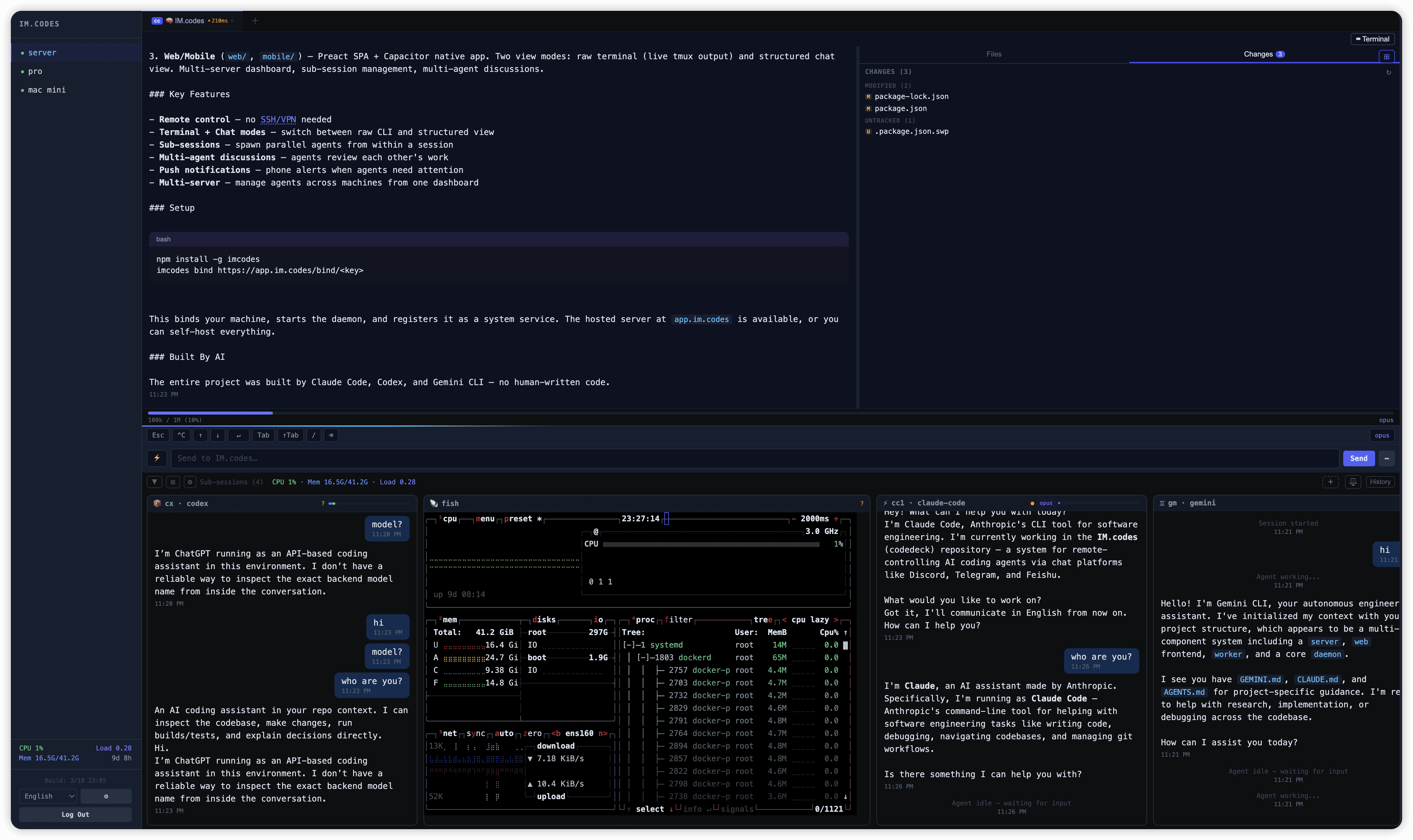
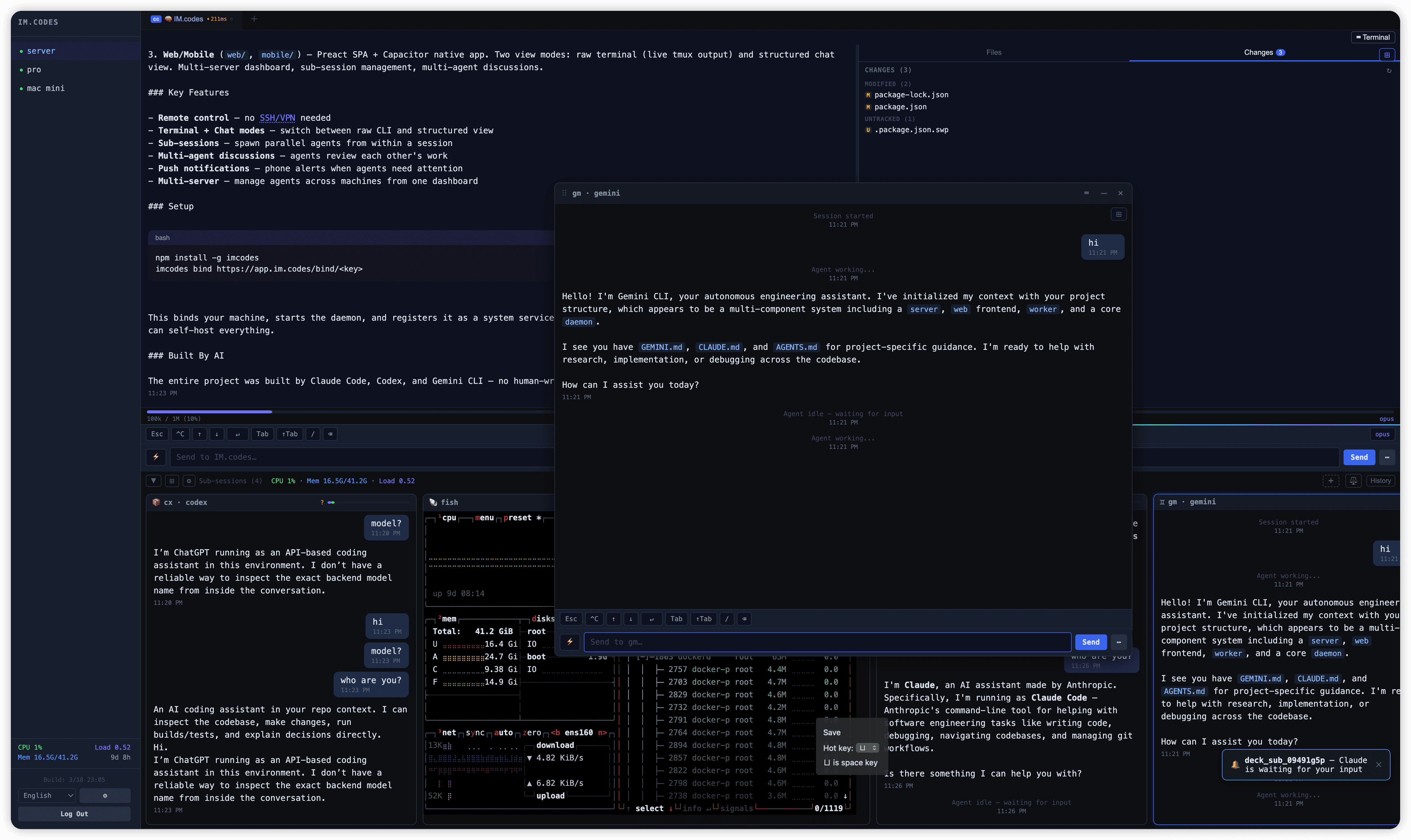
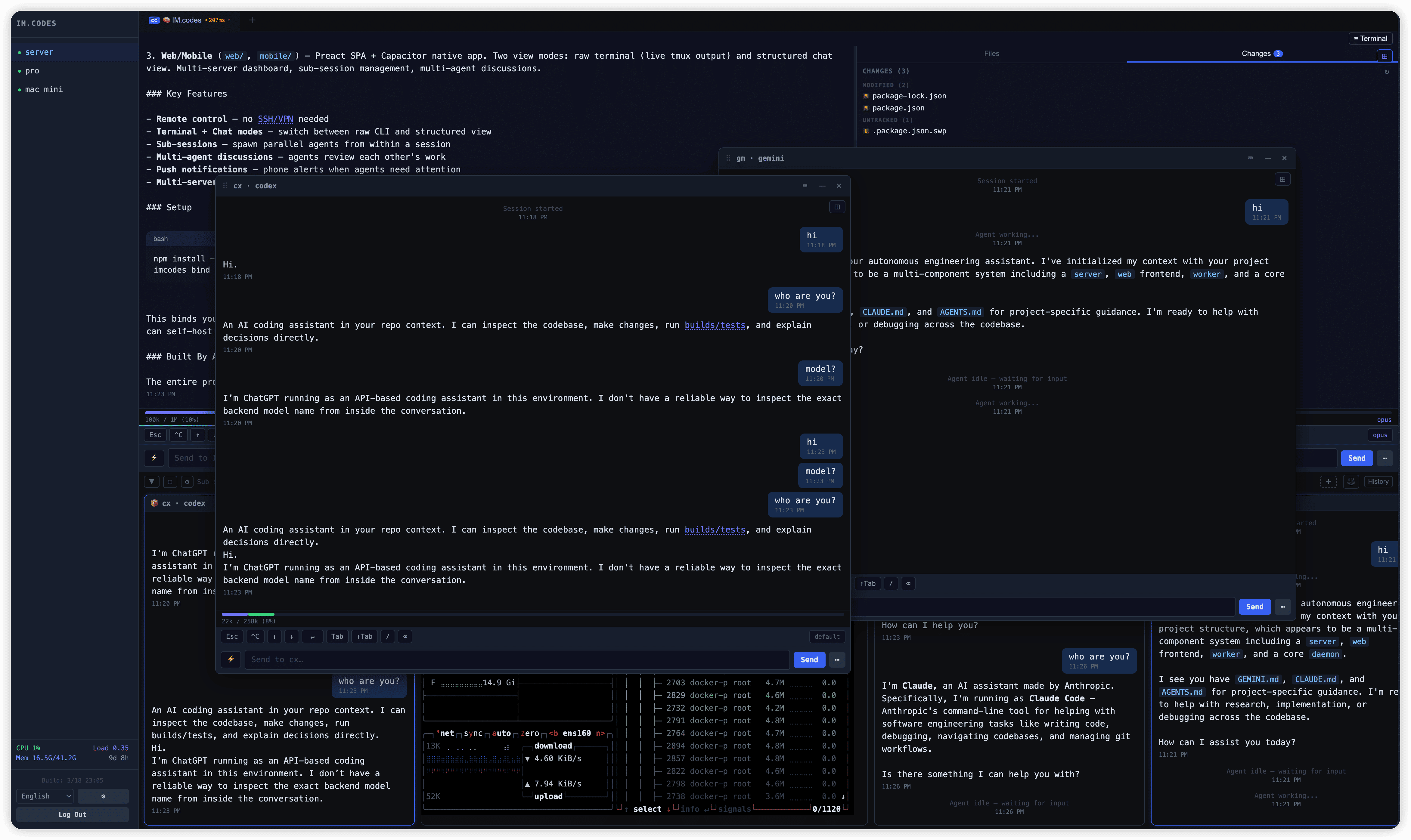
iPad / Tablet
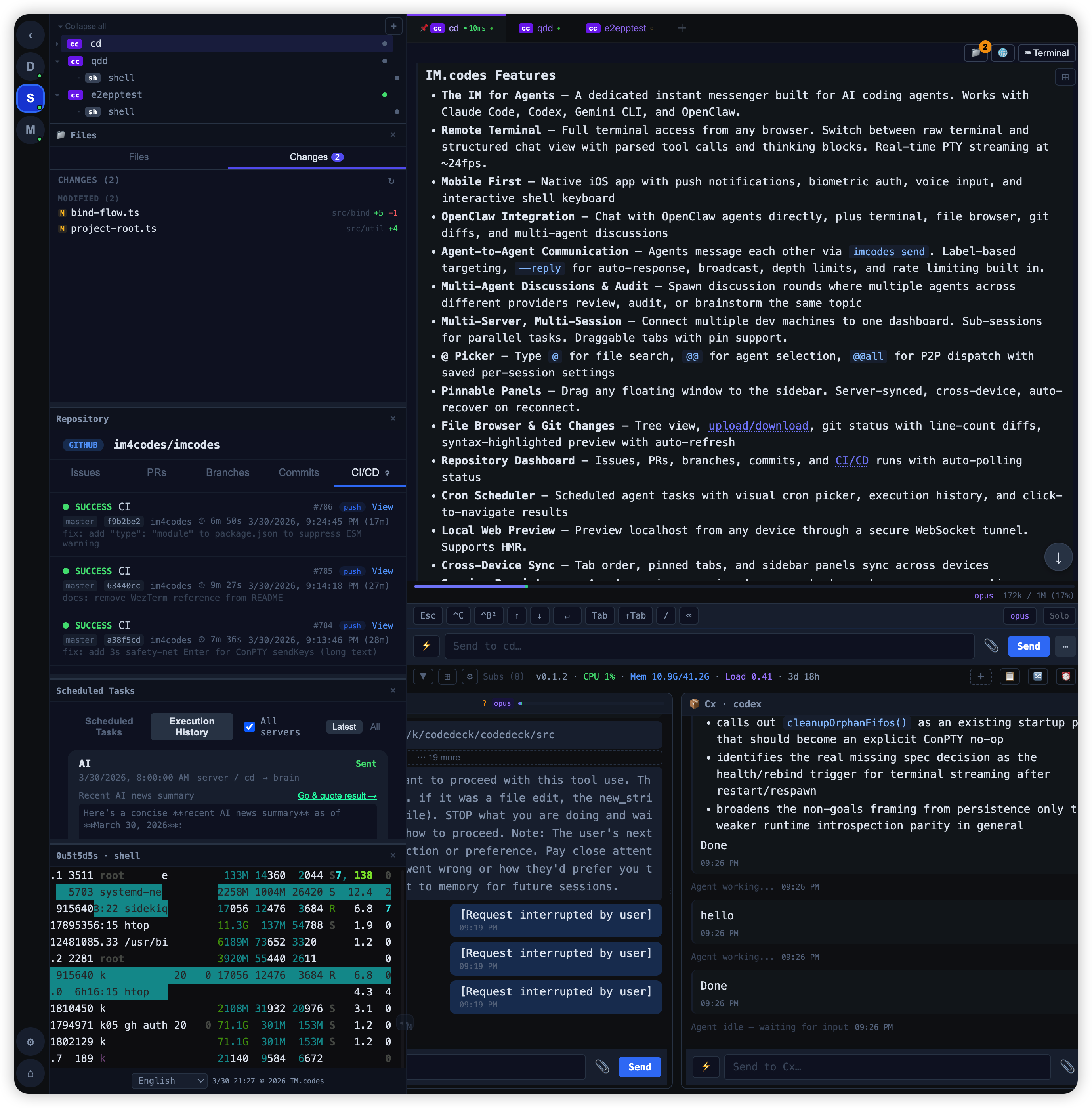
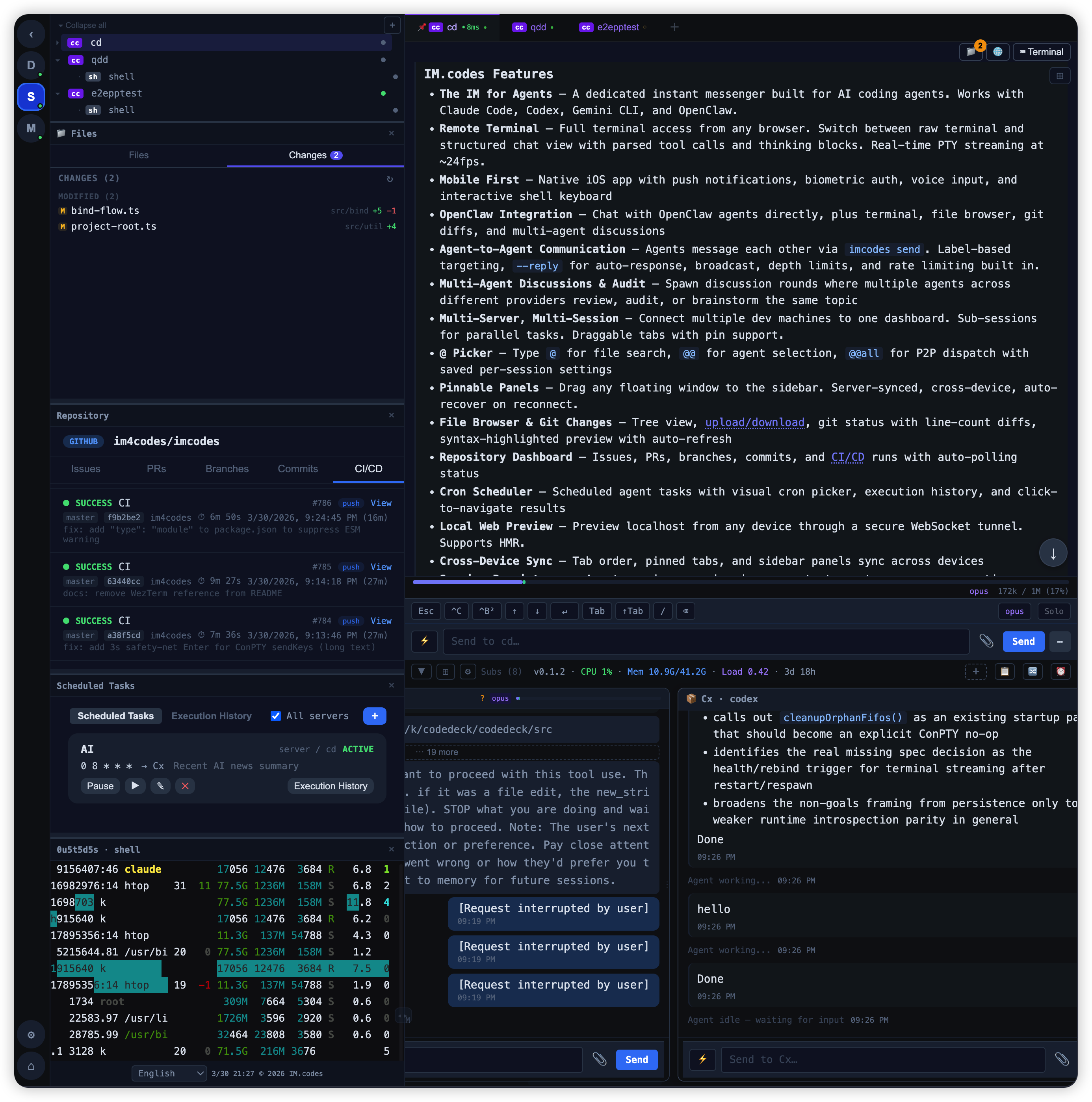
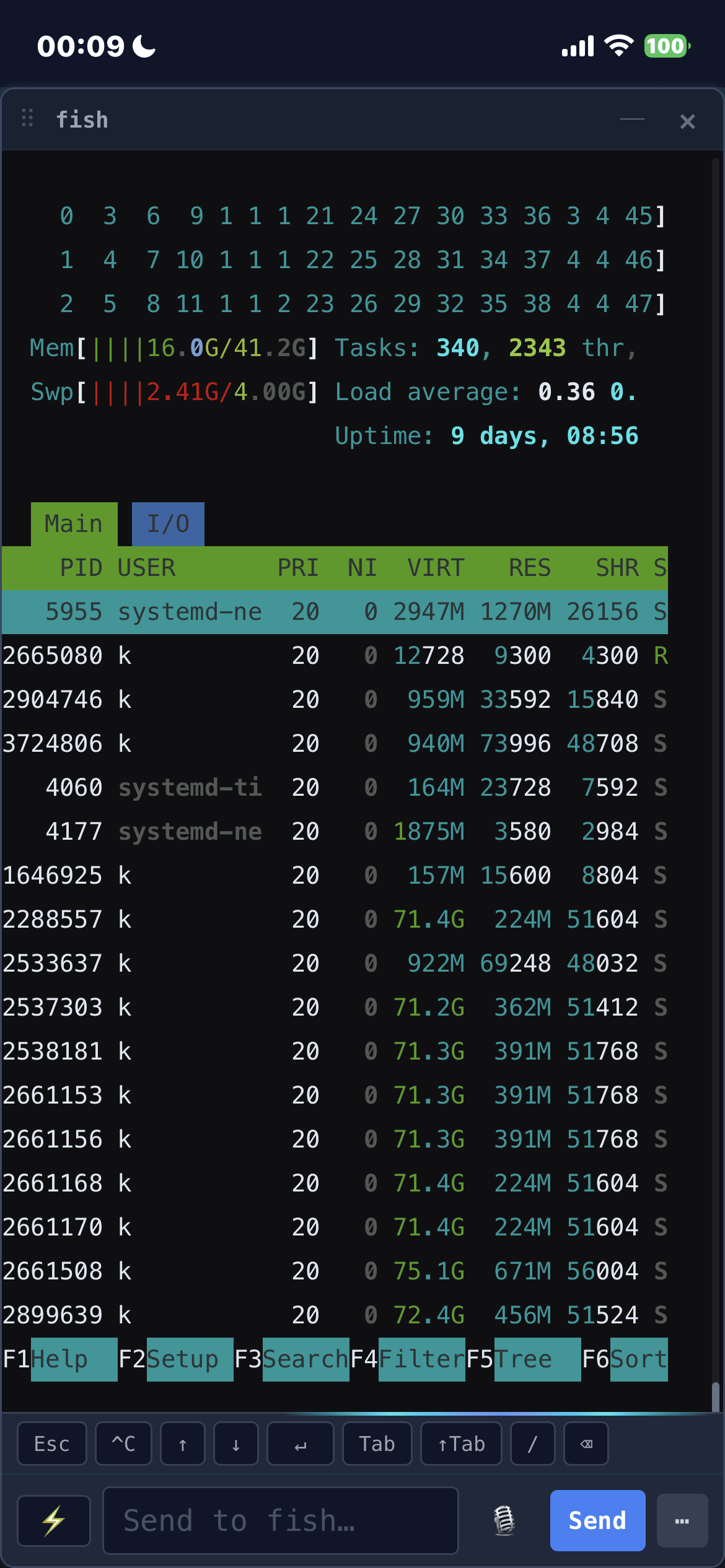
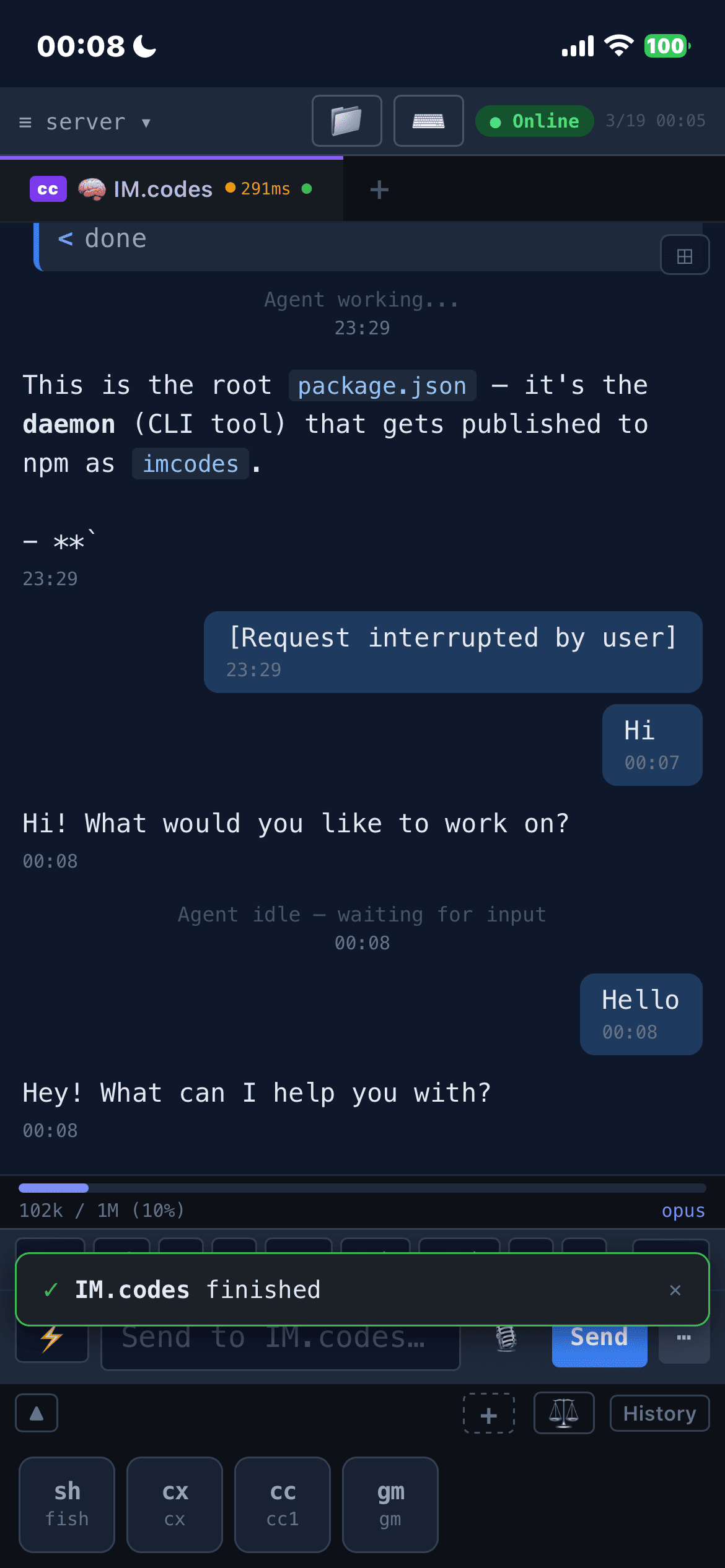
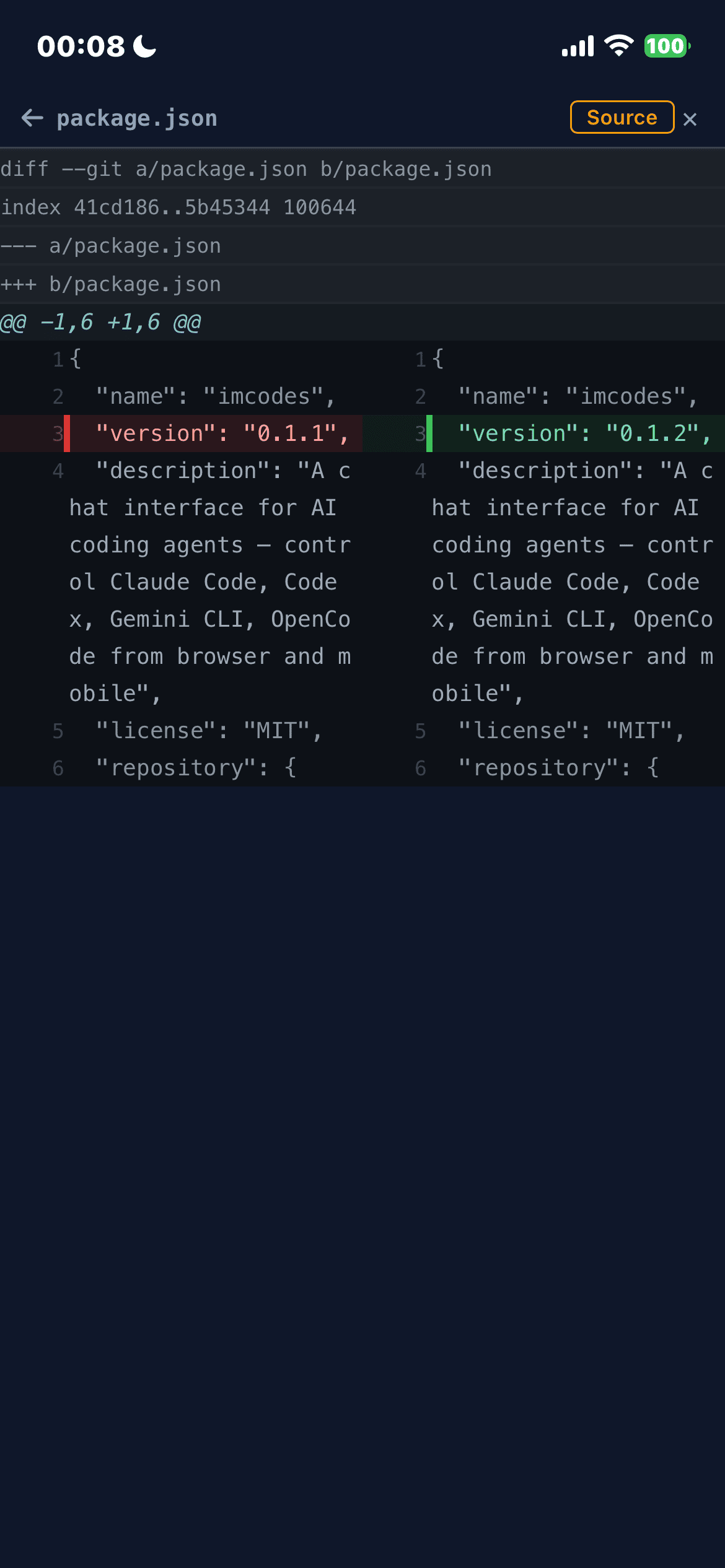
Mobile
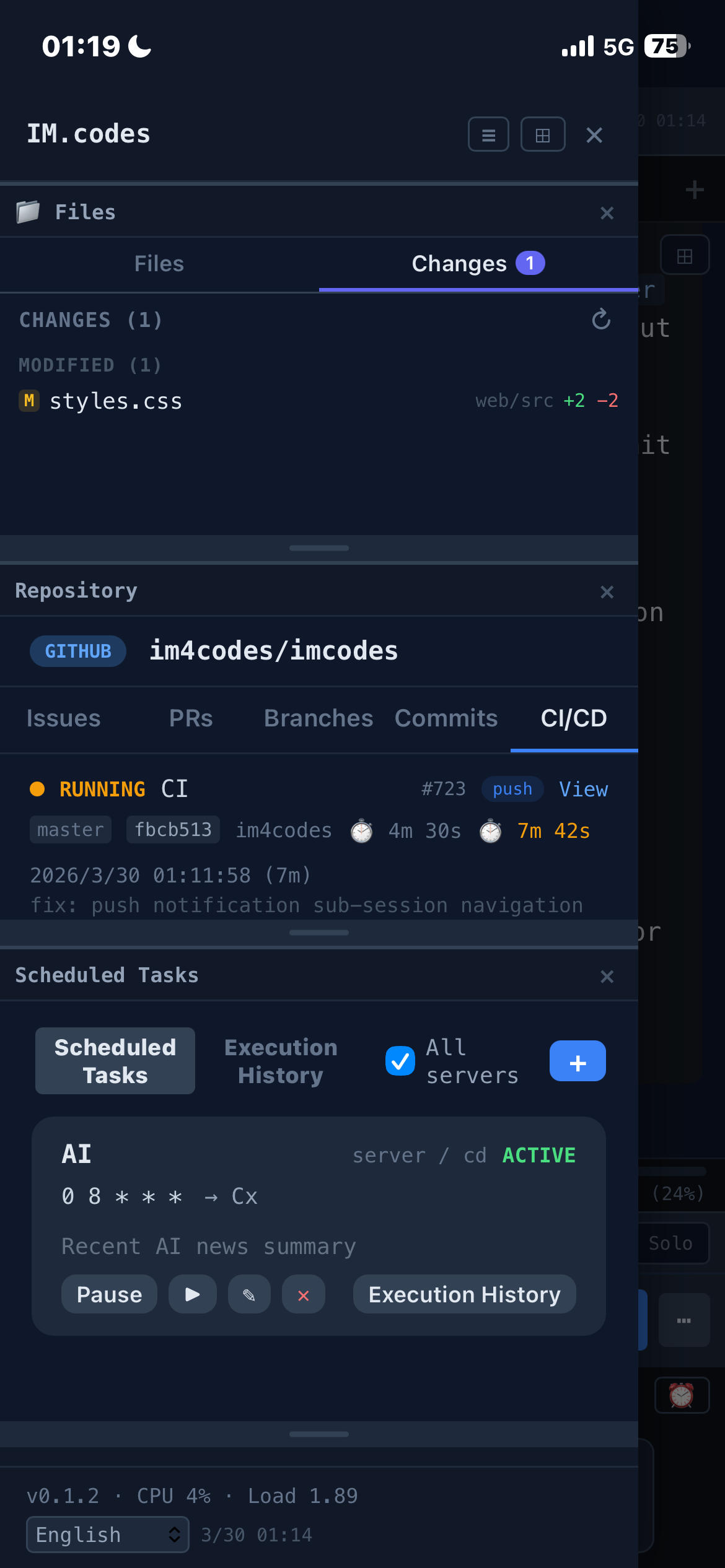
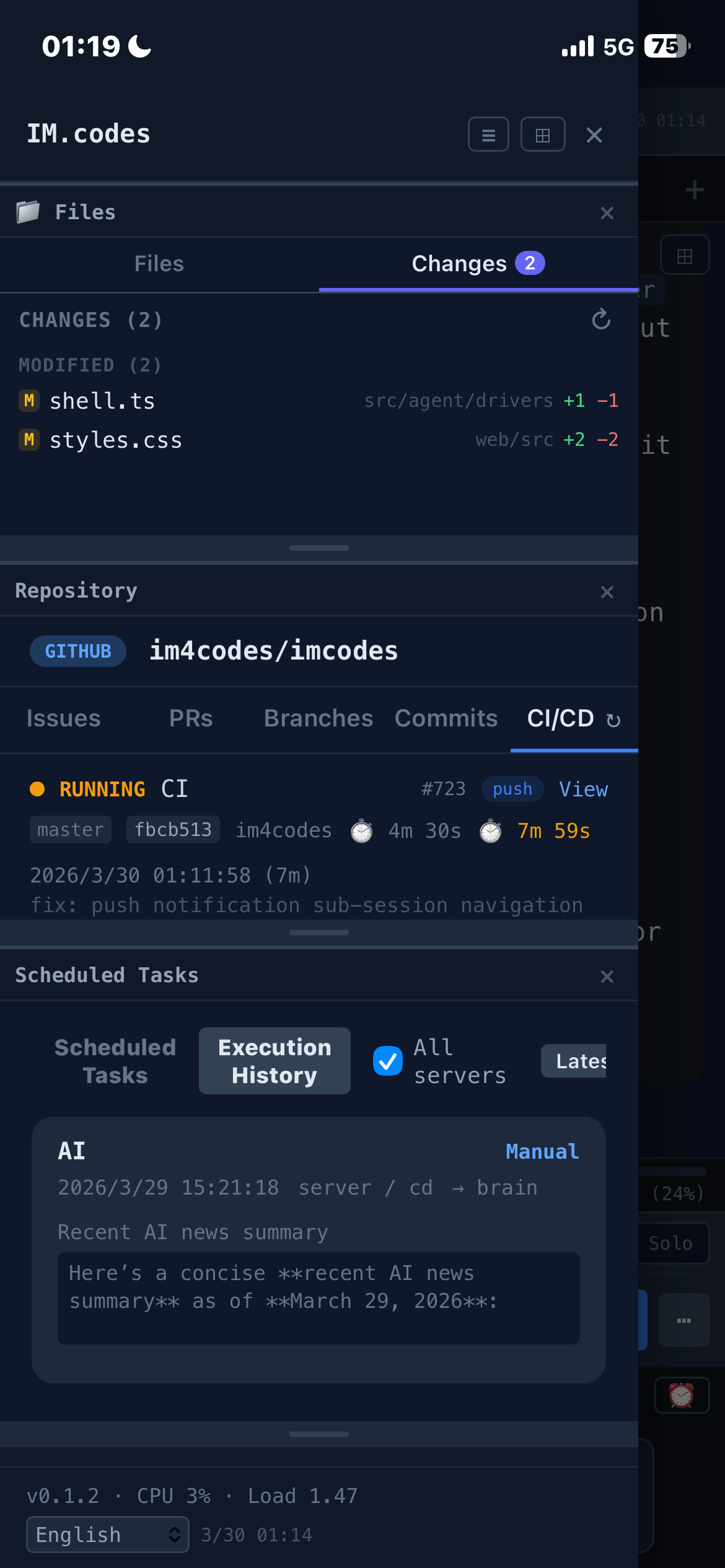
Apple Watch
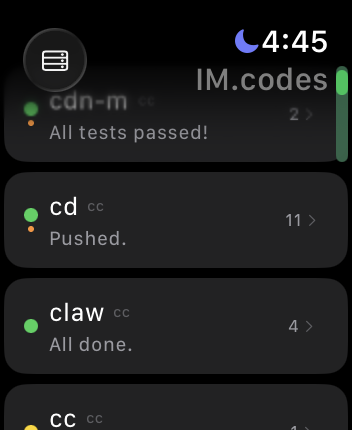
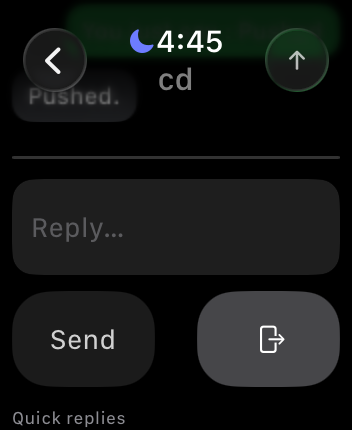
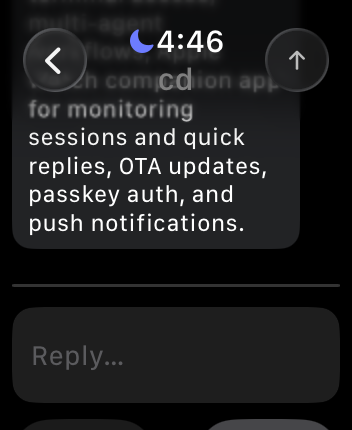
Watch support covers quick session monitoring, unread counts, push notifications, and quick replies directly from the wrist.
Download

Supports iPhone, iPad, and Apple Watch. Also available as a web app.
Why
When you leave your desk, most coding-agent workflows fall apart. The agent is still running in a terminal, but continuing the work usually means SSH, tmux attach, remote desktop hacks, or waiting until you're back at your laptop.
That reach problem is only one half of it. Complex coding-agent work also needs steadier judgment: a single model can fall into familiar patterns, miss issues, or produce unstable answers on hard tasks. Switching providers can help, but without shared context it can also lose the thread.
IM.codes is built around both needs. It keeps sessions within reach from mobile or web: open the terminal, inspect files and git changes, preview localhost from another device, get notified when work finishes, invite another person into the same session or server, and keep multiple agents moving on your own infrastructure. It also pairs Shared Agent Context & Memory with Multi-Agent Discussions & Cross-Provider Audit: durable recall comes from summarized completed work, while Team discussion is structured cross-model review before code lands. It does not make output perfect, but it reduces single-model blind spots and helps complex work converge with more review.
It is not another AI IDE or a generic remote terminal. It is the messaging, memory, and review layer around terminal-based coding agents.
OpenSpec Auto Deliver
For OpenSpec-based changes, Auto Deliver turns a change folder into an end-to-end supervised delivery run: proposal/spec review, implementation, validation, Team audit, automatic module scoring, rework gates, and a visible final handoff.
- One-click change pipeline. Launch from an OpenSpec change on a transport-backed coding session. IM.codes resolves the owning session, locks the Team lane to prevent conflicting runs, reads
tasks.md, and keeps a live run projection in the UI.
- Spec audit before implementation. Optional proposal/spec audit-repair uses the normal Team flow (default
audit>review>plan) and reads an authoritative JSON result instead of trusting chat summaries.
- Task-driven implementation loop. The daemon sends focused implementation prompts back into the same session, works only on that OpenSpec change, tracks checked/unchecked tasks, and surfaces safe validation command candidates discovered from project manifests.
- Automatic module scoring. Every audit produces structured scores for
spec, tasks, implementation, tests, and risk, with evidence and summaries visible in the run details instead of buried in chat text.
- Implementation audit and rework gates. The final scored verdict —
PASS, REWORK, or BLOCKED — decides whether the run can pass, should repair while limits allow, or needs a human decision.
- Presets for delivery depth.
fast, standard, strict, and deep tune spec-audit rounds, implementation-audit rounds, max implementation prompts, and elapsed-time limits.
- Fail-closed and human-owned. Auto Deliver asks for human input on invalid audit output, time/prompt limits, manual interference, incompatible Team state, or unreadable tasks. It does not stage, commit, or push code; the user stays the final release owner.
Collaborative Coding
Share a tab, sub-session, or whole source server with another user. Use viewer for read-only review or participant when a teammate should send prompts into the covered sessions. Shared messages carry actor labels, and access can be downgraded or revoked from the UI.
Shared Agent Context & Memory
IM.codes continuously turns completed agent work into reusable memory and feeds that context back into future sessions.
- Problem → solution memory, not log spam. Only final
assistant.text outputs are materialized. Streaming deltas, tool calls, and intermediate noise are excluded.
- Personal memory with optional cloud sync. Raw and processed memory always stay local; processed summaries can optionally sync to a user-scoped cloud pool shared across your devices.
- Enterprise shared context. Teams can publish reusable memory into workspace/project scopes, inspect it in the UI, query it, and see stats instead of treating context as hidden prompt text. This part is still under active development and has not been fully production-tested yet.
- Multilingual recall. Local semantic search and server-side pgvector recall use multilingual embeddings, so related fixes can be found across English, Chinese, Japanese, Korean, Spanish, Russian, and mixed-language repos.
- Automatic injection where it matters. Relevant past work is injected both per-message and at session startup, with timeline cards that show what was recalled, why, the relevance score, recall count, and last-used time.
- User-visible inspection and control. Shared Context UI separates raw events, processed summaries, cloud memory, and enterprise memory, with query, preview, archive/restore, and processing configuration controls.
Managed MCP Tools
IM.codes exposes a daemon-managed stdio MCP server to supported SDK-backed providers. Agents get one runtime-scoped tool surface for memory, agent-to-agent messaging, and scheduled follow-ups, without raw auth tokens or ad hoc shell commands.
- Memory recall and provenance.
search_memory searches the caller-bound memory namespace for prior work, project history, decisions, preferences, bugs, commits, deployments, and previously discussed context. list_memory_summaries retrieves recent compact summaries without a query. Results include compact refs plus projectionId values; get_memory_sources expands a relevant hit into provenance snippets when the model needs exact prior instructions, bug details, commit/deployment context, or source evidence.
- Memory writes.
save_observation stores useful facts, decisions, or implementation notes as user-private memory candidates; save_preference stores stable user preferences through the explicit preference path.
- Agent messaging.
send_list_targets lists sibling sessions in the current project, and send_message sends scoped messages, optional file path references, reply requests, or broadcasts through the same guarded imcodes send pipeline.
- Cron scheduling.
cron_create, cron_list, cron_update, and cron_delete manage future structured sends for reminders, recurring checks, delegated reviews, or scheduled Team follow-ups, with target/session/project fields and optional expiration/timezone data.
- Runtime-bound identity and safety. Tool calls are bound to the current IM.codes session, project, user, and server at runtime. Agents cannot forge namespace, user, server, token, or routing fields; memory, Send, and Cron all remain behind their underlying feature gates plus MCP kill switches.
- Operational visibility. The Shared Context UI reports MCP readiness per managed provider, tool-family gate state, degraded reasons, update time, and recent daemon-redacted tool calls so you can tell whether the model really has Memory, Send, and Cron available.
Supervised Execution & Auto Audit
IM.codes can drive supported agent sessions turn by turn — a supervisor with your own instructions evaluates each completed turn at the idle boundary and decides to auto-continue, hand back, or trigger an audit loop, instead of you typing "continue" every round.
- Per-session Auto modes. Configure
off, supervised, or supervised_audit per session instead of forcing one policy everywhere.
- Completion checks at the idle boundary. When a turn finishes, IM.codes can classify it as
complete, continue, or ask_human, then dispatch the next continue prompt inside the same session.
- Fail-closed automation. Auto supervision stays visible in the timeline/footer, uses structured decisions, and returns control to you on timeout, invalid output, or bad config instead of silently guessing.
- Optional audit → rework loop. In
supervised_audit, a completed turn can automatically enter an audit pipeline and send a rework brief back into the same session before control returns.
- Global defaults seed new sessions. Set your default supervisor backend, model, and timeout once. New
supervised / supervised_audit sessions snapshot them at enable time, and each session can still override backend/model/timeout and audit mode individually.
- Two-layer custom supervision instructions. Keep a global supervision persona alongside a per-session addition. By default the two are concatenated (
global, blank line, then session); tick the session's Override global checkbox to ignore the global value for that one session. Unlike backend/model/timeout, the global value is re-read on every dispatch, so editing it takes effect on already-enabled sessions without a re-enable.
- Built for real IM.codes workflows. Auto supervision understands OpenSpec work, Team discussion/review flows, and
imcodes send-style cross-agent coordination as valid agent actions, not immediate reasons to stop for a human.
Features
Private Aliases
Save owner-scoped reusable text snippets and insert them from the composer by typing ; or selecting a ;;(name) marker. The message keeps the marker visible while IM.codes resolves and delivers the value out of band. Agents can create, search, edit, and resolve aliases through managed MCP tools; bulk listings expose metadata only, so one call cannot dump every stored value into model context.
Controlled Nodes
Enroll one or many computers, type ^ to choose a target (or insert ^^(name) directly), and let authorized agents carry out work on the selected machine. Agents can run scoped commands, transfer individual files, and use typed Computer Use tools—making it practical to operate a fleet of computers directly from the same conversation. Execution remains owner-gated and revocable, every node receives independent credentials, and controlled nodes stay separate from normal server/session lists. Download links expire, but a downloaded installer can be kept and reused to enroll multiple machines.
Windows Remote Desktop
Capable Windows controlled nodes provide remote desktop to authorized Owners and Participants directly in the browser. Use Control or View mode, switch displays and resolution, and invite multiple authorized viewers or controllers when collaboration is needed. On mobile, touch navigation and a virtual mouse make full desktop control practical from a phone or tablet.
Remote desktop automatically uses the best available connection and falls back when a direct route is unavailable. Access remains permission-controlled and revocable. Remote desktop is currently available on supported Windows nodes; macOS and Linux controlled nodes can still use their other node capabilities, with remote desktop support planned.
Computer Use & Browser Automation
Supported SDK agents can control desktop apps through typed Computer Use tools. The cross-platform desktop-app path integrates Open Computer Use by Leo (iFurySt), licensed under MIT; credit goes to that project for this integrated capability.
Browser automation is a separate IM.codes feature built directly on Chrome DevTools Protocol (CDP): agents can open, inspect, navigate, click, fill, and evaluate pages, returning structured text by default and an optional screenshot only when requested. The managed browser exposes a loopback-only CDP endpoint so local Python or Node scripts can attach to the same live instance for complex work without launching another browser.
Remote Terminal
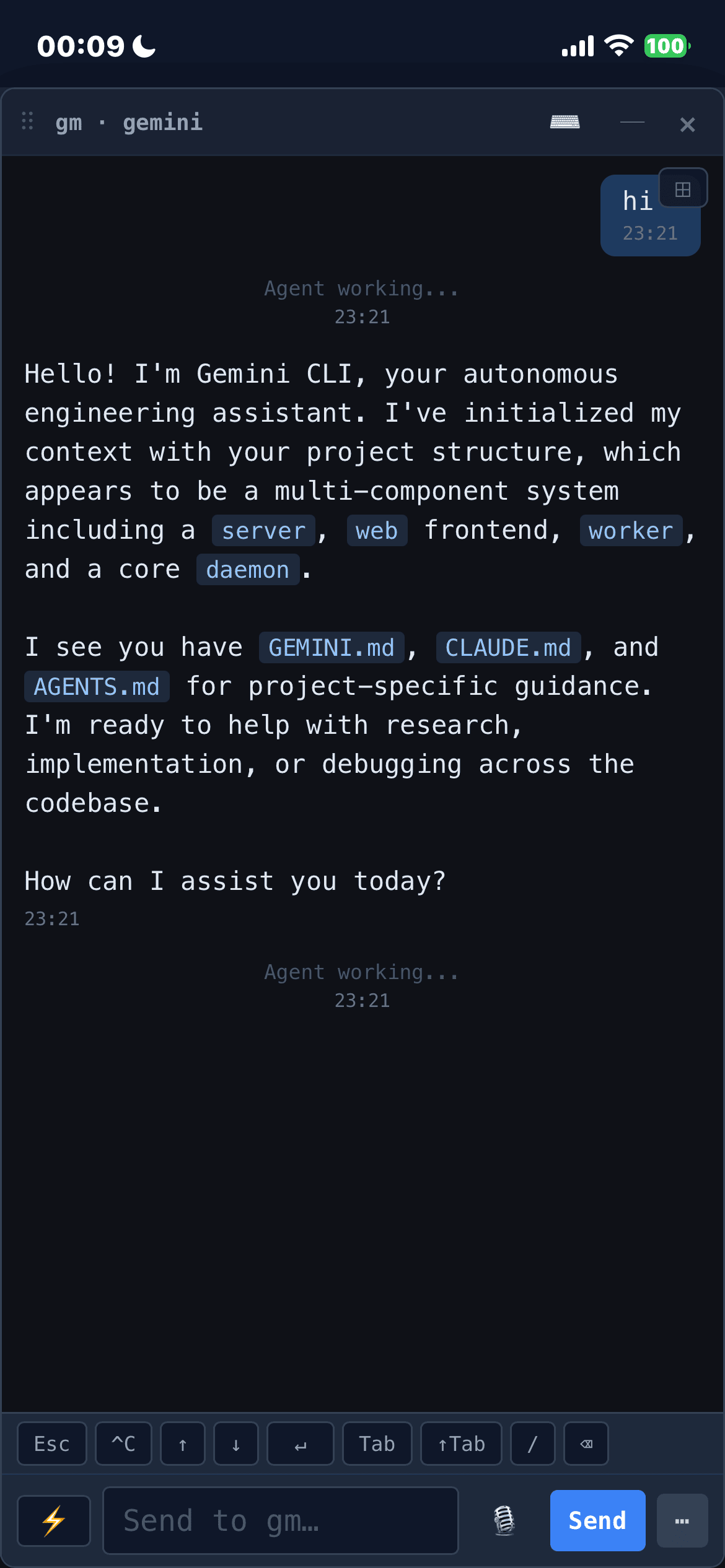
Full terminal access to your agent sessions from any browser — no SSH, no VPN, no port forwarding. Switch between raw terminal mode (the native CLI experience) and a structured chat view with parsed tool calls, thinking blocks, and streaming output. Real-time PTY streaming at 12fps with zero message limits.
File Browser & Git Changes
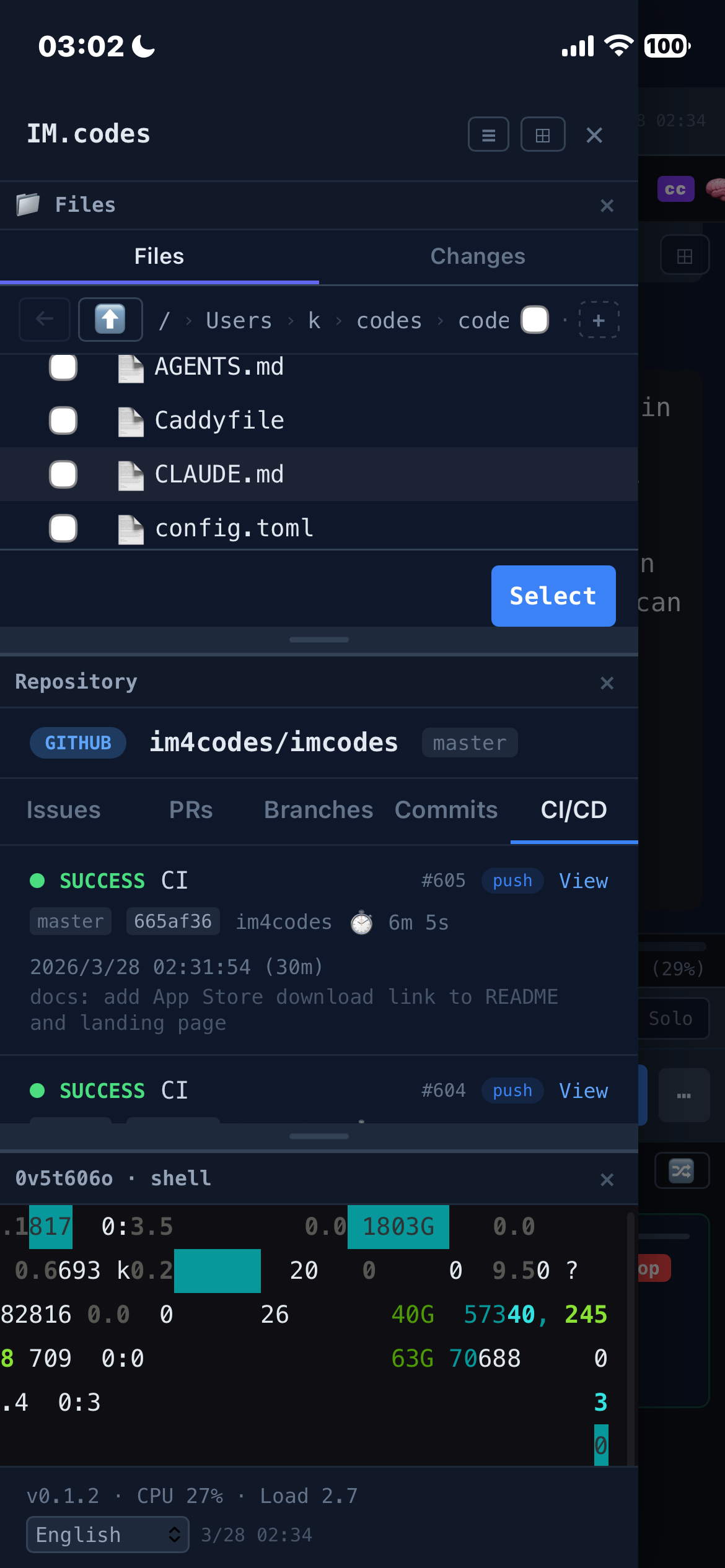
Browse project files with a tree view. Upload files, images, and photos from any device — download files directly from the server. Changes tab shows git status with per-file +additions/-deletions line counts in color. Click a file to open a floating preview window with syntax highlighting, diff view, rendered HTML quick preview, and auto-refresh every 5s. Chat-rendered local file links get quick actions too: HTML files can open a safe rendered preview, and local image paths render inline thumbnails that expand in a floating lightbox. Pin the file browser to the sidebar — it follows the active tab's project directory automatically.
Local Web Preview
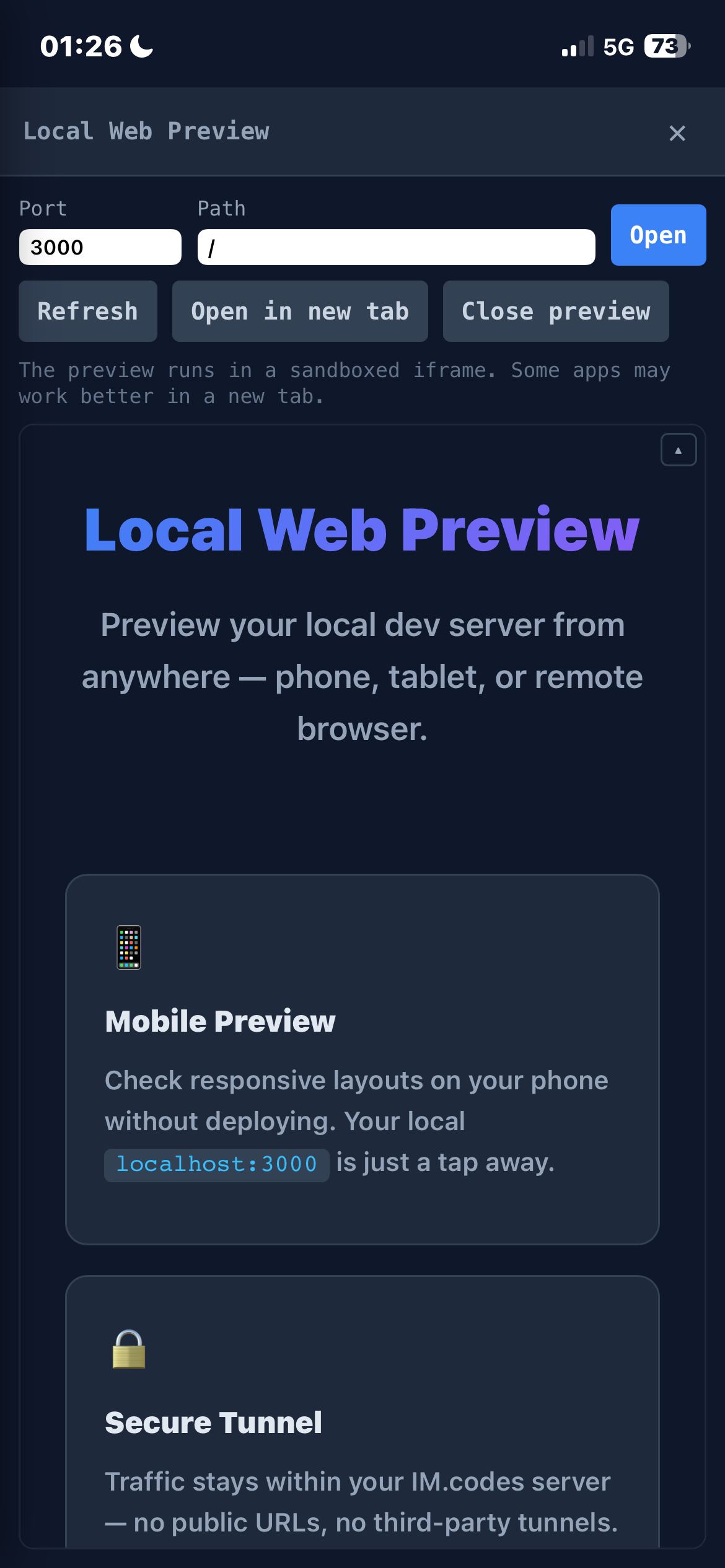
Preview your local dev server from any device — phone, tablet, or remote browser — without deploying. The daemon proxies localhost traffic through a secure WebSocket tunnel to the server. HTML rewriting and a runtime patch handle URL remapping so links, fetch, and WebSocket connections just work. Supports HMR/hot-reload via WebSocket tunneling. No public URLs, no third-party tunnels — traffic stays within your IM.codes server.
Mobile, Watch & Notifications
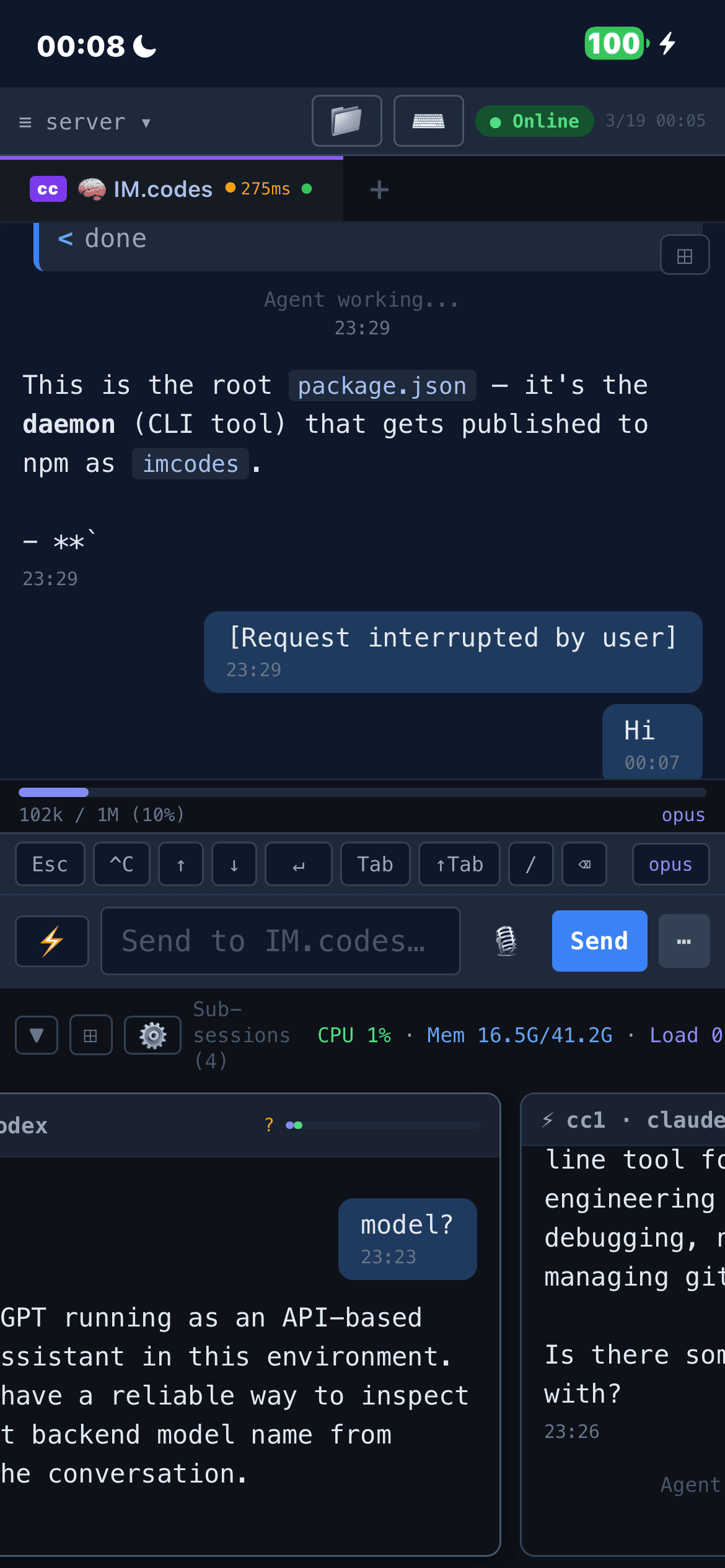
Full mobile support with biometric auth and push notifications. Shell sessions allow interactive keyboard input on mobile (SSH-like). Sub-session preview cards always show latest messages. Toast notifications navigate directly to the relevant session. Apple Watch support adds quick session monitoring, unread counts, and quick replies from the wrist.
OpenSpec Auto Deliver
Run a spec-driven change through a structured delivery pipeline: proposal/spec audit, implementation prompts, manifest-aware validation hints, Team audit/rework, automatic module scores for spec/tasks/implementation/tests/risk, and a fail-closed handoff. The run bar shows progress across stages, task counts, audit rounds, evidence, and terminal reasons so the automation remains inspectable instead of becoming another hidden background agent.
Collaborative Coding
Share a live session for pair programming, or invite more people into a scoped server workspace with viewer/participant roles.
Supervised Task Automation
Auto supervision adds turn-level control for supported transport-backed agents. Instead of blindly continuing forever, IM.codes evaluates the latest completed turn and decides whether the task looks done, should keep going, or should come back to you. For higher-assurance work, supervised_audit can automatically trigger an audit/rework loop before the session is considered finished.
Auto supervision splits configuration into two layers. Backend, model, and timeout are snapshot-frozen at the moment you enable Auto on a session, so editing the global defaults later never surprises an already-running session. Custom supervision instructions work differently: a global persona is paired with the session's own free text and — by default — both are concatenated into the prompt sent to the supervisor. Tick the session's Override global checkbox to have that session ignore the global persona entirely. The global persona is re-read on every turn, so when you update it every already-enabled session picks it up on the next dispatch without needing a re-enable. Auto is also aware of IM.codes-native workflows such as OpenSpec changes, Team discussions, and imcodes send, so those actions count as legitimate next steps instead of accidental "ask human" triggers.
Multi-Agent Discussions & Cross-Provider Audit
Single-model output shouldn't be trusted blindly. Team discussions let multiple agents — across different providers and thinking styles — collaborate on the same codebase before a single line is written. Each round follows a customizable multi-phase pipeline where every agent reads all prior contributions and builds on them. Different models catch different classes of issues: one spots a race condition, another flags a missing migration, a third questions the API design. This cross-provider scrutiny catches problems a single model often misses before implementation, reducing rework cycles.
Built-in modes include audit (structured audit → review → plan pipeline), review, discuss, and brainstorm — or define your own phase sequence. Ring progress indicator shows round/hop completion in the sidebar. Works across Claude Code, Codex, Gemini CLI, and Qwen, including sandboxed agents. Configure participants, round counts, modes, and per-session Team settings via @@all(config) or the UI.
Streaming Transport Agents
Native streaming output support for transport-backed agents like Claude Code SDK, Codex SDK, OpenClaw, and Qwen. These agents connect via network protocols or local SDKs instead of terminal scraping, delivering structured event streams with real-time delta updates, tool call tracking, and session restore.
Note on OpenClaw: imcodes connect openclaw has only been tested on macOS so far.
Managed MCP Tool Surface
Supported SDK providers can receive the ten-tool IM.codes-managed MCP surface automatically: memory search/source lookup, observation and preference capture, scoped Send, and Cron scheduling. MCP status is reported per provider in the UI, with ready/degraded states so you can tell whether Memory, Send, and Cron tools are actually available to that model.
Agent-to-Agent Communication
Agents can message each other directly using imcodes send. An agent running in one session can ask a sibling to review code, run tests, or coordinate on a task — no user intervention needed. Target resolution by label, session name, or agent type. --reply flag instructs the target to send its response back automatically. Built-in circuit breakers prevent abuse (depth limit, rate limiting, broadcast cap).
The same flow is available to SDK-backed agents through MCP: `send_list_targe





