

koala73/worldmonitorConnectors
Real-time global intelligence dashboard. AI-powered news aggregation, geopolitical monitoring, and infrastructure tracking in a unified situational awareness interface
86k
Eion gives agents a shared place to store session memory and extracted knowledge. It uses PostgreSQL with pgvector for memory search, Neo4j for knowledge graphs, and a built-in MCP server so agents can use the same storage through standard tools.
Builders who want their agents to remember past sessions and share context across tools and teams.
You can keep agent work connected across sessions instead of re-explaining context each time.
Stores conversation history in PostgreSQL and supports semantic search with pgvector.
Uses Neo4j to store extracted entities and relationships as shared knowledge.
Exposes memory and knowledge actions as MCP tools for agent clients.
Registers agents and requires session, agent, and user identifiers before tool use.
Provides a web console for agent registration, monitoring, and integration examples.
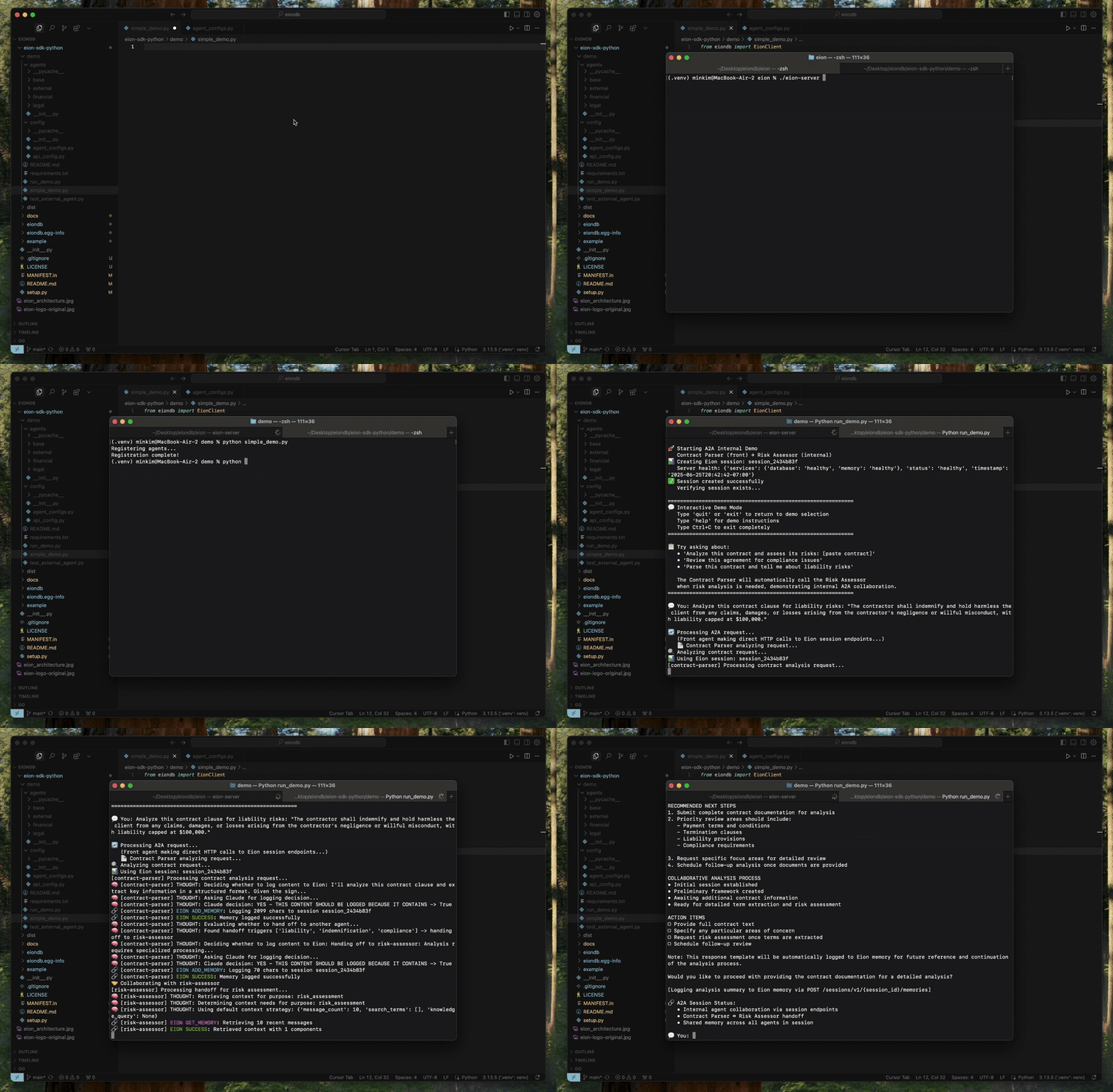
Includes Python demo scripts and example agent flows under `demo/`.
git clone <repo>
cd eion
# Start all required databases (PostgreSQL + Neo4j)
docker-compose up -d

# Verify databases are ready
docker-compose ps
# Enable the pgvector extension (required for embeddings)
docker exec eion_postgres psql -U eion -d eion -c "CREATE EXTENSION IF NOT EXISTS vector;"

# Run main orchestrator migrations (includes sessions table)
docker exec -i eion_postgres psql -U eion -d eion < database_setup.sql
# Create virtual environment
python3 -m venv .venv
source .venv/bin/activate  # On Windows: .venv\Scripts\activate

# Install dependencies
pip install -r requirements.txt
# Build the server
go build -o eion-server ./cmd/eion-server

# Run the server
./eion-server
# Check server health
curl http://localhost:8080/health

# Expected response:
# {"status":"healthy","timestamp":"2024-12-19T10:30:00Z","services":{"database":"healthy","embedding":"healthy"}}

Connecting AI agents through shared memory and collaborative intelligence.


Eion is a shared memory storage that provides unified knowledge graph capabilities for multi-agent systems, adapting to different AI deployment scenarios from single LLM applications to complex multi-agency systems.
User ↔ LLM Application → Eion (context storage)
Business Logic ↔ AI Agent → Eion (memory + knowledge graph)
Agent A → context → Agent B → context → Agent C
                ↓              ↓              ↓
              Eion ← shared memory & knowledge → Eion
Agent A ──┐
          ├── shared live context ← Eion (live sync + notifications)
Agent B ──┤
          │
Agent C ──┘
Internal Agency: Agent A ↔ Agent B → Eion ← External Agent C (guest)
                                            ↑
                                    (controlled access)
git clone <repo>
cd eion
# Start all required databases (PostgreSQL + Neo4j)
docker-compose up -d

# Verify databases are ready
docker-compose ps
# Enable the pgvector extension (required for embeddings)
docker exec eion_postgres psql -U eion -d eion -c "CREATE EXTENSION IF NOT EXISTS vector;"

# Run main orchestrator migrations (includes sessions table)
docker exec -i eion_postgres psql -U eion -d eion < database_setup.sql
# Create virtual environment
python3 -m venv .venv
source .venv/bin/activate  # On Windows: .venv\Scripts\activate

# Install dependencies
pip install -r requirements.txt
# Build the server
go build -o eion-server ./cmd/eion-server

# Run the server
./eion-server
# Check server health
curl http://localhost:8080/health

# Expected response:
# {"status":"healthy","timestamp":"2024-12-19T10:30:00Z","services":{"database":"healthy","embedding":"healthy"}}
Navigate to the Register Console for easy cluster management:
http://localhost:8080/console/
⚠️ Important: Include the trailing slash / in the URL.
Agent Registration Tab:
Monitoring Tab:
Resources Tab:
Register an Agent:
Monitor Activity:
Get Integration Examples:
The console automatically shows:
The console uses Eion's brand colors:
Eion provides a unified API that combines:
all-MiniLM-L6-v2 model (384 dimensions) using sentence-transformers - production-ready embeddingsEion includes a built-in Model Context Protocol (MCP) Server that enables seamless agent integration through standardized tool interfaces.
The MCP server exposes Eion's Session-level API as MCP tools, allowing AI agents to:
Memory Tools (4):
get_memory - Retrieve conversation history with filtersadd_memory - Store new conversation messagessearch_memory - Semantic search in conversation historydelete_memory - Remove conversation dataKnowledge Tools (4):
search_knowledge - Find relevant extracted knowledgecreate_knowledge - Add new knowledge entriesupdate_knowledge - Modify existing knowledgedelete_knowledge - Remove knowledge entriesDirect MCP Client (Recommended):
from mcp import ClientSession, StdioServerParameters
from mcp.client.stdio import stdio_client

# Connect to Eion MCP server
server_params = StdioServerParameters(
    command="python",
    args=["-m", "internal.mcp.server"],
    env={"EION_BASE_URL": "http://localhost:8080"}
)

async with stdio_client(server_params) as (read, write):
    async with ClientSession(read, write) as session:
        await session.initialize()

        # Use tools with agent credentials
        result = await session.call_tool("add_memory", {
            "session_id": "agent_session_123",
            "agent_id": "my_registered_agent",
            "user_id": "end_user_456",
            "messages": [{"role": "user", "content": "Hello!"}]
        })
LangChain Integration:
from langchain_mcp_tools import convert_mcp_to_langchain_tools

mcp_servers = {
    "eion": {
        "command": "python",
        "args": ["-m", "internal.mcp.server"],
        "env": {"EION_BASE_URL": "http://localhost:8080"}
    }
}

tools, cleanup = await convert_mcp_to_langchain_tools(mcp_servers)
# Use tools with LangChain agents
Claude Desktop Integration:
Add to claude_desktop_config.json:
{
  "mcpServers": {
    "eion": {
      "command": "python",
      "args": ["-m", "internal.mcp.server"],
      "env": {"EION_BASE_URL": "http://localhost:8080"},
      "cwd": "/path/to/eion"
    }
  }
}
All MCP tools require agent authentication:
session_id - Unique session identifier for the conversationagent_id - Registered agent ID (obtain via Developer API)user_id - End user ID that the agent servesAgents must be registered via the Developer API before using MCP tools:
curl -X POST http://localhost:8080/cluster/v1/agents \
  -H "Content-Type: application/json" \
  -d '{"name": "My Agent", "capabilities": ["memory", "knowledge"]}'
MCP server settings in eion.yaml:
mcp:
  enabled: true                     # Enable MCP server
  port: 8081                        # MCP server port
  python_path: ".venv/bin/python"   # Python executable path
  log_level: "INFO"                 # Logging level
  timeout: 30                       # Request timeout (seconds)
The MCP server is embedded within the Eion server process and requires no separate deployment.
Create eion.yaml (optional - defaults work out of the box):
common:
  http:
    host: "0.0.0.0"
    port: 8080

  postgres:
    user: "eion"
    password: "eion_pass"
    host: "localhost"
    port: 5432
    database: "eion"

  # Neo4j Configuration (Required)
  numa:
    neo4j:
      uri: "bolt://localhost:7687"
      username: "neo4j"
      password: "password"
      database: "neo4j"

# MCP Server Configuration (Optional)
mcp:
  enabled: true                     # Enable MCP server
  port: 8081                        # MCP server port
  python_path: ".venv/bin/python"   # Path to Python executable
  log_level: "INFO"                 # MCP server log level
  timeout: 30                       # Request timeout in seconds

# Register Console Configuration (Optional)
console:
  enabled: true                     # Enable Register Console (default: true)
For production deployments, you may want to customize the database settings in docker-compose.yml or create your own configuration.
Or use the automated setup script:
# One-command setup (includes database startup, Python env, and server build)
./setup.sh

# Then start the server
./eion-server
Sign in to join the discussion.
No comments yet. Be the first to say what this is good for.
Real-time global intelligence dashboard. AI-powered news aggregation, geopolitical monitoring, and infrastructure tracking in a unified situational awareness interface
High-performance code intelligence MCP server. Indexes codebases into a persistent knowledge graph — average repo in milliseconds. 158 languages, sub-ms queries, 99% fewer tokens. Single static binary, zero dependencies.

Universal provider proxy for OpenAI Codex & Claude Code — use any LLM (Claude, Gemini, Grok, DeepSeek, Ollama…) with Codex CLI, App, SDK, and Claude Code

Git-native persistent memory for AI coding agents. Implements Google OKF v0.2 with sub-300µs in-memory BM25 search, embedded MCP server, and progressive disclosure. Slashes token bloat by 80% with zero external databases or dependencies. Built in pure Go.

Local-first code intelligence graph for MCP and CLI. Builds a persistent map of your codebase so AI coding tools read only what matters, with benchmarked context reductions on reviews and large-repo workflows.

Stop your AI from making things up — it proposes, deterministic tools decide, every claim checked against ground truth with evidence. Grounded facts and context survive resets. Reverse engineering is the proving ground. MCP server + CLI.