
NousResearch/
hermes-agent

The agent that grows with you
245k
Browser Use Box sets up a persistent Claude Code agent on a VPS with a real browser session, Browser Use Cloud, and optional Telegram control. The agent runs as small systemd services, keeps state under `/home/bux`, and can hand off to a live browser view when it hits a login wall or CAPTCHA.
Builders who want a Claude Code agent to run browser work on a box they control.
You can keep browser automation running all day, resume with saved state, and text the agent instead of SSHing in.
Keeps Claude Code logged in and running on the box as a long-lived service.
Uses Chromium through browser-harness so cookies and logins persist across reboots.
Lets you send tasks to the agent from Telegram with an optional bot token.
Shows a live view URL and waits when the agent reaches a login wall, 2FA step, or CAPTCHA.
Runs the browser keeper, terminal, and Telegram pieces as separate services.
Loads `agent/CLAUDE.md` on every session so you can change the working rules and rerun the install.
$ curl -fsSL https://raw.githubusercontent.com/browser-use/bux/main/install.sh \
| sudo BROWSER_USE_API_KEY=bu_xxx bashtelegram ──► telegram_bot.py ─┐
├──► claude -p ──► browser-harness ──► BU Cloud
browser ──► ttyd ────────────┘ │ (cdp over wss)
▼
/home/bux (persistent state)
Rent any $5 VPS (Hetzner, DigitalOcean, Mac mini, Raspberry Pi — anything that runs Ubuntu), point one install script at it, and text your agent from anywhere.
$ curl -fsSL https://raw.githubusercontent.com/browser-use/bux/main/install.sh \
    | sudo BROWSER_USE_API_KEY=bu_xxx bash
More launch links:
Paste into Claude Code (on your laptop) and it will set up your VPS for you:
Set up https://github.com/browser-use/bux on my remote box.

SSH into it (I'll paste the host below), run install.sh with my BROWSER_USE_API_KEY, and optionally wire up a Telegram bot if I give you a token from @BotFather. Read install.md first. After the install completes, verify the services are running (systemctl is-active bux-browser-keeper bux-ttyd), then become the `bux` user and run `claude /login` so I can complete the OAuth flow. Once logged in, test the setup by asking claude to visit https://browser-use.com and report the page title.
TG_BOT_TOKEN=xxx to the installer to enable/login). telegram ──► telegram_bot.py ─┐
├──► claude -p ──► browser-harness ──► BU Cloud
browser ──► ttyd ────────────┘ │ (cdp over wss)
▼
/home/bux (persistent state)
Three small services under systemd. Agent state lives in /home/bux, so reboots keep your cookies, skills, and chat history.
install.sh — it's idempotent and the next claude turn picks up the change.If you'd rather not run your own VPS: cloud.browser-use.com provisions a box for you in ~60s — same software, zero setup, one-command bux up via a Claude Code skill.
For teams that already run sales, support, partner onboarding, or operations in Telegram, there is also a $1,000/month managed pilot: one scoped private operator workflow, launched in 7 days, with human handoff and weekly tuning.
The pilot scope, handoff format, and example operator rules are in the managed pilot playbook.
The demo transcript shows the first workflow: Telegram lead triage into a clean human handoff.
The managed Telegram AI operator page is the focused entry point for lead qualification, support triage, and partner onboarding use cases.
The Telegram AI operator for agencies page gives AI automation agencies a managed implementation path for one Telegram-heavy client workflow.
The n8n Telegram AI operator page gives n8n builders a managed Telegram-first operator that hands off cleanly into existing workflows and human approvals.
The Telegram AI operator for crypto and fintech teams packages the same managed pilot for partner, support, ecosystem, and ops teams that triage Telegram requests by hand.
The partner pilot page packages the same $1,000/month workflow as a delivery layer for AI automation agencies with Telegram-heavy clients.
The proof report demo shows the weekly artifact that makes the retainer easy to renew: handled threads, clean handoffs, checks completed, blockers, tuning, and estimated time saved.
The managed pilot terms summarize the $1,000/month scope, first-week deliverables, and acceptance criteria.
Pilot inquiries can start on Telegram or through the managed pilot issue form.
PRs welcome — bug fixes, docs tweaks, and new features all appreciated. Open an issue first if you're planning something larger.
MIT. See LICENSE.
Sign in to join the discussion.
No comments yet. Be the first to say what this is good for.
The agent that grows with you

Open-source coding agent for your terminal, built in Rust and on a journey of continuous community improvement. Issues and PRs welcome.
A lightweight alternative to OpenClaw that runs in containers for security. Connects to WhatsApp, Telegram, Slack, Discord, Gmail and other messaging apps,, has memory, scheduled jobs, and runs directly on Anthropic's Agents SDK

OpenSquilla — Token-Efficient AI Agent with same budget, higher intelligence density
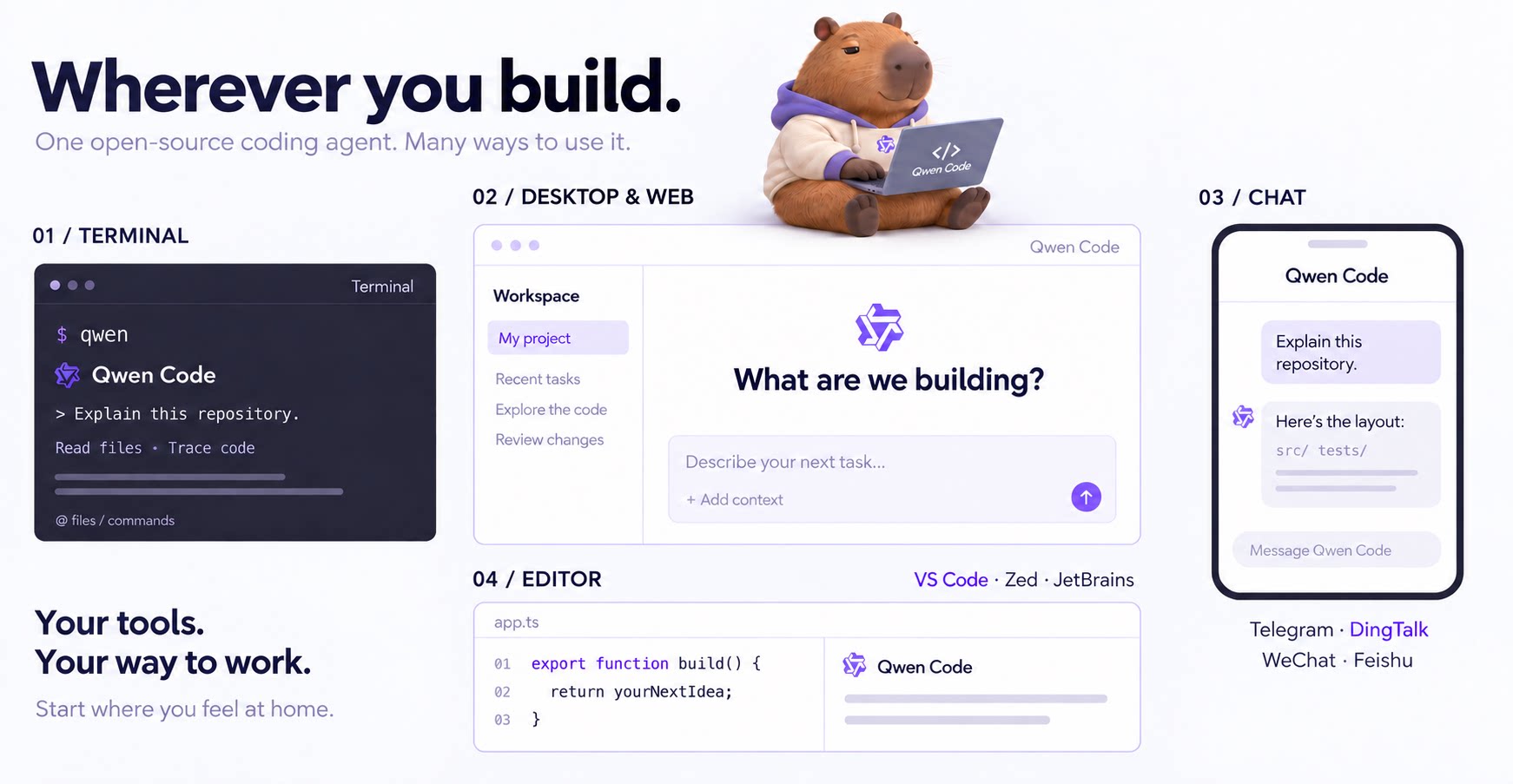
An open-source AI coding agent that lives in your terminal.

Run and supervise teams of coding agents from planning to merge. Any harness (Claude code, codex, +25 more). Desktop, web, mobile, and cloud agents.