
NousResearch/
hermes-agent

The agent that grows with you
245k
This repo sets up a Rails-focused team for Claude Code, with an orchestrator that routes work to specialist agents like architect, developer, auditor, designer, and writer. It also includes shared templates and skills so your agent follows the same Rails workflow across tasks.
Builders who use Claude Code to work on Ruby on Rails apps with reusable agent roles and commands.
You can hand Rails tasks to the right specialist instead of re-explaining your workflow each time.
The `/dev` command routes work to the right role and can switch personas during a task.
Commands like `/arch`, `/code`, `/audit`, `/design`, `/ops`, and `/writer` map to dedicated roles.
The kit includes architect, developer, auditor, product, UI/UX, i18n, DevOps, AI, and writer agent files.
`templates/CLAUDE.md`, `templates/GLOBAL_RULES.md`, and `templates/IMPLEMENTATION_PLAN.md` provide reusable guidance.
`scripts/install.sh` sets up the kit, and `claude-init` bootstraps a project after install.
/bin/bash -c "$(curl -fsSL https://raw.githubusercontent.com/alec-c4/claude-rails-dev/master/scripts/install.sh)"
claude-init
/dev I need a blog system where users can comment on posts.
/audit Check my last commit for security issues.
A modular, role-based AI coding environment designed for building modern Ruby on Rails (8.0+) applications using Claude Code.
This repository transforms a generic AI coding assistant into a specialized Rails Engineering Team that lives in your terminal.
/dev) can dynamically adopt roles (Architect, Developer, Auditor) to solve complex tasks end-to-end./arch, /code) for seamless interaction.| Command | Role | Triggers |
|---|---|---|
/dev | Orchestrator | Start Here. Smartly routes tasks and adopts personas. |
/prod | Product Manager | Strategy, WSJF, A/B Testing, Analytics. |
/arch | Rails Architect | System design, Schema planning, Stack selection. |
/code | Rails Developer | Implementation, TDD, Refactoring. |
/audit | Rails Auditor | QA, Security, Code Review. |
/design | UI/UX Designer | Tailwind, Accessibility, UX Flows. |
/ai | AI Specialist | LLM Integration, RAG, MCP Servers. |
/i18n | i18n Specialist | Globalization, Timezones. |
/ops | DevOps Engineer | Kamal, Docker, CI/CD. |
/writer | Tech Writer | Documentation, Releases, Licenses. |
Run this command to install the kit and configure slash commands:
/bin/bash -c "$(curl -fsSL https://raw.githubusercontent.com/alec-c4/claude-rails-dev/master/scripts/install.sh)"
git clone ... ~/.claude/repo~/.claude/repo/scripts/install.shEnter your project root and run:
claude-init
Just talk to the Orchestrator. It will figure out which specialist is needed.
User:
/dev I need a blog system where users can comment on posts.
Orchestrator:
"I see. I will activate the Architect to plan this feature first." (Reads
agents/rails-architect.md) "Here is the Implementation Plan..."
If you know exactly who you need, summon them directly.
User:
/audit Check my last commit for security issues.
To unlock "X-Ray Vision" for your agents, install these servers:
Rails MCP: repo url: https://github.com/maquina-app/rails-mcp-server
AppSignal: documentation: https://docs.appsignal.com/mcp.html
GitHub: repo url: https://github.com/github/github-mcp-server
Chrome DevTools repo url: https://github.com/ChromeDevTools/chrome-devtools-mcp
Context 7 url: https://context7.com
Language Server MCP repo url: https://github.com/isaacphi/mcp-language-server ruby lsp: https://github.com/Shopify/ruby-lsp
MIT License.
Sign in to join the discussion.
No comments yet. Be the first to say what this is good for.
The agent that grows with you

Open-source coding agent for your terminal, built in Rust and on a journey of continuous community improvement. Issues and PRs welcome.
A lightweight alternative to OpenClaw that runs in containers for security. Connects to WhatsApp, Telegram, Slack, Discord, Gmail and other messaging apps,, has memory, scheduled jobs, and runs directly on Anthropic's Agents SDK

OpenSquilla — Token-Efficient AI Agent with same budget, higher intelligence density
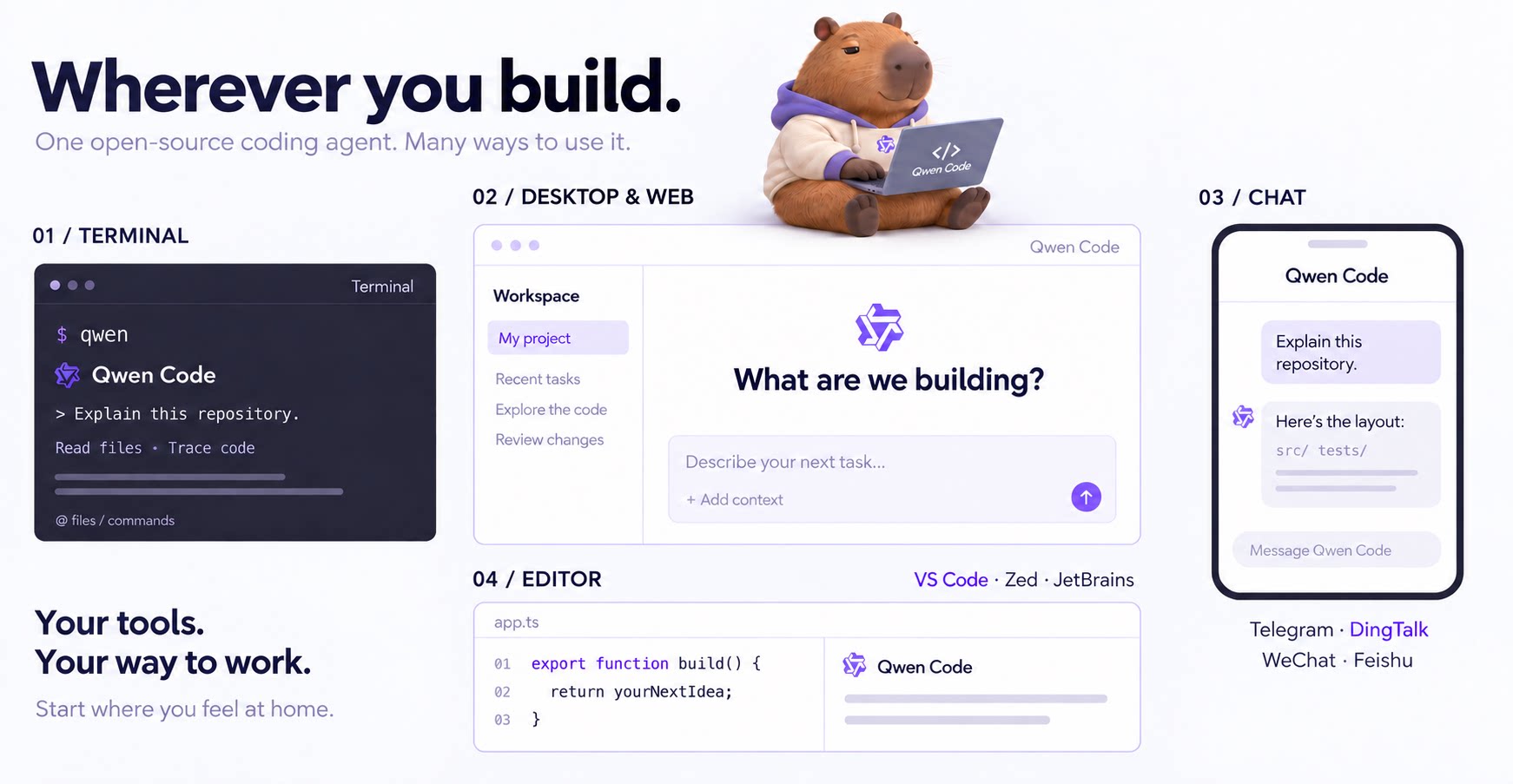
An open-source AI coding agent that lives in your terminal.

Run and supervise teams of coding agents from planning to merge. Any harness (Claude code, codex, +25 more). Desktop, web, mobile, and cloud agents.