

heygen-com/hyperframesFrameworks & SDKs
Write HTML. Render video. Built for agents.
49k
OpenPets puts an animated pet on your desktop and lets plugins add reminders, focus timers, games, and other companion behavior. The same project also ships a plugin SDK, an MCP server, and agent integrations so tools like Claude Code and Cursor can drive pet reactions locally.
Builders who want to extend a desktop companion with plugins or connect it to their coding agent.
You can add custom pet behaviors and local agent reactions without rebuilding the desktop app from scratch.
Animated companions idle, wander, react, and can be assigned to workspaces or agent windows.
A sandboxed JavaScript and TypeScript runtime for building pet abilities with permissions, storage, schedules, commands, panels, events, audio, and notifications.
Built-in plugins for focus timers, reminders, mood check-ins, mini games, launch shortcuts, hydration prompts, and virtual pet stats.
An MCP server exposes tools like `openpets_status`, `openpets_react`, and `openpets_say` for local agent control.
Packages for Claude Code, Cursor, OpenCode, and Pi set up instructions, hooks, and local integrations.
`@open-pets/plugin-sdk/testing` lets you mock the host, advance time, trigger actions, and verify reactions without launching the app.
xattr -dr com.apple.quarantine /Applications/OpenPets.app
npx @open-pets/cli doctor
A desktop companion platform with pets, plugins, and optional local agent integrations.
OpenPets puts an animated companion on your desktop, then lets plugins turn it into a focus buddy, reminder system, tiny game, launcher, or coding-agent sidekick.
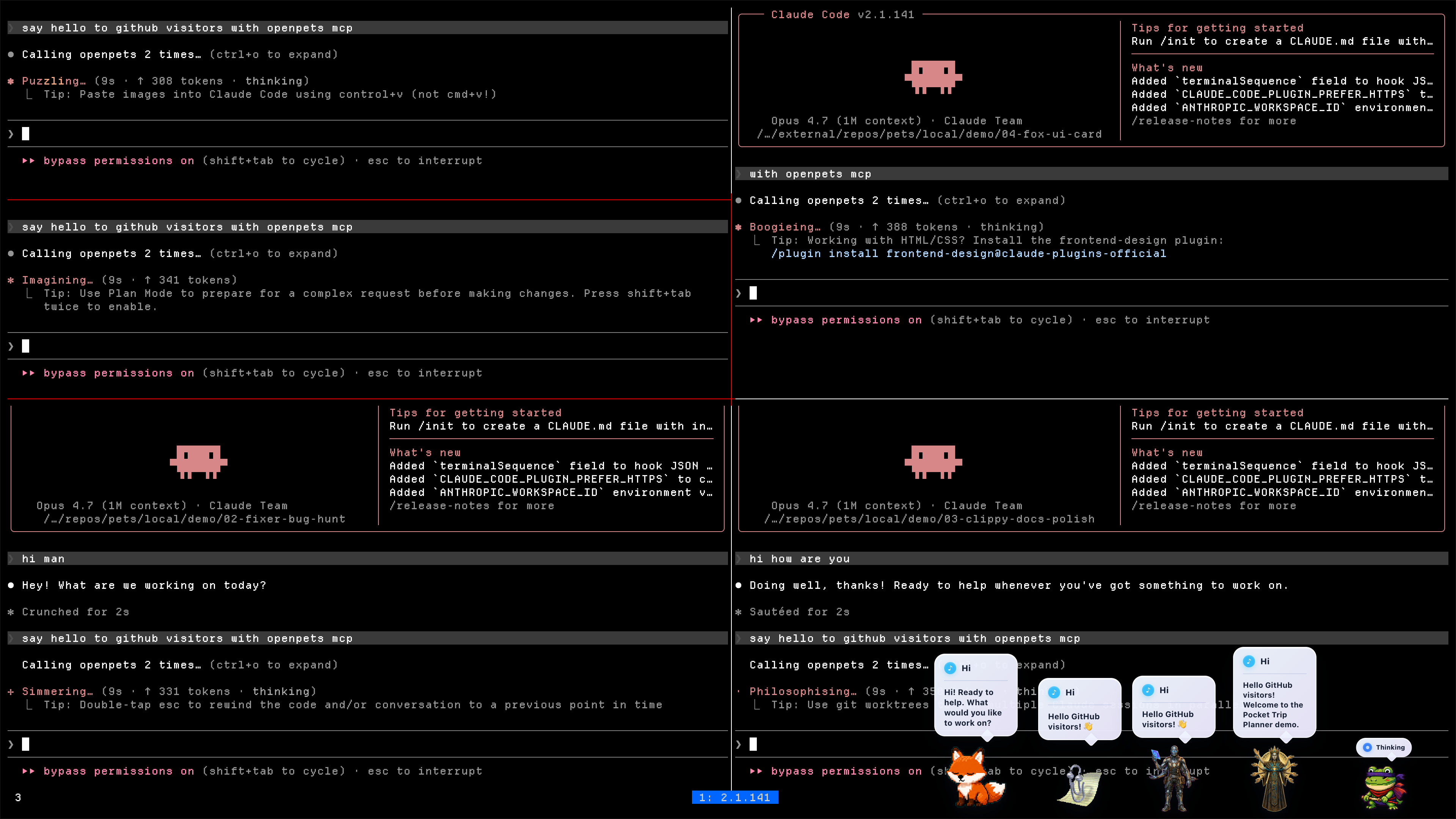
by Boring Dystopia Development



Read this in: English | 日本語 | 한국어 | 简体中文 | 繁體中文 | Português (Brasil) | Español (LatAm)
Download the latest OpenPets desktop release and launch it. A pet appears immediately; no agent setup required.
If OpenPets makes your coding setup or desktop workspace a little more fun, please give the repo a star.
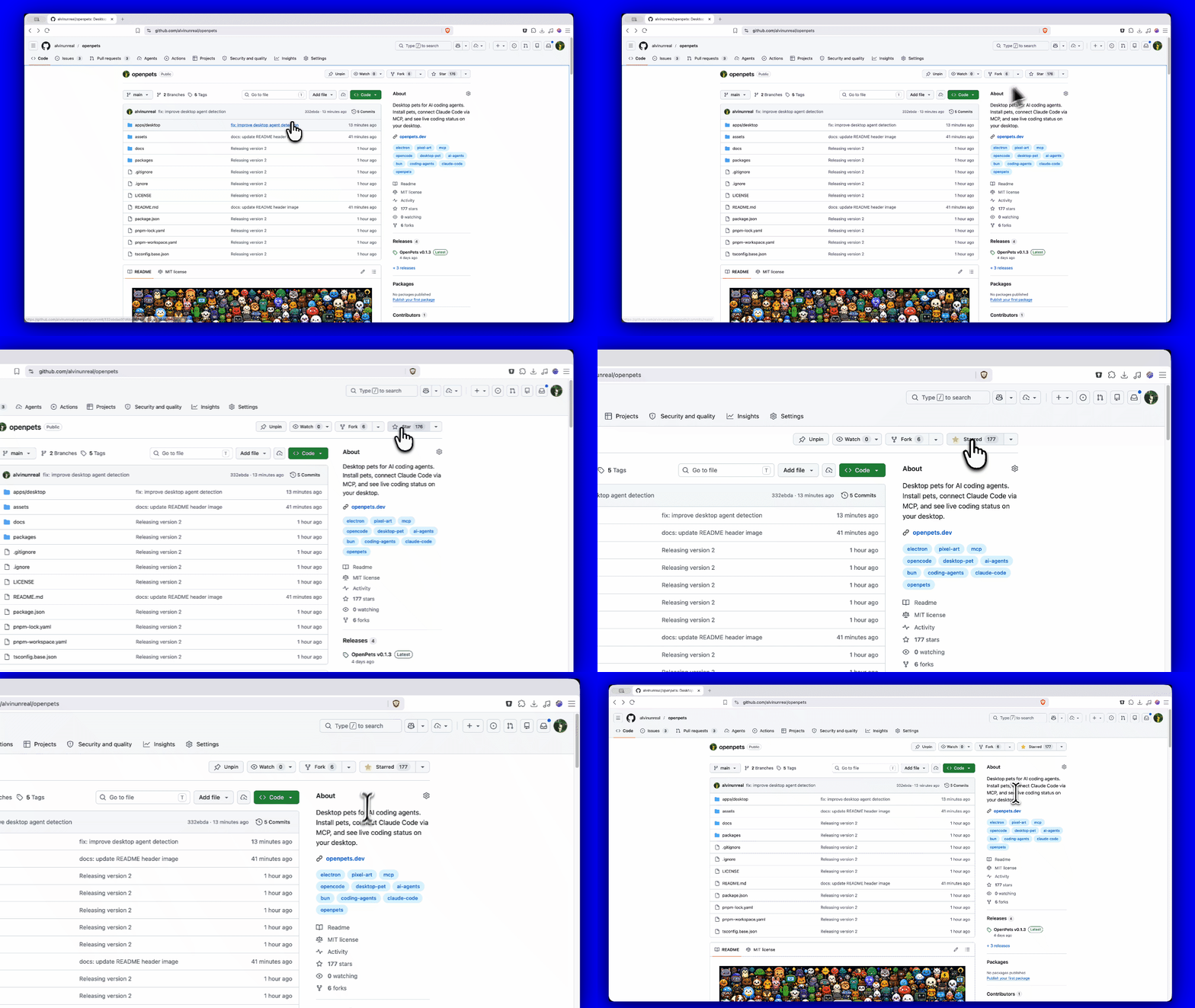
You do not need to be a developer or connect any AI agents to enjoy OpenPets. The desktop app is fully functional out of the box with the official plugin lineup.
Download the package for your operating system from OpenPets Releases:
OpenPets-*-mac-arm64.dmgOpenPets-*-mac-x64.dmgOpenPets-*-win-x64-setup.exeOpenPets-*-linux-x86_64.AppImageNote: Windows release installers are signed. macOS builds may still be unsigned and can trigger a security warning; if macOS blocks execution, remove the quarantine flag via terminal:
xattr -dr com.apple.quarantine /Applications/OpenPets.app
Browse installed pets, preview their animation frames, and configure which pet monitors each workspace or agent window from the built-in Pet Gallery.
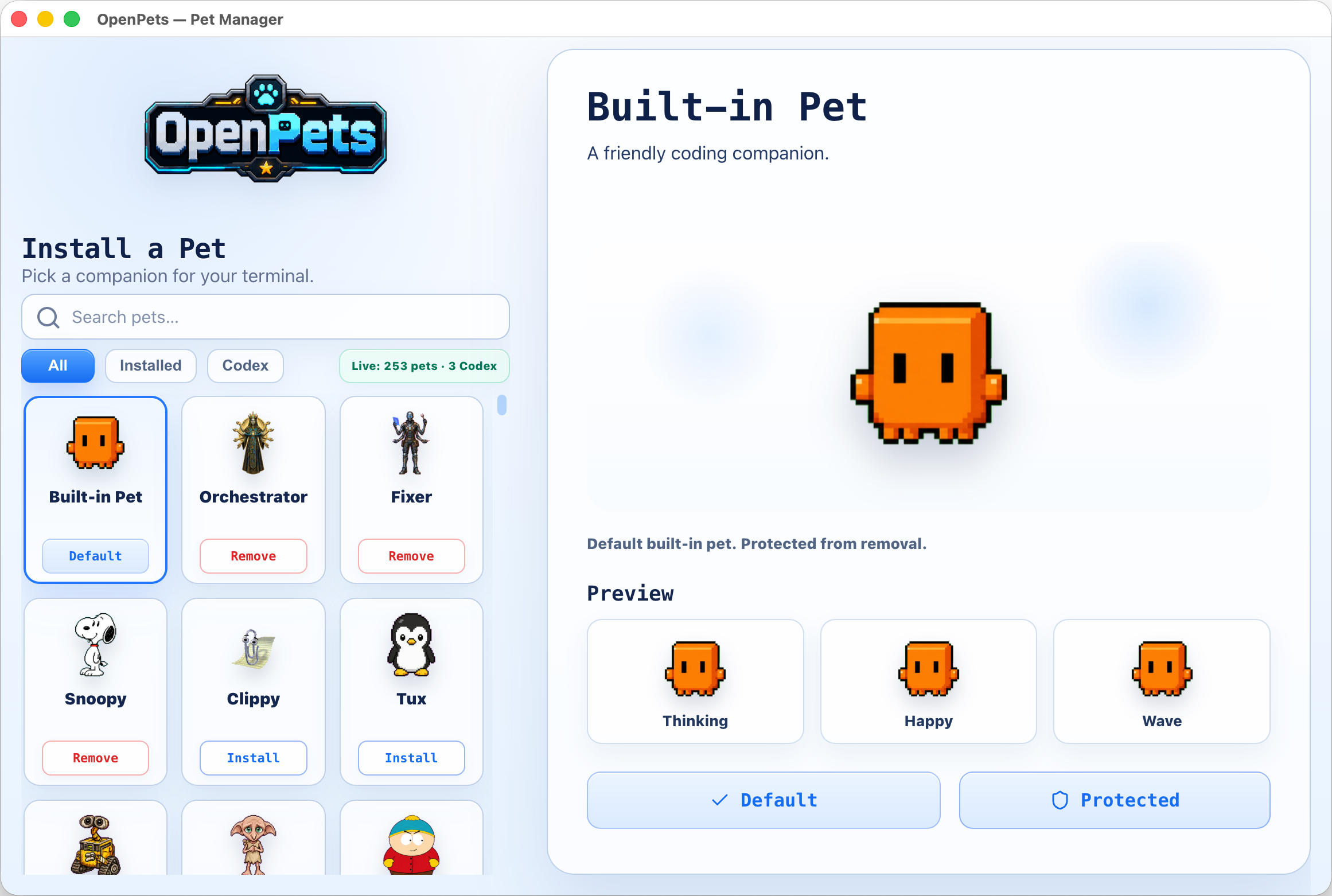
OpenPets v3 ships with a modular Official Plugin Catalog. Enable or configure plugins via the desktop Control Center to add focus timers, reminders, and mini interactive games.
The OpenPets plugin system offers a secure, developer-friendly SDK (@open-pets/plugin-sdk) for creating custom companion behavior.
voice:listen, clipboard, and pet:speak:dynamic) require explicit consent toggles.ctx)Plugins hook into the desktop environment via the ctx object, exposing:
ctx.pets / ctx.pet: Manage default and spawned pet instances: spawn, move, animate, and react.ctx.ui: Alerts, transient/pinned bubbles, custom menus, panels, and status HUDs. Pinned mini HUD bubbles support compact 2x2 grid layouts with progress bars, such as Virtual Pet stats.ctx.audio: Trigger host-managed alert tones or user-imported custom audio.ctx.schedule: Set precise timer hooks (once, every, daily, cron, at).ctx.ai / ctx.secrets: Hook into the user's host-configured AI provider (Anthropic, OpenAI, Ollama) without exposing API keys to the plugin source.ctx.storage: Simple JSON key-value store with change subscriptions.events, assets, bus, net (with streaming support), notify, voice (TTS & push-to-talk STT), auth (PKCE browser flow), files (secure picked OS dialogs), system, commands, status, and log.Create, validate, and test plugins using the official CLI.
Create a template from any of the official layouts (blank, reminder, ambient, ai-chat, tamagotchi, calendar):
npx @open-pets/cli plugin new "My Plugin" --template tamagotchi
Verify manifest layout, permissions, and configuration schemas before packing:
npx @open-pets/cli plugin validate ./my-plugin
Write deterministic tests without launching the desktop app. Using @open-pets/plugin-sdk/testing's createTestHarness, you can mock the host, advance clocks, trigger actions, and verify reactions:
import { createTestHarness } from "@open-pets/plugin-sdk/testing";
import { register } from "./index.js";

const h = createTestHarness(register, { permissions: ["pet:speak", "schedule"] });
await h.start();
h.expectScheduled("decay");
await h.clock.advance("30m");
h.expectSpoke(/need attention/i);
Run plugin tests from your plugin project:
npm test
If you want your development agent to drive your desktop companion, OpenPets provides an optional local MCP (Model Context Protocol) integration layer.
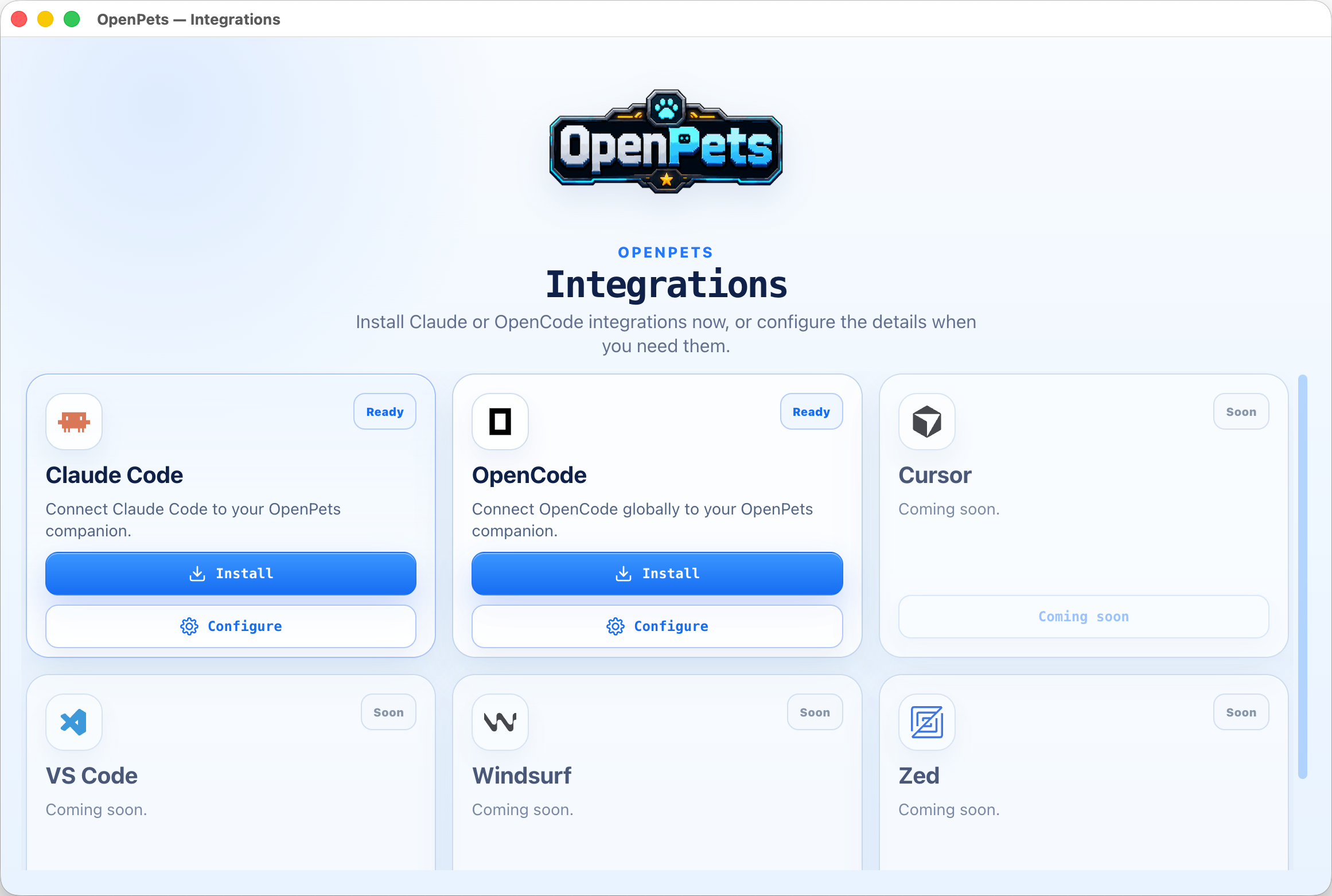
When you configure an agent, OpenPets exposes standard MCP tools. The agent can trigger animations, change status, and display text bubbles locally:
~/.claude/CLAUDE.md, and hooks in ~/.claude/settings.json.@open-pets/opencode automatic hook plugin.
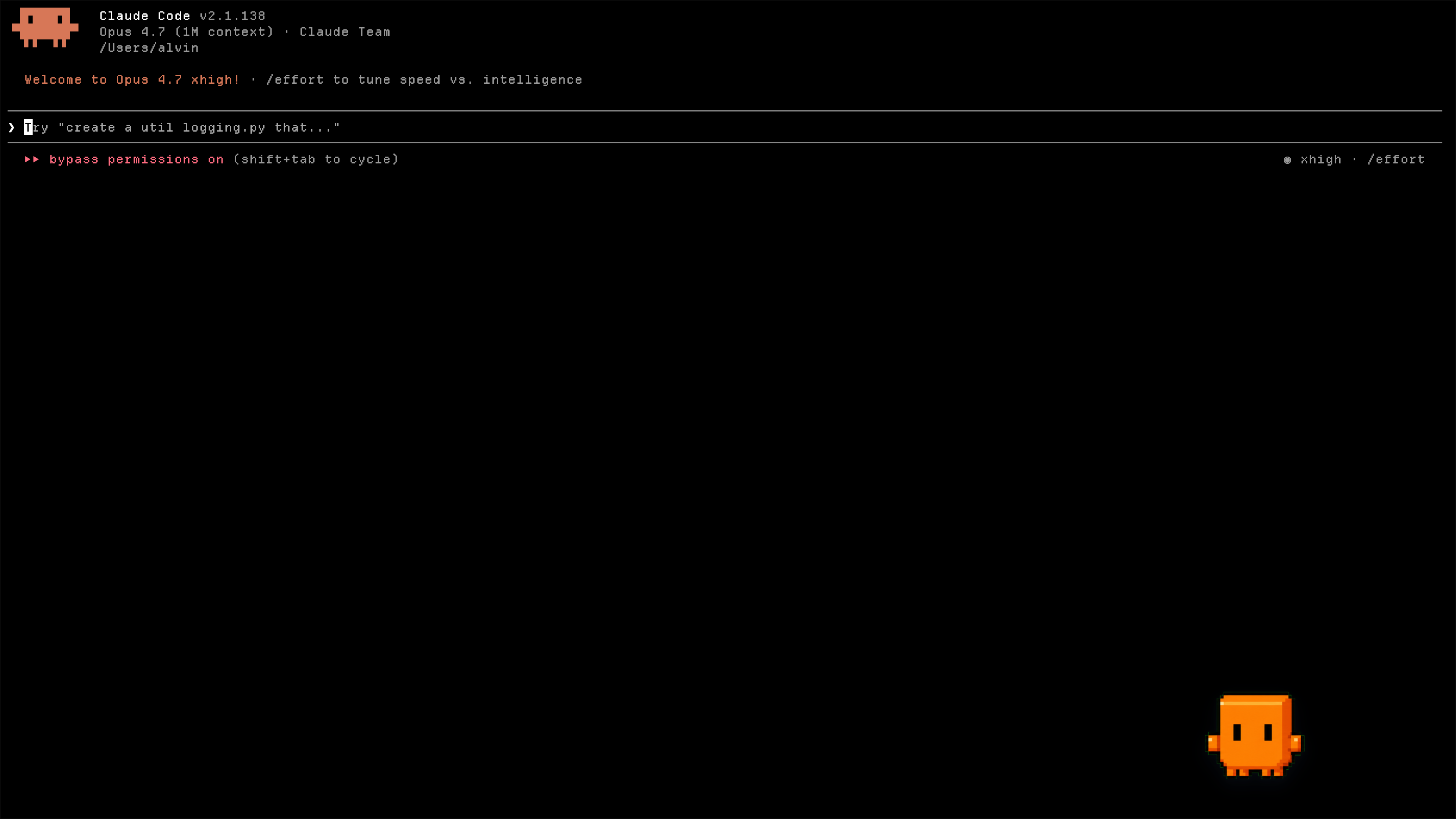
Check whether the Claude hook and project Cursor MCP integrations are installed, need an update, or are broken, and whether the desktop app is reachable:
npx @open-pets/cli doctor
Pass --cwd <path> to inspect a different project's .cursor/mcp.json, or --json for machine-readable output. The command exits non-zero only when an integration is broken, so it is safe to run before reporting a bug.
To run OpenPets as an MCP tool, add the server to your agent's configuration:
{
  "mcpServers": {
    "openpets": {
      "type": "stdio",
      "command": "npx",
      "args": ["-y", "@open-pets/mcp@latest"]
    }
  }
}
Tip: To target a specific pet, pass the --pet <petId> argument.
openpets_status: Retrieve target pet ID and check runtime connectivity.openpets_react: Set pet reaction animations (e.g., thinking, editing, testing, success, error).openpets_say: Display a short speech bubble.For contributing to the OpenPets codebase, testing changes, or building the desktop packages locally.
Install project workspace dependencies:
pnpm install
Launch the Electron application in local developer mode:
pnpm dev:desktop
Launch with live official plugins loaded and monitored:
pnpm dev:desktop:plugins
Run workspace typechecking, code-conformance validations, and tests:
pnpm check
pnpm typecheck
pnpm test
Package the desktop application:
# Build & package into target OS directory
pnpm package:desktop:dir

# Build & package into final installer / setup archives
pnpm package:desktop
apps/desktop              Electron desktop application
packages/client           @open-pets/client (IPC helper library)
packages/mcp              @open-pets/mcp (Model Context Protocol stdio server)
packages/claude           @open-pets/claude (Claude integrations, memory, & hooks)
packages/opencode         @open-pets/opencode (OpenCode plugins & instruction configs)
packages/pi               @open-pets/pi (Pi CLI extension integration)
packages/agent-events     Shared sanitizers and events helper package
packages/cli              @open-pets/cli (User entry point CLI for configuration & scaffolding)
packages/sdk              @open-pets/plugin-sdk (Plugin SDK v3 declarations & testing harness)
packages/pet-format       @open-pets/pet-format (Pet manifest and schema types)
plugins/official          Official first-party plugin workspace (bundled with host catalog)
docs/                     Technical specifications and architecture documentation
Explore detailed architectural and platform documentation inside the docs/ folder:
docs/architecture.md - The one-page mental model: runtime topology, package spine, end-to-end flows.docs/desktop.md - The Electron app: process model, tray-first UX, Control Center, security model.docs/agent-integrations.md - How Claude Code, MCP, OpenCode, Cursor, and Pi are configured.docs/plugins.md - Plugin platform SDK v3 manifest, permissions, and sandboxed runtime.docs/sdk.md - Public SDK v3 contract for plugin authors: capability namespaces, permission surface, test harness.docs/catalog.md - Pet and plugin catalog contracts: v3/v2, pagination, install artifacts.docs/development.md - Developer experience: monorepo layout, command surface, dev modes.docs/testing-and-validation.md - Quality gates: behavior tests, runtime checks, release validators.docs/release.md - Application packaging and release processes.OpenPets is developed and maintained by Boring Dystopia Development. No foundation, no investors, no hidden agenda — an open project with a named owner. The deal, stated plainly:
openpets.dev, but the app is fully functional without it.If you want to support the project: star the repo, hatch a pet, share it with a friend.
OpenPets Windows release artifacts are built only by the project's GitHub Actions trusted-build workflow and signed through the configured SignPath release policy. The canonical public policy is openpets.dev/code-signing-policy.
Free code signing provided by SignPath.io, certificate by SignPath Foundation.
Sign in to join the discussion.
No comments yet. Be the first to say what this is good for.
Write HTML. Render video. Built for agents.
Ultra-lightweight, open-source, self-hosted personal AI agent framework in Python with WebUI, tools, memory, MCP, multi-agent workflows, automation, and chat apps

SkillOpt is a text-space optimizer that trains reusable natural-language skills for frozen LLM agents through trajectory-driven edits, validation-gated updates, and deployable best_skill.md artifacts.

Omnigent is an open-source AI agent framework and meta-harness: orchestrate Claude Code, Codex, Cursor, Pi, and custom agents — swap harnesses without rewriting, enforce policies and sandboxing, and collaborate in real time from any device.

A theoretical reconstruction of the Claude Mythos architecture, built from first principles using the available research literature.
🕷️ An adaptive Web Scraping framework that handles everything from a single request to a full-scale crawl!