

NousResearch/
hermes-agent

The agent that grows with you
245k
LiteLLM Agent Control Plane gives you a single API and UI for creating and running agents on different runtimes. It sits on top of the runtime you choose, then handles access, sessions, schedules, and memory in one place. The repo includes template runtimes, API docs, and a Rust service that connects the pieces. You can bring up the stack with Docker Compose and register local runtimes in the UI automatically.
Builders who want one UI and API to manage agents across several runtimes.
You can create, run, and keep track of agents without switching between separate runtime consoles.
Provides one API to create and run agents across different runtimes.
Keeps agent sessions persistent across runs.
Lets you run agents on CRON schedules.
Lets agents remember context between sessions.
Includes templates for OpenCode, Hermes, DeepAgents, and OpenClaw setups.
Includes MCP and SDK code for connecting agent workflows to the control plane.
docker compose --profile opencode up
docker compose up
docker compose --profile deepagents up
docker compose --profile hermes up
docker compose --profile openclaw up
docker compose --profile opencode --profile deepagents up
1 place to call all your agents - OpenCode, Hermes, Claude Managed Agents, Cursor Agents API, Deep Agents.
LiteLLM Agent Control Plane sits on top of any runtime. Pick a runtime, create an agent, give your team one UI.
It manages:
Prerequisite: Docker Desktop.
docker compose --profile opencode up
Open http://localhost:4000 and sign in with the
master key (sk-local by default). Compose starts the LiteLLM Agent Platform
web/API service, a Postgres database, the OpenCode template runtime, and
registers local-opencode in the UI automatically.
To start only the base LAP stack:
docker compose up
To start other template runtime profiles and add them to the UI automatically:
docker compose --profile deepagents up
docker compose --profile hermes up
docker compose --profile openclaw up
docker compose --profile opencode --profile deepagents up
Profiles register local-opencode, local-deepagents, local-hermes, and
local-openclaw
through the LAP API after the services are healthy. Add provider credentials in
Settings before running agents against a hosted model provider.
Select your agent and the runtime you want to run it on.
PRs welcome. See docs/engineering/contributing.mdx.
Sign in to join the discussion.
No comments yet. Be the first to say what this is good for.
The agent that grows with you

Open-source coding agent for your terminal, built in Rust and on a journey of continuous community improvement. Issues and PRs welcome.
A lightweight alternative to OpenClaw that runs in containers for security. Connects to WhatsApp, Telegram, Slack, Discord, Gmail and other messaging apps,, has memory, scheduled jobs, and runs directly on Anthropic's Agents SDK

OpenSquilla — Token-Efficient AI Agent with same budget, higher intelligence density
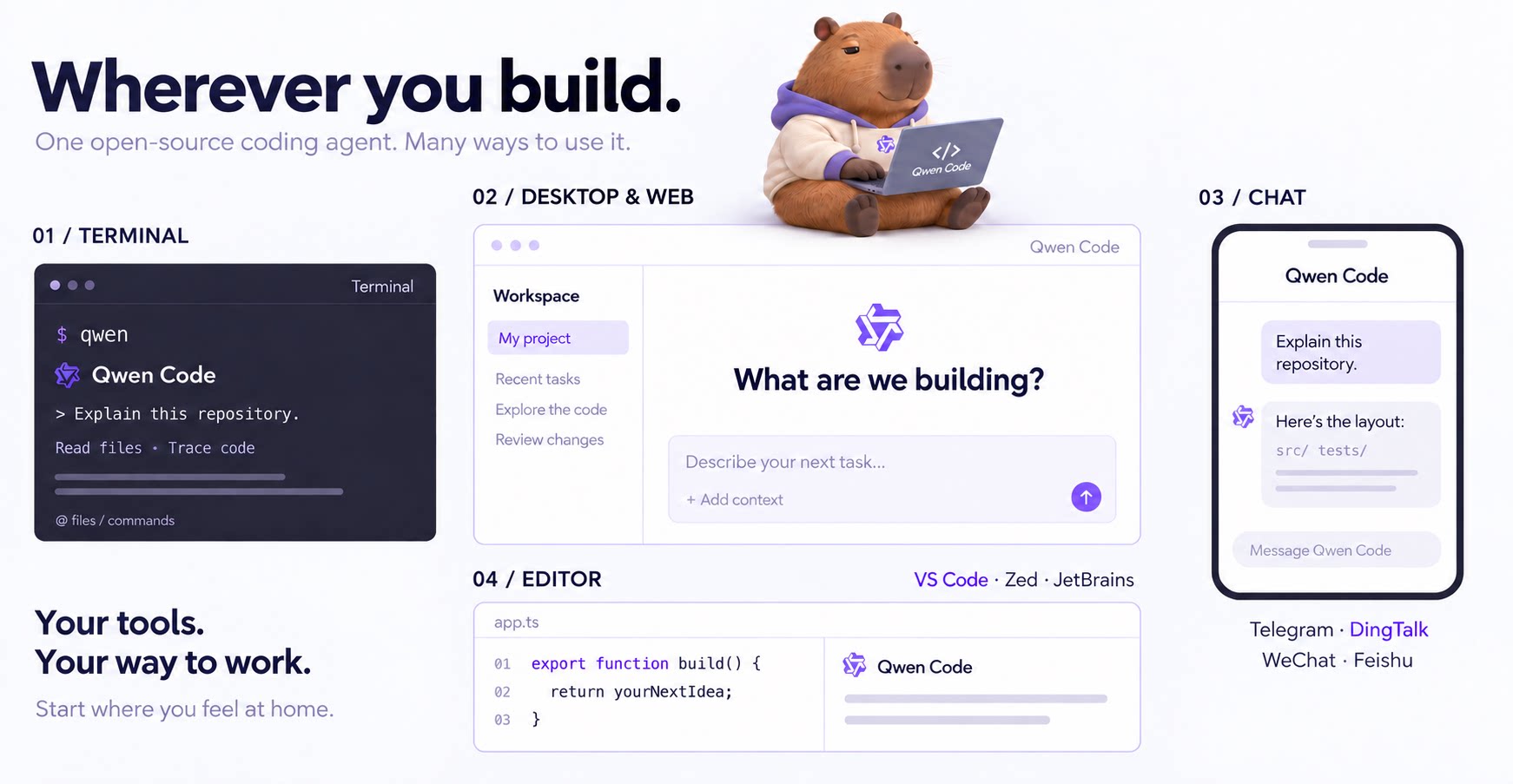
An open-source AI coding agent that lives in your terminal.

Run and supervise teams of coding agents from planning to merge. Any harness (Claude code, codex, +25 more). Desktop, web, mobile, and cloud agents.