
GitOps on Autopilot Mode
746
GitOps on Autopilot Mode

All-in-one Kubernetes SDK: create, manage, and operate clusters across distributions (Kind, K3d, Talos, VCluster) with built-in GitOps, secrets, AI assistant, and MCP server. Only requires Docker or a Cloud Provider.

Mobile-first web UI for managing AI coding sessions (Claude Code, Codex, Aider, Gemini CLI, Amp, Pi). Self-hosted with multi-pane terminals, git integration, and session orchestration.
Bring Claude Code, Codex, and your favorite CLI agents into one visual workspace. Run agents in parallel and build executable workflows in isolated Git worktrees. Build your own AI coding team, and turn builds, tests, and dev servers into reusable canvas workflows.

GitHub-style CLI for Jenkins — manage contexts, runs, logs, and admin tasks from your terminal.

Skill engineering methodology and publishing pipeline for AI agent skills. Validates structure, scans for security, audits entire projects, and publishes to GitHub. Skills are code — engineer them like it.
Lightweight Agent Workstation for Codex CLI + Claude Code — with task scheduler, git worktree & remote control
Emdash is the Open-Source Agentic Development Environment (🧡 YC W26). Run multiple coding agents in parallel. Use any provider.

A dev environment for AI agents.
Bitbucket CLI with gh-like ergonomics
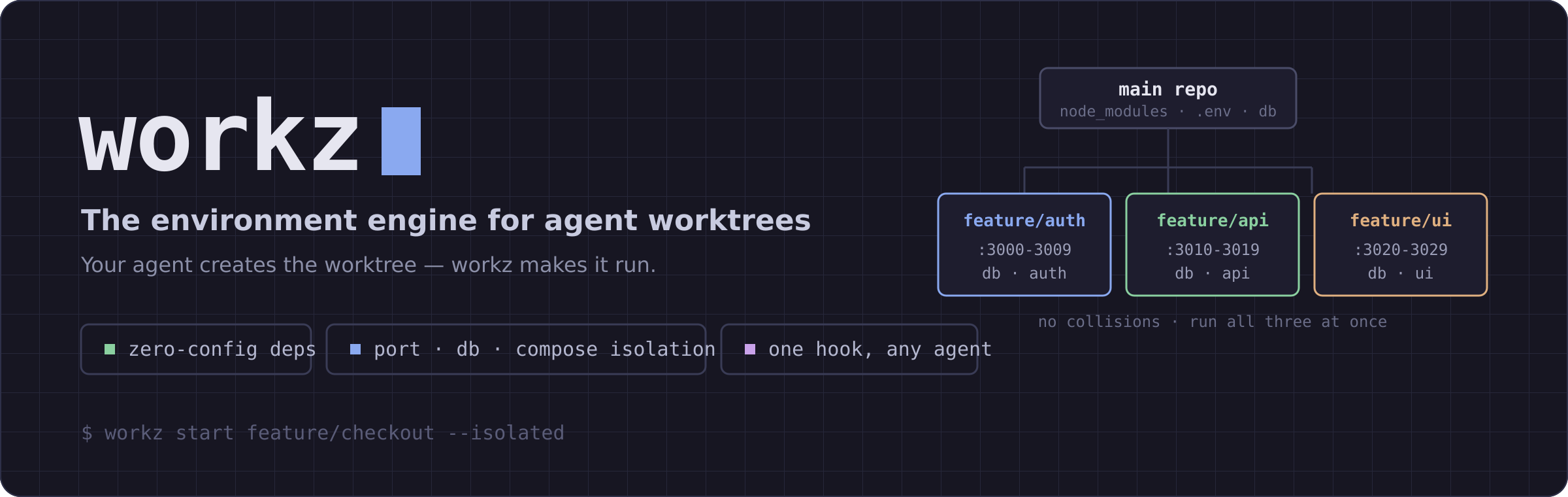
The environment engine for agent worktrees - zero-config dep sync + port/DB/compose isolation

Terminal Director. One lightweight app, eight features, your whole dev workflow in a single window.
Manage multiple Claude Code, OpenCode agents from either TUI or Web for easy access on mobile. Also supports Mistral Vibe, Codex CLI, Gemini CLI, Pi.dev, Copilot CLI, Factory Droid Coding.

Terminal-first, open-source AI agent manager for any CLI agent (agent agnostic), any OS (mac, windows, linux). The Open-Source Agentic Development Environment for running multiple coding agents in parallel. Run locally or self-host Remote Pane to manage agents from desktop or phone. Simplify multi-agent orchestration with the runpane CLI.