
every-app/open-seoConnectors
Open source alternative to Semrush and Ahrefs
18k
This is a Python MCP server that lets an agent use MiniMax for speech, voice cloning, image generation, and video generation. It runs over stdio or SSE and is configured with your MiniMax API key and host.

Builders who want their MCP client to generate speech, images, or video through MiniMax.
You can ask your agent to create media assets without leaving your MCP client.
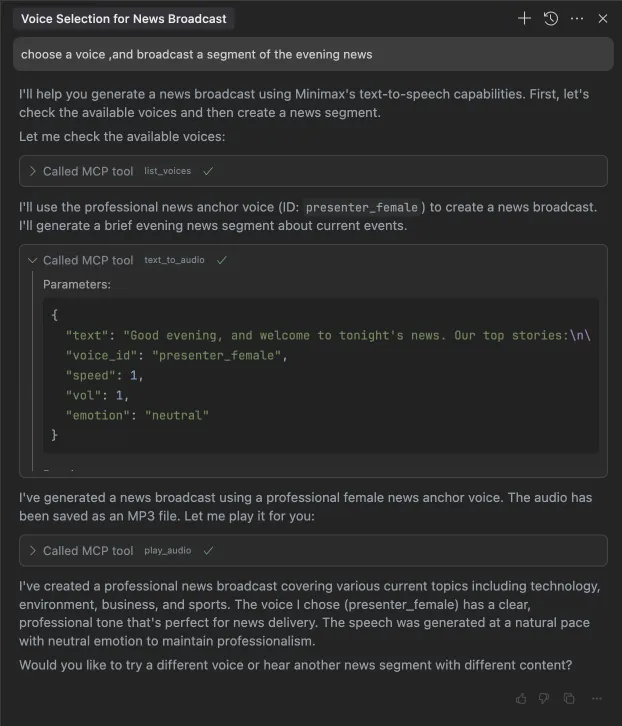
Converts a prompt into speech with a selected voice using the `text_to_audio` tool.
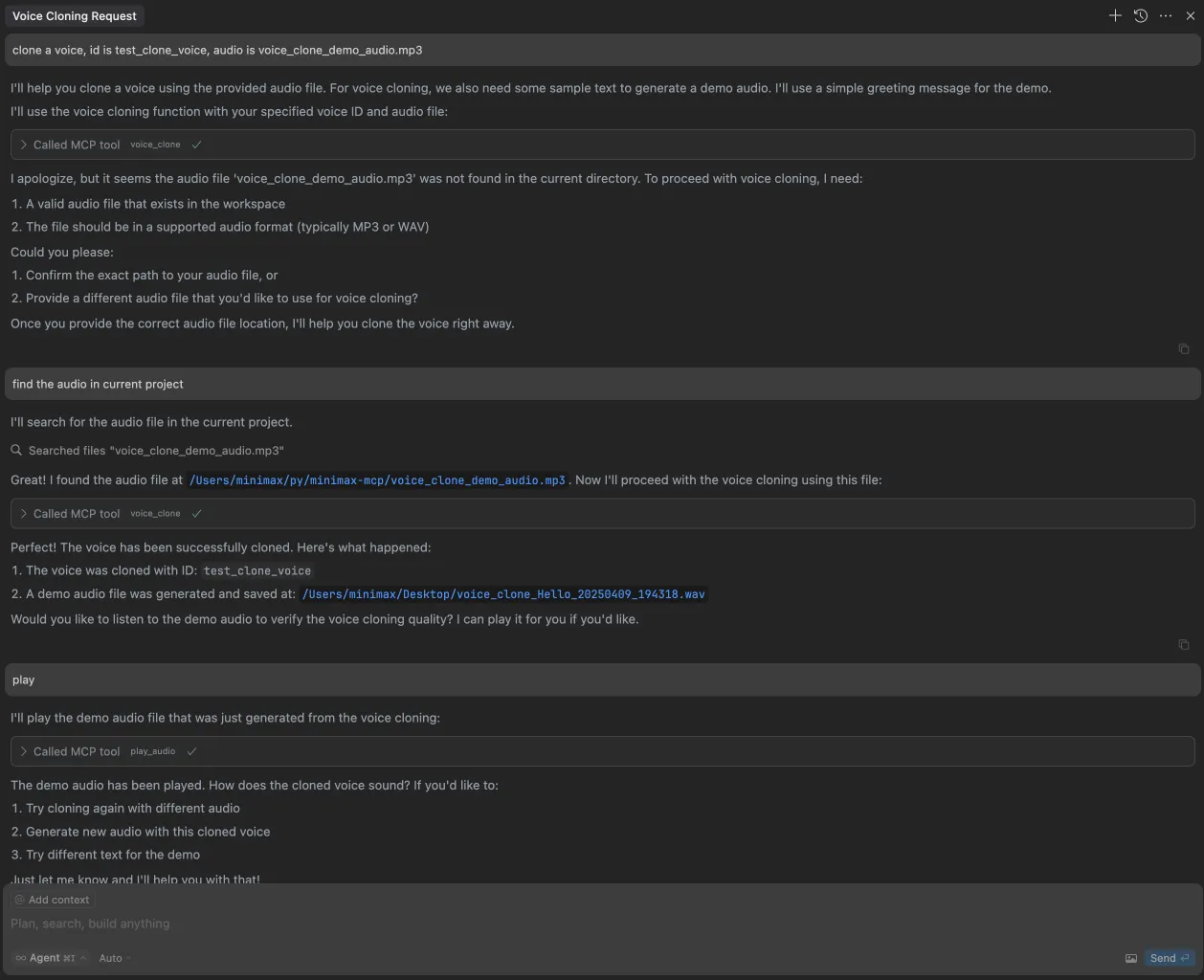
Uses uploaded audio to clone a voice with the `voice_clone` tool.
Creates a custom voice from a text prompt and preview text with the `voice_design` tool.
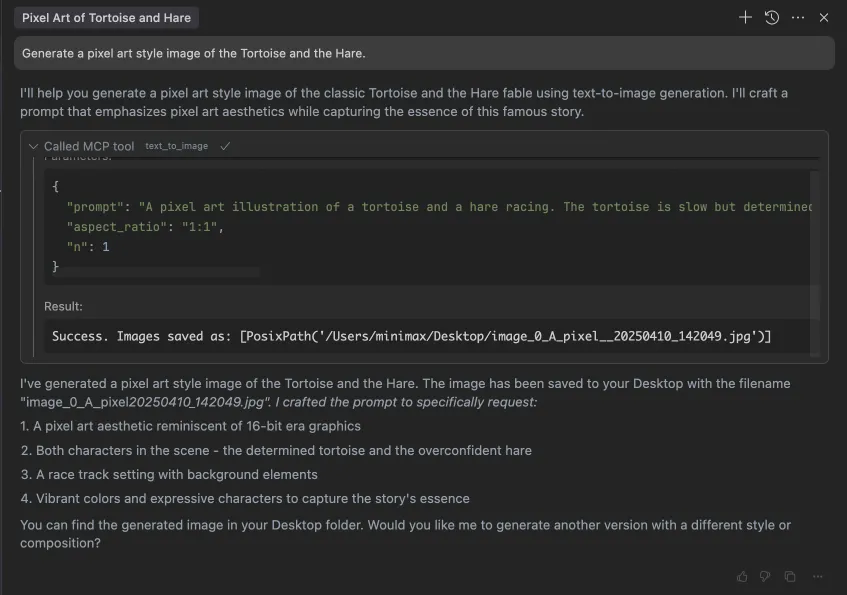
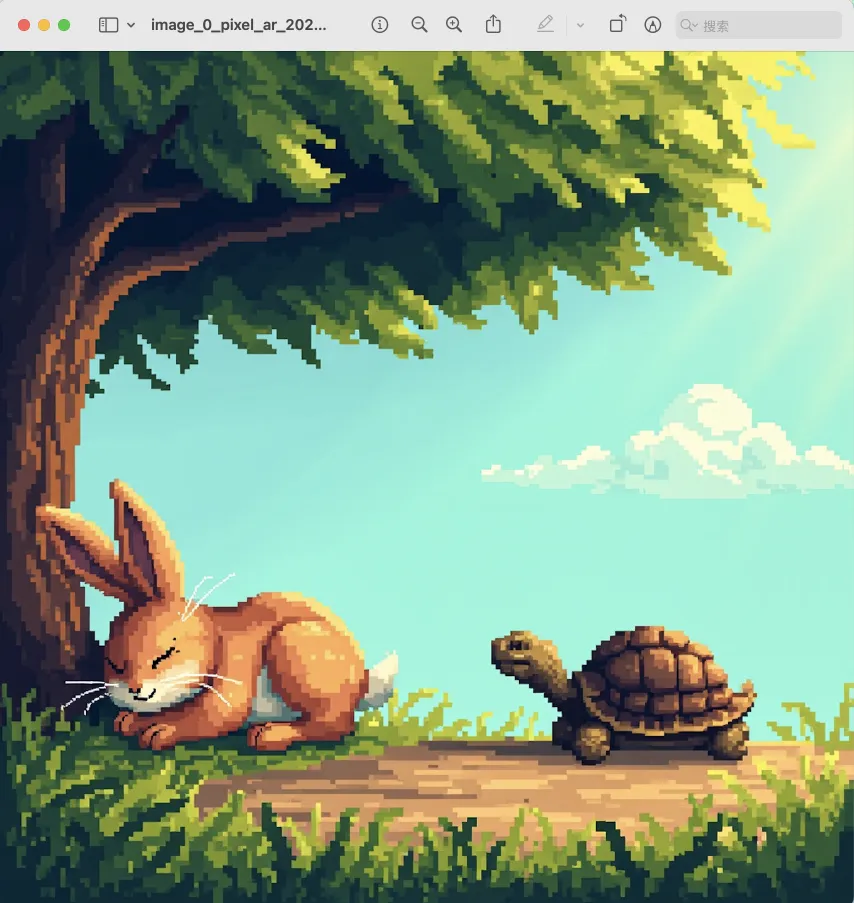
Generates images from prompts with the `text_to_image` tool.
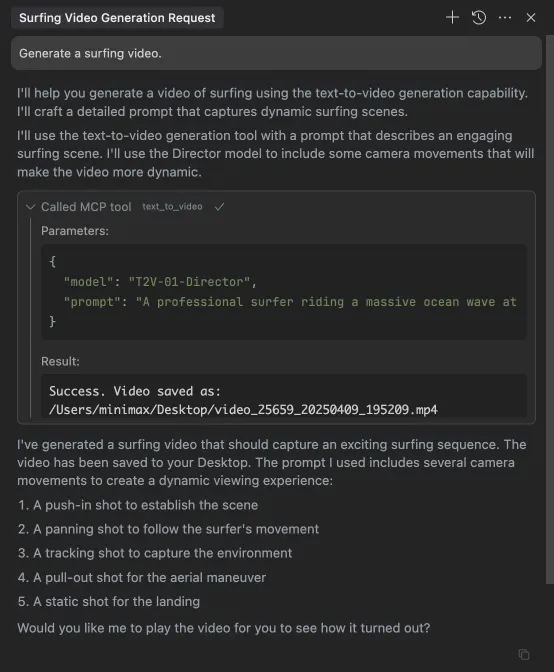
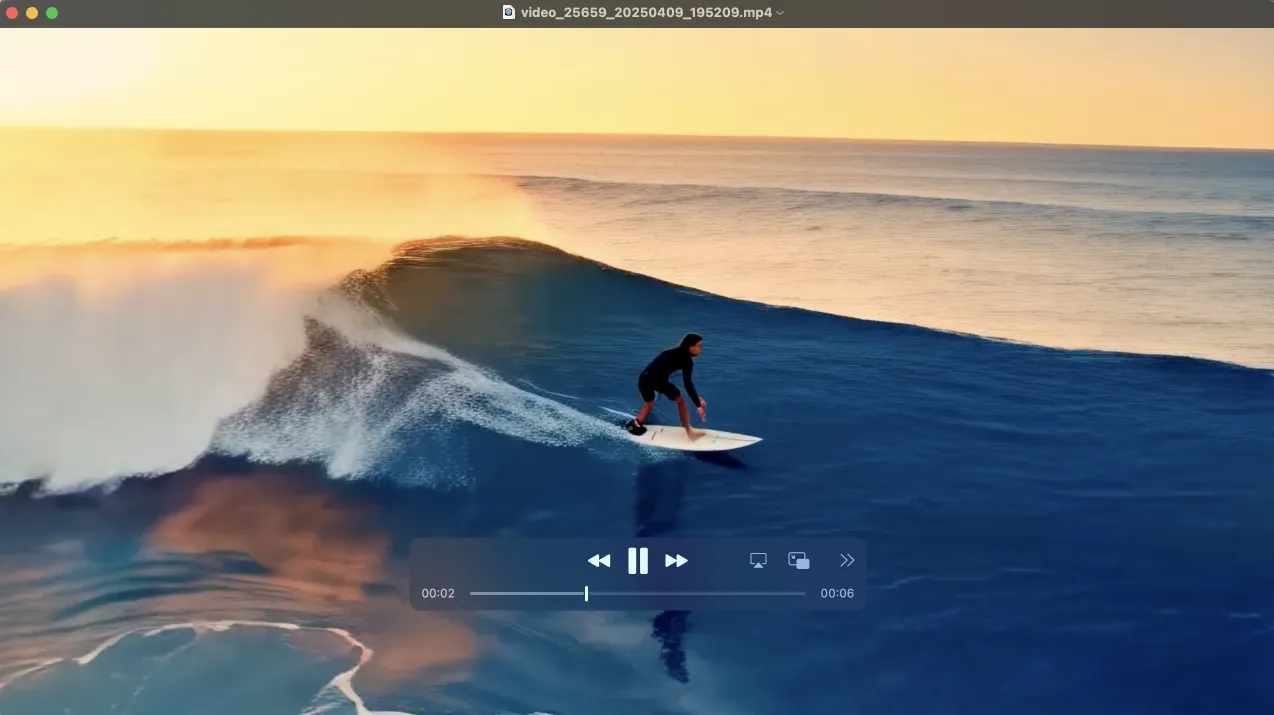
Creates videos from prompts and lets you check task status with `generate_video` and `query_video_generation`.
Lists the available voices with the `list_voices` tool.
Works with Claude Desktop, Cursor, Windsurf, OpenAI Agents, and other MCP clients over stdio or SSE.
which uvx








Official MiniMax Model Context Protocol (MCP) server that enables interaction with powerful Text to Speech and video/image generation APIs. This server allows MCP clients like Claude Desktop, Cursor, Windsurf, OpenAI Agents and others to generate speech, clone voices, generate video, generate image and more.
💡 Recommended: MiniMax CLI (mmx-cli) — our official command-line tool with the latest models and additional features including text, vision, and search. Works as an AI agent skill for Claude Code, Cursor, OpenClaw, etc.
uv (Python package manager), install with curl -LsSf https://astral.sh/uv/install.sh | sh or see the uv repo for additional install methods.Invalid API key error.| Region | Global | Mainland |
|---|---|---|
| MINIMAX_API_KEY | go get from MiniMax Global | go get from MiniMax |
| MINIMAX_API_HOST | https://api.minimax.io | https://api.minimaxi.com |
Go to Claude > Settings > Developer > Edit Config > claude_desktop_config.json to include the following:
{
  "mcpServers": {
    "MiniMax": {
      "command": "uvx",
      "args": [
        "minimax-mcp",
        "-y"
      ],
      "env": {
        "MINIMAX_API_KEY": "insert-your-api-key-here",
        "MINIMAX_MCP_BASE_PATH": "local-output-dir-path, such as /User/xxx/Desktop",
        "MINIMAX_API_HOST": "api host, https://api.minimax.io | https://api.minimaxi.com",
        "MINIMAX_API_RESOURCE_MODE": "optional, [url|local], url is default, audio/image/video are downloaded locally or provided in URL format"
      }
    }
  }
}
⚠️ Warning: The API key needs to match the host. If an error "API Error: invalid api key" occurs, please check your api host:
https://api.minimax.iohttps://api.minimaxi.comIf you're using Windows, you will have to enable "Developer Mode" in Claude Desktop to use the MCP server. Click "Help" in the hamburger menu in the top left and select "Enable Developer Mode".
Go to Cursor -> Preferences -> Cursor Settings -> MCP -> Add new global MCP Server to add above config.
That's it. Your MCP client can now interact with MiniMax through these tools:
We support two transport types: stdio and sse.
| stdio | SSE |
|---|---|
| Run locally | Can be deployed locally or in the cloud |
Communication through stdout | Communication through network |
Input: Supports processing local files or valid URL resources | Input: When deployed in the cloud, it is recommended to use URL for input |
| tool | description |
|---|---|
text_to_audio | Convert text to audio with a given voice |
list_voices | List all voices available |
voice_clone | Clone a voice using provided audio files |
generate_video | Generate a video from a prompt |
text_to_image | Generate a image from a prompt |
query_video_generation | Query the result of video generation task |
voice_design | Generate a voice from a prompt using preview text |
voice_design tool - create custom voices from descriptive prompts with preview audioMiniMax-Hailuo-02 model with ultra-clear quality and duration/resolution controlsvoice_design - Generate personalized voices from text descriptionsgenerate_video - Now supports MiniMax-Hailuo-02 with 6s/10s duration and 768P/1080P resolution optionsPlease ensure your API key and API host are regionally aligned
| Region | Global | Mainland |
|---|---|---|
| MINIMAX_API_KEY | go get from MiniMax Global | go get from MiniMax |
| MINIMAX_API_HOST | https://api.minimax.io | https://api.minimaxi.com |
Please confirm its absolute path by running this command in your terminal:
which uvx
Once you obtain the absolute path (e.g., /usr/local/bin/uvx), update your configuration to use that path (e.g., "command": "/usr/local/bin/uvx").
generate_video in async-modeDefine completion rules before starting:
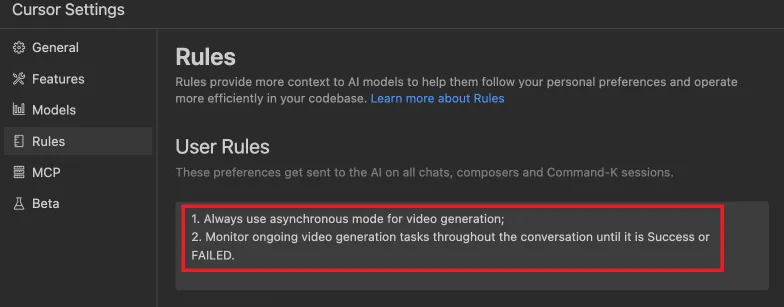
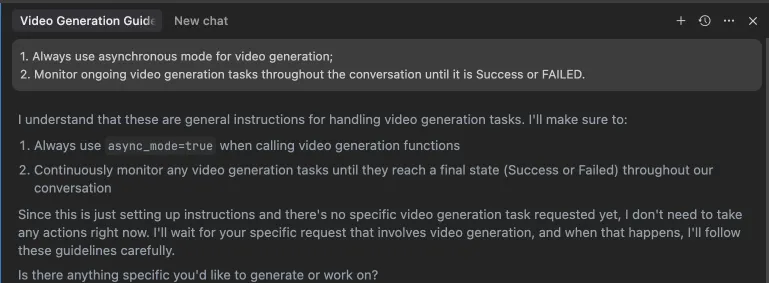 Alternatively, these rules can be configured in your IDE settings (e.g., Cursor):
⚠️ Warning: Using these tools may incur costs.
Sign in to join the discussion.
No comments yet. Be the first to say what this is good for.
Open source alternative to Semrush and Ahrefs
Open-source 3D architectural editor with a local CLI, MCP tools, and practical workflows for humans and AI agents.

Community plugin to control Blender 3D with any LLM of your choice

MCP server to provide Figma layout information to AI coding agents like Cursor

TalkToFigma: MCP integration between AI Agent (Cursor, Claude Code, Codex) and Figma, allowing Agentic AI to communicate with Figma for reading designs and modifying them programmatically.

Google Ads MCP + Meta Ads MCP + GA4 in one server for Claude, ChatGPT, Cursor & n8n — 250+ tools, hosted remote MCP, OAuth login, no API keys. By Ryze AI.