
CopilotKit/
OpenBot

CopilotKit/OpenBotTemplates
Open-source AI coworkers that each get a computer of their own: a browser, files and tools, with every action decided before it happens and recorded after. Bring any AG-UI agent.
4.6k
J.A.R.V.I.S. Dashboard is a configurable Obsidian note that acts as a control center for Claude Code sessions, agent status, analytics, voice commands, and focus tools. The dashboard is built from DataviewJS and shared JavaScript modules, with layout and behavior controlled by JSON config files. The repo also includes a companion server and native iOS and macOS clients for voice and remote access. Builders can keep the same dashboard structure while adjusting widgets, theme colors, project scanning, and platform-specific behavior.
Builders who use Claude Code in Obsidian and want a reusable control panel for sessions, analytics, and voice interaction.
You can keep Claude Code work, agent status, and productivity tools in one configurable dashboard instead of stitching them together by hand.
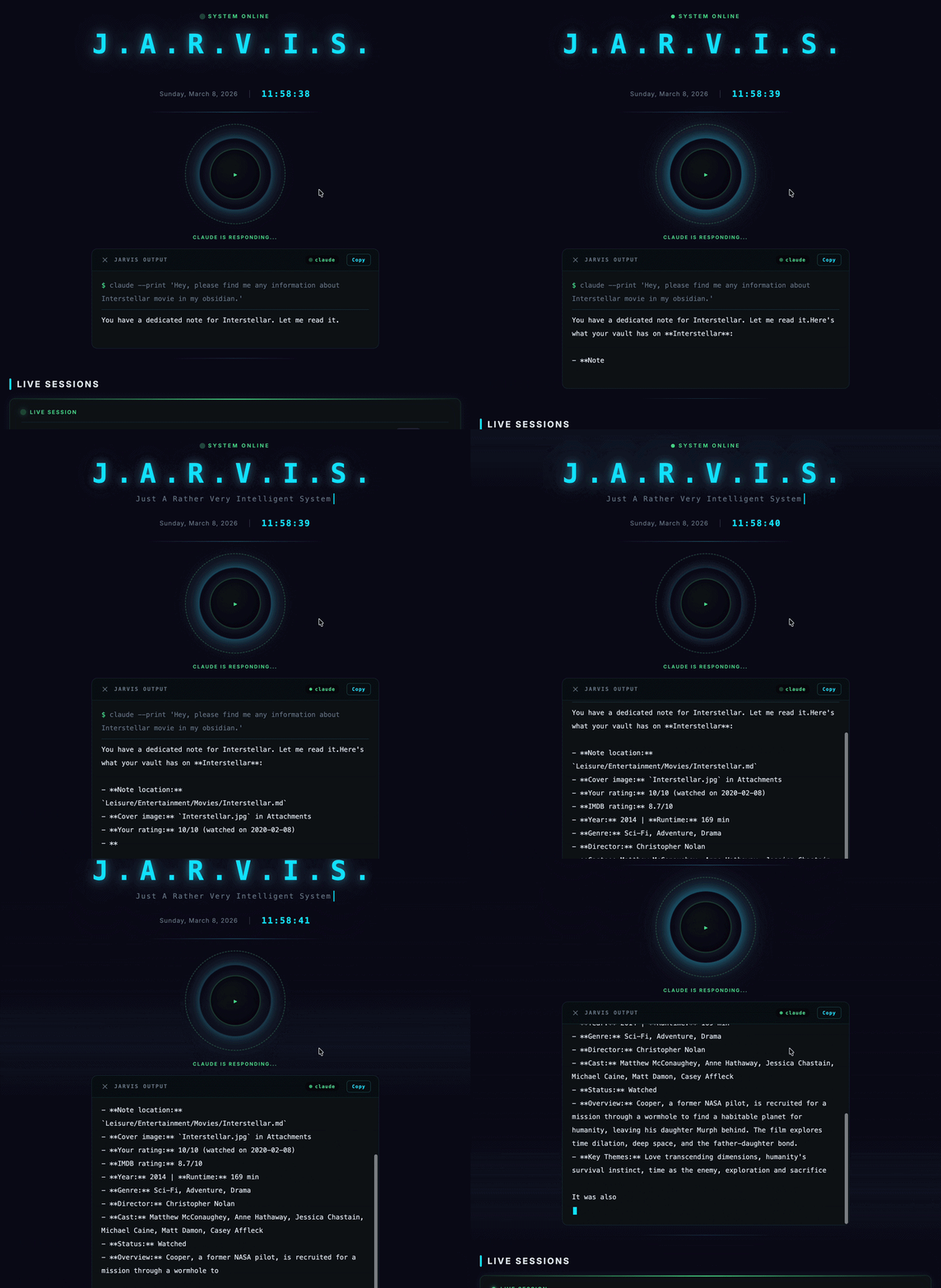
Shows Claude Code sessions in real time with token, cost, and model details.
Displays agent cards and status so agents stop feeling like hidden config.
Tracks sessions, tokens, cost, heatmaps, peak hours, and model breakdowns.
Adds full-duplex voice interaction with TTS and speech-to-text support.
Includes focus timer, quick capture, bookmarks, quick launch, and recent activity.
Uses JSON config to change widget order, grouping, colors, polling, and performance settings.
Shares one JavaScript codebase across Obsidian desktop, Obsidian mobile, macOS, and iOS.
Provides WebSocket, TLS, authentication, Claude CLI process control, and audio handling for mobile clients.
config.example.json     (defaults, tracked)
  → config.json         (personal overrides, gitignored)
    → config.local.json (credentials, gitignored)
→ platform overridessrc/ Shared source (core, services, widgets) shared/ Cross-platform loader and adapters companion/ WebSocket server for mobile support ios/ iOS SwiftUI app macos/ macOS Tauri 2.0 app docs/ Documentation
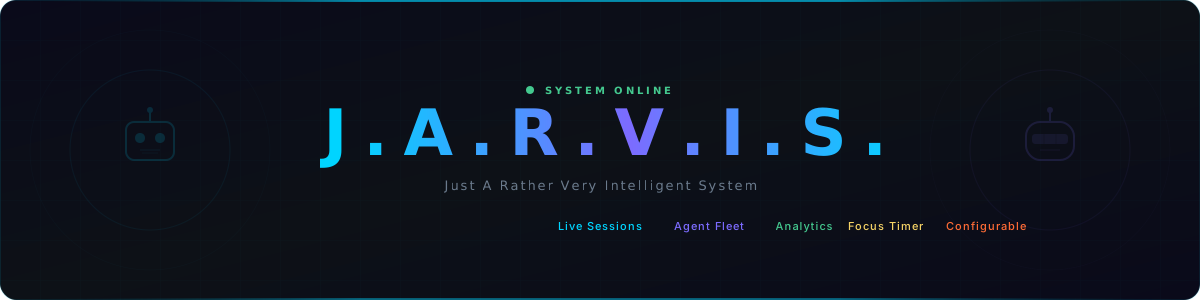
A modular AI command center for monitoring Claude Code sessions, voice interaction, analytics, and productivity — across 4 platforms from a single codebase.
Voice Commands • Live Sessions • Agent Fleet • 30-Day Analytics • Focus Timer • Multi-Platform • Configurable Everything
See it in Action • Quick Start • Platforms • Features • Documentation
| Problem | Jarvis Solution |
|---|---|
| Claude Code runs headless in a terminal | Real-time session monitoring with Live Sessions widget |
| No usage analytics or cost tracking | 30-day stats: sessions, tokens, cost, model breakdown |
| Voice interaction requires complex setup | One-click voice commands with neural TTS + whisper-cpp STT |
| AI agents are invisible config files | Visual agent fleet with animated robot avatars |
| Scattered productivity tools | Focus timer, quick capture, bookmarks — all in one dashboard |
| Mobile AI access is clunky | Native iOS app with full voice interaction |
| One-size-fits-all dashboard | Fully configurable layout, theme, and widgets via JSON |
| Widget | Preview |
|---|---|
| Voice Command | 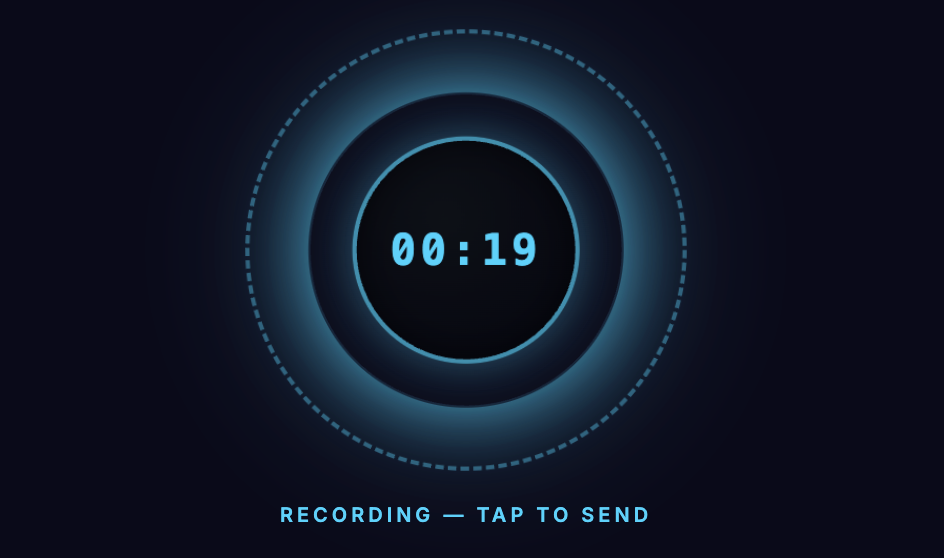 |
| Live Sessions | 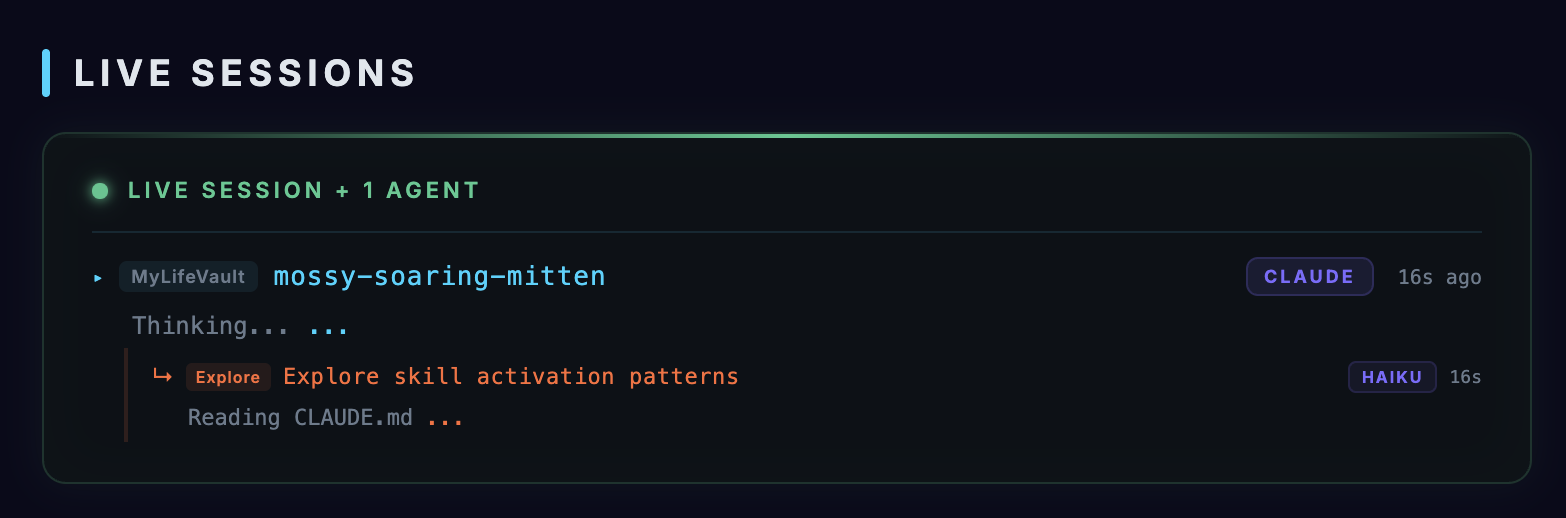 |
| Agent Cards | 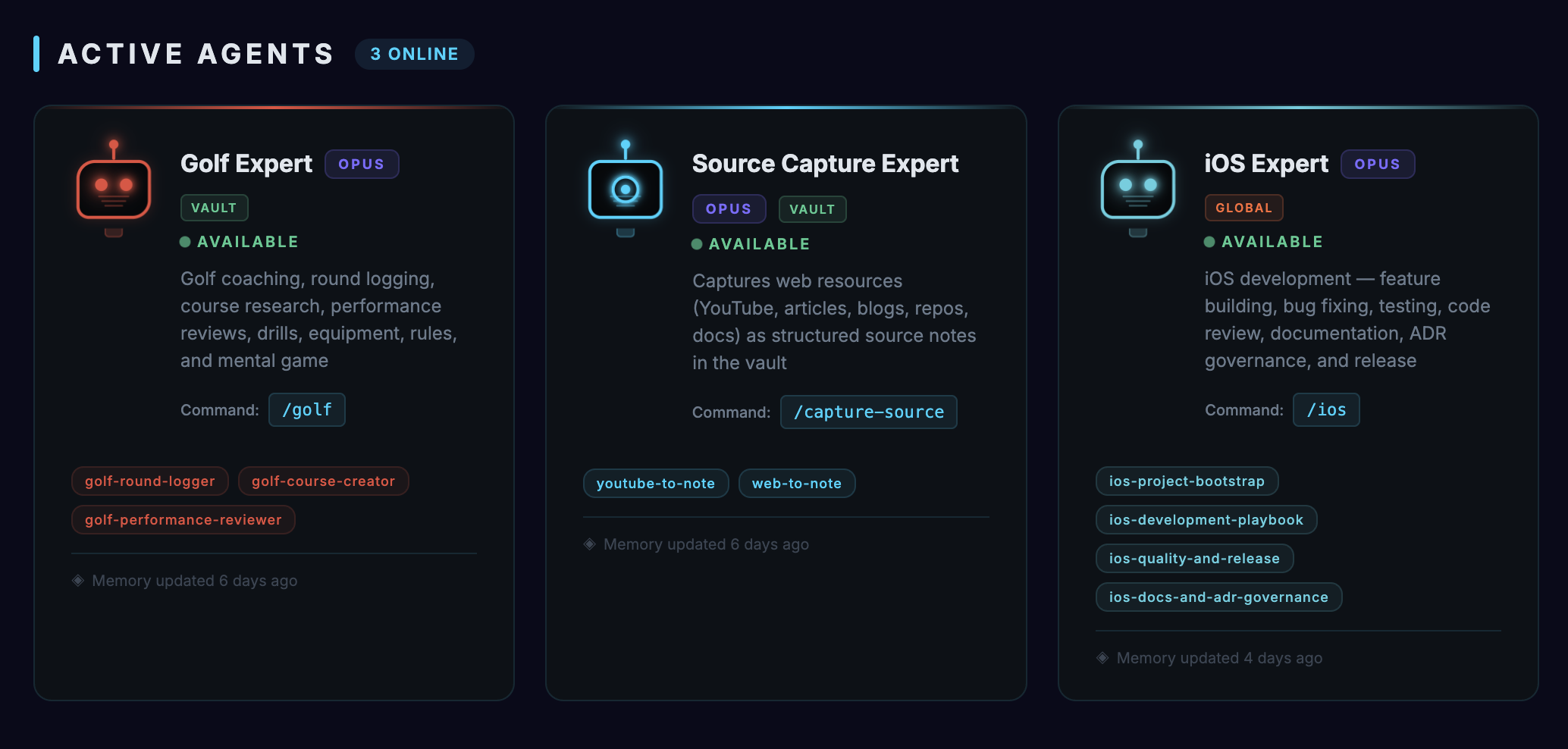 |
| Focus Timer | 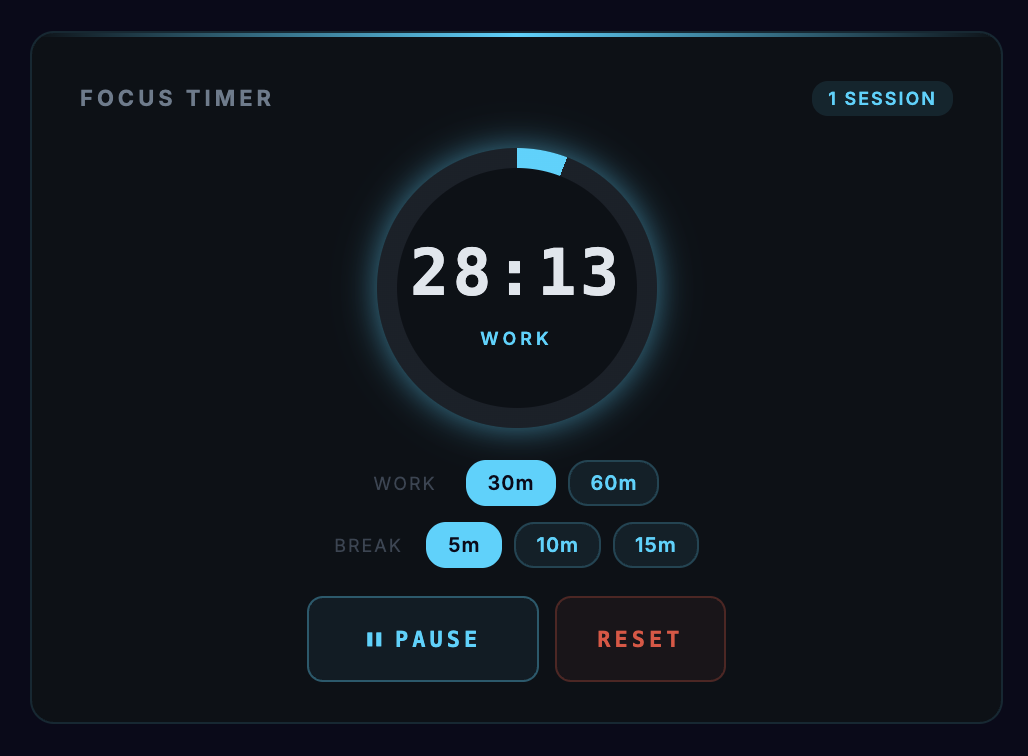 |
| Quick Capture | 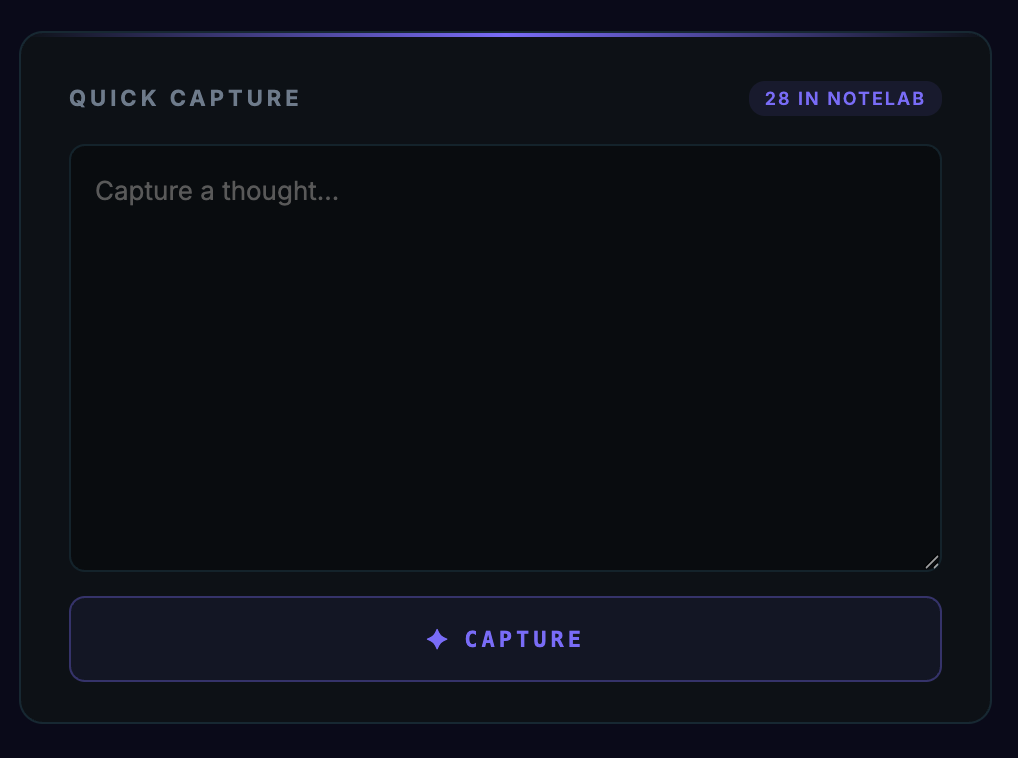 |
| Activity Analytics | 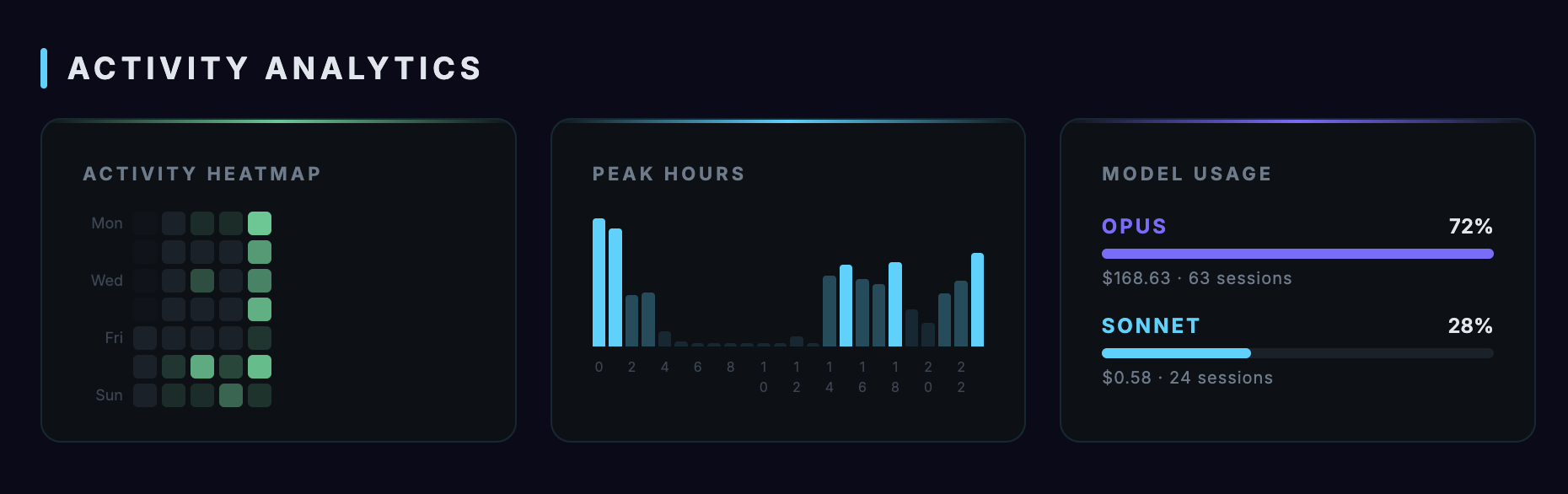 |
| System Diagnostics | 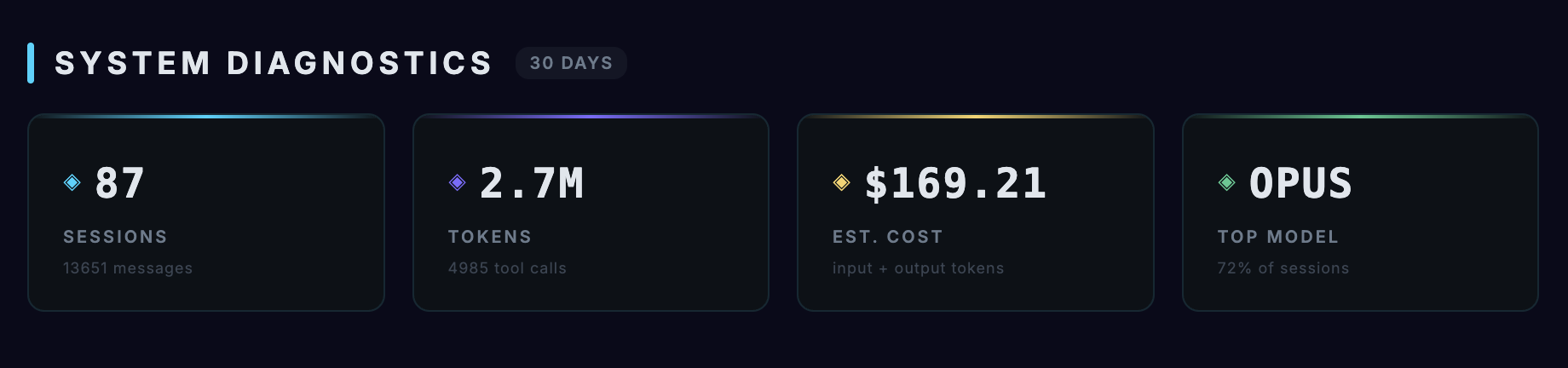 |
| Communication Link | 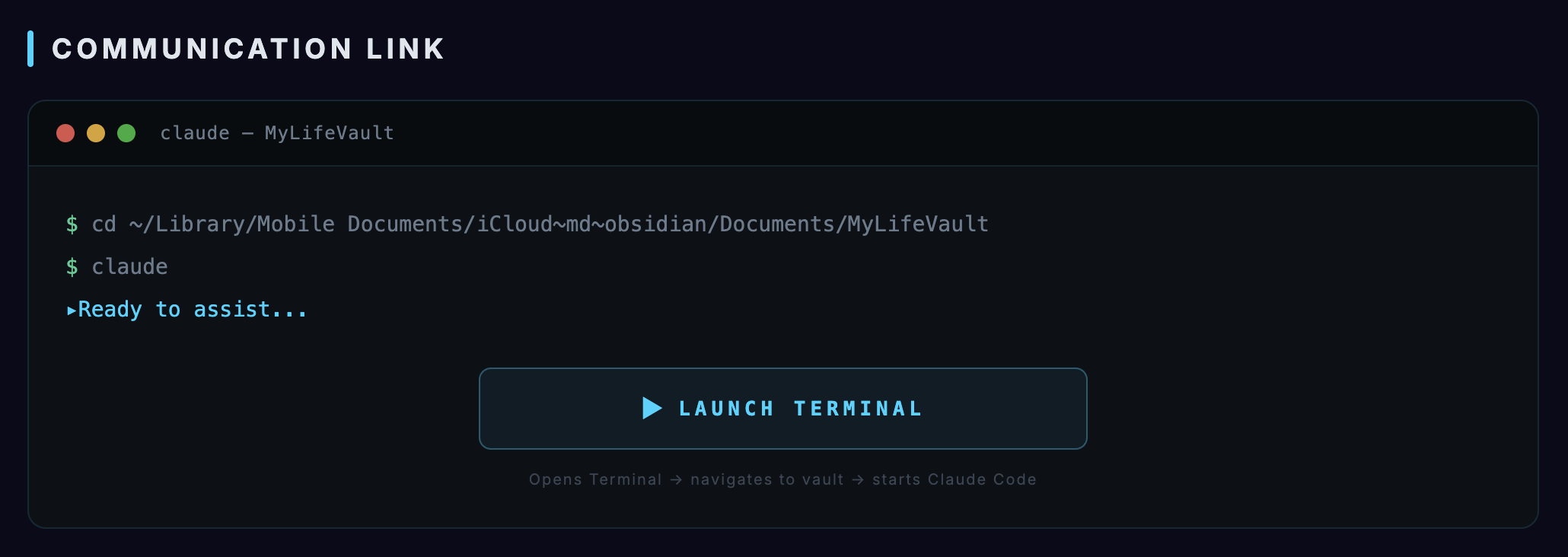 |
| Quick Launch | 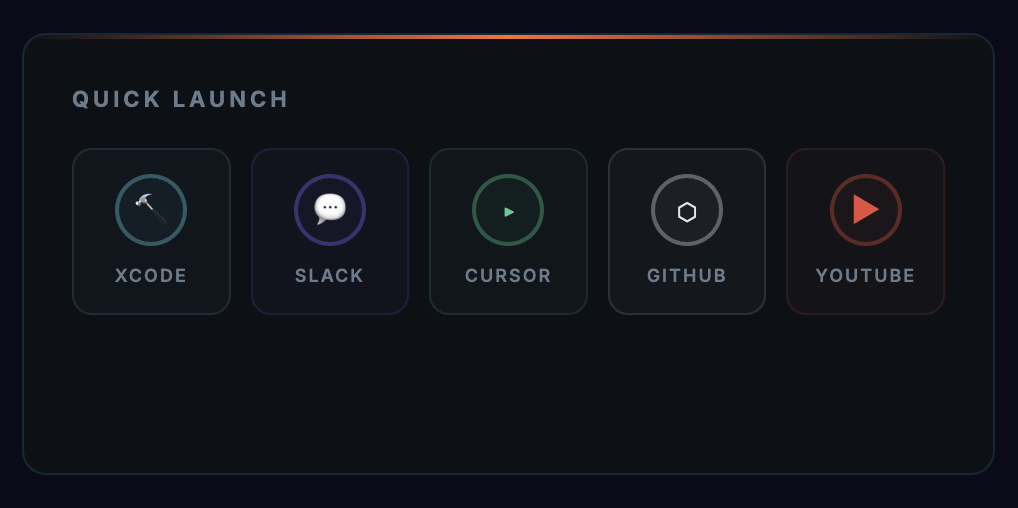 |
| Mission Control | 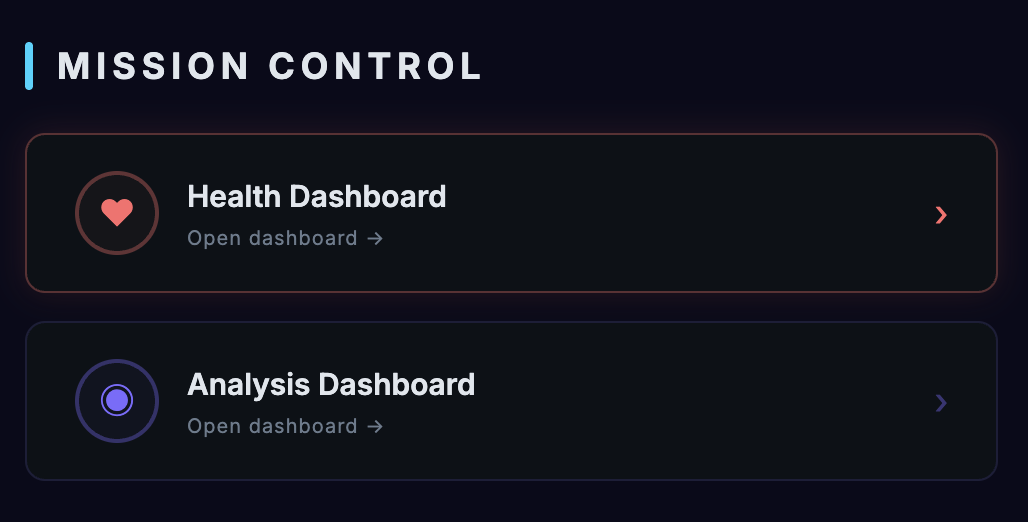 |
| Recent Activity | 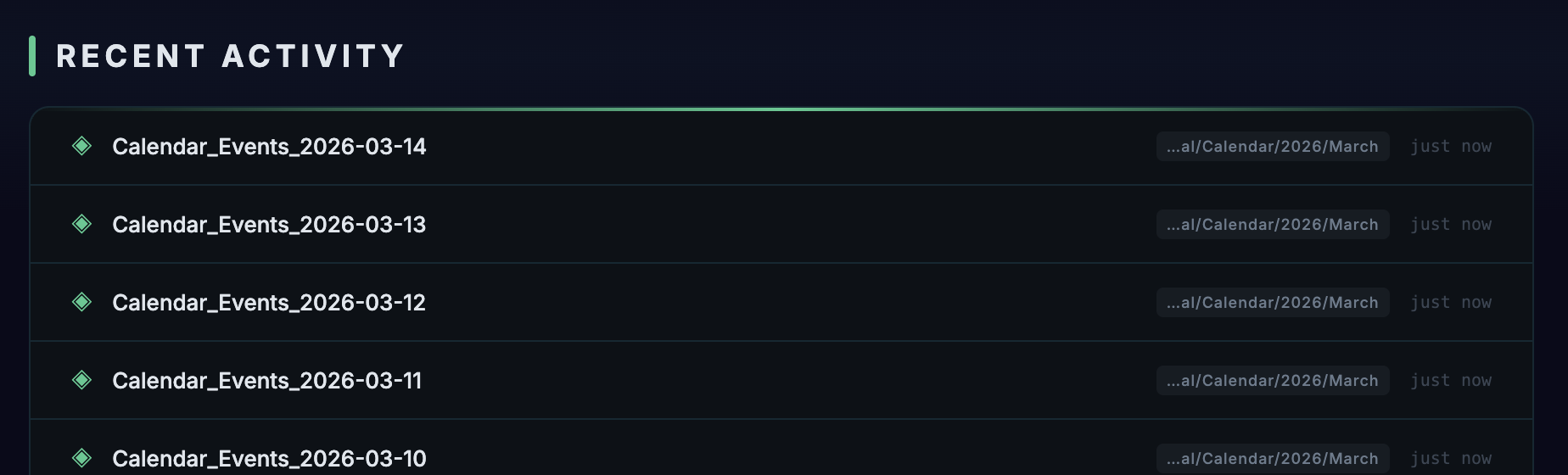 |
# 1. Clone
git clone https://github.com/AndrewKochulab/jarvis-dashboard.git
cd jarvis-dashboard
# 2. Configure
cp src/config/config.example.json src/config/config.json
# Edit config.json — set projects.mode to "auto" and adjust paths
# 3. Open
# Place in your Obsidian vault and open "Jarvis Dashboard.md"
For mobile, macOS app, or iOS app setup, see the Setup Guide.
Jarvis runs on 4 platforms from one shared JavaScript codebase:
| Platform | Type | Dashboard | Voice | Claude Execution |
|---|---|---|---|---|
| Obsidian Desktop | DataviewJS note | Full (13 widgets) | Local (Piper/Say) | Local CLI |
| Obsidian Mobile | DataviewJS note | Voice only | Via server | Via server |
| macOS | Tauri 2.0 app | Full (13 widgets) | Local (Piper/Say) | Local (Rust spawn) |
| iOS/iPadOS | SwiftUI app | Voice only | Via server | Via server |
| Category | Widgets |
|---|---|
| AI Interaction | Voice Command, Live Sessions, Agent Cards |
| Analytics | System Diagnostics, Activity Analytics (heatmap, peak hours, model breakdown) |
| Productivity | Focus Timer, Quick Capture (with voice dictation) |
| Navigation | Quick Launch, Mission Control, Communication Link, Recent Activity |
| Chrome | Header (title, clock, status), Footer |
All widgets are independently configurable and removable. Control order and layout via the layout array in config.json. Widget docs
new Function("ctx", code) — no import/exportFour-file config cascade — only override what you need:
config.example.json (defaults, tracked)
→ config.json (personal overrides, gitignored)
→ config.local.json (credentials, gitignored)
→ platform overrides
Key customization areas:
Complete documentation is in the docs/ folder:
| Section | Description |
|---|---|
| Setup Guide | Installation for all platforms |
| Architecture | Module system, ctx object, patterns |
| API Reference | WebSocket protocol, Tauri commands |
| Security | TLS, tokens, rate limiting |
| Certificates | Certificate creation & iOS installation |
| Companion Server | Server setup & LaunchAgent |
| Customization | Every config key documented |
| TTS / STT / Voice Models | Voice system |
| Widgets | All 13 widgets + creating custom ones |
| Troubleshooting | Solutions by category |
src/                    Shared source (core, services, widgets)
shared/                 Cross-platform loader and adapters
companion/              WebSocket server for mobile support
ios/                    iOS SwiftUI app
macos/                  macOS Tauri 2.0 app
docs/                   Documentation
ctxMIT
Sign in to join the discussion.
No comments yet. Be the first to say what this is good for.
Open-source AI coworkers that each get a computer of their own: a browser, files and tools, with every action decided before it happens and recorded after. Bring any AG-UI agent.

Turn Claude Code into a full game dev studio — 49 AI agents, 72 workflow skills, and a complete coordination system mirroring real studio hierarchy.
A self-organizing Obsidian vault that gives AI coding agents persistent memory. Claude Code, Codex CLI, Gemini CLI.

Production-grade Playwright + TypeScript Scaffold for Agentic Testing. Harness for all major AI coding agents baked in.

Omnia Vault - the all-in-one project brain: an Obsidian LLM wiki, Graphify code graphs, a living plan that triages new videos against itself, and a Claude Code ⇄ Codex relay. Everything your project knows, in one clonable vault.
🎬 Tạo video "so sánh kiến thức" ngắn tự động — HyperFrames + AI voice, 1 template nhiều chủ đề.