Formax
English | 简体中文
Formax is an open-source implementation of a Claude Code-style AI assistant for software engineering tasks, with both TUI and GUI workflows.
It is inspired by (but not affiliated with) Claude Code v2.0.67. Some behaviors are implemented by observation (for example, network traces) rather than upstream source code.
The project is currently in Beta and is better suited for learning, experimentation, and architecture study than stable production daily use.





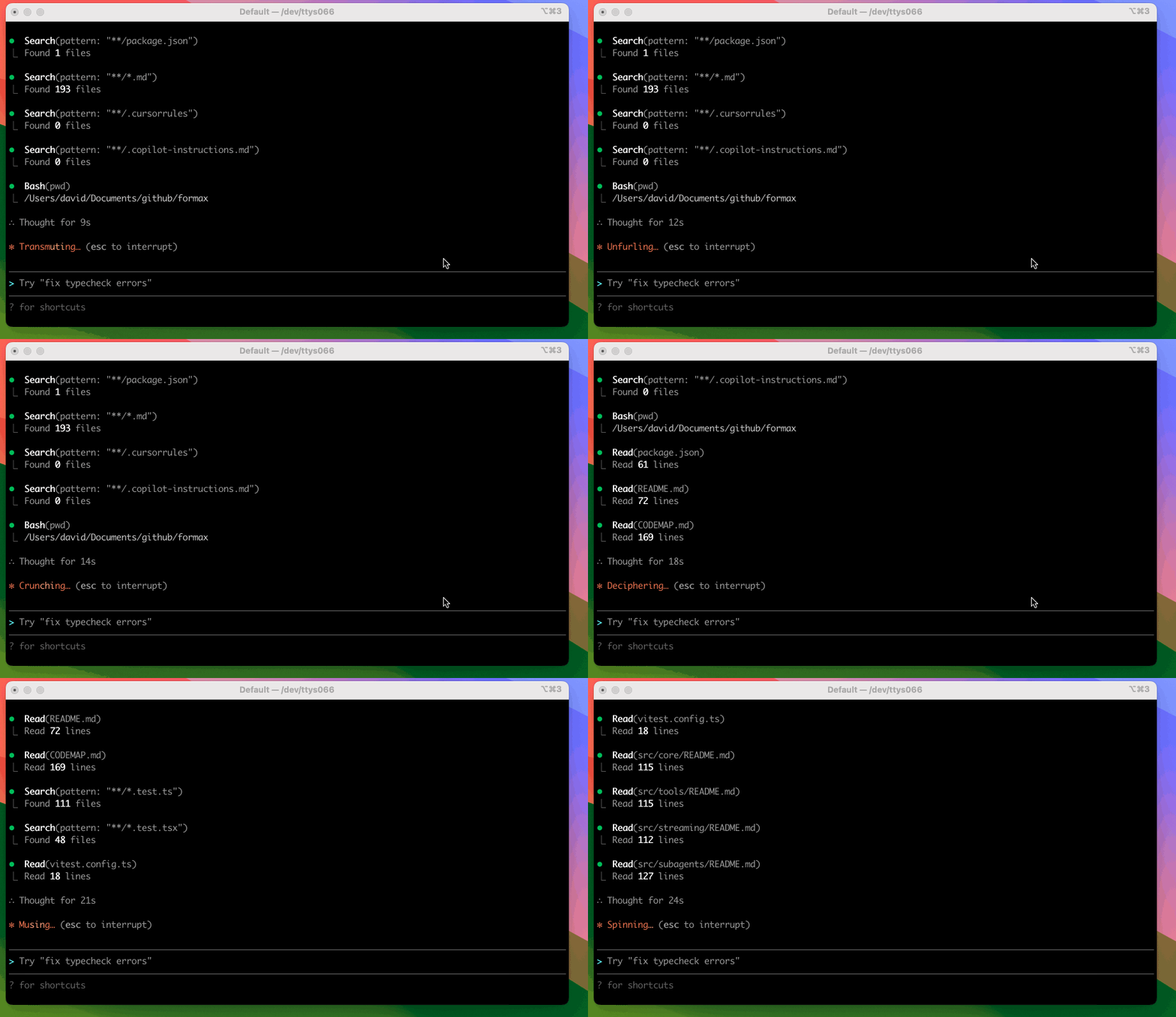
More demos (click to expand)
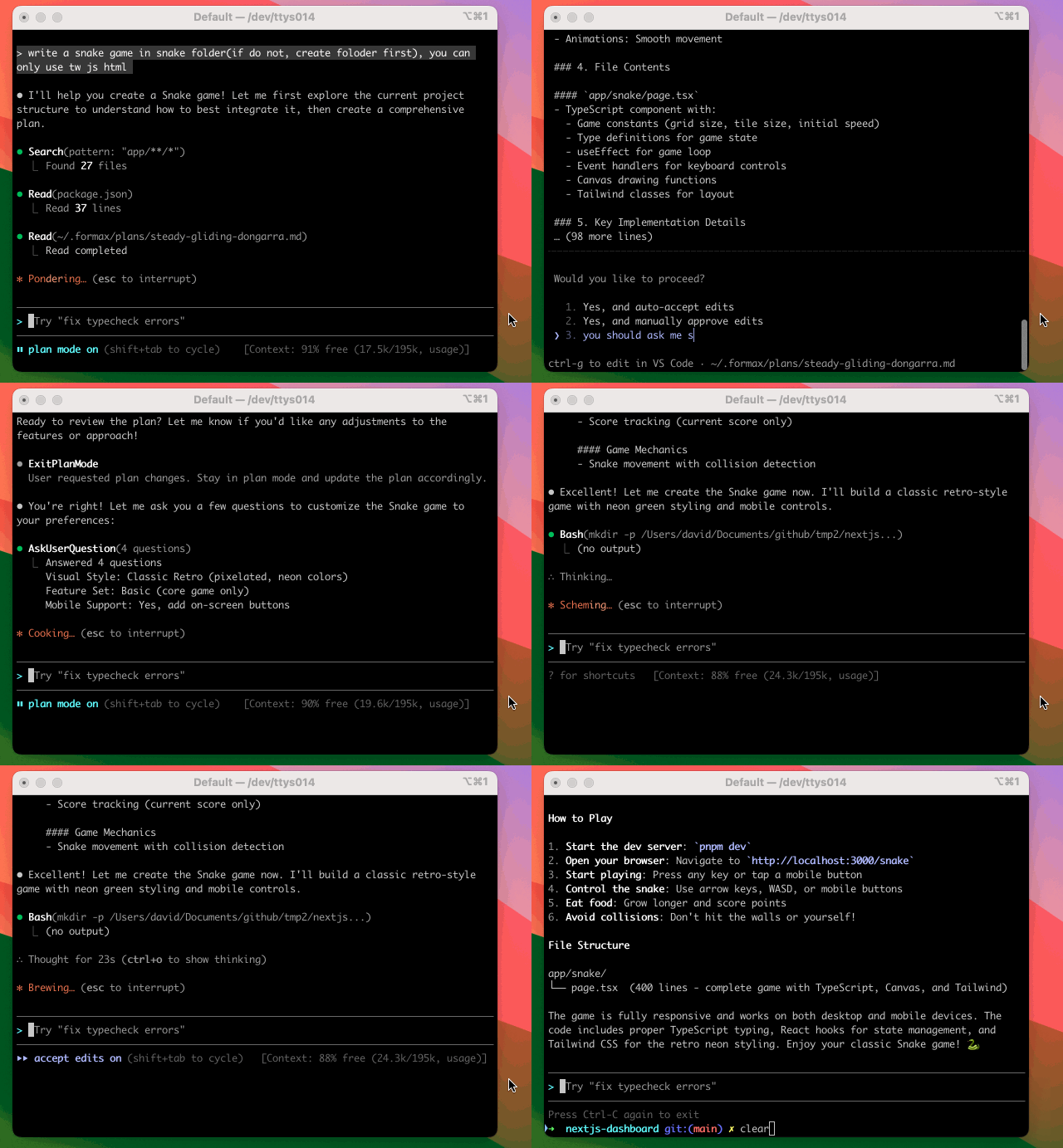
Plan mode
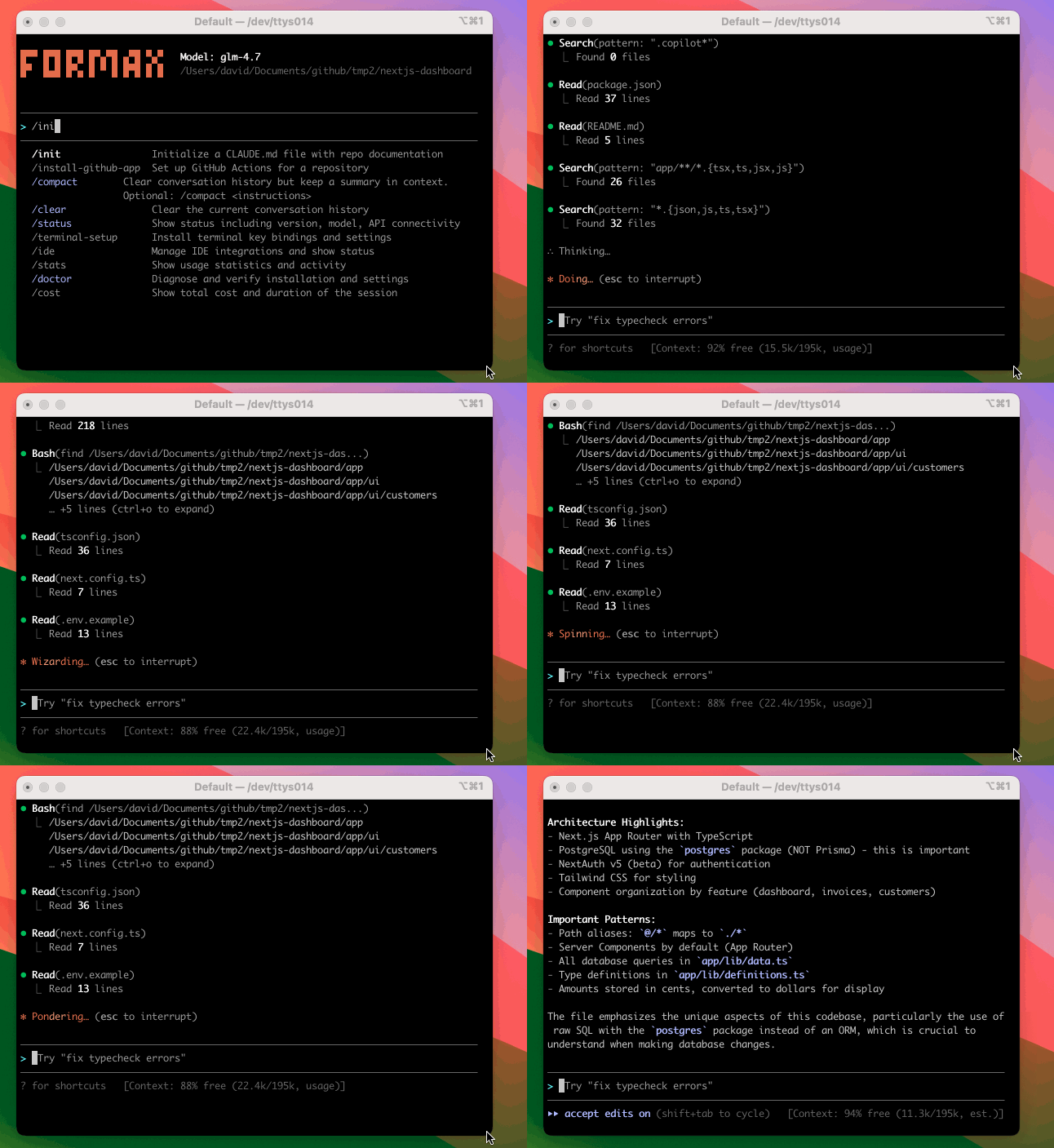
/init(create CLAUDE.md)
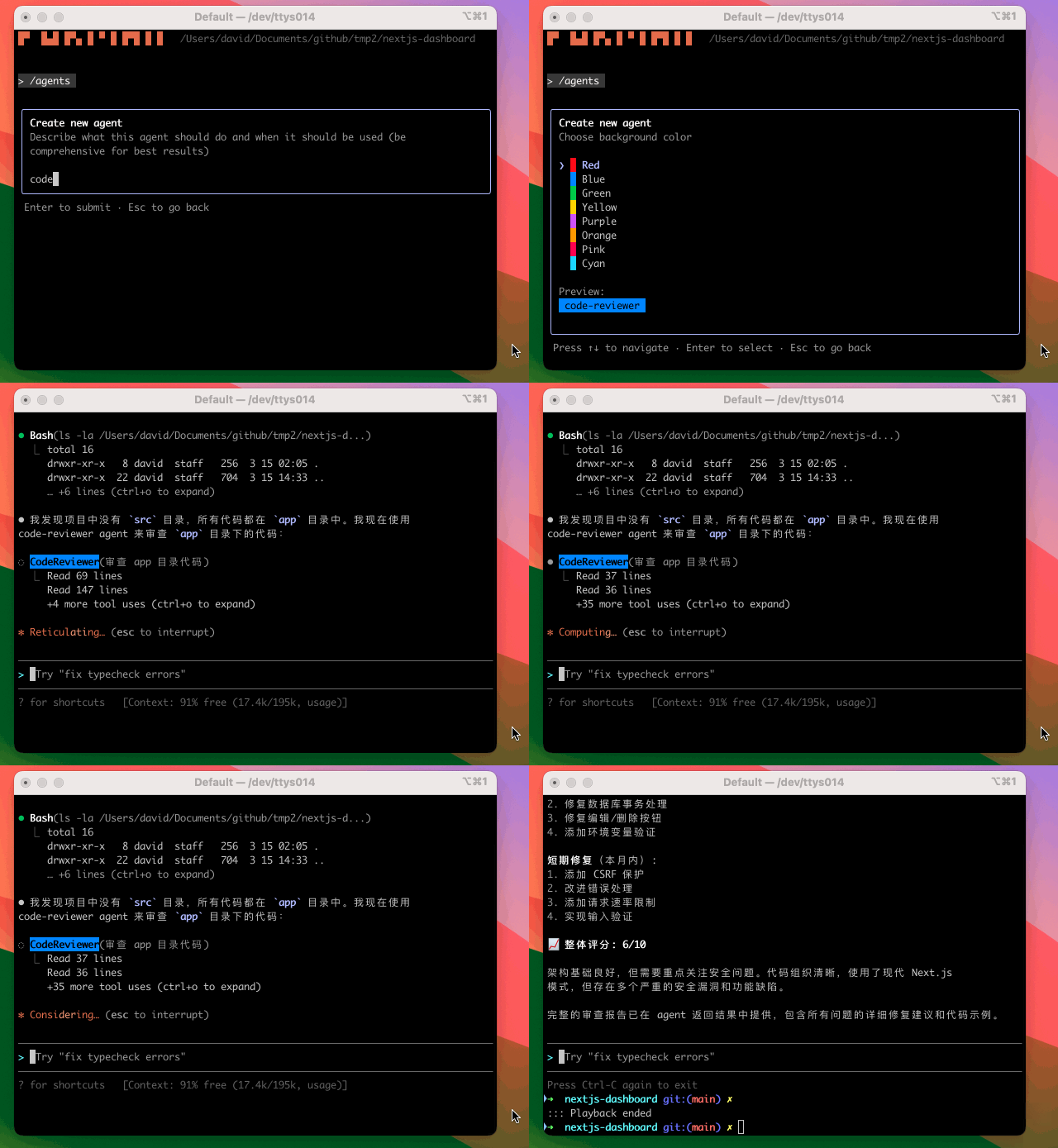
Sub-agent and code review
Install
npm i -g @yusifeng/formax@beta
Quickstart
Start in your project directory:
cd /path/to/your/project
formax
On first run, Formax will prompt for missing credentials and runtime config.
If you want to run the guided setup first:
formax setup
Default config directory: ~/.formax/
GUI
formax web
Notes for formax web:
formax web requires setup credentials first. If missing, the command exits and asks you to run formax setup in terminal.- The
Threads header always shows an Add project button.
- In desktop clients (Electron), it opens a native folder picker and starts a thread in the selected project.
- In browser-only mode, folder picking is not available; hovering the button shows
Desktop only.
Advanced Modes (Optional)
formax app-server
Provides a JSON-RPC backend for GUI/IDE clients.
formax serve
Starts only the WebSocket bridge (typically for advanced debugging or split deployments).
More
Docs index: docs/index.md
Code navigation: CODEMAP.md
Current Gaps
- Claude Code hooks support is still incomplete and under active development.
- Tool execution behavior is not guaranteed to be fully identical to Claude Code.
WebFetch and WebSearch currently have known stability and behavior gaps, and MCP is not supported in this version.
- Formax Web is still relatively minimal today. The current UI direction is intentionally modeled after Codex.
Maintainer Notes
- You will see
.codex/skills, docs/, and plans/ in this repo. They can feel noisy, but they are intentionally kept as traces of AI-assisted development.
- This project is built 100% with Codex. If you want to implement your own features, opening the repo in Codex gives useful context from those artifacts.
- If there are features you want, please mention them in a PR. Ongoing Claude Code compatibility research may be prioritized first in upcoming iterations.
Safety & Limitations
Formax is experimental. Always review proposed commands and file changes before approval. You are responsible for modifications made in your environment.
At this stage, the project is better suited for learning, reverse-engineering, and experimentation than for stable production workflows.
Provider support status:
Anthropic and OpenAI-compatible paths are available in setup/runtime flows. Gemini is present in config surfaces but not fully supported in runtime execution yet.
License
MIT (see LICENSE).


