Topic in, narrated explainer video out. A Claude Code / Codex skill that turns any topic into a black-canvas motion-graphics explainer video with TTS voiceover, subtitles and a chapter progress bar. Chinese or English; every frame drawn in code with Remotion.
Skill package for editorial info cards
This repository packages one agent skill for turning source text into editorial-style information cards. It focuses on layout-aware HTML output, with optional PNG capture, so the same content can be reshaped for different card formats instead of just resized.
Builders who want their agent to turn content into polished information cards.
You can turn notes or articles into screenshot-ready HTML cards without rebuilding the layout by hand.
What it does
Editorial card generation
Turns natural-language source material into dense, magazine-style information cards.
HTML and PNG output
Creates screenshot-ready HTML and can also produce PNG images.
Layout variants
Supports multiple canvas shapes, including `3:4`, `4:3`, `1:1`, `16:9`, `9:16`, `2.35:1`, `3:1`, and `5:2`.
Skill package install
Ships as a full skill directory that should be copied together, not file by file.
Usage prompts
Provides example prompts for turning text into an editorial card or requesting HTML only.
How to get it
- 1Turn this article into an editorial information card.
Make a portrait 3:4 info card from these notes.
README
infocard-skills
Open-source agent skills for generating editorial-style information cards from natural-language input.
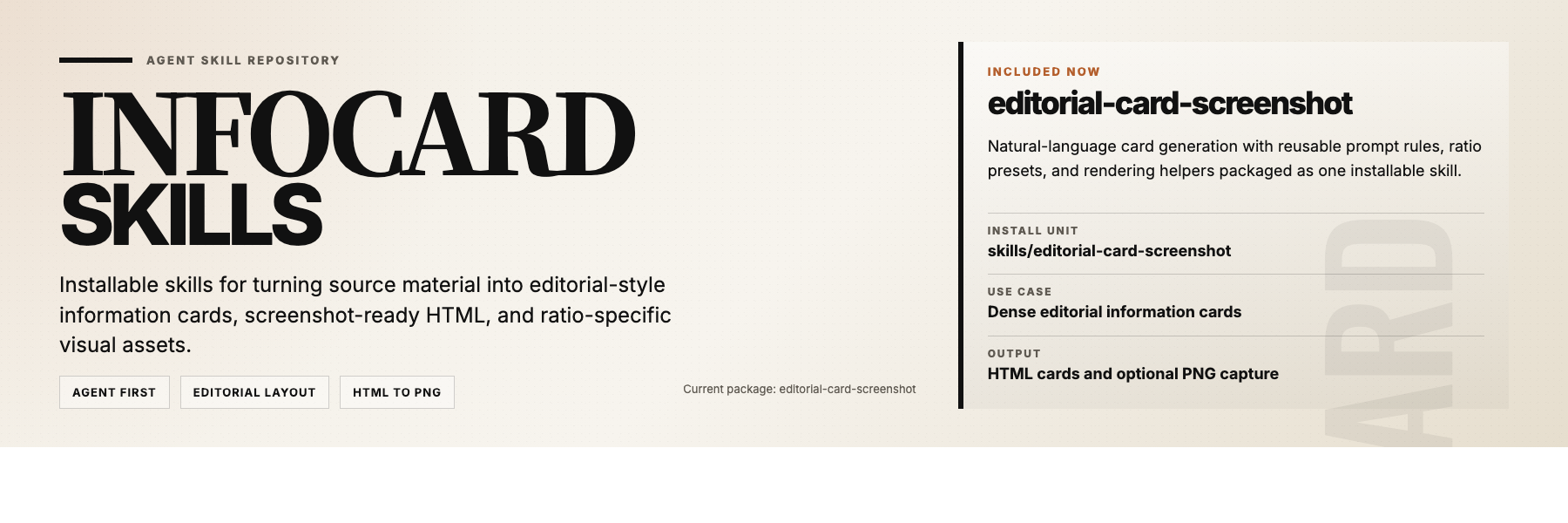
infocard-skills is a small repository of installable skill packages for agents. The current package, editorial-card-screenshot, turns source material into screenshot-ready HTML cards and optional PNG outputs.
Install
Install the full skill package, not a single file:
Copy or install the entire directory into your agent's skills location. Keep these files together:
SKILL.mdassets/references/scripts/agents/when supported by the host
Verify
After installation, test with one of these prompts:
Use $editorial-card-screenshot to turn these notes into an editorial info card.Use $editorial-card-screenshot to make a 3:4 information card from this text.Use $editorial-card-screenshot and give me both the HTML and PNG.
Usage
Typical requests:
Turn this article into an editorial information card.Make a portrait 3:4 info card from these notes.Summarize this content as a dense magazine-style card.Create the HTML only. I do not need the image.
Layout Showcase
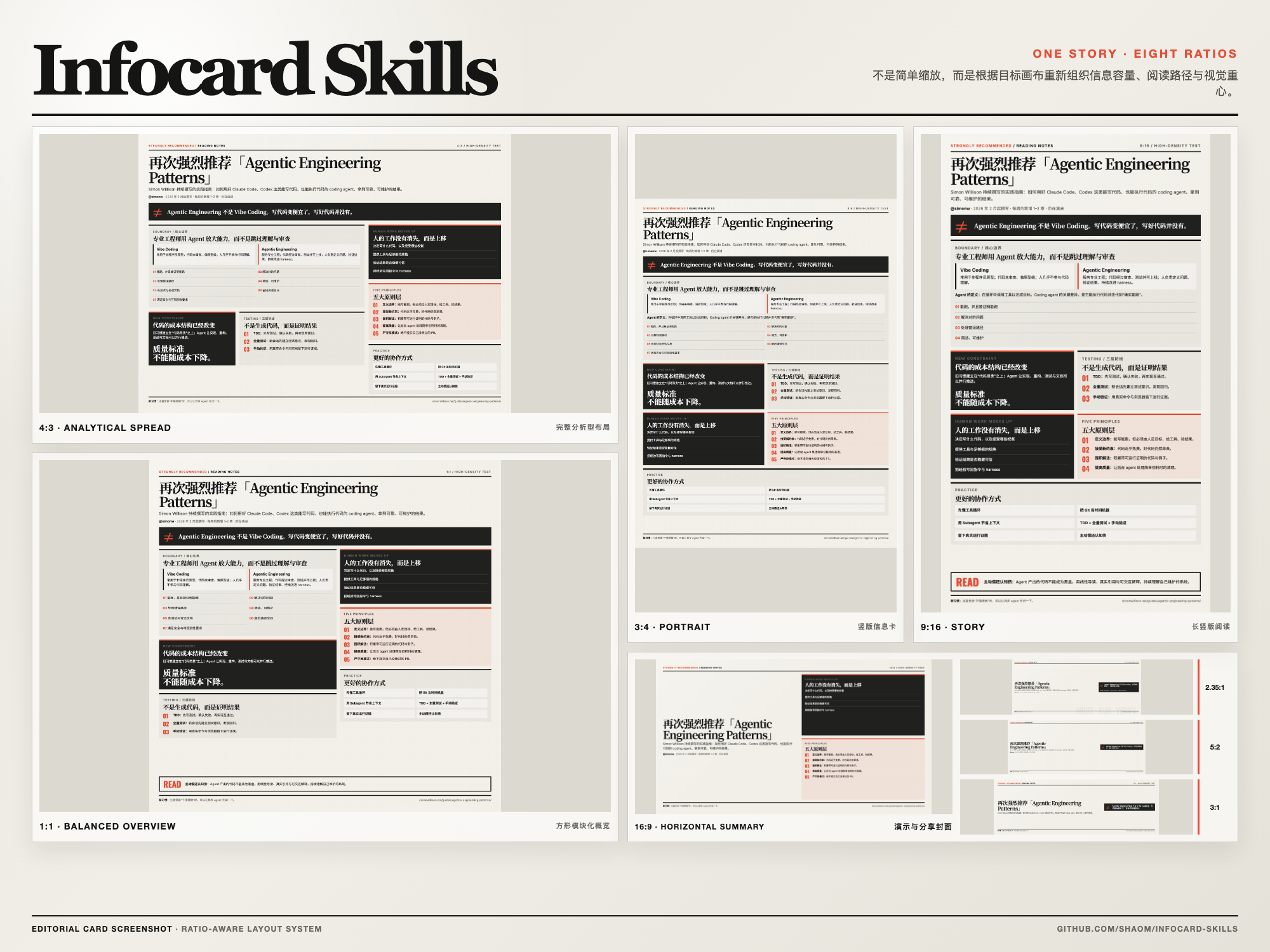
The same source content is reorganized for each target canvas instead of being mechanically resized. The skill supports 3:4, 4:3, 1:1, 16:9, 9:16, 2.35:1, 3:1, and 5:2.
Render Requirement
For PNG capture, the current helper expects local Google Chrome at:
/Applications/Google Chrome.app/Contents/MacOS/Google Chrome
Repository
skills/
editorial-card-screenshot/
docs/
examples/
Docs
docs/agent-usage.mddocs/editorial-card-prompt.mddocs/content-fit.mddocs/project-overview.mddocs/github-metadata.md
License
Files in the repo
- docs
- examples
- skills
- .gitignore
- LICENSE
- README.md
- README.zh-CN.md
Discussion (0)
Ask about usage, or say what you built with itSign in to join the discussion.
No comments yet. Be the first to say what this is good for.
More skills
Public repository for Agent Skills
Open-source AI job search: scan job portals, evaluate listings into a structured A-H report with a global 1-5 score, tailor your CV, track applications — runs locally in your AI coding CLI (Claude Code, Codex, OpenCode, Antigravity…)
An AI skill that provides design intelligence for building professional UI/UX across multiple platforms.
Taste-Skill - gives your AI good taste. stops the AI from generating boring, generic slop
Agent skill for beautiful, verifiable architecture, workflow, sequence, data-flow, and lifecycle diagrams—self-contained HTML with motion and crisp export.