

DietrichGebert/ponytailPlugins
Makes your AI agent think like the laziest senior dev in the room. The best code is the code you never wrote.
138k
1 add
ASE packages reusable agent skills, hooks, and sub-agents for agentic software engineering. It is centered on Claude Code, with support paths for Copilot CLI and Codex CLI, and uses a CLI plus plugin files to install and manage the setup.
Builders who want Claude Code, Copilot CLI, or Codex CLI to follow reusable engineering workflows.
You can turn recurring software tasks into structured agent runs with shared rules, skills, and review steps.
Ships dozens of reusable skills such as task planning, code explain, lint, resolve, refactor, review, and docs workflows.
Includes plugin metadata, hooks, and agent definitions for agent-tool integration.
Provides `ase` commands to install, update, enable, disable, uninstall, and inspect the setup.
Can activate optional MCP servers for chat and search providers through `ase setup mcp`.
Can register and remove statusline output for Claude and Copilot setups.
#   install ASE tool into PATH (bootstrapping only)
npm install -g @rse/ase

#   install ASE plugin into agent tool
ase setup install [--tool claude|copilot|codex] [--scope user|project|local]
#   update ASE tool in PATH and ASE plugin in agent tool
ase setup update [--tool claude|copilot|codex] [--scope user|project|local]
#   uninstall ASE tool from PATH and ASE plugin from agent tool
ase setup uninstall [--tool claude|copilot|codex] [--scope user|project|local]
#   enable/disable ASE plugin in agent tool (without uninstalling it)
ase setup enable    [--tool claude|copilot|codex] [--scope user|project|local]
ase setup disable   [--tool claude|copilot|codex] [--scope user|project|local]
#   report ASE plugin, MCP server, and statusline registrations in agent tool
ase setup status    [--tool claude|copilot|codex]
#   activate/deactivate ASE statusline in agent tool
ase setup statusline activate   [--tool claude|copilot] [--scope user|project|local] [<line> ...]
ase setup statusline deactivate [--tool claude|copilot] [--scope user|project|local]

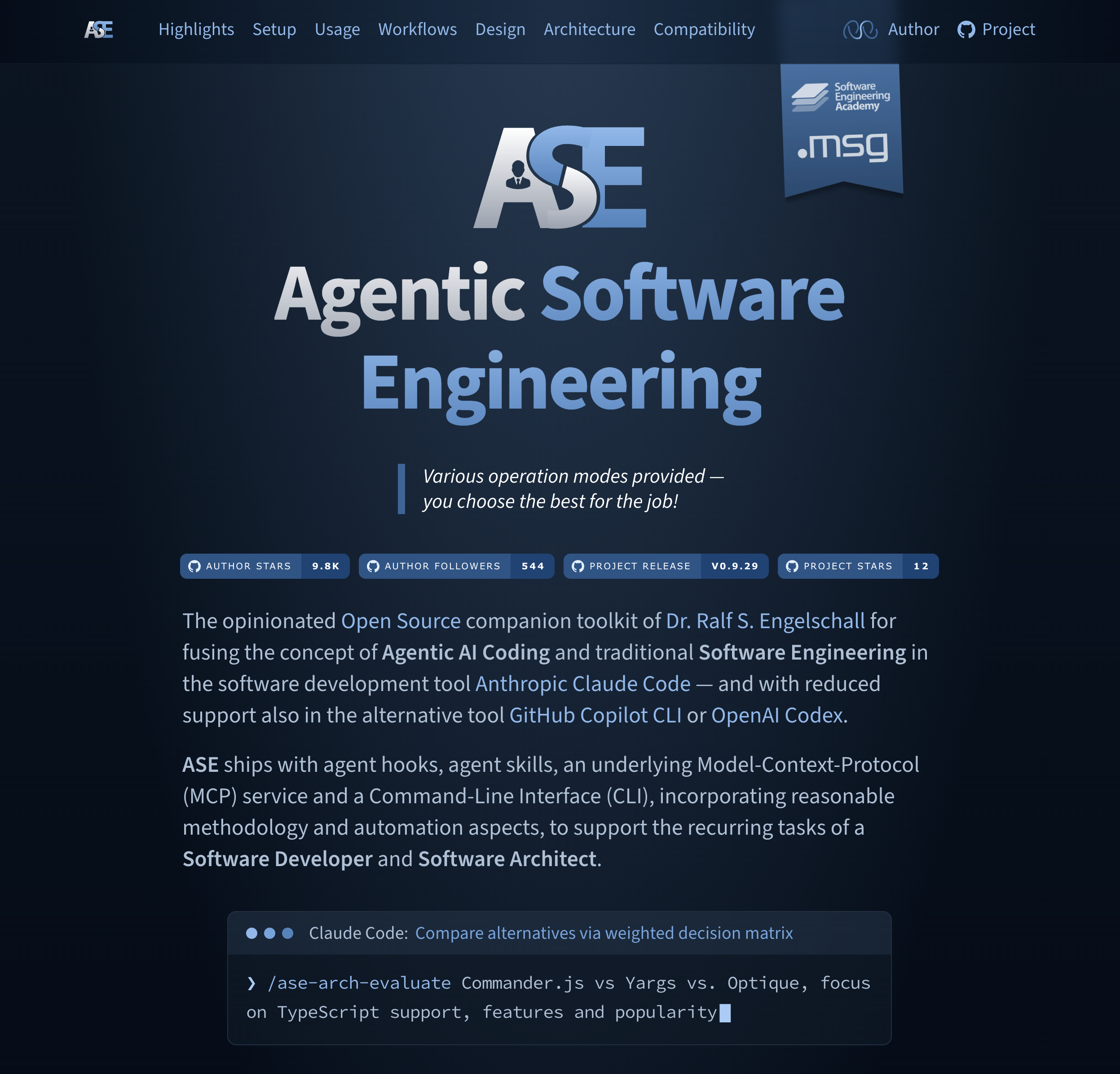




Agentic Software Engineering (ASE) is the opinionated Open Source companion toolkit of Dr. Ralf S. Engelschall for fusing the concept of Agentic AI Coding and traditional Software Engineering in the software development tool Anthropic Claude Code — and with reduced support also in the alternative tool GitHub Copilot CLI or OpenAI Codex CLI.
ASE ships with 49 agent skills, agent hooks, agent sub-agents, an underlying Model-Context-Protocol (MCP) service and a Command-Line Interface (CLI), incorporating reasonable methodology and automation aspects, to support the recurring tasks of a Software Developer and Software Architect.
ASE is primarily motivated by the following statement of its primary author, Dr. Ralf S. Engelschall:
"Software developers in the industrial Software Engineering context, in their recurring tasks, should leverage pre-manufactured agentic AI skills to boost their daily productivity. Those skills incorporate reasonable methodology and automation aspects while keeping the developers in the driver's seat to ensure stable result quality."
[!NOTE] TERMINOLOGY: The discipline of Agentic Software Engineering in general is Software Engineering, supported by autonomous AI Agents to perform tasks across the software development lifecycle. This ASE product in particular is also agentic, but not strictly based on autonomous agents. Instead, ASE focuses on supporting the role of a Software Engineer with Agentic AI Coding Tools towards multi-step operations and a plan/task-driven approach, but still strongly focuses on Human-in-the-Loop.
[!NOTE] TOOL SUPPORT FOCUS: The primary focus of ASE is on the Agentic AI Coding tool Claude Code. The secondary focus is on the support for GitHub Copilot CLI (just set environment variable
ASE_TOOL=copilot) and OpenAI Codex CLI (just set environment variableASE_TOOL=codex). In the future, additional support could be provided also for alternative tools — if their agent harness features (especially hooks, interactive user dialog tool, etc.) realistically allow it.
Check out the following scenarios and corresponding ASE examples to see whether ASE is right for you:
|
|
pdf output of /ase-sync-export only: a Chromium-class browser, i.e. either a system-wide Google Chrome or the Playwright Chromium, fetched once via npx playwright install chromium# install ASE tool into PATH (bootstrapping only)
npm install -g @rse/ase
# install ASE plugin into agent tool
ase setup install [--tool claude|copilot|codex] [--scope user|project|local]
#   update ASE tool in PATH and ASE plugin in agent tool
ase setup update [--tool claude|copilot|codex] [--scope user|project|local]
#   uninstall ASE tool from PATH and ASE plugin from agent tool
ase setup uninstall [--tool claude|copilot|codex] [--scope user|project|local]
#   enable/disable ASE plugin in agent tool (without uninstalling it)
ase setup enable    [--tool claude|copilot|codex] [--scope user|project|local]
ase setup disable   [--tool claude|copilot|codex] [--scope user|project|local]
#   report ASE plugin, MCP server, and statusline registrations in agent tool
ase setup status    [--tool claude|copilot|codex]
The report lists, across all scopes at once, the registration scope
and enabled/disabled state of the ASE plugin, the registration scope
of each currently registered MCP server, and the settings files carrying
an activated (ASE-owned) or foreign (hand-crafted) statusLine
entry. It is read-only, takes no --scope (reporting every scope is the
point), and always exits with status 0.
#   activate/deactivate ASE statusline in agent tool
ase setup statusline activate   [--tool claude|copilot] [--scope user|project|local] [<line> ...]
ase setup statusline deactivate [--tool claude|copilot] [--scope user|project|local]
The statusline is only supported for --tool claude and --tool copilot; codex has no statusline concept. Each optional <line>
argument is a format template of literal text and %-prefixed
placeholders (e.g. "%u %p %T"); without any, a single default line
"%m %e %t" is rendered.
The --scope option defaults to user (today's global, machine-wide behavior). Use
--scope project to share the plugin registration via the repository, or --scope local to keep it out of version control and confined to a single repository. --scope
is only supported for --tool claude; a non-user scope is rejected for copilot and
codex, whose CLIs have no scope concept.
ASE can optionally leverage foreign MCP servers in various ASE
skills for improved quality. They can be conveniently managed via ase setup mcp.
#   check list of MCP servers known to ASE
ase setup mcp list

#   activate MCP servers in the agent tool
ase setup mcp activate   [--tool claude|copilot|codex] [--scope user|project|local] [<server>[,...]]

#   deactivate MCP servers in the agent tool
ase setup mcp deactivate [--tool claude|copilot|codex] [--scope user|project|local] [<server>[,...]]
Each MCP server reads its API key from an environment
variable ASE_MCP_KEY_XXX, where XXX is the server id in
upper-case with dashes replaced by underscores (e.g. the server
openai-chatgpt uses ASE_MCP_KEY_OPENAI_CHATGPT). These variables
are also automatically sourced from .env files. A server whose
key variable is unset or empty is silently skipped on activation.
The harness-based servers (anthropic-claude, openai-codex and
github-copilot) require no API key at all -- their variable instead
carries the harness model identifier (or the special value default for
the default model of the harness).
The following AI services are currently defined:
|
|
Hint: All API-based MCP servers of type "Chat" support both the native
API of the LLM vendor and the OpenRouter proxy API as an alternative,
i.e., you can leverage all paid "Chat" AI services by just providing the
ASE_MCP_KEY_OPENROUTER of an OpenRouter account. Alternatively,
the harness-based MCP servers of type "Chat" (anthropic-claude,
openai-codex and github-copilot) require no API key at all, as they
bridge to a locally installed AI agent harness CLI (Anthropic Claude
Code CLI, OpenAI Codex CLI, or GitHub Copilot CLI) which authenticates
via its own configured credentials.
ASE is developed in the experience context of industrial Software Engineering at the msg group and in the educational context of the Software Engineering Academy (SEA). ASE development is supported by msg Research and Software Engineering Academy (SEA).
Copyright © 2025-2026 Dr. Ralf S. Engelschall
Licensed under Apache 2.0
Sign in to join the discussion.
No comments yet. Be the first to say what this is good for.
Makes your AI agent think like the laziest senior dev in the room. The best code is the code you never wrote.

Graphs that teach > graphs that impress. Turn any code into an interactive knowledge graph you can explore, search, and ask questions about. Works with Claude Code, Codex, Cursor, Copilot, Gemini CLI, and more.

OmO: Just type "mass ulw" keyword with your prompt. Now you are the master of graph engineering.
Persistent Context Across Sessions for Every Agent – Captures everything your agent does during sessions, compresses it with AI, and injects relevant context back into future sessions. Works with Claude Code, OpenClaw, Codex, Gemini, Hermes, Copilot, OpenCode + More
Opinionated Oxlint rules for rejecting low-evidence TypeScript and JavaScript patterns
Teams-first Multi-agent orchestration for Claude Code