
affaan-m/
ECC

affaan-m/ECCHarnesses
The agent harness performance optimization system. Skills, instincts, memory, security, and research-first development for Claude Code, Codex, Opencode, Cursor and beyond.
258k
Agor is a workspace that organizes agent work around git branches, not ad hoc chats. Each branch gets its own environment, session history, and PR path, while the daemon, UI, CLI, and executor coordinate agent runs through REST, WebSocket, and MCP.
Builders who want Claude Code, Codex, Gemini, Copilot, or Cursor sessions to share branch context, history, and controls.
You can run agent work in isolated branches with shared history, live collaboration, and built-in accounting instead of juggling separate terminal sessions.
Each branch becomes a first-class working directory with its own environment, conversation history, and pull request path.
Claude Code, Codex, Gemini, OpenCode, Copilot, and Cursor can be used per session, with no single model baked in.
Agor exposes an MCP endpoint so agents can inspect branches, sessions, and boards and act on their own work.
Long-lived agent coworkers have durable knowledge namespaces, skills, and schedules for recurring work.
A Figma-like board shows branches as cards, with live cursors, comments, and shared sessions when teams are present.
Branches run with their own dev environments and execution modes for local, sandboxed, or delegated runs.
Sessions include per-prompt token and dollar accounting, plus structured tool output and full history.
Branch-scoped permissions, per-user credentials, and environment variables keep team access controlled.
npm install -g agor-live

agor init           # creates config/database and installs the tools you select
agor daemon start   # runs the daemon in the background
agor open           # opens the web UI
Team command center for all things agentic.
Agor is a self-hosted, multiplayer-ready web workspace for running coding agents — Claude Code, Codex, Gemini, and others — on isolated git branches. Each branch is a first-class git working directory with its own dev environment and conversation history. Agents run in the browser instead of a terminal, with per-prompt token and cost accounting, structured tool output, and an MCP endpoint agents can drive themselves. Run it solo in a few minutes; turn on multiplayer and Unix-level isolation when you bring your team.




Documentation · Quick Start · Architecture · Contributing
Agor ships no model of its own. It drives the coding-agent CLIs and SDKs you already run, interchangeable per session — bring your own provider and subscription, no vendor lock-in. Compare the harnesses →





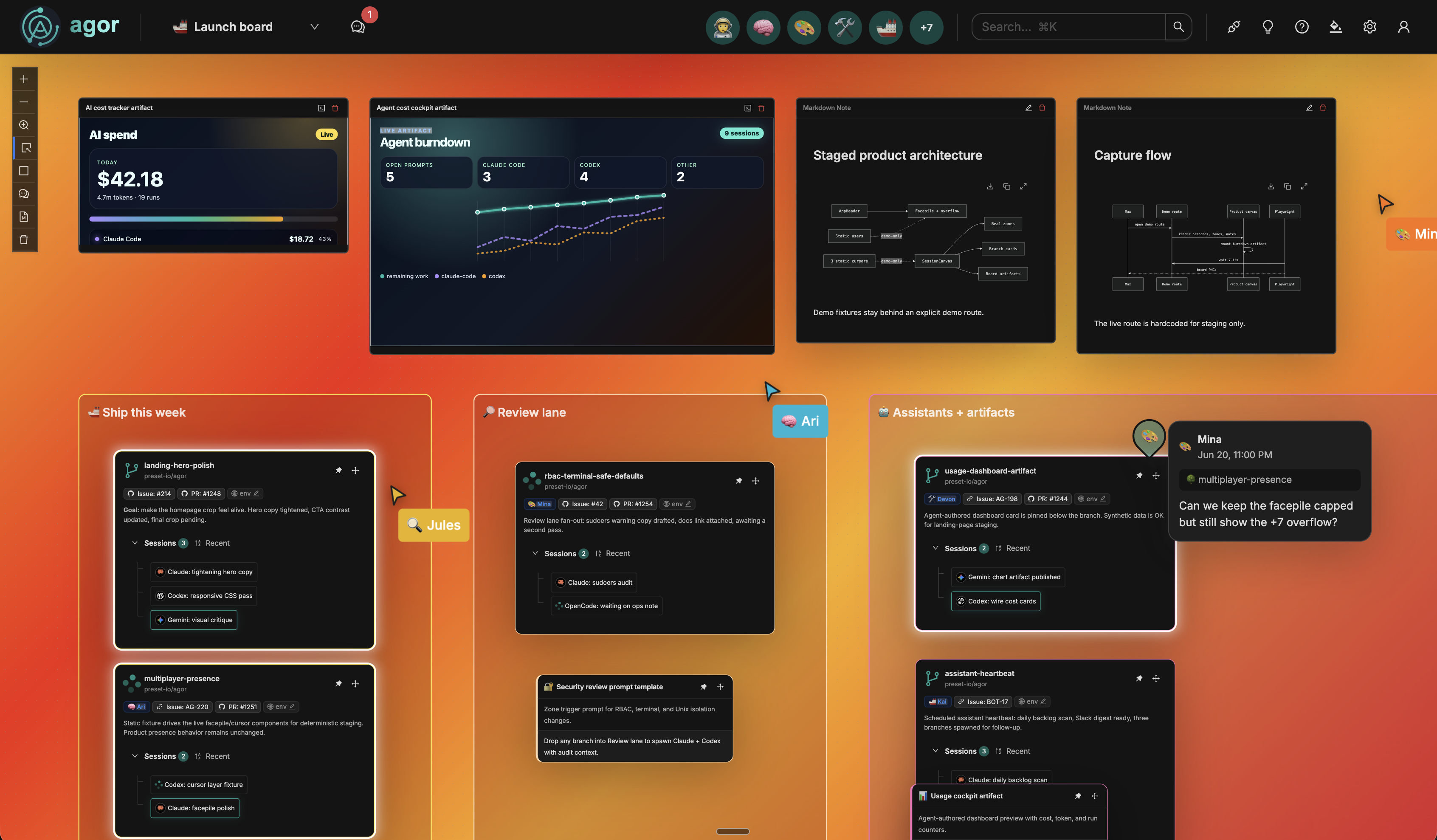
The board: branches as cards, zones as regions, agent sessions, and — optionally — teammates present live.
▶ Watch the unscripted demo on YouTube (13 min)
Requires Node.js ≥ 22.12 (install) and Git on PATH. HTTPS remotes also require a working system CA trust store; SSH remotes require an SSH client and configured keys or agent access.
npm install -g agor-live

agor init           # creates config/database and installs the tools you select
agor daemon start   # runs the daemon in the background
agor open           # opens the web UI
Use agor install later to change or repair the selected agentic tools; it does not initialize or recreate Agor.
That's it — add a repo and create your first session from the onboarding wizard.
Prefer Homebrew? See the Getting Started guide for the brew path. For Docker, source builds, Postgres, and team setups, see Extended Installation.
Agor is built on three foundational entities — everything else builds on these:
| Teammates | Long-lived AI coworkers, each with its own Knowledge-base namespace for durable, semantically searchable memory — shared with the team and able to collaborate with other teammates. Taught conversationally, then equipped with skills, MCP tools, gateway channels, and schedules. |
| Agor MCP Server | Agor exposes itself over MCP. Agents introspect sessions, branches, and boards, and drive the system themselves. |
| Multiplayer & Social | Live cursors, facepiles, spatial comments, and a shared multiplayer terminal. |
| Rich Chat UX | Per-prompt token + dollar accounting, model/effort selectors, structured tool blocks, completion chimes. |
| Environments | One-click dev servers per branch with auto-managed unique ports — no more port fights. |
| Security & RBAC | Branch-scoped permission tiers, per-user credentials and env vars, and explicit execution modes (simple / sandbox / delegated). |
| Knowledge | A shared, searchable markdown knowledge base — one place for decisions, runbooks, prompts, and agent memory. |
| Scheduler | Cron-style triggers for templated prompts. Powers teammate heartbeats, standups, and automated audits. |
| Message Gateway | Slack and GitHub as portals into Agor sessions. |
| Artifacts | Live, interactive apps (dashboards, mockups, tools) rendered directly on the board. |
| Cards (Beta) | Generic workflow entities for non-code workflows. |
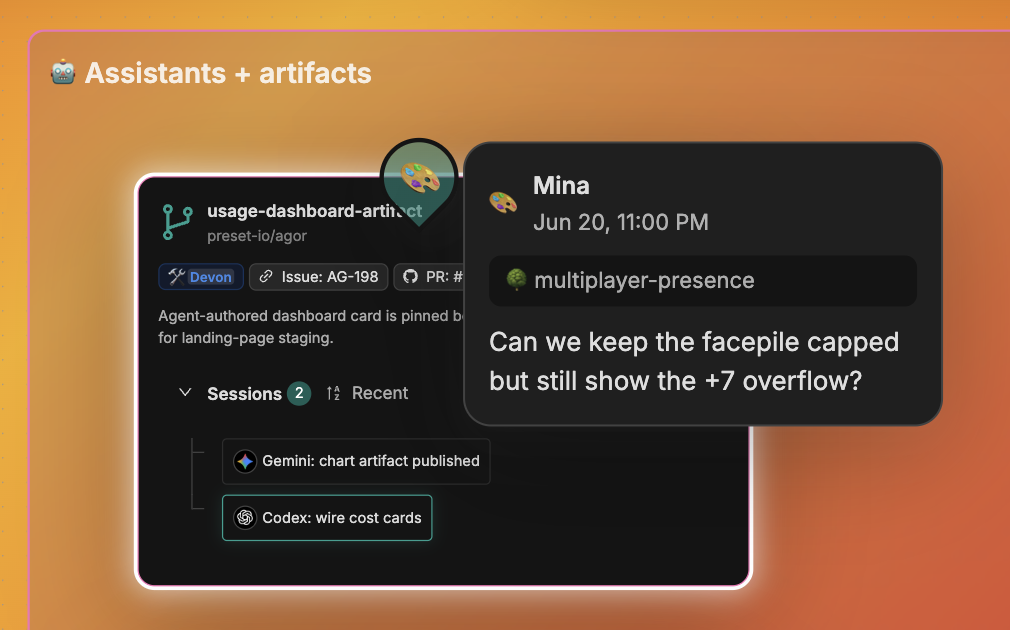
Real-time multiplayer — cursors, facepile, scoped comments |
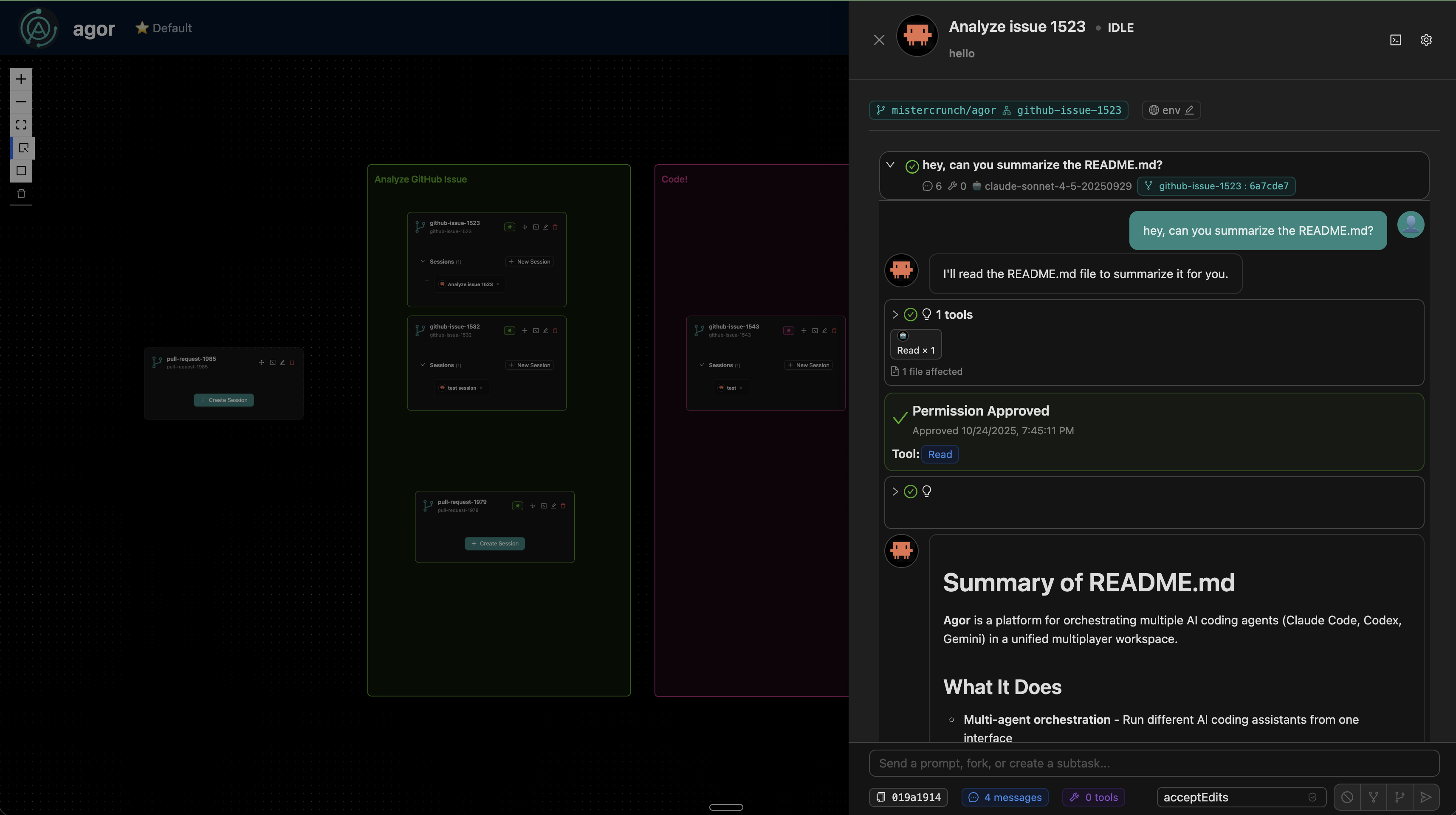
Rich agent sessions with structured tool blocks |
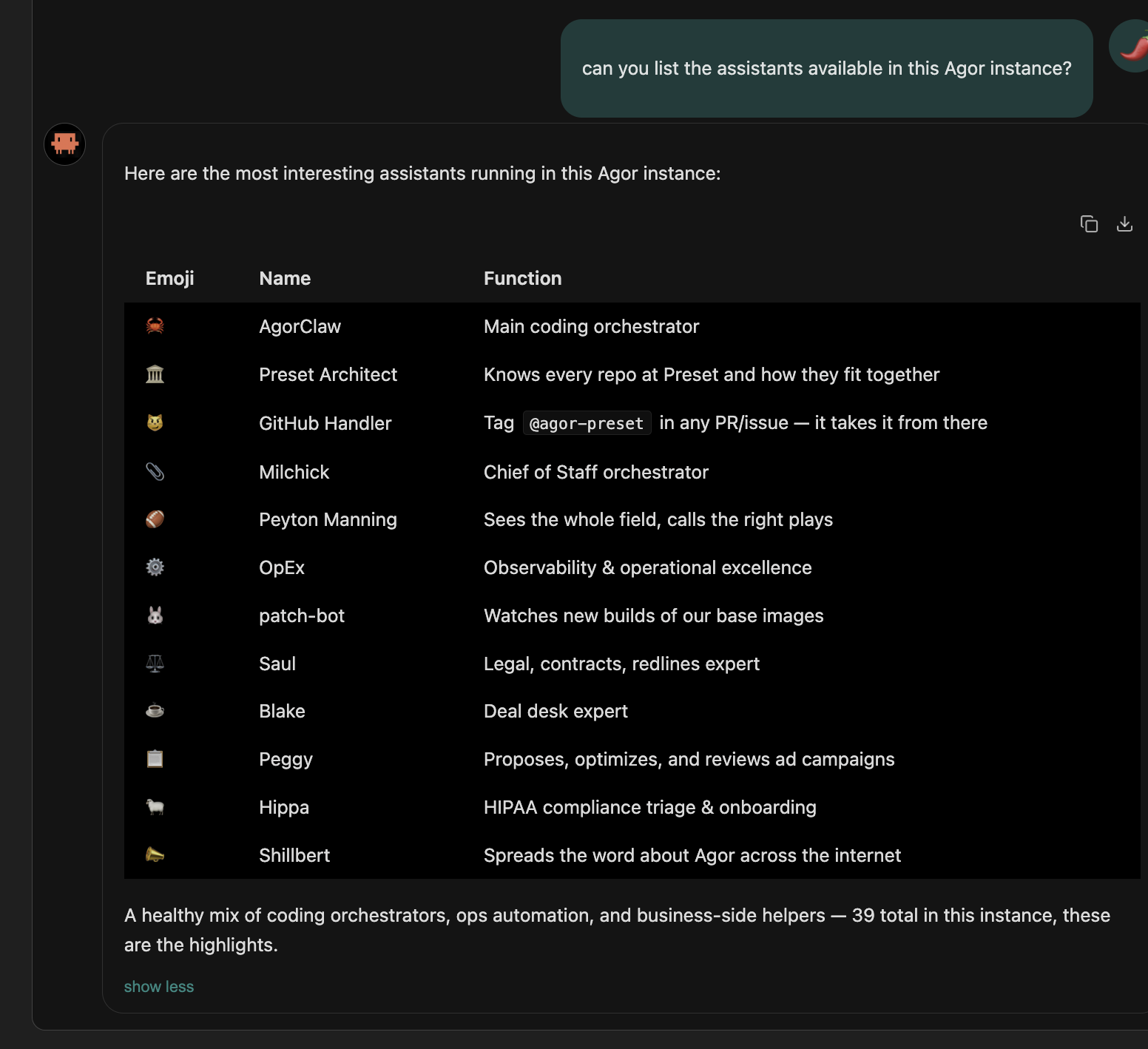
Persistent AI teammates with memory and skills |
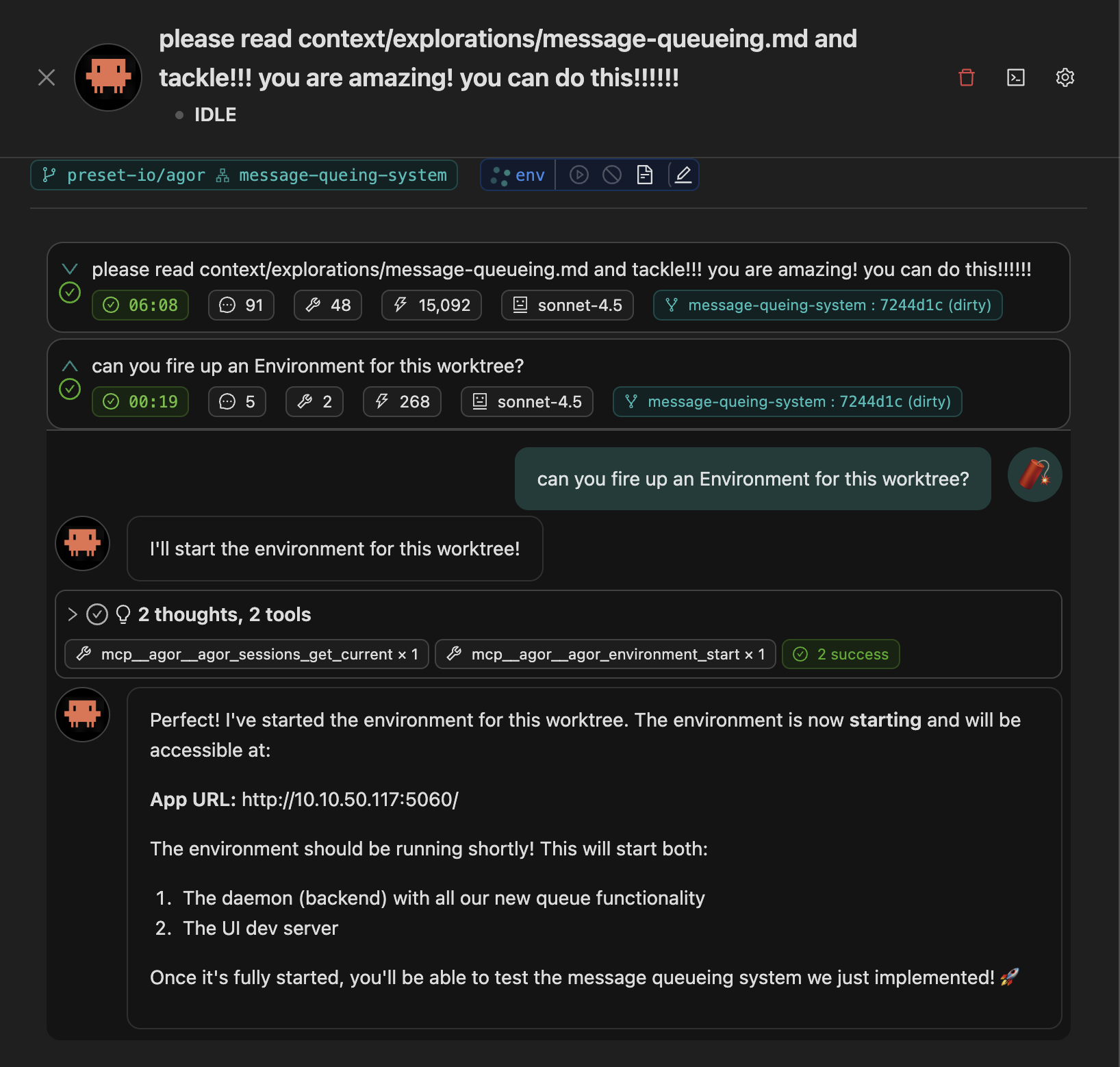
MCP-native — agents drive Agor themselves |
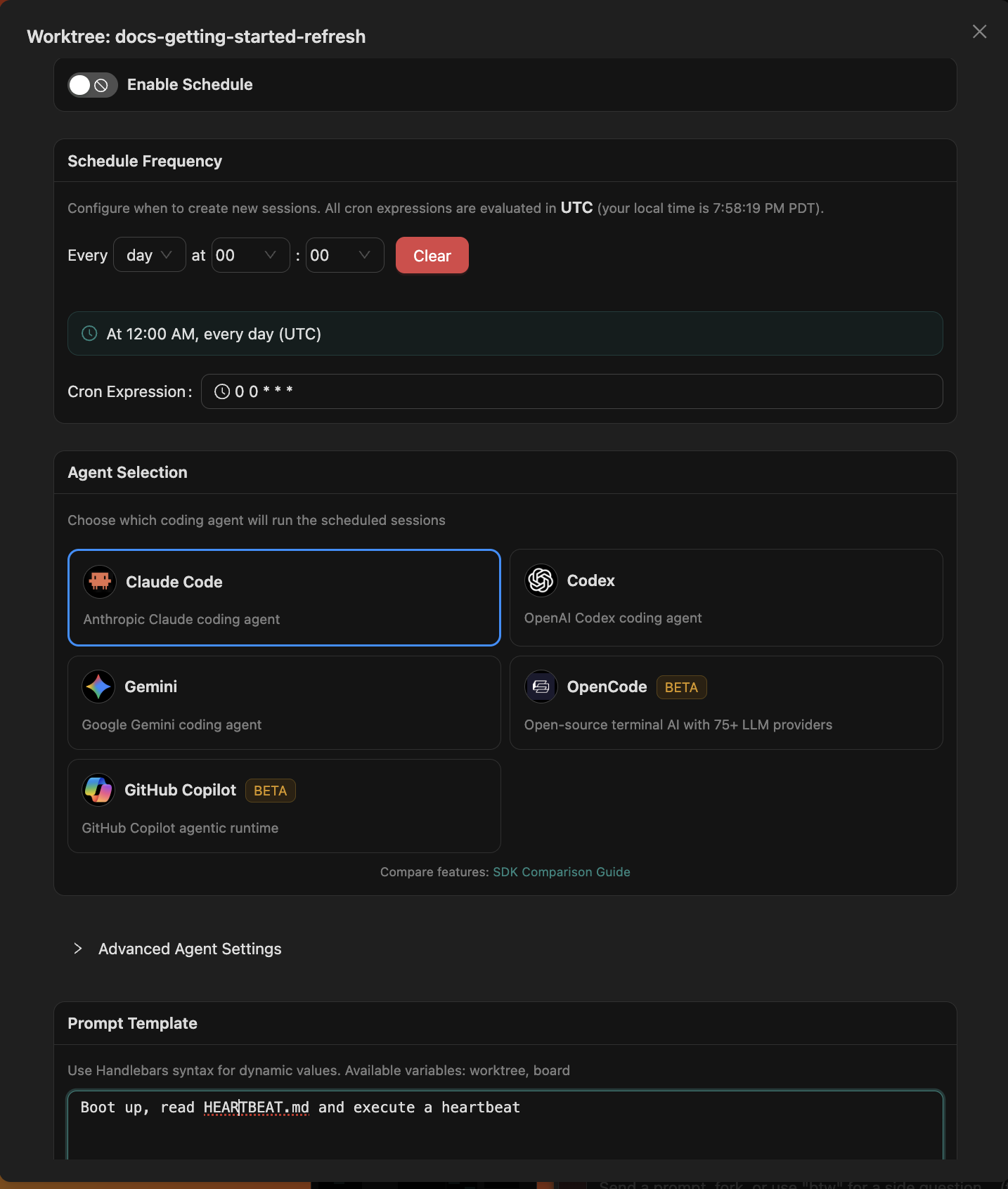
Scheduler — cron-style triggers for templated prompts |
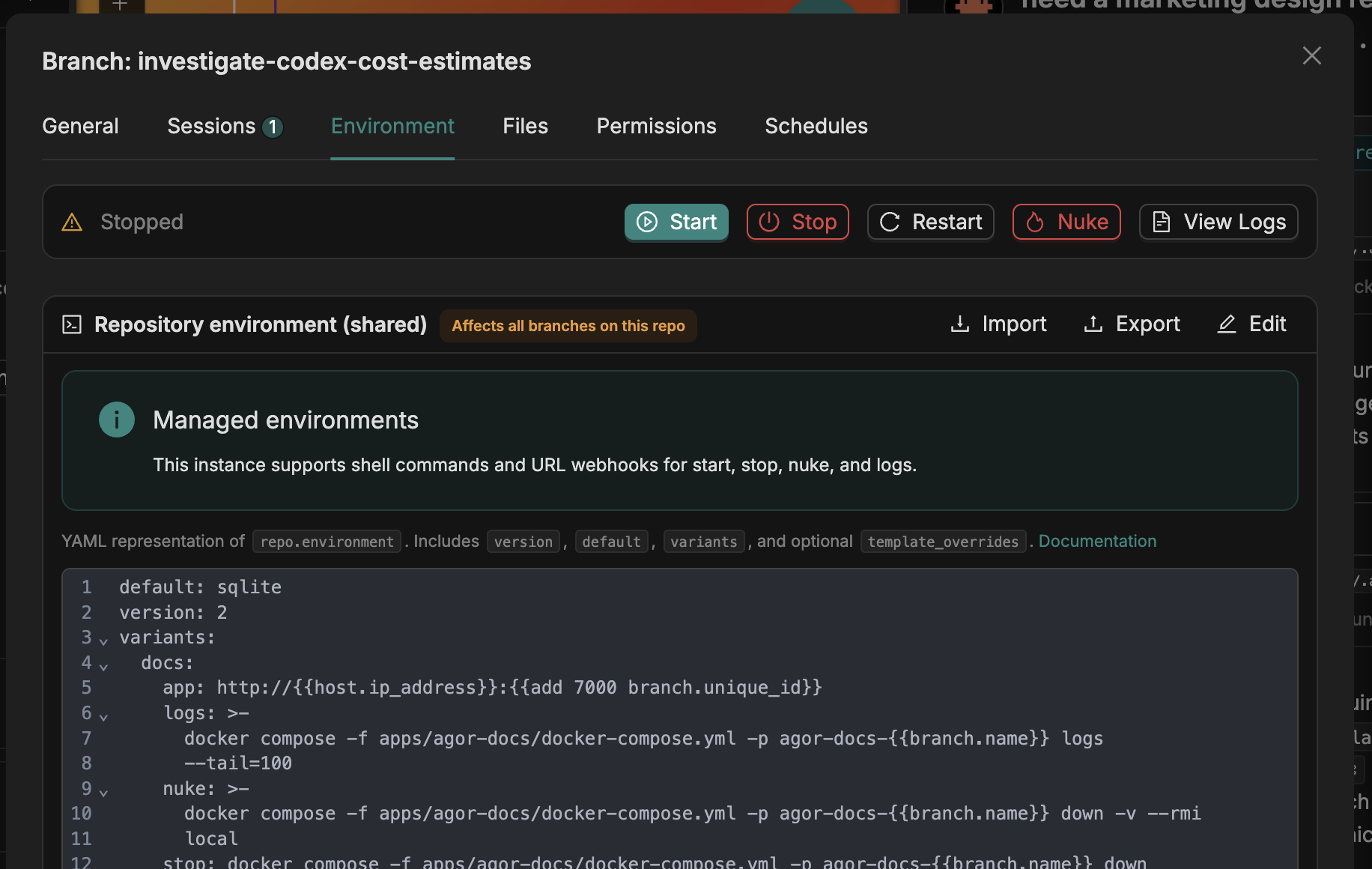
One-click dev environments per branch |
graph TB
    subgraph Clients
        CLI["CLI (oclif)"]
        UI["Web UI (React)"]
    end

    Client["Feathers Client<br/>REST + WebSocket"]

    subgraph "Agor Daemon"
        Feathers["FeathersJS Server"]
        MCP["MCP HTTP Endpoint<br/>POST /mcp + Bearer auth"]
        Services["Services<br/>Sessions, Tasks, Messages<br/>Boards, Branches, Repos"]
        ORM["Drizzle ORM"]
    end

    subgraph Executor["Executor (process-isolated)"]
        AgentSDKs["Agent SDKs<br/>Claude · Codex · Gemini · OpenCode"]
    end

    subgraph Storage
        DB[("LibSQL / Postgres<br/>~/.agor/agor.db")]
        Git["Git Branches<br/>~/.agor/worktrees/"]
        Config["Config<br/>~/.agor/config.yaml"]
    end

    CLI --> Client
    UI --> Client
    Client <-->|REST + WebSocket| Feathers

    Feathers --> Services
    Feathers --> MCP
    MCP --> Services
    Services --> ORM
    Services --> Executor
    Executor -.->|JSON-RPC 2.0| MCP

    ORM --> DB
    Services --> Git
    Services --> Config
The daemon (apps/agor-daemon, FeathersJS) owns the database, services, WebSocket events, and
the MCP HTTP endpoint. The executor (packages/executor) is a process-isolated runtime that
spawns agents via their SDKs locally, inside the filesystem sandbox, or through a delegated external substrate. Shared types, the Drizzle schema,
and git utilities live in @agor/core (packages/core).
agor/
├── apps/
│   ├── agor-daemon/   # FeathersJS backend (REST + WebSocket + MCP)
│   ├── agor-ui/       # React UI (Ant Design + React Flow)
│   ├── agor-cli/      # oclif CLI
│   └── agor-docs/     # Docs site (Nextra) — canonical reference, published at agor.live
├── packages/
│   ├── core/          # @agor/core — types, db (Drizzle), git, api
│   └── executor/      # Process-isolated agent runtime
└── context/           # Agent-oriented cheat sheets and design docs
The fastest path to a running dev instance from source:
git clone https://github.com/preset-io/agor
cd agor
docker compose up
# Visit http://localhost:5173 → login: admin@agor.live / admin
Prefer running locally without Docker? The two-process workflow (daemon in watch mode + UI dev
server) and the .agor.yml variants (sqlite / postgres / rich / HA / docs) are documented in the
Development Guide. It also covers running Agor inside Agor
for dogfooding.
See CONTRIBUTING.md for the contribution workflow, and CLAUDE.md for the agent-oriented map of the codebase.
⭐️ I pledge to fix a GitHub issue for every star Agor gets :)
Business Source License 1.1 (BUSL-1.1). Agor is source-available,
not open source, before the Change Date.
The Additional Use Grant permits production use, including internal and self-hosted commercial use. It does not permit commercializing Agor itself by offering its agent-orchestration functionality to third parties as a product or service, whether hosted, managed, or bundled for customers to operate. Consulting, support, integration, modification, use within a broader product or service, and single-customer internal deployments remain permitted subject to the license terms. Contact Preset, Inc. about alternative commercial licensing.
On January 15, 2029, or the fourth anniversary of the first public BSL distribution of a particular version (whichever comes first), that version converts to the Apache License 2.0. The license text controls if this summary differs from it.
Heavily prompted by @mistercrunch (Preset, Apache Superset, Apache Airflow), built by an army of Claudes and Codexes.
Read more: Agor Cloud — opening a private beta · Agent Modeling 101 · Raise a team helper agent in an afternoon · all posts →
Sign in to join the discussion.
No comments yet. Be the first to say what this is good for.
The agent harness performance optimization system. Skills, instincts, memory, security, and research-first development for Claude Code, Codex, Opencode, Cursor and beyond.
The job search that runs on your machine. AI job application framework built on Claude Code: evaluate postings, tailor CVs, write cover letters, prep interviews. Fork it and own it.
from vibe coding to agentic engineering - practice makes claude perfect
🌊 The original agent meta-harness. Deploy intelligent multi-player swarms, coordinate autonomous workflows, and build conversational AI systems. Features adaptive memory, self-learning intelligence, RAG integration, and native Claude Code / Codex / Hermes and many more Integrated
Practical patterns, starters & CLI tools for loop engineering with AI coding agents. Design systems that prompt and orchestrate agents (inspired by Addy Osmani and Boris Cherny). Includes loop-audit, loop-init, loop-cost.

Git. Ship. Done - Core