

Graphs that teach > graphs that impress. Turn any code into an interactive knowledge graph you can explore, search, and ask questions about. Works with Claude Code, Codex, Cursor, Copilot, Gemini CLI, and more.
82k
Bedrock is a Claude Code plugin that automates Obsidian vault work through skills, templates, and hooks. It creates and links entity notes, ingests outside sources, deduplicates content, and keeps the vault in sync.
Builders who use Claude Code and Obsidian to manage a second brain.
You can keep an Obsidian vault organized as a live knowledge graph without writing and linking every entity by hand.
`/bedrock:setup` scaffolds folders, templates, config, and example entities for a new or existing vault.
`/bedrock:ask` searches the graph and vault, follows links, and answers with citations.
`/bedrock:learn` pulls in Confluence, Google Docs, GitHub repos, and docling-supported files into vault entities.
`/bedrock:preserve` creates or updates entities from one write point and adds bidirectional links.
`/bedrock:compress` finds broken links, duplicates, orphans, and stale content.
`/bedrock:sync` re-syncs external sources, and `/bedrock:healthcheck` reports vault integrity issues.
`/bedrock:vaults` lets you register, choose, and remove vaults.
`hooks/error_reporter.py` sends framework errors to GitHub issues with vault content redacted.
/plugin marketplace add iurykrieger/claude-bedrock
/plugin install bedrock@claude-bedrock
claude --plugin-dir ./claude-bedrock
/bedrock:setup
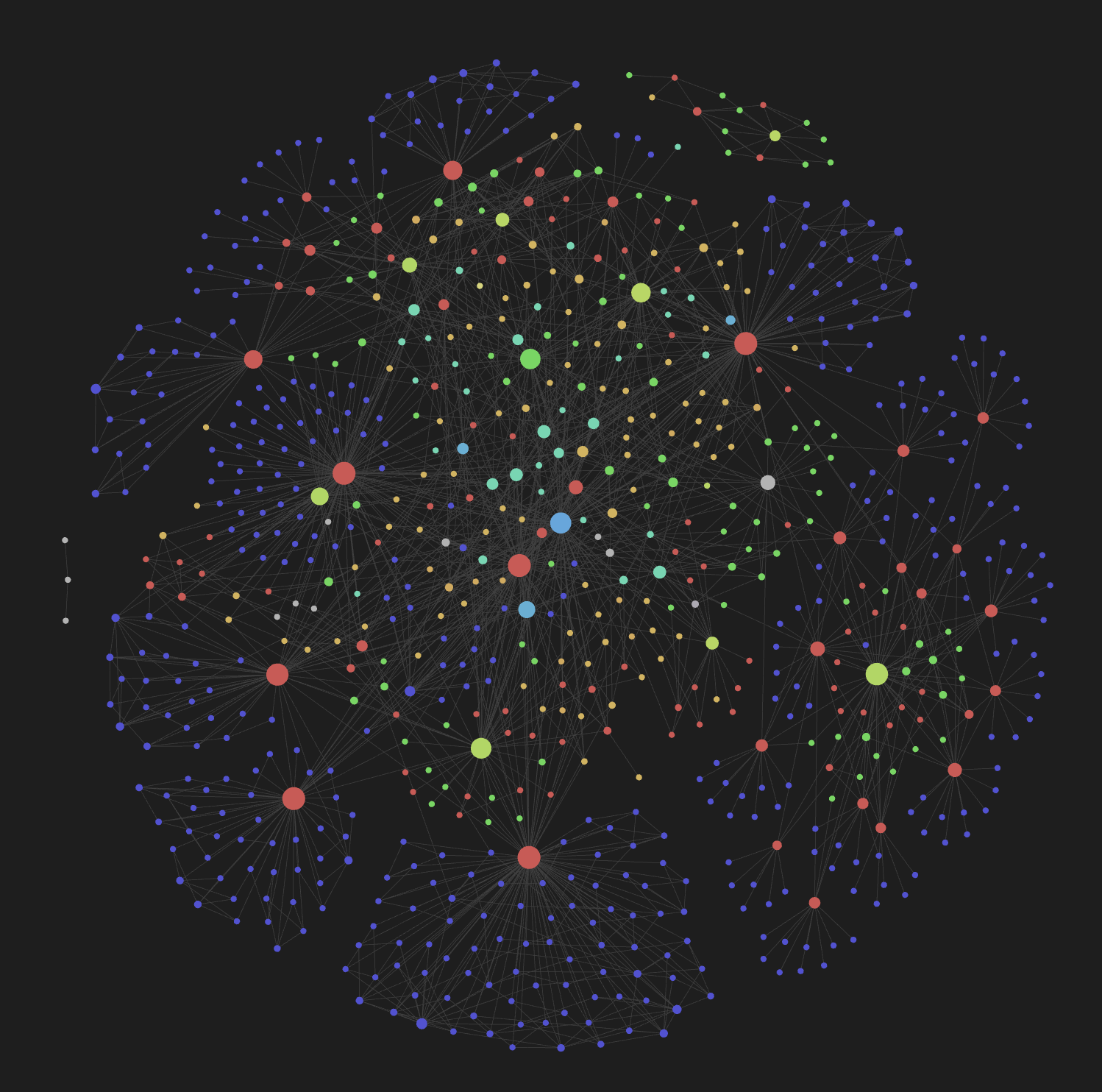
Turn any Obsidian vault into a structured Second Brain with AI agents



Bedrock is a Claude Code plugin that automates Obsidian vault management through AI-powered skills. It organizes knowledge into 7 entity types following adapted Zettelkasten principles — entity detection, bidirectional linking, ingestion from external sources, deduplication, and sync.
No build system. No runtime. Just markdown files, AI agents, and your Obsidian vault.
type/, status/, domain/, scope/)/plugin marketplace add iurykrieger/claude-bedrock
/plugin install bedrock@claude-bedrock
For local development:
claude --plugin-dir ./claude-bedrock
After installing, run the setup wizard:
/bedrock:setup
This will guide you through:
graphify is installed (required)The setup creates all entity directories, copies templates, generates a vault-level CLAUDE.md, and scaffolds example entities with bidirectional wikilinks so you can see the graph in Obsidian immediately.
| Skill | Purpose |
|---|---|
/bedrock:setup | Interactive vault initialization and configuration |
/bedrock:ask | Orchestrated vault reader — decomposes questions, searches graph and vault, cross-references entities |
/bedrock:learn | Ingest external sources — extract and create entities |
/bedrock:preserve | Single write point — detect, match, create/update entities with bidirectional links |
/bedrock:compress | Deduplication and vault health — broken links, orphans, stale content |
/bedrock:sync | Re-sync entities with external sources |
/bedrock:healthcheck | Read-only vault health diagnostic — graphify-out integrity, orphans, dangling content, stale entries |
/bedrock:vaults | Manage registered vaults — list, set default, remove |
your-vault/
├── actors/          # Systems, services, APIs (permanent notes)
├── people/          # Contributors, team members (permanent notes)
├── teams/           # Squads, organizational units (permanent notes)
├── topics/          # Cross-cutting subjects with lifecycle (bridge notes)
├── discussions/     # Meeting notes, conversations (bridge notes)
├── projects/        # Initiatives with scope and deadline (index notes)
└── fleeting/        # Raw ideas, unstructured captures (fleeting notes)
Each directory contains a _template.md defining the frontmatter schema for that entity type.
Bedrock turns your vault into a living knowledge graph by combining 8 skills you invoke from Claude Code. You never write entities by hand — skills detect, create, and link them for you, with Obsidian rendering the result as a graph.
/bedrock:setup — answers a few questions and scaffolds directories, templates, and example entities./bedrock:learn. Bedrock extracts entities and writes them to the vault with bidirectional links./bedrock:ask for anything like "who owns the billing API?" or "what's the status of project X?". It searches the graph, follows wikilinks, and answers with citations./bedrock:sync to re-pull external sources, or /bedrock:sync --github / --people to surface recent activity and contributors./bedrock:compress to fix broken backlinks, merge duplicates, and consolidate fragmented concepts. Run /bedrock:healthcheck for a read-only report./bedrock:vaults; target a specific one with --vault <name>.Every entity has YAML frontmatter (type, status, domain, sources), hierarchical tags (type/actor, status/active, domain/payments), and bidirectional wikilinks. The graph view becomes a navigable map of people, systems, teams, topics, and projects — updated automatically as you teach Bedrock new content.
| Tool | Purpose | Required? |
|---|---|---|
| graphify | Semantic code extraction and knowledge-graph pipeline used by /bedrock:learn and /bedrock:sync | Yes |
| docling | Universal file → markdown converter used by /bedrock:learn to ingest DOCX, PPTX, XLSX, PDF, HTML, EPUB, images, and other non-markdown formats | Yes |
Both graphify and docling are auto-installed by /bedrock:setup (and lazily by /bedrock:learn on first use if missing). You can also install them manually via pipx install graphify / pipx install docling.
Confluence and Google Docs ingestion are built into the plugin as internal skills (/bedrock:confluence-to-markdown, /bedrock:gdoc-to-markdown) invoked by /bedrock:learn and /bedrock:sync — no external installation required.
Configuration is stored in .bedrock/config.json inside your vault. Run /bedrock:setup again at any time to reconfigure.
The bedrock plugin auto-reports framework errors as GitHub issues on
iurykrieger/claude-bedrock so
maintainers learn about real-world failures.
What gets reported
What never gets reported
.../)How to opt out
Add "error_reporting": false to your vault's .bedrock/config.json:
{
  "error_reporting": false
}
Default is true. The hook silently skips reporting if gh is not installed
or you're not authenticated, and logs the would-be report to
~/.claude-bedrock-cache/error-reporter.log.
Contributions are welcome! Here's how to get started:
claude --plugin-dir ./claude-bedrock
skills/, entity definitions in entities/, templates in templates/mainclaude-bedrock/
├── .claude-plugin/ # Plugin manifest (plugin.json)
├── skills/ # Skill definitions (SKILL.md per skill)
│ ├── setup/
│ ├── query/
│ ├── teach/
│ ├── preserve/
│ ├── compress/
│ └── sync/
├── entities/ # Entity type definitions
├── templates/ # Frontmatter schema templates
├── docs/ # Documentation assets
├── CLAUDE.md # AI agent instructions
└── README.md
MIT — Iury Krieger
Sign in to join the discussion.
No comments yet. Be the first to say what this is good for.
Graphs that teach > graphs that impress. Turn any code into an interactive knowledge graph you can explore, search, and ask questions about. Works with Claude Code, Codex, Cursor, Copilot, Gemini CLI, and more.

An agent organization for Claude Code, structured as a company — 15+ departments, 125+ skills, each independently installable.
Context window optimization for AI coding agents. Sandboxes tool output (98% reduction), persists session memory, and enforces routing across 17 platforms via MCP + hooks.
Self-organizing AI second brain for Obsidian + Claude Code. Drop any source and Claude reads, links, and files it into one connected knowledge graph of plain Markdown you own. AI note-taking, personal knowledge management (PKM), and an open-source Notion alternative. Based on Karpathy's LLM Wiki pattern.
Universal SEO skill for Claude Code. 25 sub-skills + 18 sub-agents covering technical SEO, E-E-A-T, schema, GEO/AEO, backlinks, local SEO, maps intelligence, semantic clustering, e-commerce SEO, international SEO, Google APIs, and PDF/Excel reporting. Optional DataForSEO, Firecrawl, and Banana extensions.

A meta-skill that designs domain-specific agent teams, defines specialized agents, and generates the skills they use.