Apple Bento Grid
A skill for AI coding agents that generates Apple-inspired bento grid presentation cards as self-contained HTML files. No design tools needed — just describe your stats and get pixel-perfect output.
Compatible with Claude Code, OpenAI Codex, Cursor, and other agents that support the Agent Skills standard.
Examples
All made with this skill — just describe your data and get pixel-perfect output.
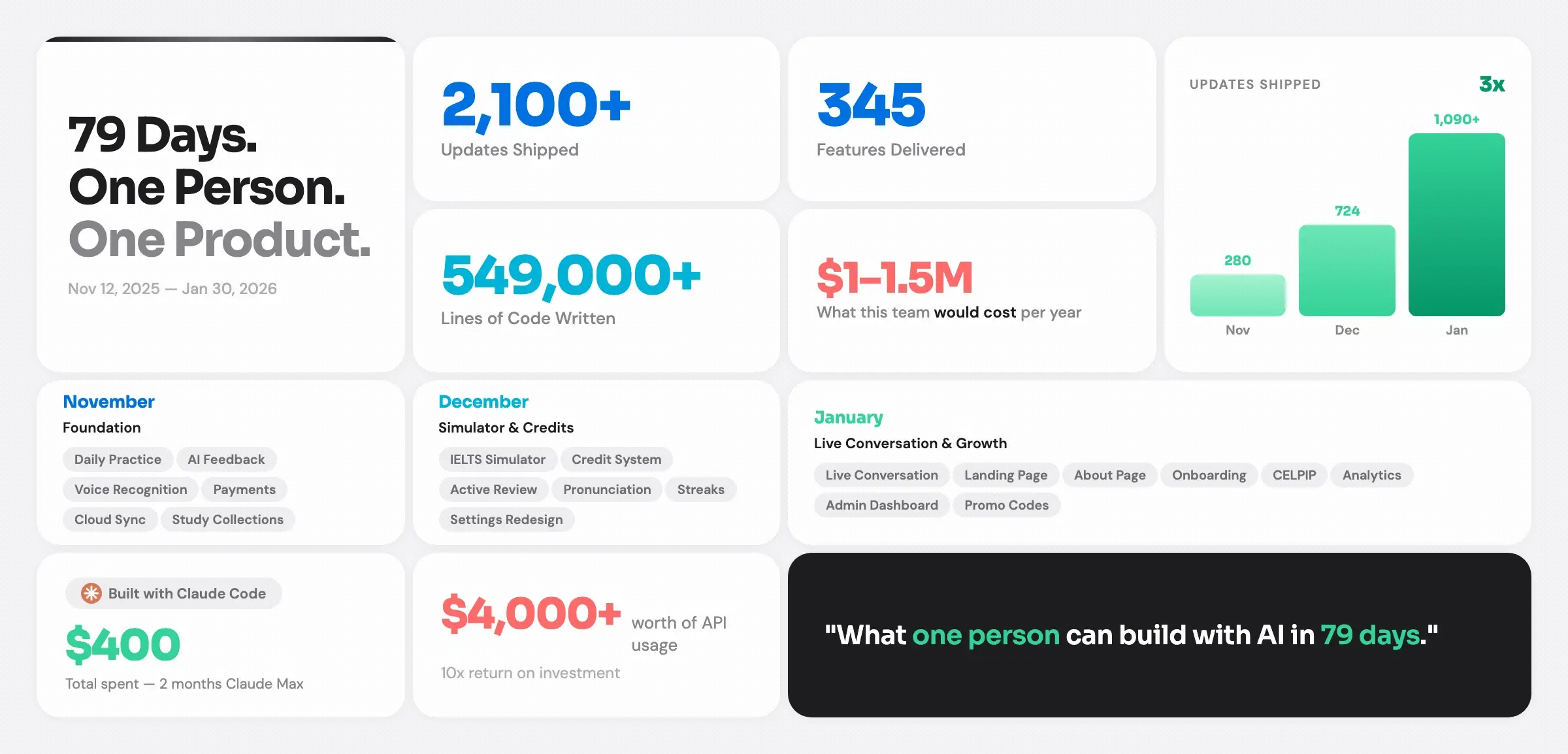
Solo Dev Project Stats — 79 days of building, tracked as product metrics
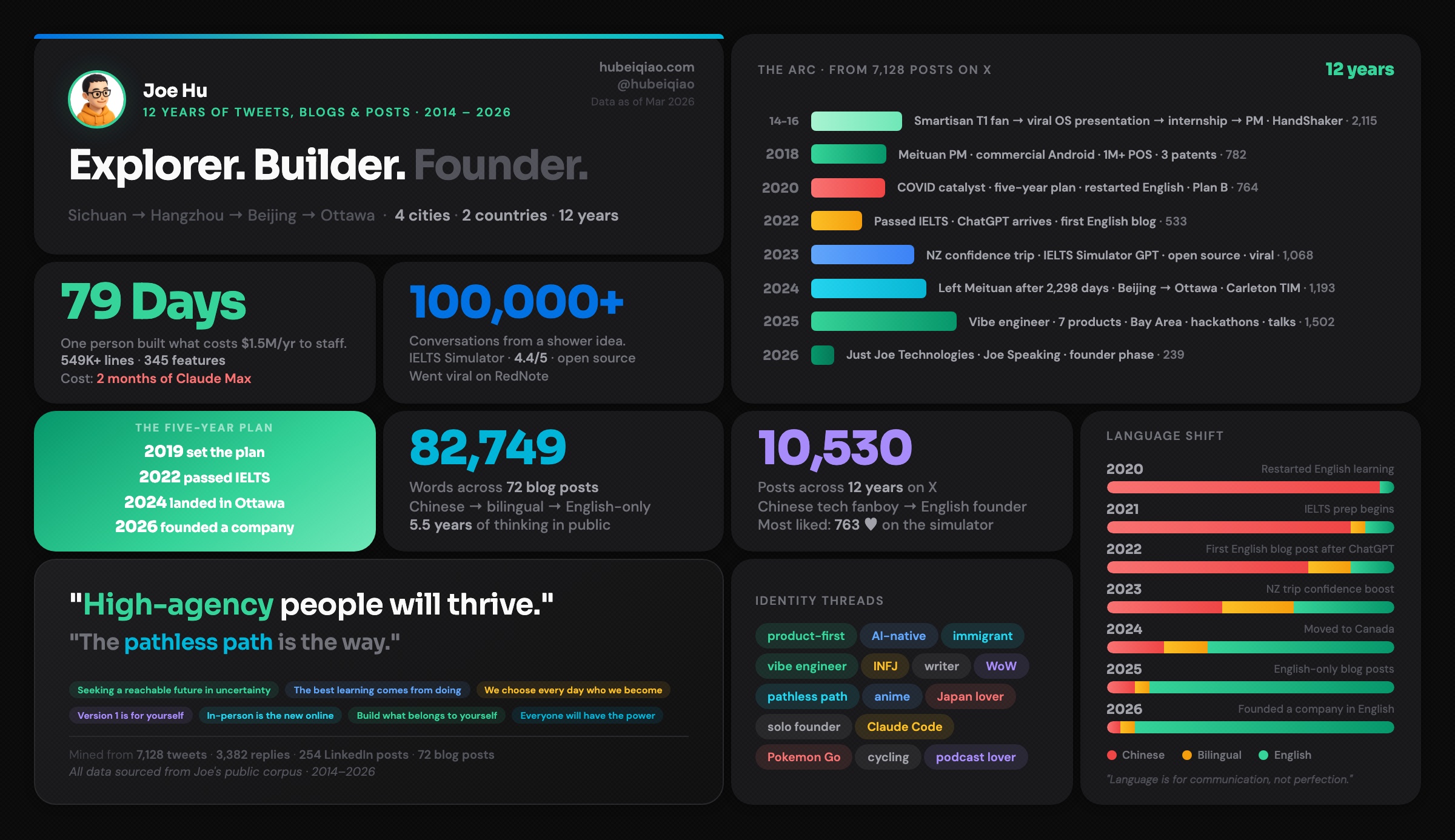
Personal Data Dashboard — 12 years of writing & social media activity
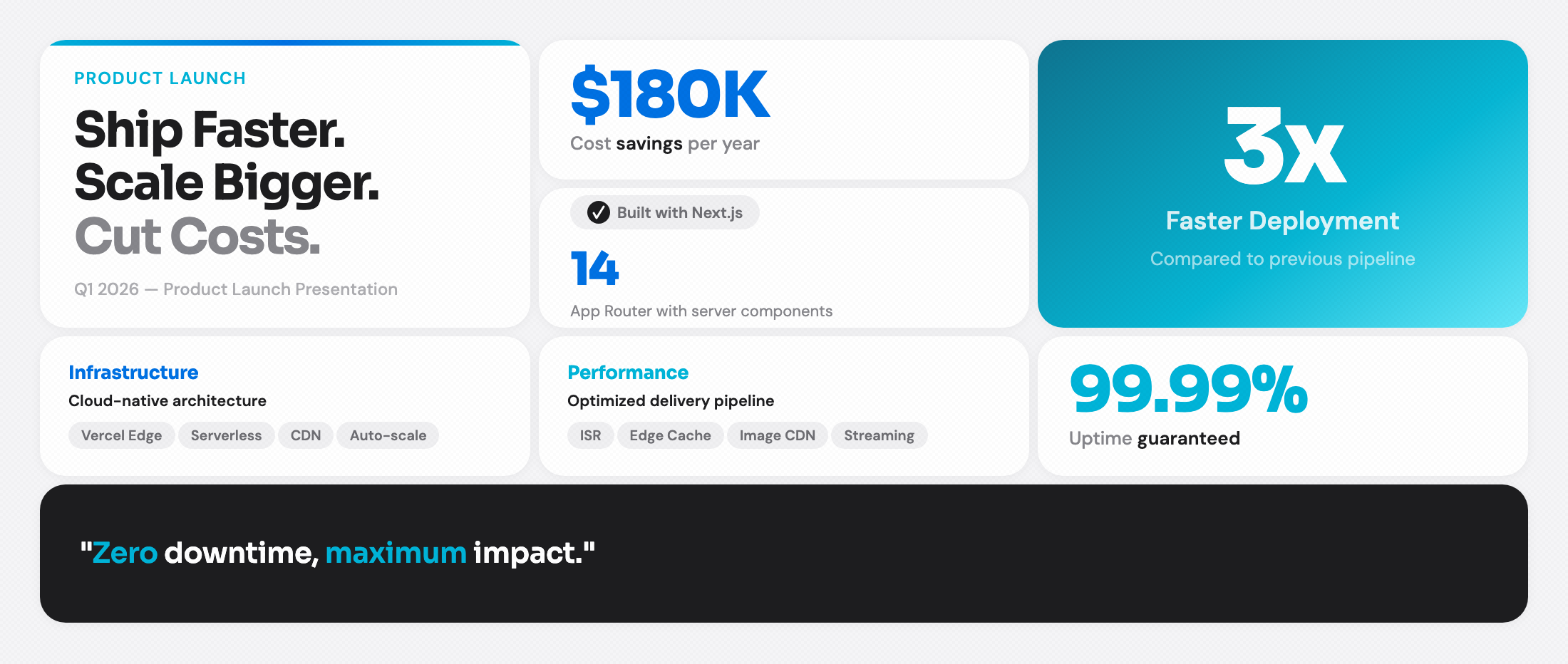
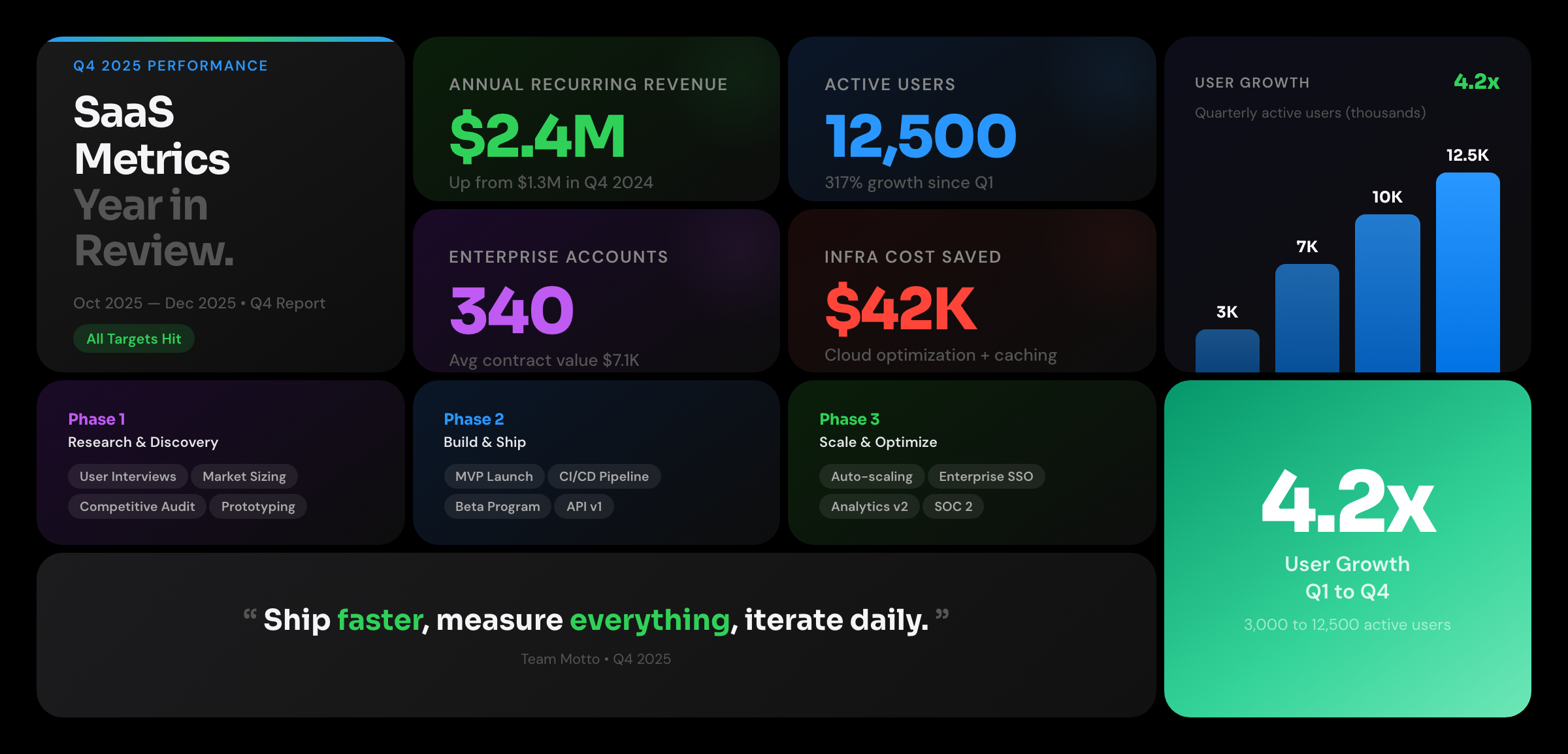
Product Launch — Light and dark themes
| Light | Dark |
|---|
 |  |
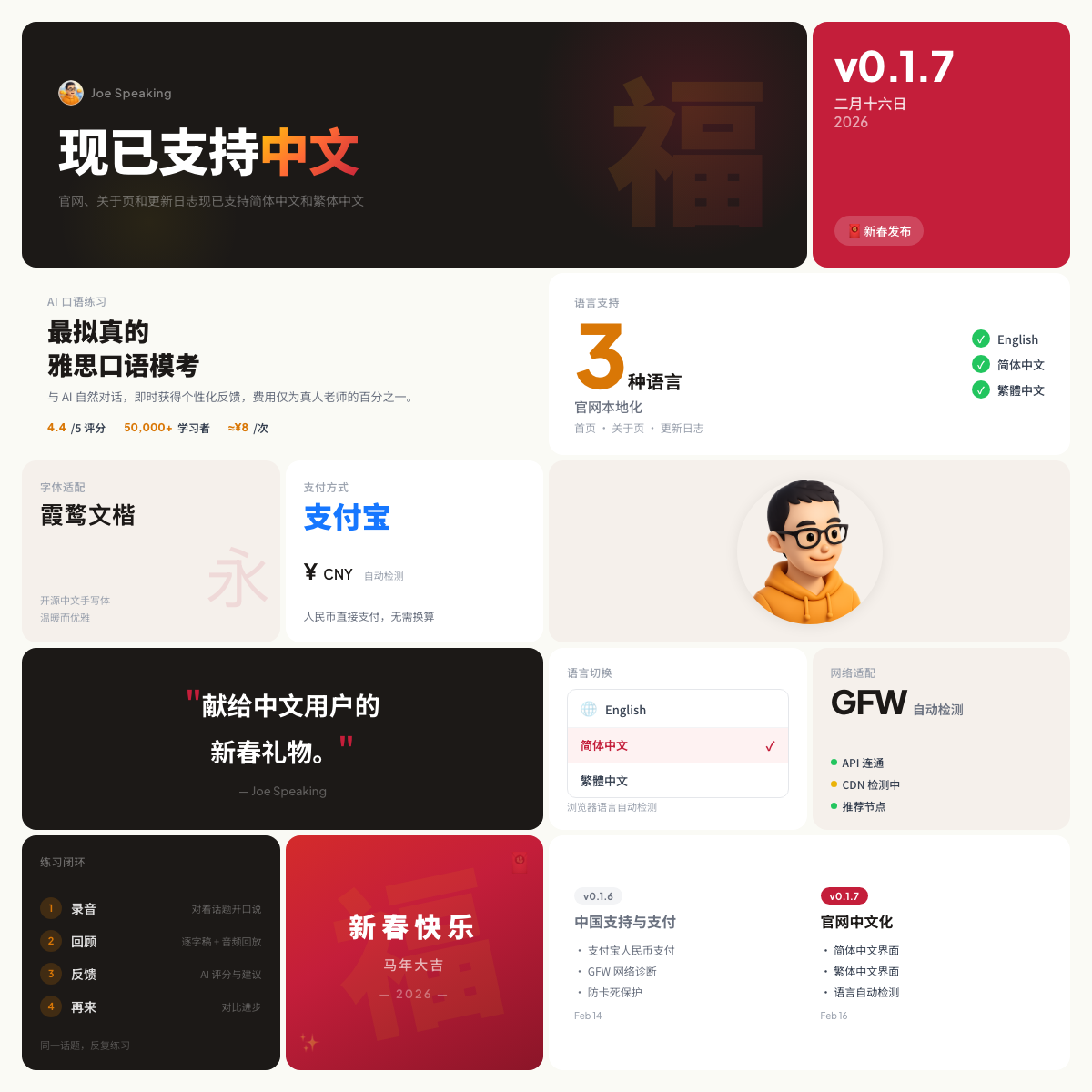
Chinese New Year Launch — Square format (1200x1200) with festive theme
Vertical / Social Media — Portrait format for social posts
| Project Stats | GitHub Social | Personal Dashboard |
|---|
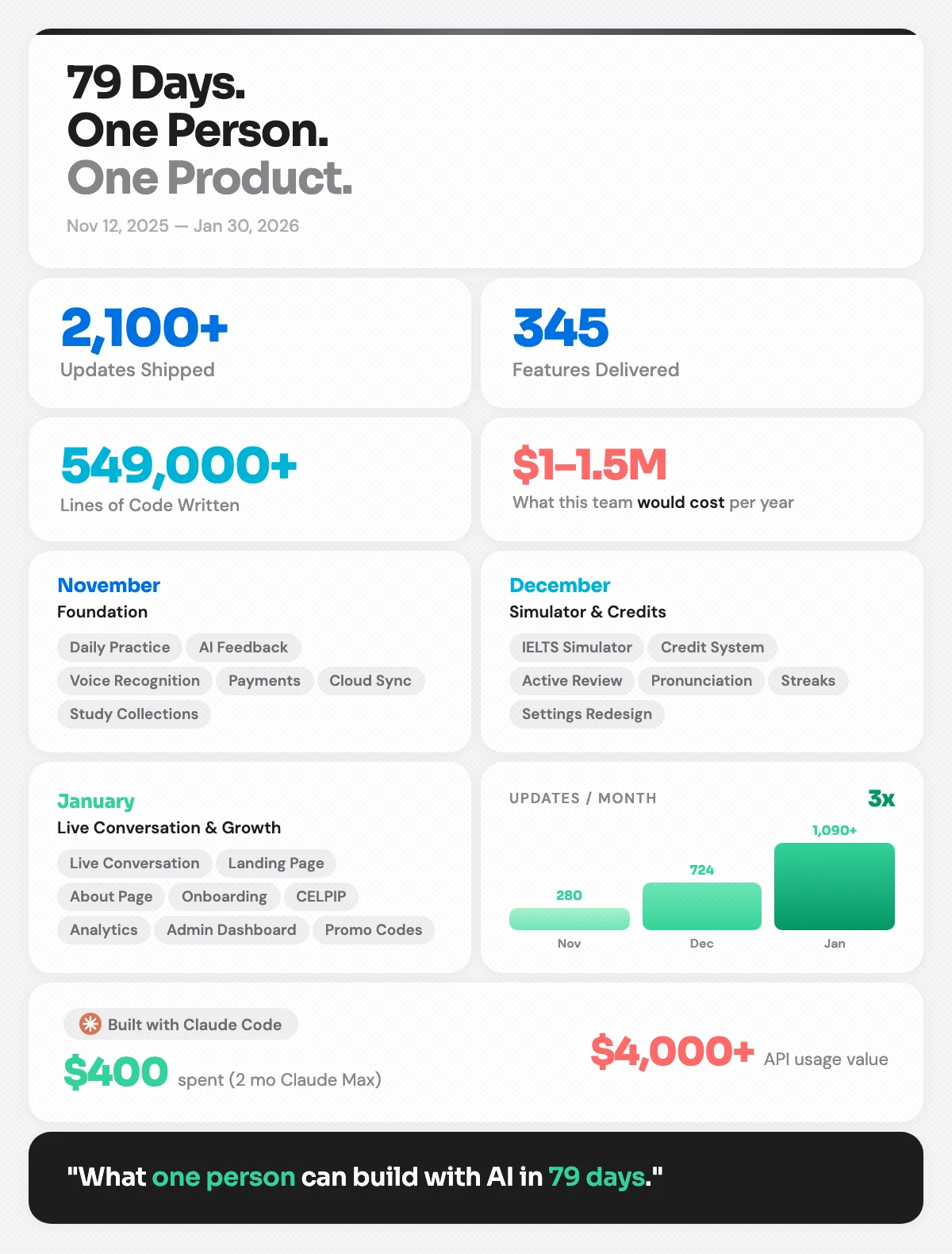 | 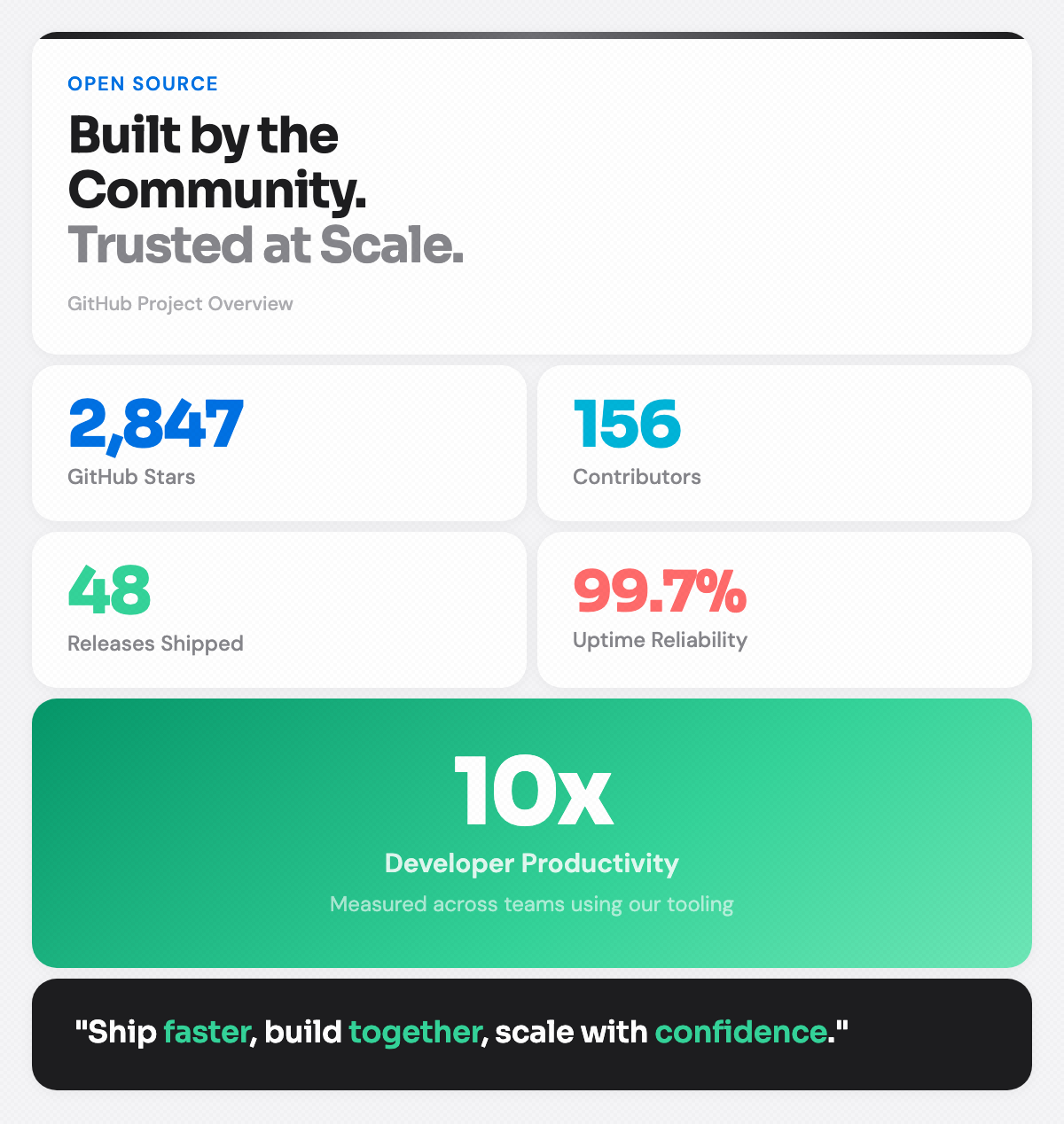 | 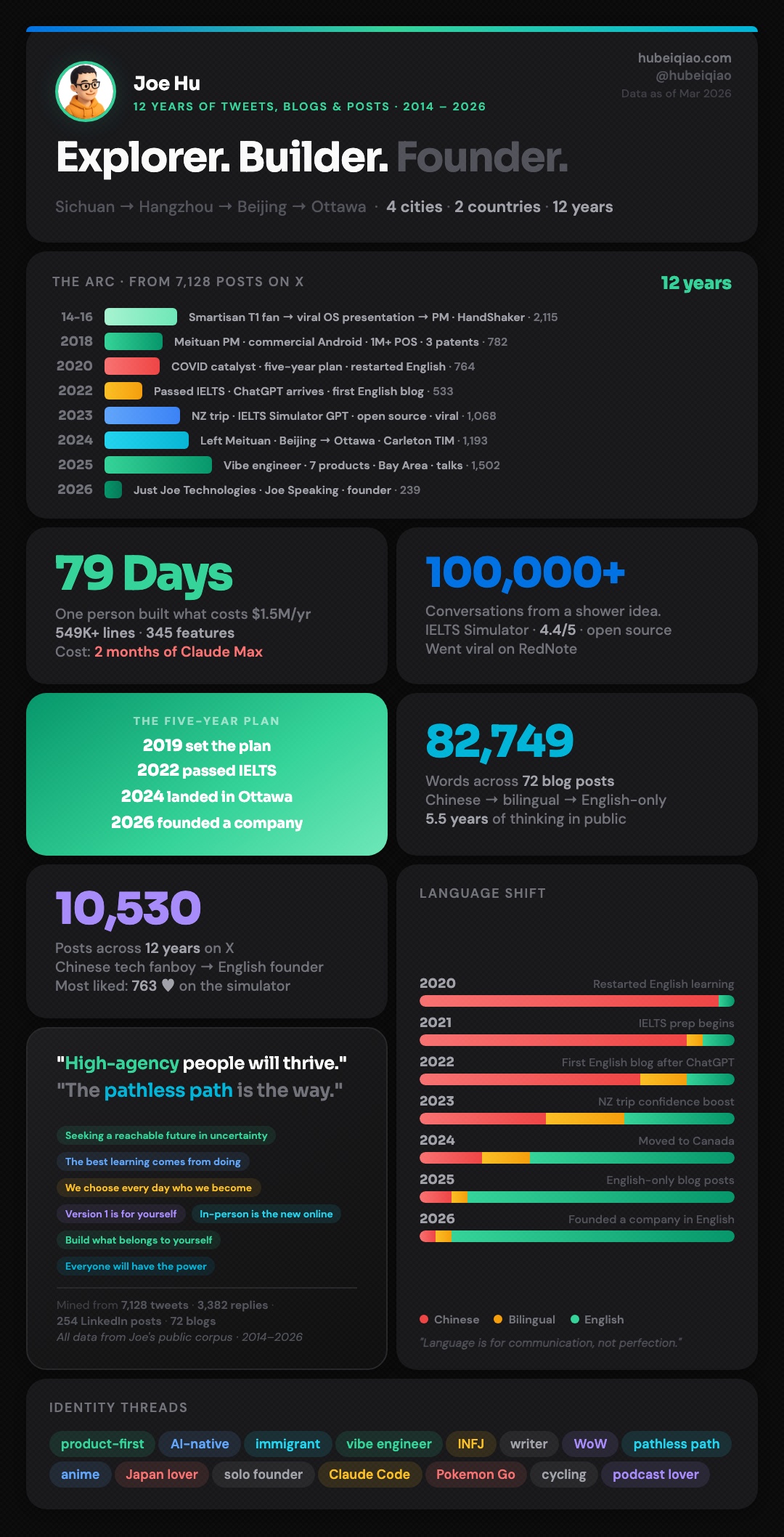 |
Installation
Claude Code Plugin (recommended)
/plugin marketplace add hubeiqiao/apple-bento-grid
/plugin install apple-bento-grid@apple-bento-grid-marketplace
Agent Skills
Install from the Agent Skills Directory:
npx skills add hubeiqiao/apple-bento-grid
Manual
Clone directly into your Claude Code skills directory:
git clone https://github.com/hubeiqiao/apple-bento-grid.git ~/.claude/skills/apple-bento-grid
Or add it as a project skill in .claude/skills/.
Usage
In your AI coding agent, just describe what you want to visualize. You don't need to be specific — the skill figures out the best layout, theme, and card types for you.
Quick start:
Use /apple-bento-grid to visualize my project stats
Explore different use cases:
Use /apple-bento-grid to visualize my startup's growth journey
Use /apple-bento-grid to visualize my open source project achievements
Use /apple-bento-grid to create a year-in-review card for my portfolio
Use /apple-bento-grid to visualize our team's Q4 shipping velocity
Or be specific when you know what you want:
Create a dark theme bento grid with $2.4M revenue, 12K users, and a bar chart showing quarterly growth
Make a vertical social media card with 5 achievement stats and my company logo
The skill will:
- Suggest a theme (light/dark/both) based on your use case
- Choose the right layout template
- Ask if you have logos or images to include
- Generate a self-contained HTML file
- Offer to create a vertical (portrait) version for social media
Features
- Two themes — Light (Apple
#f5f5f7) and dark (#000) with Apple dark-mode colors
- 7 card types — Hero, Stat, Category, Bar Chart, Badge, Quote, Highlight
- 3 layouts — 4-column (1200px), 3-column (1100px), 2-column vertical (600px)
- Logo & image support — Add your own logos, product screenshots, or avatars
- Screenshot export — Playwright script for 2x Retina-quality PNGs
- Zero dependencies — Each output is a single HTML file with inline CSS
Card Types
| Card | Use For | Key Feature |
|---|
| Hero | Taglines, headlines | Gradient top-border accent, spans 2 rows |
| Stat | Numbers + labels | Color-coded accent per category |
| Category | Grouped items | Color label + subtitle + pill tags |
| Bar Chart | Growth over time | Gradient bars with header badge |
| Badge | Tool attribution | Icon pill + stat number |
| Quote | Mission statements | Dark background, colored emphasis |
| Highlight | Hero numbers (3x, 10x) | Full-gradient background |
Themes
| Light | Dark |
|---|
| |
Layout Options
| Template | Columns | Width | Best For |
|---|
| A: Horizontal | 4-col | 1200px | 12-16 cards, slides |
| B: Horizontal | 3-col | 1100px | 8-10 cards, focused |
| C: Vertical | 2-col | 600px | Social media, portrait |
Screenshot Export
cd scripts
npm install
npx playwright install chromium
node screenshot.mjs
Edit the pages array in screenshot.mjs to point to your HTML files.
Examples
Generated examples (included with HTML source)
Real-world examples (from actual projects)
Project Structure
apple-bento-grid/
├── SKILL.md              # Skill definition (workflow, themes, card types)
├── design-system.md      # Complete design tokens, CSS/HTML for all components
├── examples/             # Generated + real-world HTML outputs with screenshots
├── evals/                # Test cases for skill evaluation
├── scripts/
│   ├── screenshot.mjs    # Playwright 2x screenshot capture
│   └── package.json
├── LICENSE               # MIT
└── README.md
License
MIT


