
obra/
superpowers

obra/superpowersSkills
An agentic skills framework & software development methodology that works.
285k
1 add
This repo packages Claude Agent Skills for generating images at three levels and for assembling a narrated storybook. Claude handles the prompt shaping, tool choice, verification, and file output, while the skills define the actual rendering and publishing steps.
Builders who use Claude Code and want reusable image-making and storybook workflows.
You can turn plain-language requests into designed images, 3D renders, or a finished HTML storybook without rebuilding the workflow each time.
Draws posters, quote cards, geometric art, and other designed images with Pillow, numpy, gradients, shapes, fonts, and typography.
Builds a real 3D scene in code and renders a single frame headlessly for product shots and scene images.
Sends prompts to Cloudflare Workers AI with Flux for photographic or freeform image generation.
Chains scene splitting, illustration, narration, and HTML publishing into one end-to-end storybook flow.
Uses cascading reference images to keep characters and locations stable across story scenes.
Packages each story into one offline-friendly HTML file with embedded images and narration.
pip install pillow numpy requests python-dotenv
cp .env.example .env
cp .mcp.json.example .mcp.json
Connect Claude to image generation with Claude Agent Skills — from zero-cost, code-only rendering up to a real diffusion model, then composed into a full app: an AI Storybook pipeline that turns a plain-English story into an illustrated, narrated, self-contained HTML book.



One prompt — “a minimalist logo for a coffee shop” — rendered three ways:
Level 1 code-based design engine · Level 2 Three.js 3D scene · Level 3 diffusion model.
The through-line of every skill here is the same: Claude does the prompt engineering and orchestration, not just a raw API call. You describe what you want in plain language; Claude turns it into a strong prompt / scene / plan, runs the right tool, verifies the result, and hands you the file.
your idea → Claude plans & prompts → the right generator → verified output
This repo is the companion code for a series of written tutorials on learnwithhasan.com that walk through how each piece was built:
| Guide | Covers |
|---|---|
| Generate images in Claude Code with no AI model | Levels 1 & 2 — the code-based design engine and the Three.js 3D renderer |
| Free AI images with Claude Code + Cloudflare | Level 3 — the Cloudflare Workers AI (Flux) diffusion model |
| Consistent AI characters for visual stories | The Storybook pipeline — keeping characters stable across every scene |
The three level skills all answer "make me an image," but trade off cost, realism, and control very differently.
| Level | Skill folder | Engine | Needs an API? | Great for |
|---|---|---|---|---|
| 1 | level-1-image-generator/ | Code-based design engine — Pillow + numpy draw gradients, mesh fields, glow, grain, shapes, and real typography. No image model. | ❌ Free / local | Posters, quote & story/reel covers, carousel slides, wallpapers, Bauhaus/Swiss geometric art, neon/synthwave, soft product visuals — anything typographic or designed. Crisp text, no AI artifacts. |
| 2 | level-2-image-generator/ | Real Three.js 3D scene, rendered to one frame headlessly (headless-gl under Xvfb). No image model. | ❌ Free / local (Node) | 3D product shots, rendered scenes, wallpapers, thumbnail backgrounds in named styles (dark studio, Apple light, nature, sunset, underwater). |
| 3 | level-3-image-generator/ | Diffusion model — Cloudflare Workers AI (flux-1-schnell). A hosted image model. | ✅ Cloudflare keys | Photographic / illustrative looks, freeform subjects, logos & icons, quick thumbnails — anything a diffusion model does well. |
Why levels? Levels 1 and 2 never touch an image model — they construct the picture from code, so they're free, deterministic, and perfect at text and geometry. Level 3 is the "classic" approach: hand a prompt to a diffusion model. Different jobs want different levels.
📖 Guides: no-AI-model images (Levels 1 & 2) · free Cloudflare images (Level 3)
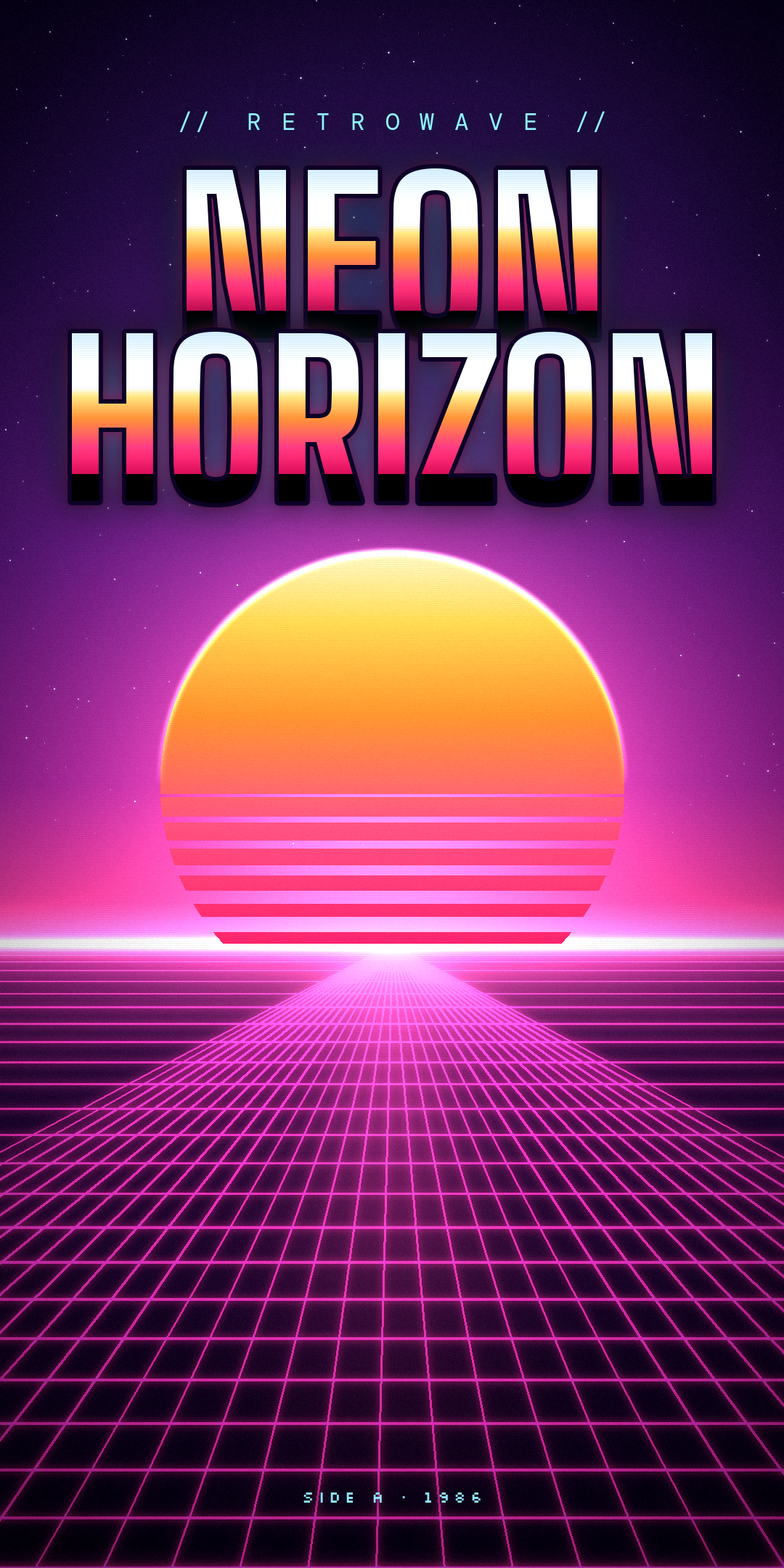
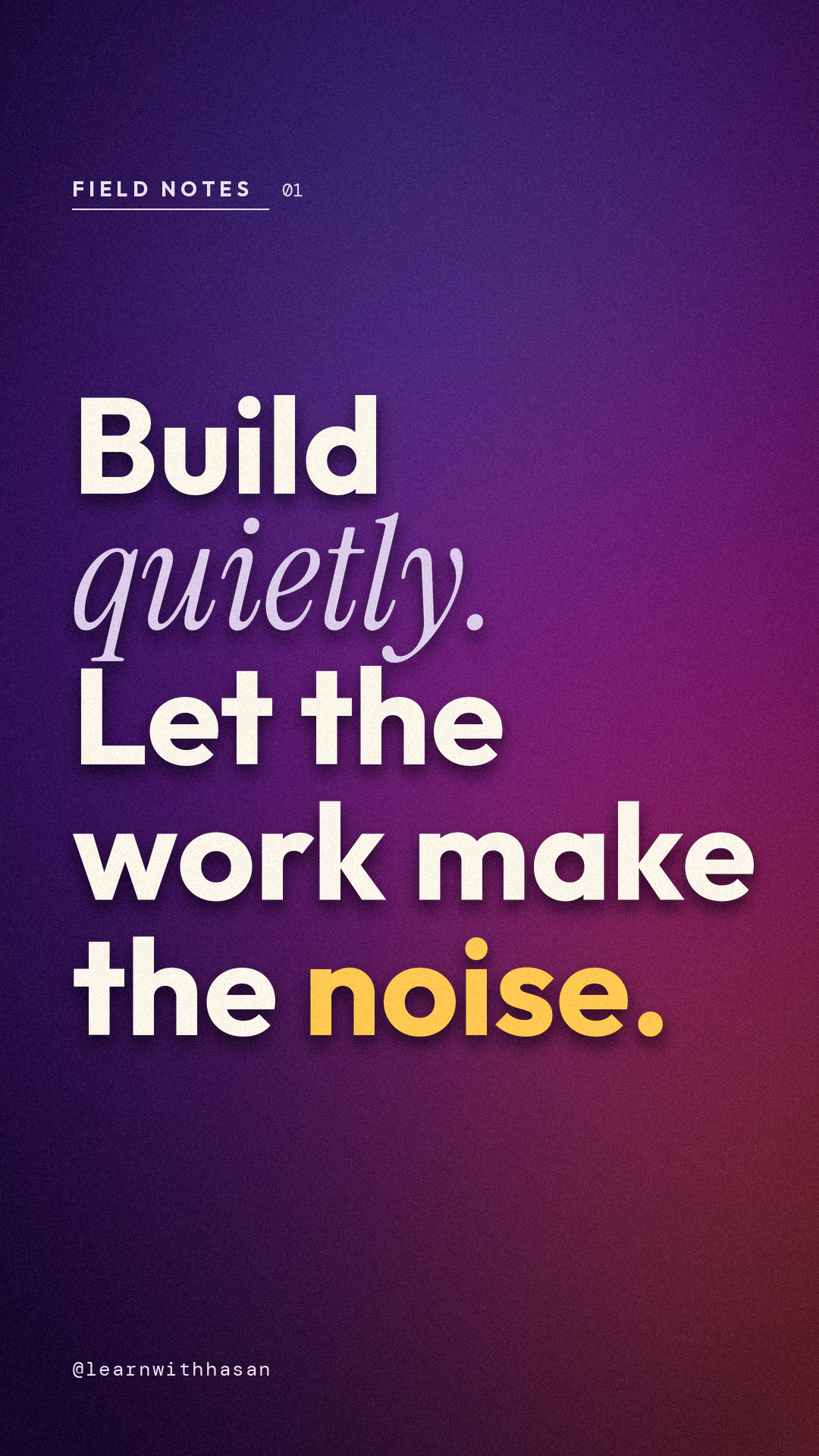
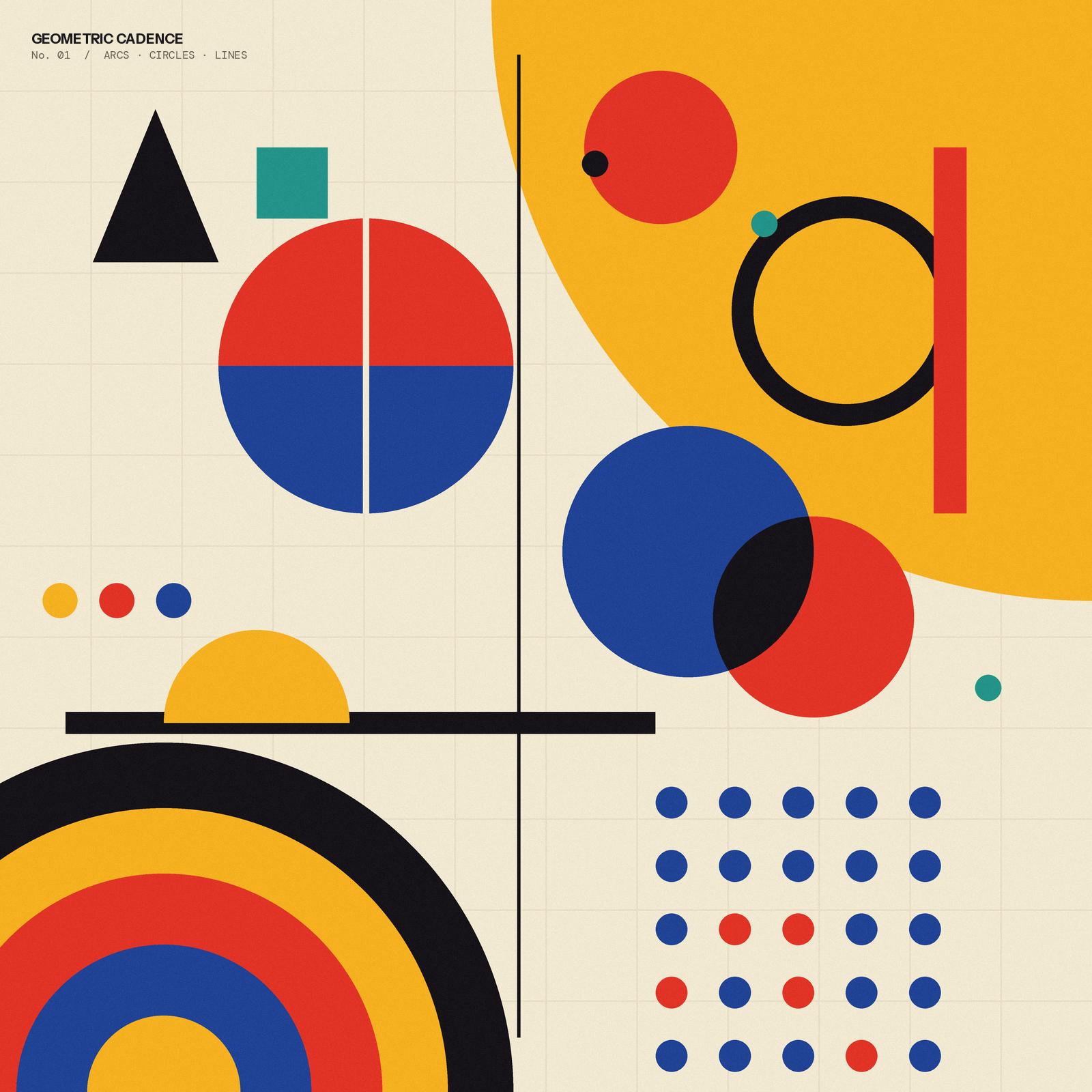
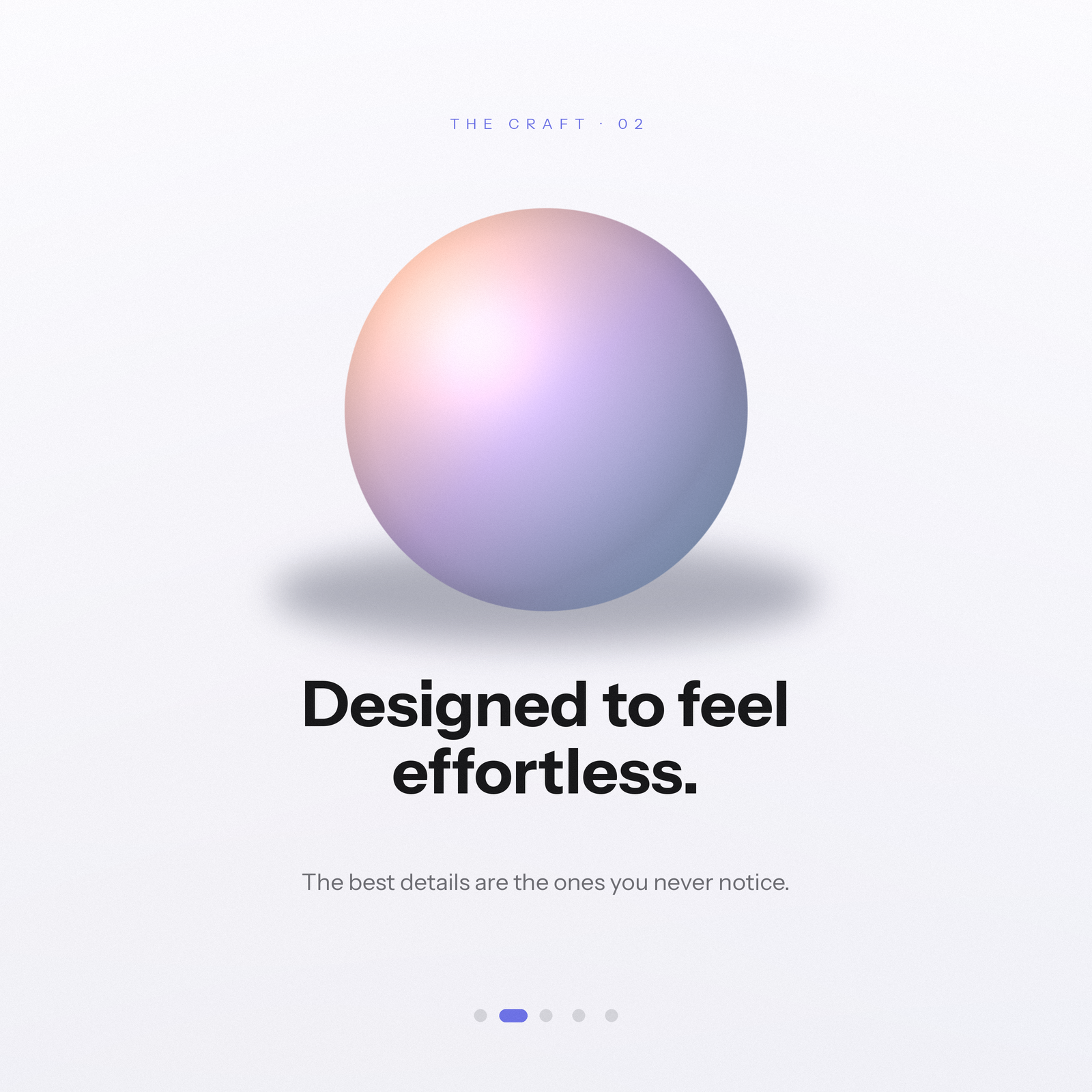
Everything above is drawn with math and type — no image model. Crisp text, perfect alignment, no AI artifacts. → level1-examples/
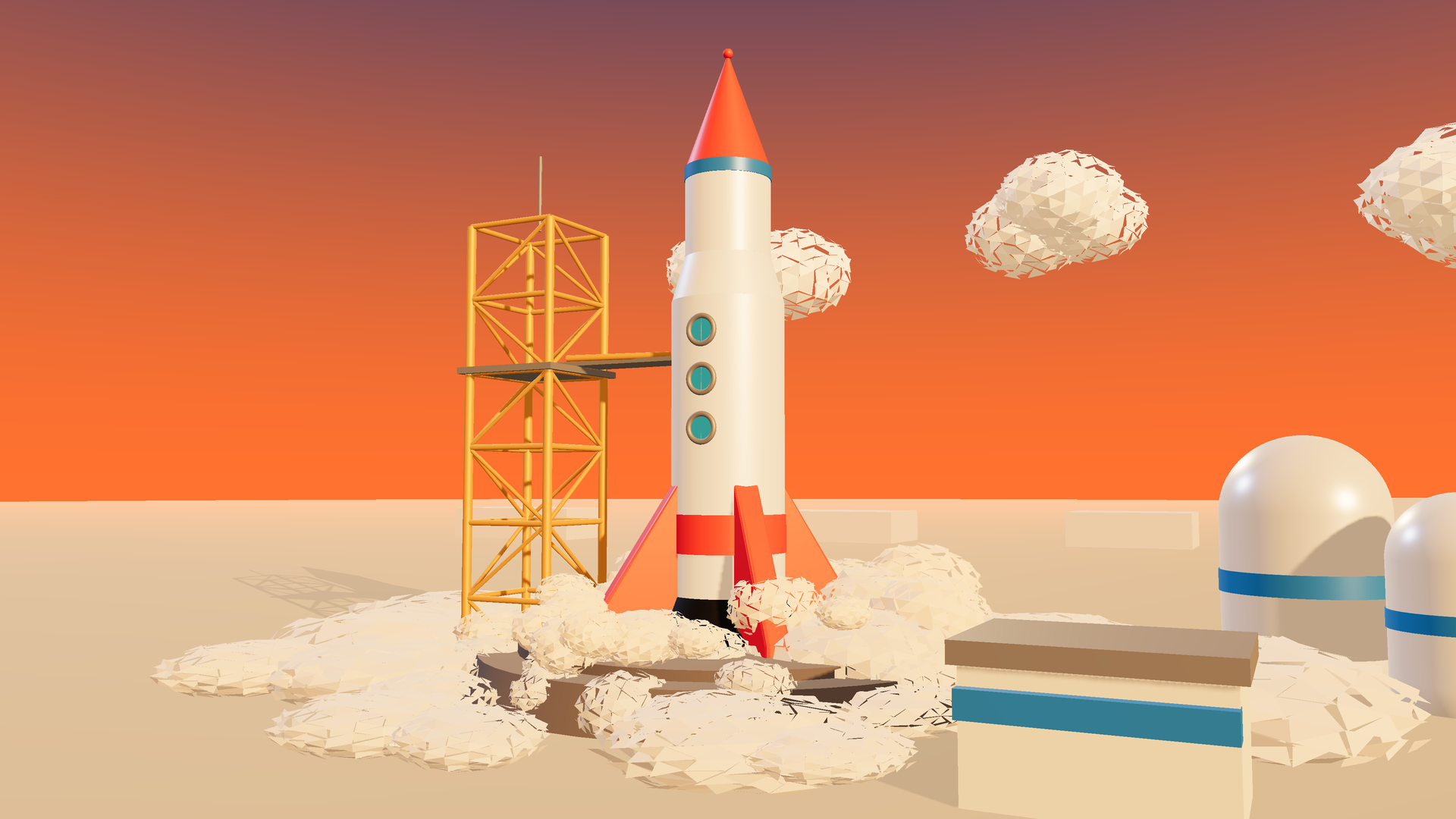

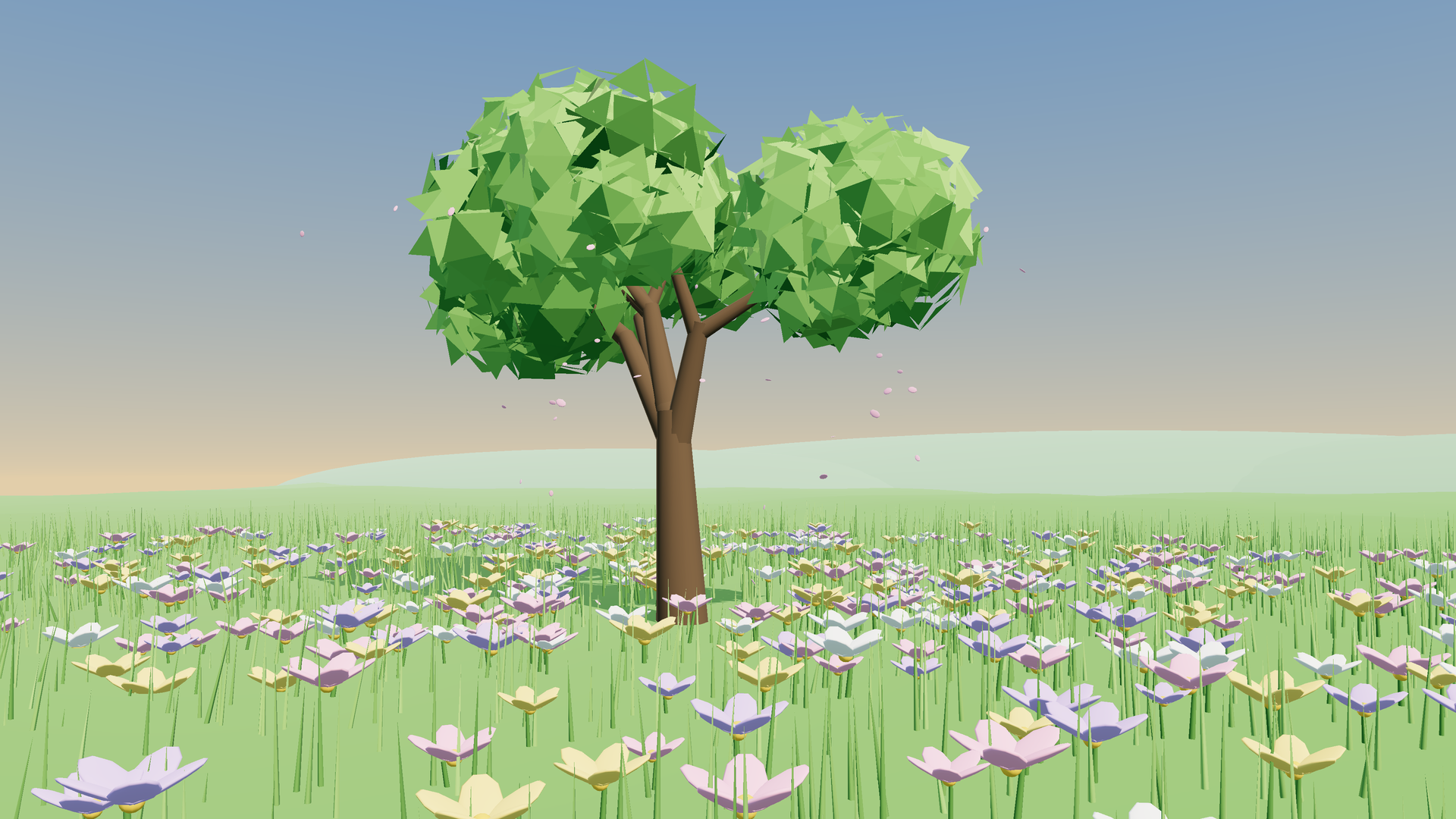
A real 3D scene, built in code and captured as one frame — still no image model. → level2-examples/
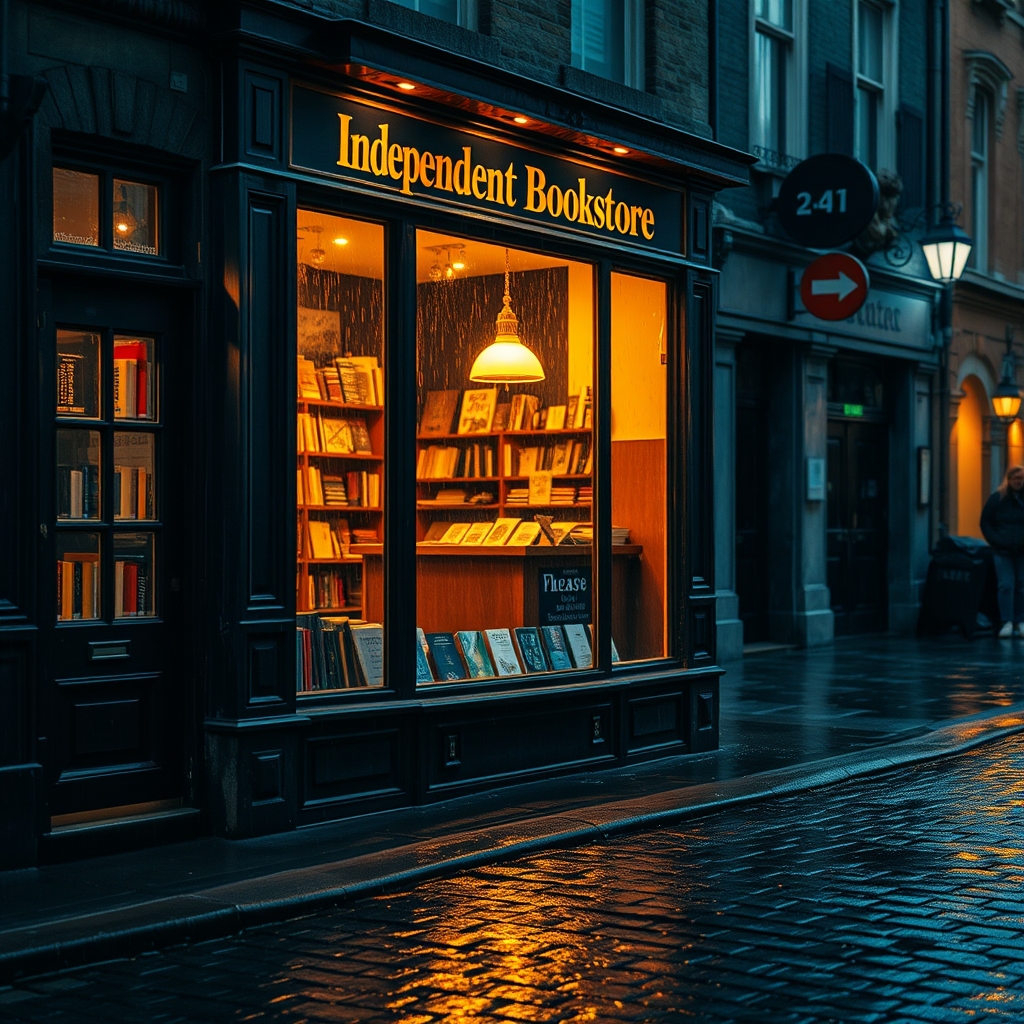
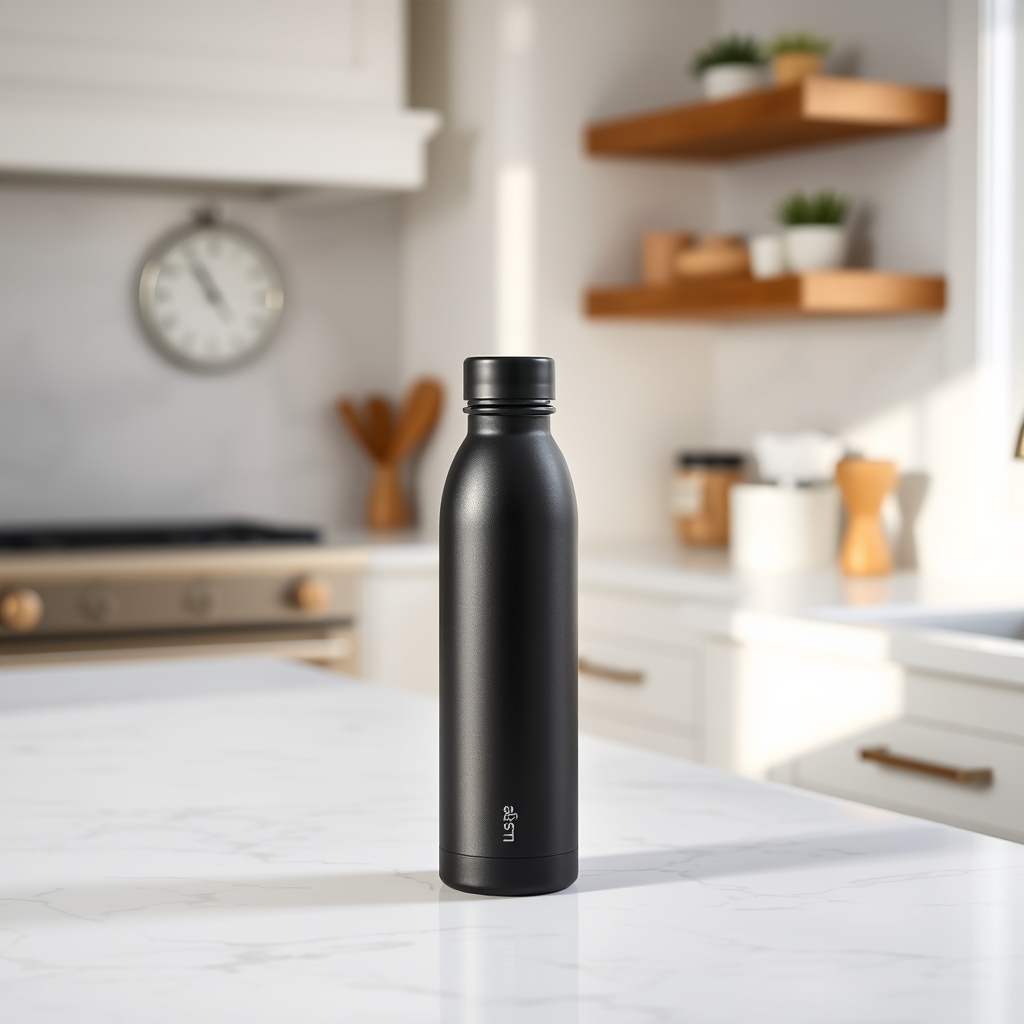
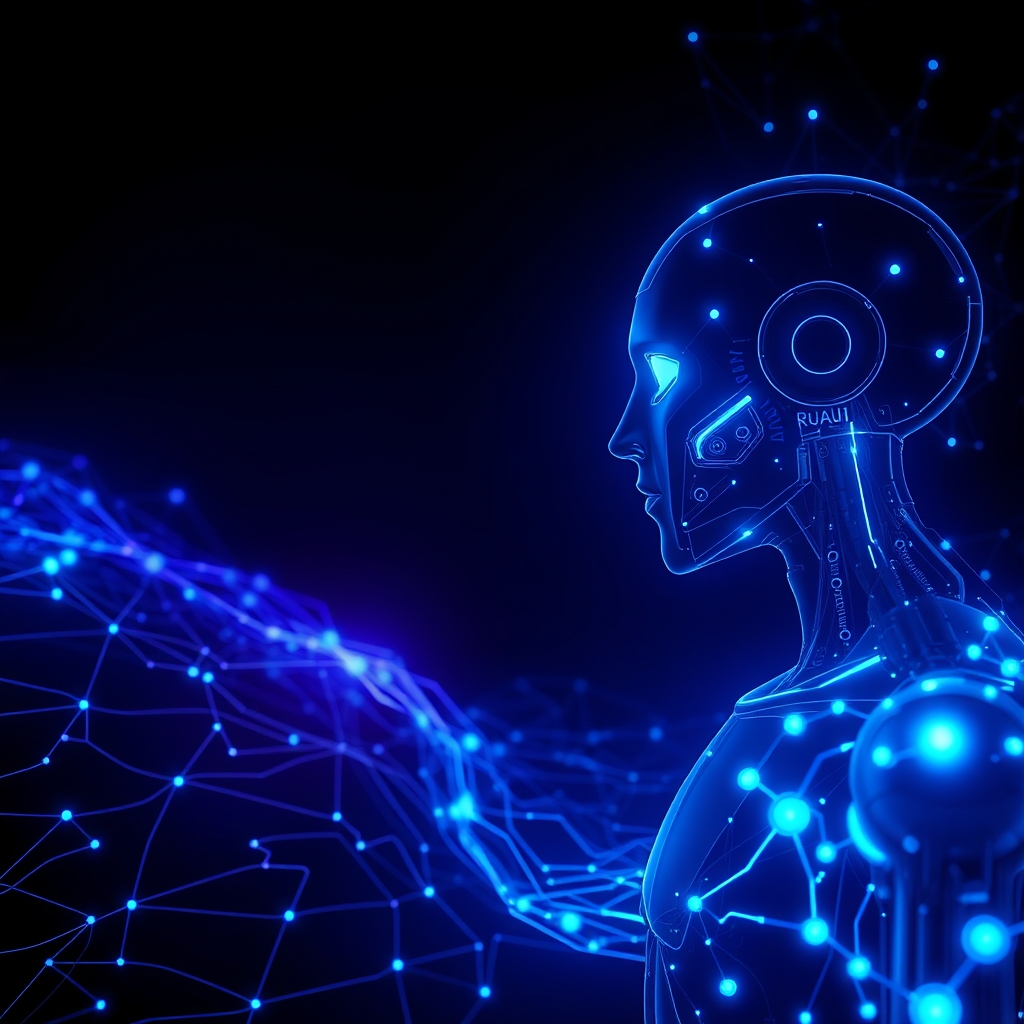
A hosted diffusion model doing what it does best — photographic and freeform looks. → level3-examples/
level-1-2-3-comparison/ renders the coffee-shop-logo prompt through all three levels (the trio at the top of this page) — the clearest way to feel the trade-offs.
Building on the image skills, this is a small application: give it an English story, get back a single self-contained .html storybook — a swipe/tap player with one illustration and one narration clip per scene, all embedded so the file works offline and shares as-is.
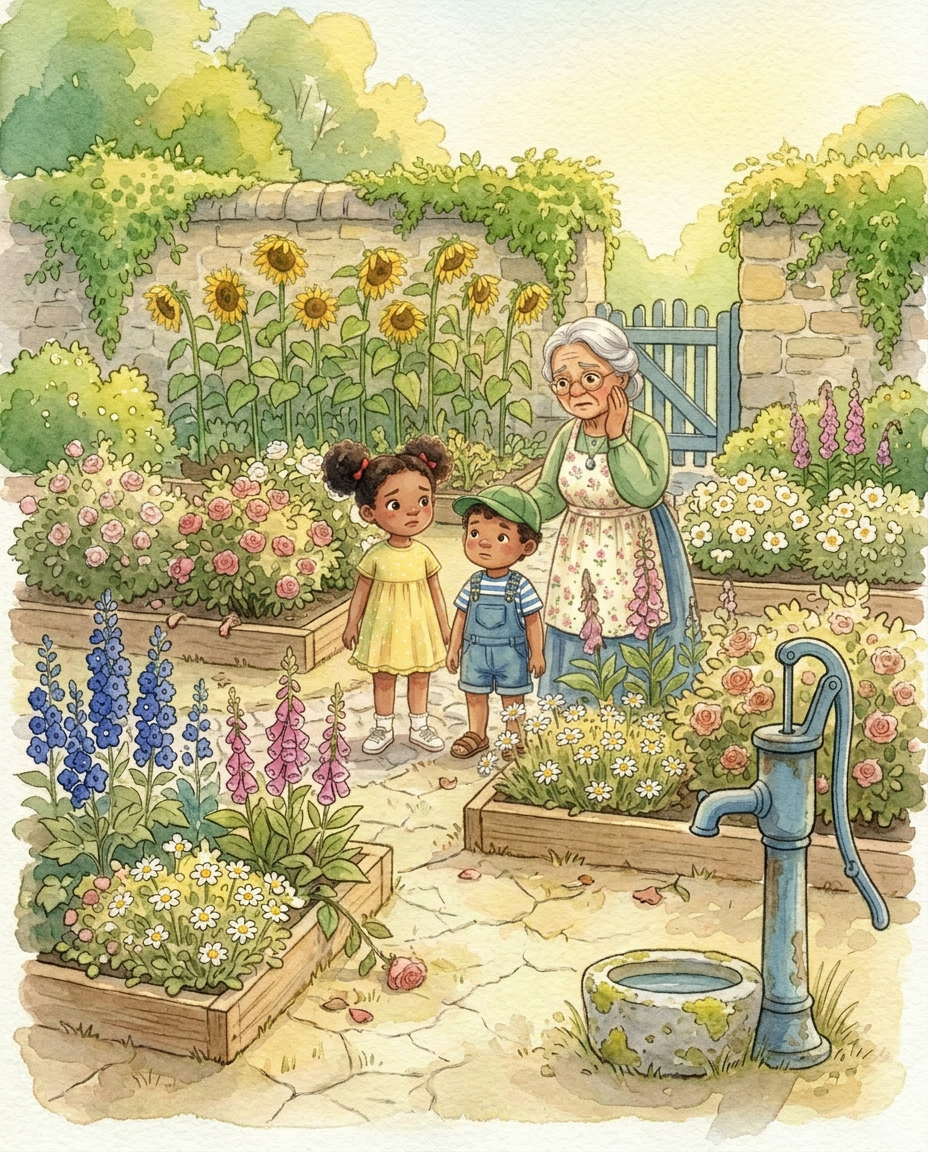
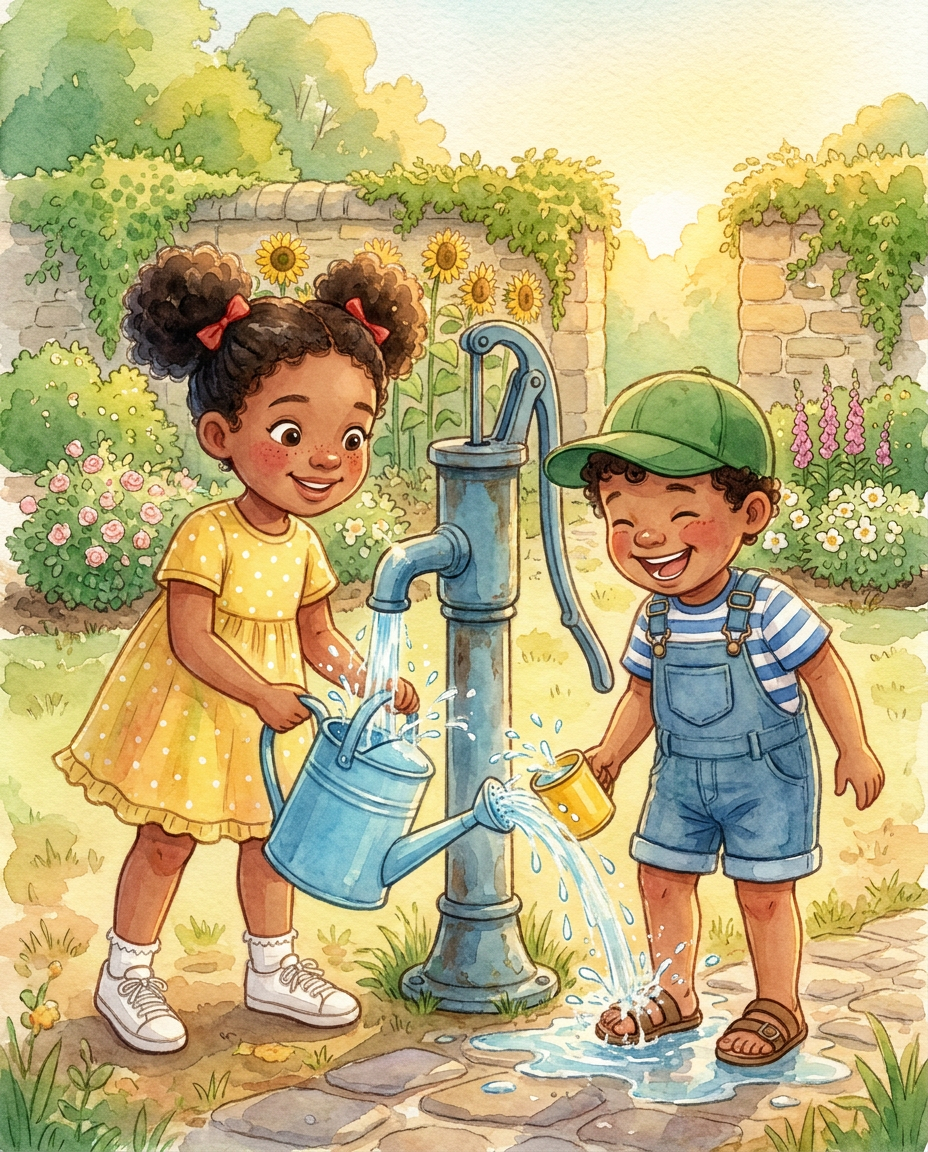
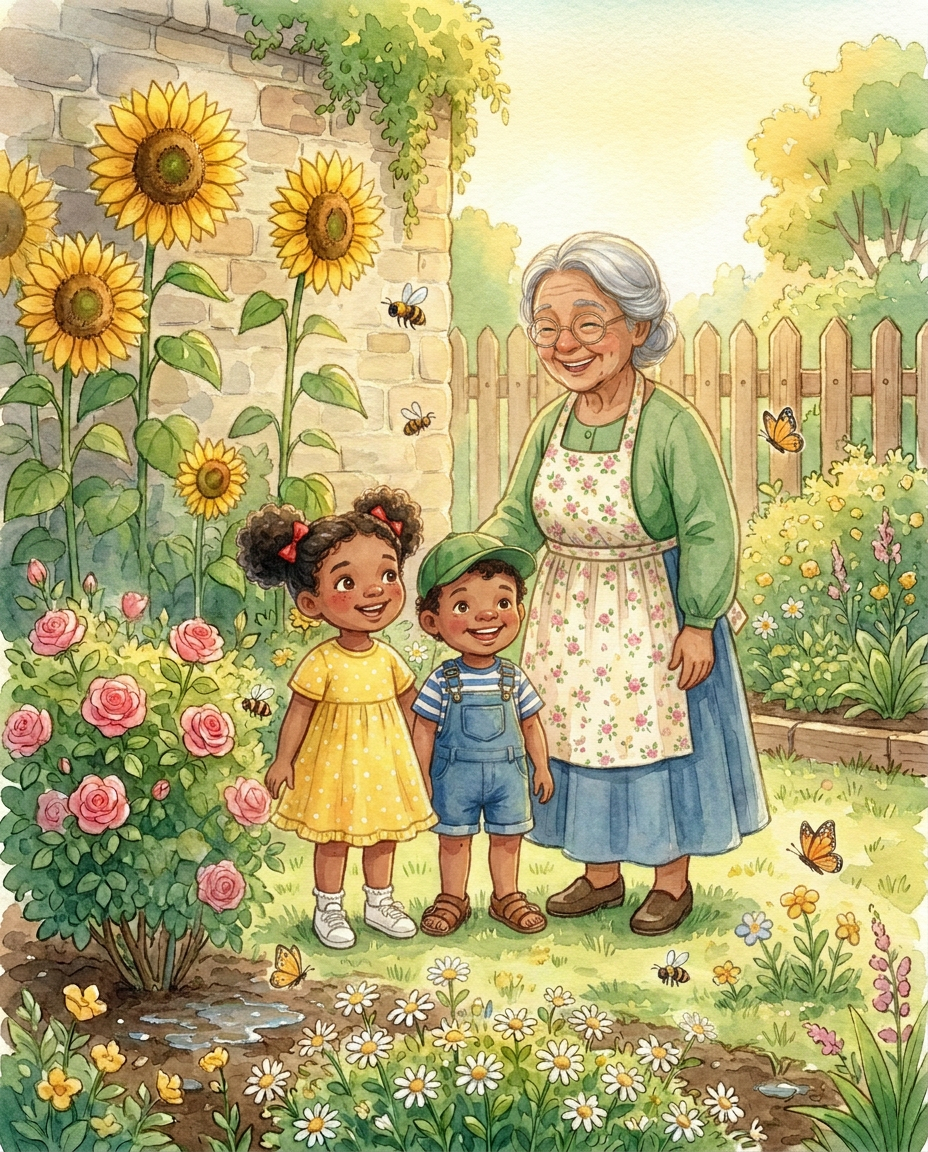
Consistent, character-stable illustrations across every scene of “The Three Gardeners.”
📖 Guide: Consistent AI characters for visual stories — how the illustrator keeps characters stable across scenes.
stories/{slug}.md
      │
      ▼
1. scene-splitter        → {slug}_scenes.json            split the story into ~8–12 illustratable scenes
2. story-illustrator     → {slug}_images.json (+ images) one consistent image per scene   (Fal image models)
3. story-narrator        → {slug}_audio/*.mp3            one expressive narration clip per scene  (ElevenLabs TTS)
4. story-html-publisher  → {slug}.html                  package everything into one shareable HTML file
storybook-pipeline/ is the orchestrator — one entry point ("make a storybook from this") that dispatches the four component skills in order, locks a shared filename convention so every image and audio clip pairs by scene index, and preserves each step's approval gate (scenes, character bible, narration script all get reviewed before money is spent).
| Skill | Role | Backend |
|---|---|---|
scene-splitter/ | Split a story into numbered scenes (1 image + 1 narration each) | Claude only |
story-illustrator/ | One consistent image per scene, using cascading reference images for character/location continuity | Fal (nano-banana-2/pro, seedream-4) |
story-narrator/ | One expressive MP3 per scene | ElevenLabs MCP (text_to_speech) |
story-html-publisher/ | Consolidate scenes + images + audio into one self-contained HTML player | Claude only |
Three completed storybooks live in stories/ — each folder has the deliverable .html:
stories/the-three-gardeners/the-three-gardeners.htmlstories/pepper-runs-off/pepper-runs-off.htmlstories/the-little-cloud/the-little-cloud.htmlOpen any of them in a browser to read the finished, narrated storybook.
claude-image-generation/
├── .claude/skills/
│   ├── level-1-image-generator/    # Level 1 — code-based design engine (Pillow + numpy + fonts)
│   ├── level-2-image-generator/    # Level 2 — Three.js 3D scene, rendered headlessly
│   ├── level-3-image-generator/    # Level 3 — Cloudflare Workers AI (flux-1-schnell) diffusion
│   ├── scene-splitter/             # Storybook step 1 — story → scenes
│   ├── story-illustrator/          # Storybook step 2 — scenes → images (Fal)
│   ├── story-narrator/             # Storybook step 3 — scenes → narration (ElevenLabs)
│   ├── story-html-publisher/       # Storybook step 4 — everything → one .html
│   └── storybook-pipeline/         # Orchestrator for the four storybook skills
├── level1-examples/                # sample outputs, Level 1
├── level2-examples/                # sample outputs, Level 2
├── level3-examples/                # sample outputs, Level 3
├── level-1-2-3-comparison/         # one prompt rendered by all three levels
├── stories/                        # story .md inputs + finished storybook folders
├── .env.example                    # API key template  → copy to .env
└── .mcp.json.example               # MCP server config  → copy to .mcp.json
Open this folder in Claude Code and the skills are picked up automatically. What each part needs:
pip install pillow numpy requests python-dotenv
cp .env.example .env
| Key | Needed for | Where to get it |
|---|---|---|
CF_ACCOUNT_ID, CF_API_TOKEN | Level 3 (Cloudflare diffusion) | Cloudflare dashboard → Workers & Pages → Overview (Account ID) and My Profile → API Tokens with Workers AI run permission (Token). Free tier works. |
FAL_KEY | story-illustrator (storybook images) | fal.ai dashboard |
ELEVENLABS_API_KEY | story-narrator (storybook audio) | elevenlabs.io — also set it in .mcp.json (below) |
Levels 1 & 2 need no keys. .env is gitignored, so your keys never get committed.
The narrator talks to ElevenLabs over MCP. Copy the template and add your key:
cp .mcp.json.example .mcp.json
Then set ELEVENLABS_API_KEY and an output path inside .mcp.json. (.mcp.json is gitignored — the sanitized .mcp.json.example is what's committed.)
Level 2 runs bash <skill>/scripts/setup.sh on first use to install its npm deps and drop in the prebuilt WebGL binary — no manual step.
Just ask Claude in plain language. It picks the matching skill, does the prompt/plan work, runs the generator, verifies, and gives you the file.
Level 1 — designed graphics
Level 2 — 3D renders
Level 3 — diffusion model
Storybook pipeline
stories/my-story.md, then: "Run the storybook pipeline on stories/my-story.md."You can also run the Level 3 script directly:
python .claude/skills/level-3-image-generator/generate.py "a cyberpunk cat coding at night" -o cat.jpg
A Claude Skill is just a folder with a SKILL.md. The YAML frontmatter's description tells Claude when to use the skill; the markdown body tells it how. That's the whole trick here — the body encodes the prompt-engineering, the render/verify loop, and the guardrails, so a vague human request becomes a well-executed generation instead of a passthrough API call.
Keep real keys in .env and .mcp.json only (both gitignored) — never in code or committed config. If a token ever lands in a commit, rotate it at the provider — the value stays recoverable from git history otherwise.
Released under the MIT License © 2026 Hasan Aboul Hasan — use, adapt, and build on it freely.
The fonts bundled in level-1-image-generator/fonts/ are not covered by MIT; each is licensed under the SIL Open Font License 1.1, with its own *-OFL.txt license file shipped alongside it.
Built by Hasan Aboul Hasan
This repo is one thing I built with AI. The book is the system underneath it.
Vibe Engineering Blocks is my free 74-page book. 47 building blocks for shipping real apps with AI. One block per page, each with the exact prompt to hand your AI.
Built by Hasan Aboul Hasan. I build real products with AI and write down exactly how. Guides · YouTube · Community
Sign in to join the discussion.
No comments yet. Be the first to say what this is good for.
An agentic skills framework & software development methodology that works.

Turn any codebase, with its docs, SQL schemas, configs, and PDFs, into a queryable knowledge graph. A /graphify skill for Claude Code, Cursor, Codex, and Gemini CLI: local deterministic AST parsing, every edge explained, no vector store.

Topic in, narrated explainer video out. A Claude Code / Codex skill that turns any topic into a black-canvas motion-graphics explainer video with TTS voiceover, subtitles and a chapter progress bar. Chinese or English; every frame drawn in code with Remotion.
Public repository for Agent Skills
Open-source AI job search: scan job portals, evaluate listings into a structured A-H report with a global 1-5 score, tailor your CV, track applications — runs locally in your AI coding CLI (Claude Code, Codex, OpenCode, Antigravity…)

Production-grade engineering skills for AI coding agents.