
JuliusBrussee/
caveman

🪨 why use many token when few token do trick — Claude Code skill that cuts 65% of tokens by talking like caveman
105k
1 add
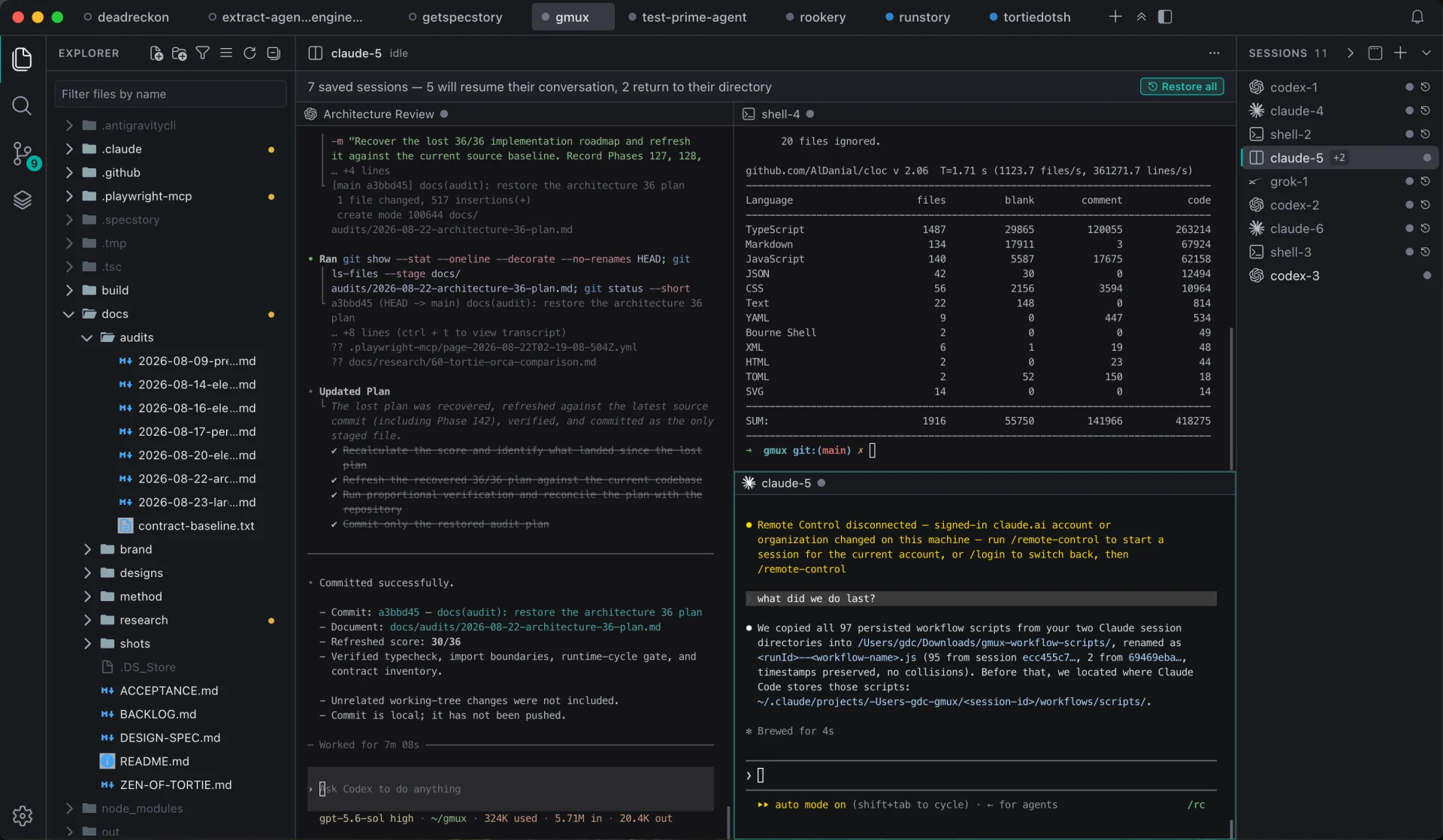
Tortie puts coding-agent sessions, files, Git state, and terminal views into one macOS window. It uses tmux for durable sessions, Electron for the app shell, and Monaco for editing, so you can keep work running and reconnect later without rebuilding context.
Builders who run terminal coding agents and want one place to manage projects, sessions, and context.
You can keep agents running across restarts and jump back to the right session without re-explaining the work.
Each project gets its own tab with sessions, Git state, file tree, editor, and project search.
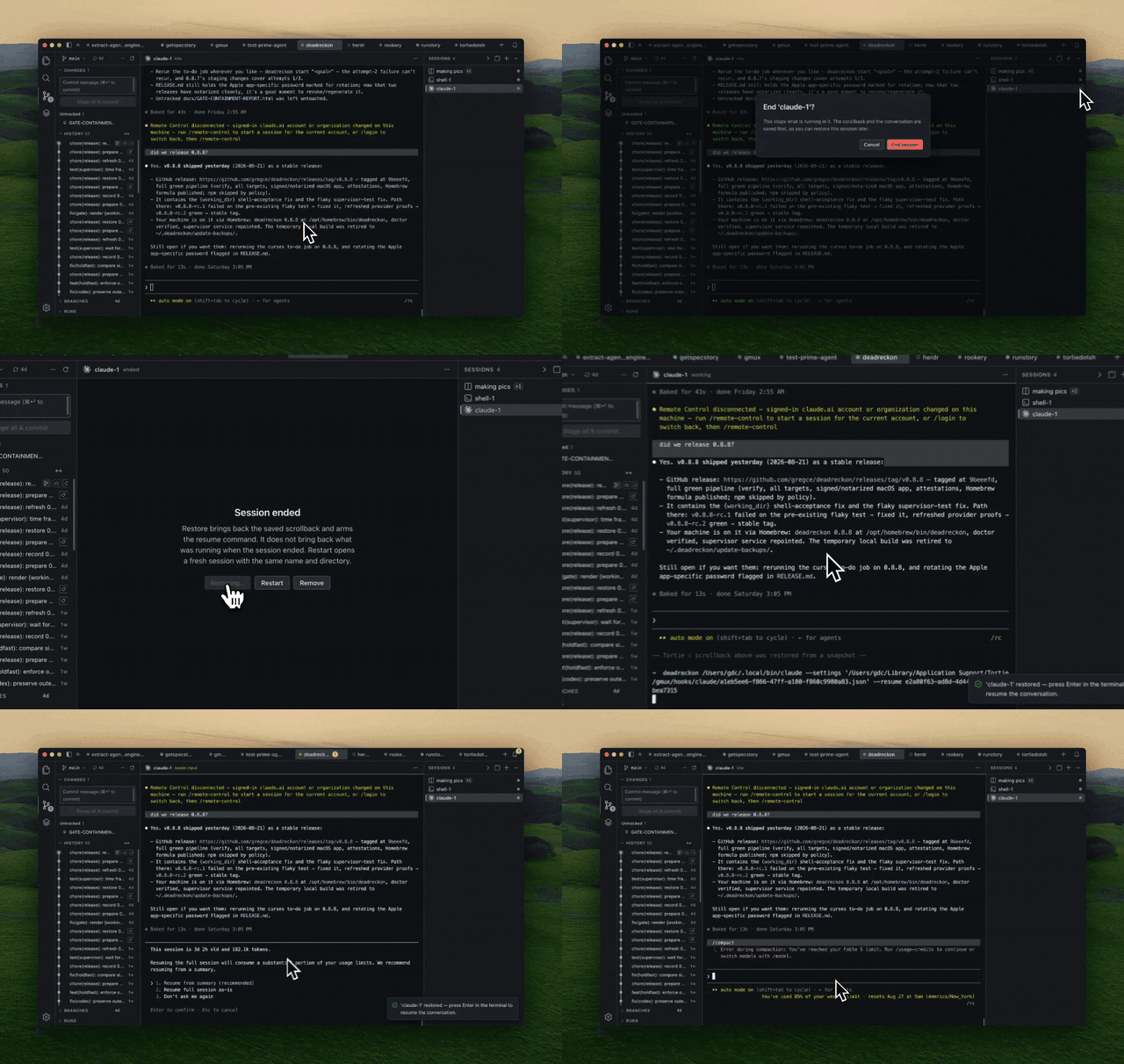
Sessions keep running outside the app window and can be restored after Tortie quits or restarts.
Tortie replays scrollback and prepares the agent’s resume command so you can reconnect cleanly.
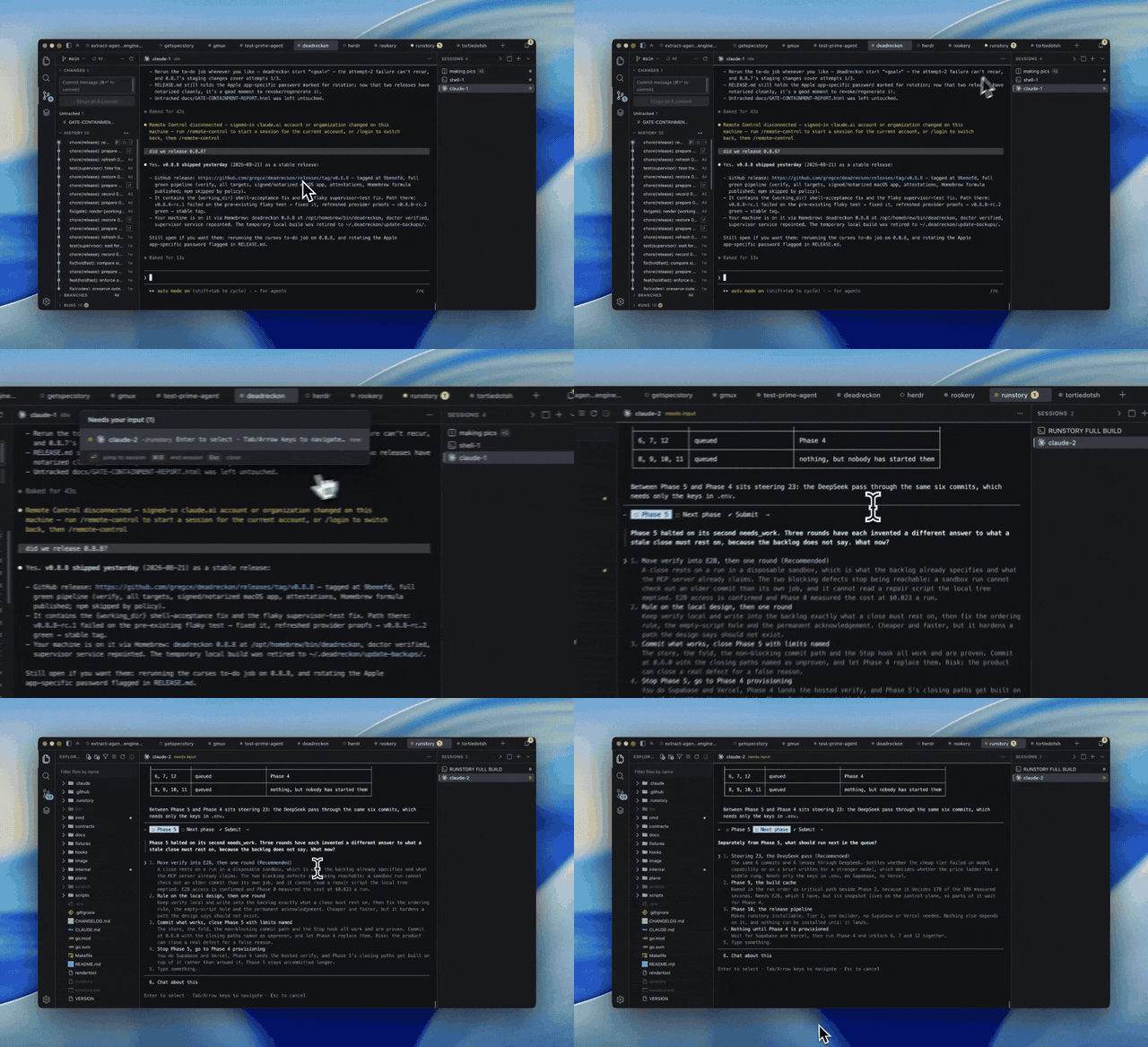
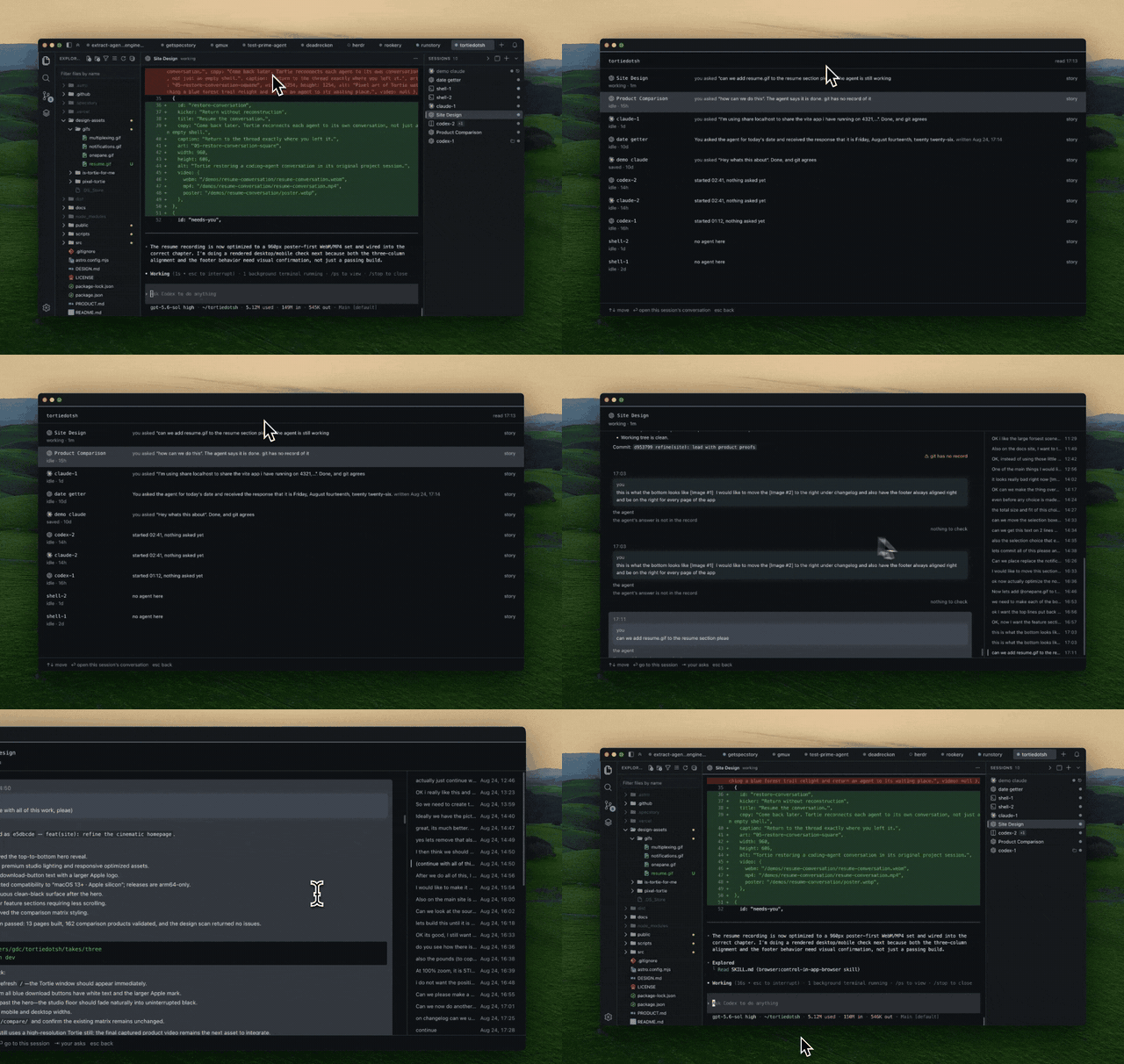
Jump to the session waiting for input or review all sessions in a project from one view.
Stage, commit, browse history, inspect diffs, and search across open projects from the sidebar.
Open a folder on another Mac as a project tab, run agents there, and use that machine’s tmux over ssh.
See skills, MCP servers, hooks, plugins, and instruction files for each agent, with skills installation support.
A calm agent multiplexer with familiar IDE features, for macOS.






If you run coding agents in VS Code or Cursor terminals, but you're tired of cmd+`'ing between windows and losing running agents to every restart, Tortie is for you. I built it to scratch my own itch. I don't want an agent super app, and I don't want to think about tmux. I just want all of my projects in one window and be able to easily organize and not lose my agent sessions.
Explore Tortie, read the docs and compare agent tools at tortie.sh →
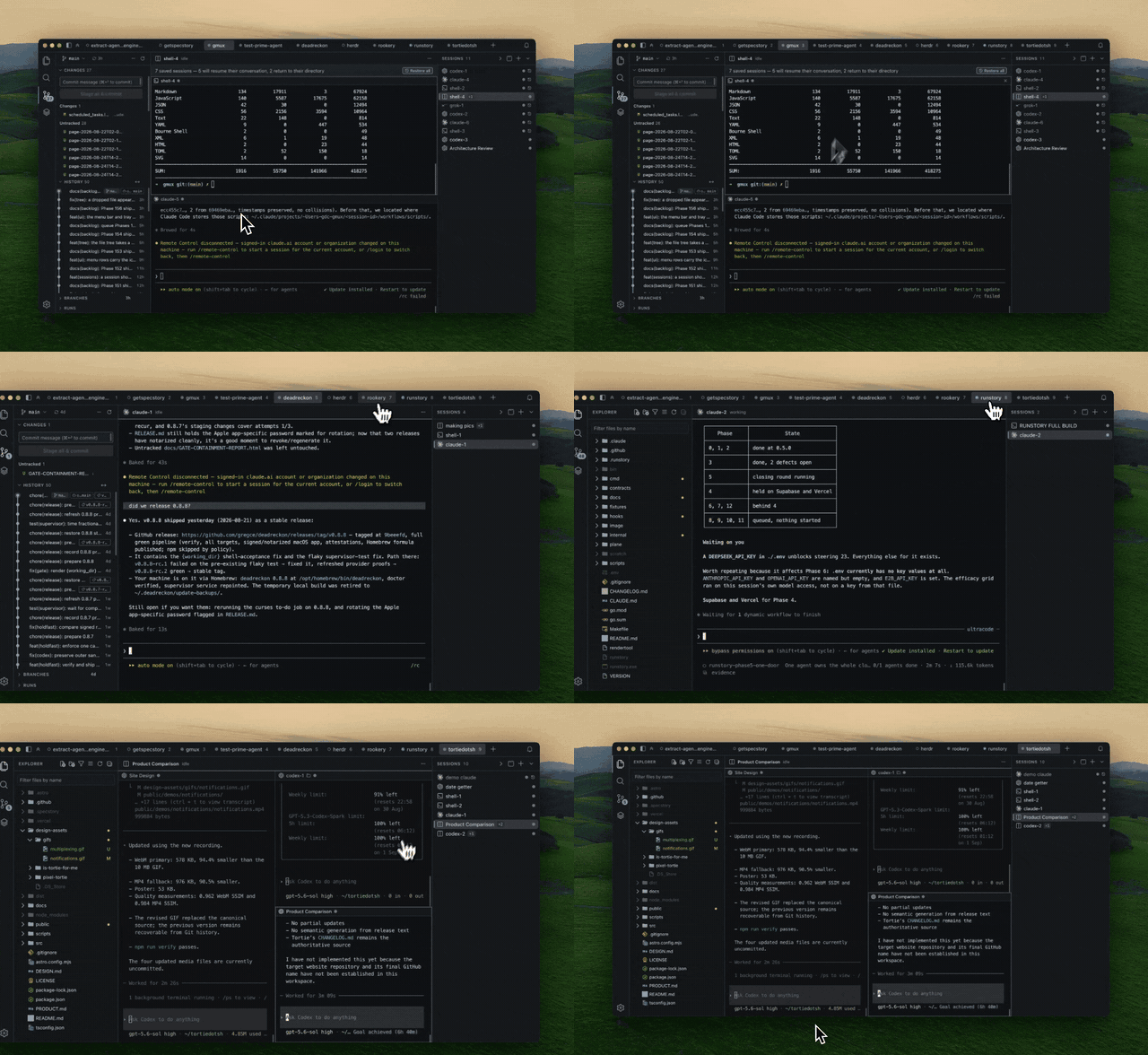
One window for every projectEvery project is a tab with its own sessions, Git state, file tree and editor. Use ⌘P to find files in the active project or across every open project. |
|
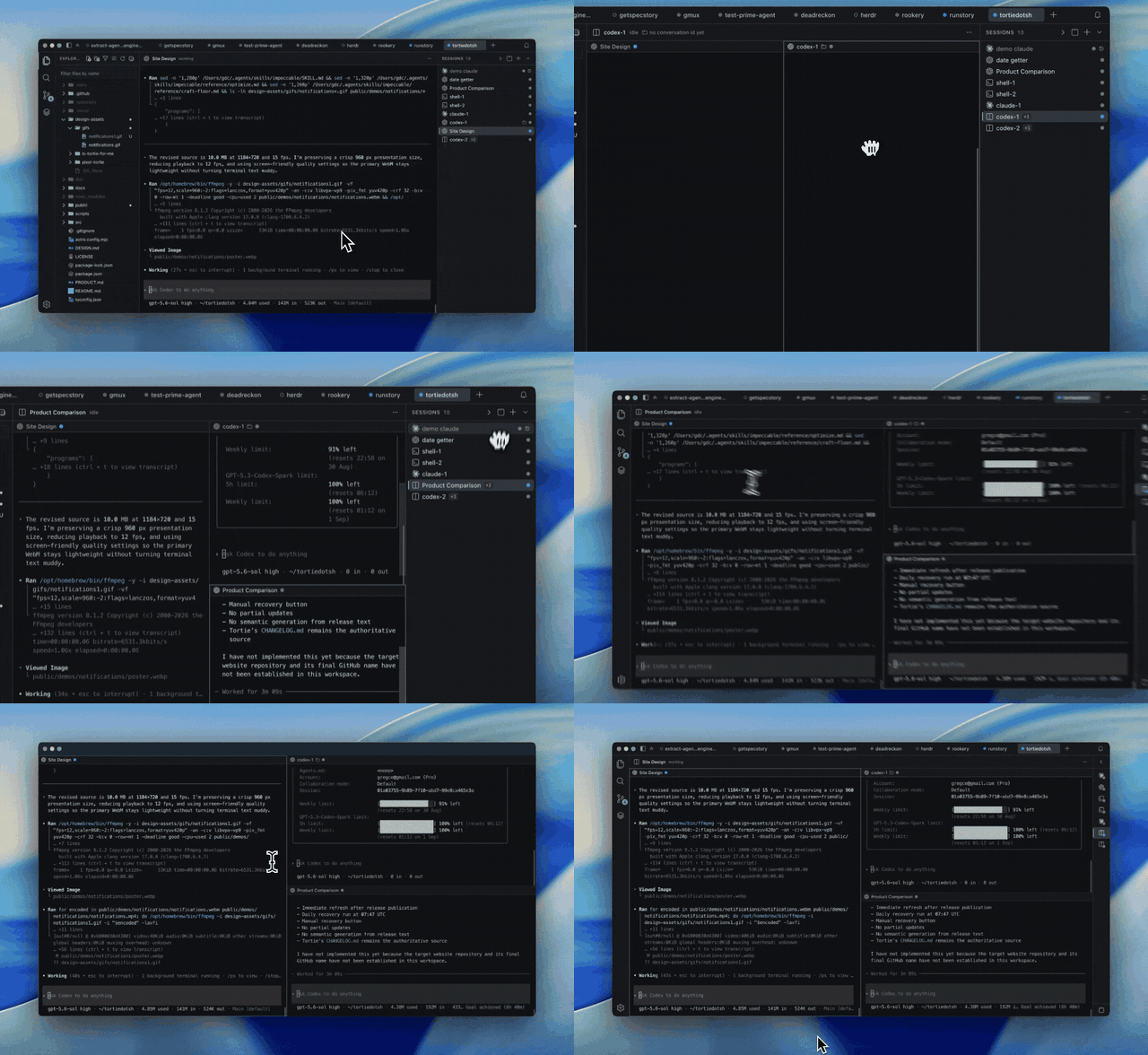
Agents keep workingQuit Tortie without stopping the work. Named sessions run outside the app window and return when you reopen it. |
|
Resume the conversationAfter a restart, Tortie replays the scrollback and prepares each agent's own resume command. You choose when to reconnect the conversation. |
|
Jump to what needs youWorking agents stay quiet. Press ⌘J to jump to the session waiting for input, even when another project is open. |
|
Catch Me UpPress ⇧⌘U to see every session in a project at a glance. Open one to read your asks and the agent's closing answers from its own log, then jump back to any exchange. The conversation stays word for word. An optional model can write only the one-line project summary. |
|
Tortie includes 12 built-in CLI agent profiles you can run in durable sessions.
 Claude Code
 Codex
Codex
 Cursor CLI
 Gemini CLI
 Qwen Code
 Muse Code
 Pi
Pi
 Oh My Pi
 CodeWhale
 Antigravity
 Droid
Droid
 Grok
Grok
See launch, resume and conversation support for every agent →
Need another CLI? Add it with one JSON file—no rebuild required. Tortie asks before a new definition starts a process. The bundled SpecStory integration can capture supported conversations as Markdown.
⌘P, Git sidebar and GitHub Actions runs all read from that machine.Early because it has only been tested against Macs. The machine needs ssh, Remote Login on and tmux. Nothing in the code turns a Linux host away and the scripts handle both BSD and GNU tools, so a Linux VM should work, but has not been fully tested.
~/.tmux.conf, on this Mac or on a machine you add.macOS on Apple silicon. Nothing has to be installed first. Tortie carries its own copy of tmux, so a fresh Mac needs no Homebrew and no command line setup.
Tortie is deliberately assembled from open source rather than written from scratch. The code it owns is the durability layer and the glue.
The full list with licenses is in NOTICE.
docs/ZEN-OF-TORTIE.mdWHY-TORTIE-IS-DEPENDABLE.mdCHANGELOG.mdDEVELOPMENT.mdLICENSE and NOTICETortie is not affiliated with, endorsed by, or sponsored by any of the companies whose products it launches. All product names and logos are the property of their respective owners, and are used here only to identify the supported product.
Read the Tortie product documentation →
Made by gregce.
Your sessions are never interrupted.
Sign in to join the discussion.
No comments yet. Be the first to say what this is good for.
🪨 why use many token when few token do trick — Claude Code skill that cuts 65% of tokens by talking like caveman

The best-benchmarked open-source AI memory system. And it's free.

Orca is the ADE for working with a fleet of parallel agents. Run any coding agent with your own subscription. Available on desktop, mobile and remote runtime.

A cross-platform desktop All-in-One assistant for Claude Code, Codex, OpenCode, OpenClaw, Grok Build & Hermes Agent. Only official website: ccswitch.io

Never stop coding. Free MIT AI gateway: one endpoint, 352 providers (150+ free), 1200+ models Kimi, Claude, GPT, Gemini, GLM, DeepSeek, MiniMax. Works with Claude Code, Codex, Cursor, OpenCode, Cline & Copilot. Quota-aware auto-fallback, RTK+Caveman compression saves 15-95% tokens, MCP/A2A, Desktop/PWA. Built by 550+ contributors

Compress tool outputs, logs, files, and RAG chunks before they reach the LLM. 20% fewer tokens for coding agents, 60-95% fewer tokens for JSON, same answers. Library, proxy, MCP server.