English | 한국어
What is this?
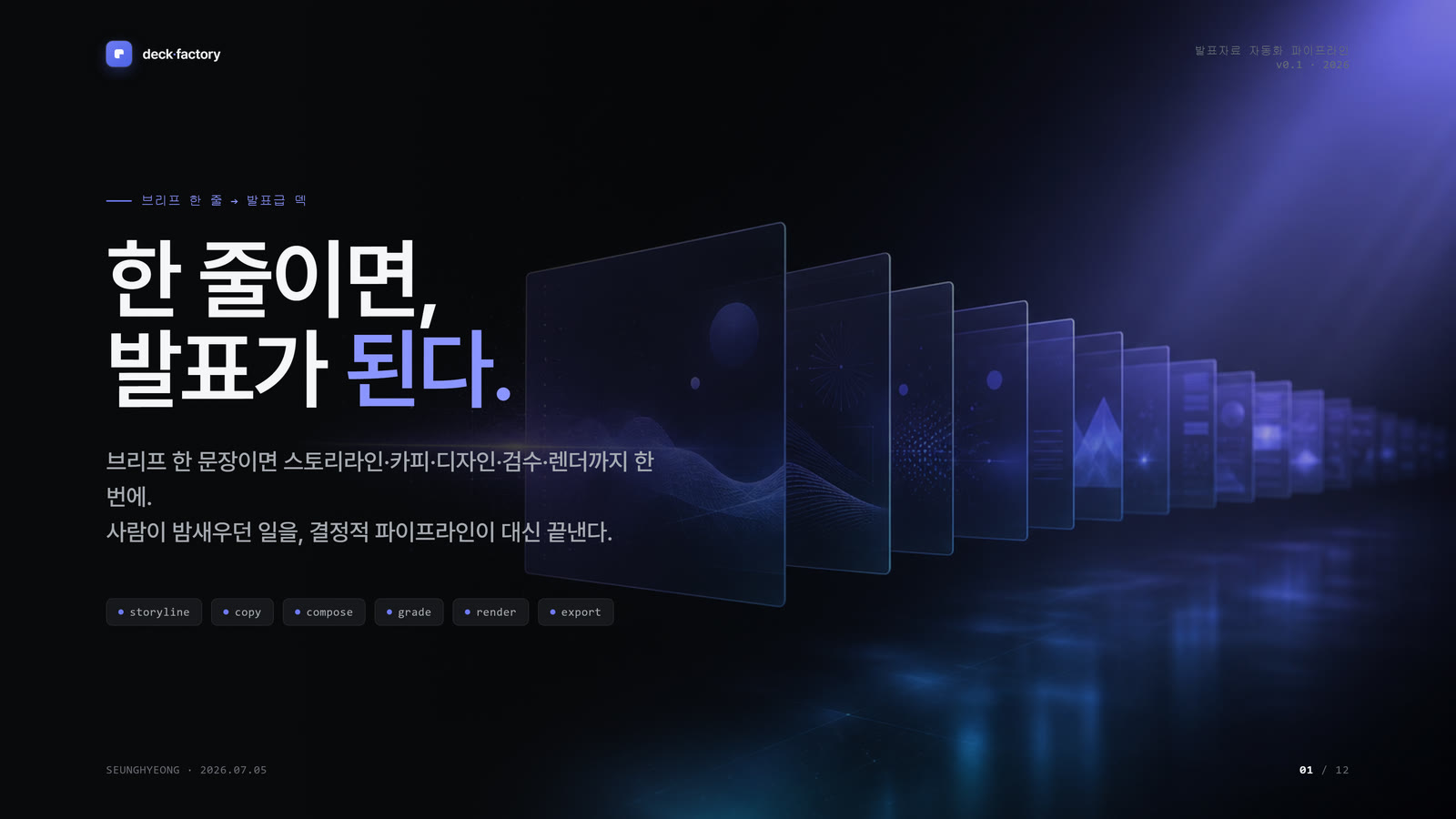
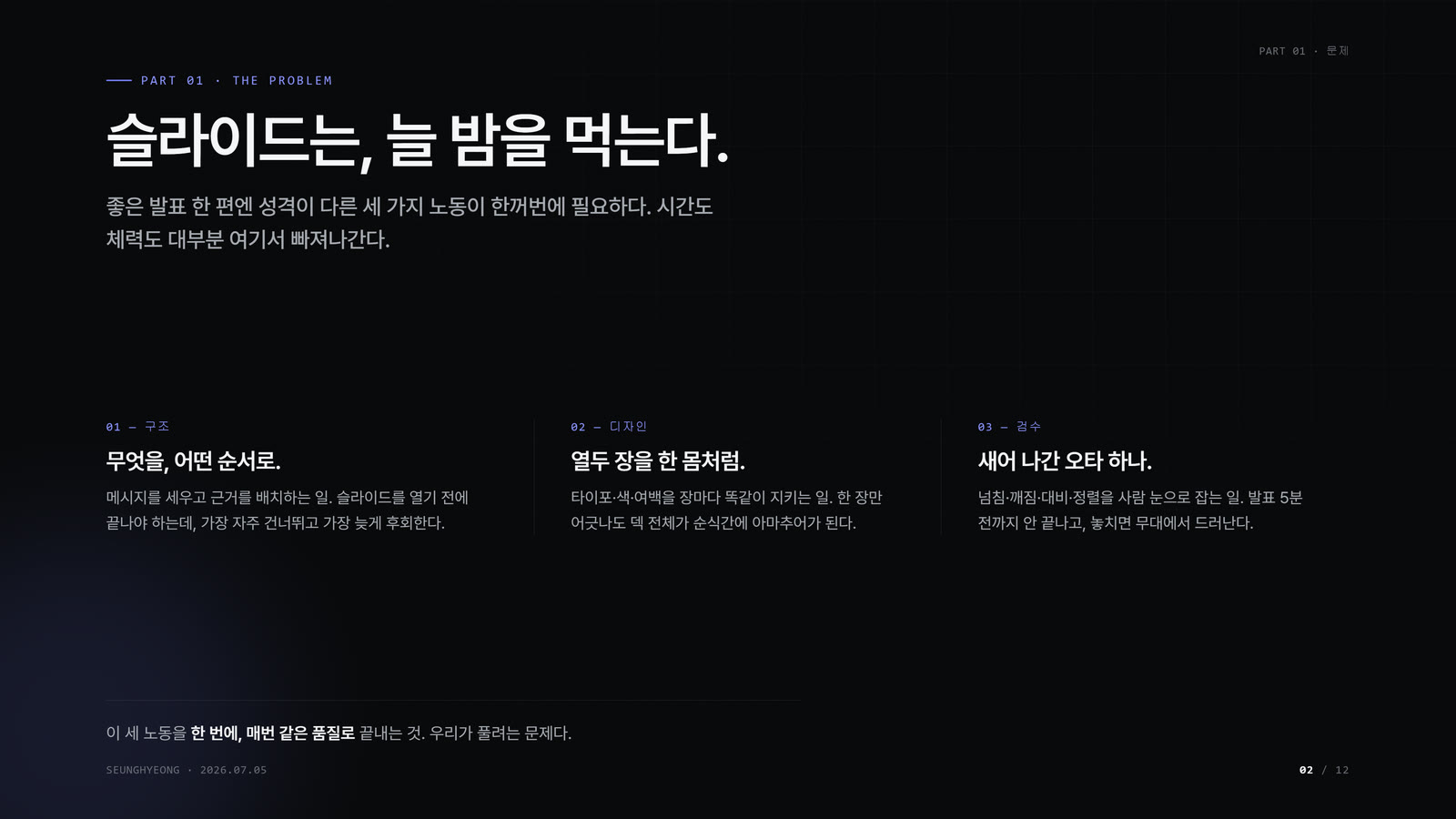
You know the pain: it's midnight before the review, and you're still nudging text boxes, fighting gray cards, and shrinking fonts nobody in the back row will read. deck-factory replaces that grind with a design system. Give it one sentence about what you want to say, and it builds the front-of-house — an editorial deck with giant numbers, four-corner chrome, hairline structure, and zero amateur boxes. Dark remains the keynote default; report, document, and print-oriented briefs switch to a paper-light profile.
The verified deliverable today: 12 premium slides + 3 motion-graphics films, all built from this design system. The full generation pipeline (below) is the roadmap that automates it end to end.
Quick start
# 1. Add the plugin marketplace
/plugin marketplace add kimsh-1/deck-factory

# 2. Install the skill
/plugin install deck-factory@deck-factory

# 3. Call it with one sentence
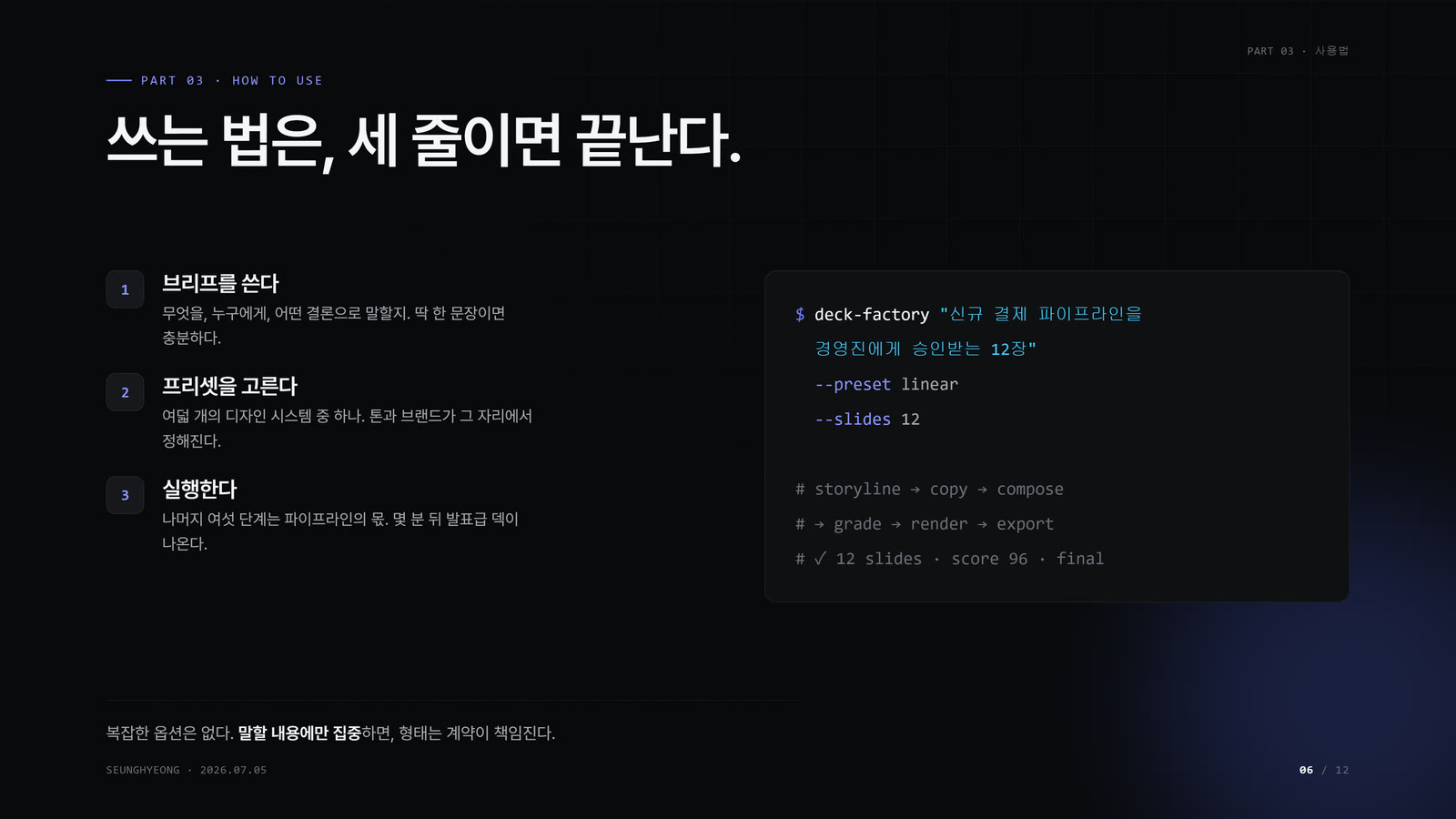
/deck-factory "Series A IR deck, 12 slides, why our retention curve wins"

# Document-style briefs auto-select the light profile
/deck-factory "Board report, 10 slides, Q2 retention analysis"

# Explicit overrides also work
/deck-factory "Proposal deck, 8 slides, profile: light"
Installation via the plugin marketplace is the intended path. The design system and skill are real and ready to use; the fully-automated one-command pipeline is being wired up (see How it works).
Features
| |
|---|
| Dark + paper-light profiles | near-black #08090A by default, paper #F7F4EC for document decks, lavender-blue accent family, Pretendard, giant stat numbers. |
no_box · giant numbers · four-corner chrome | no gray filler cards — structure comes from hairlines and a surface ladder. 120px+ stat numbers with value > label > context hierarchy. |
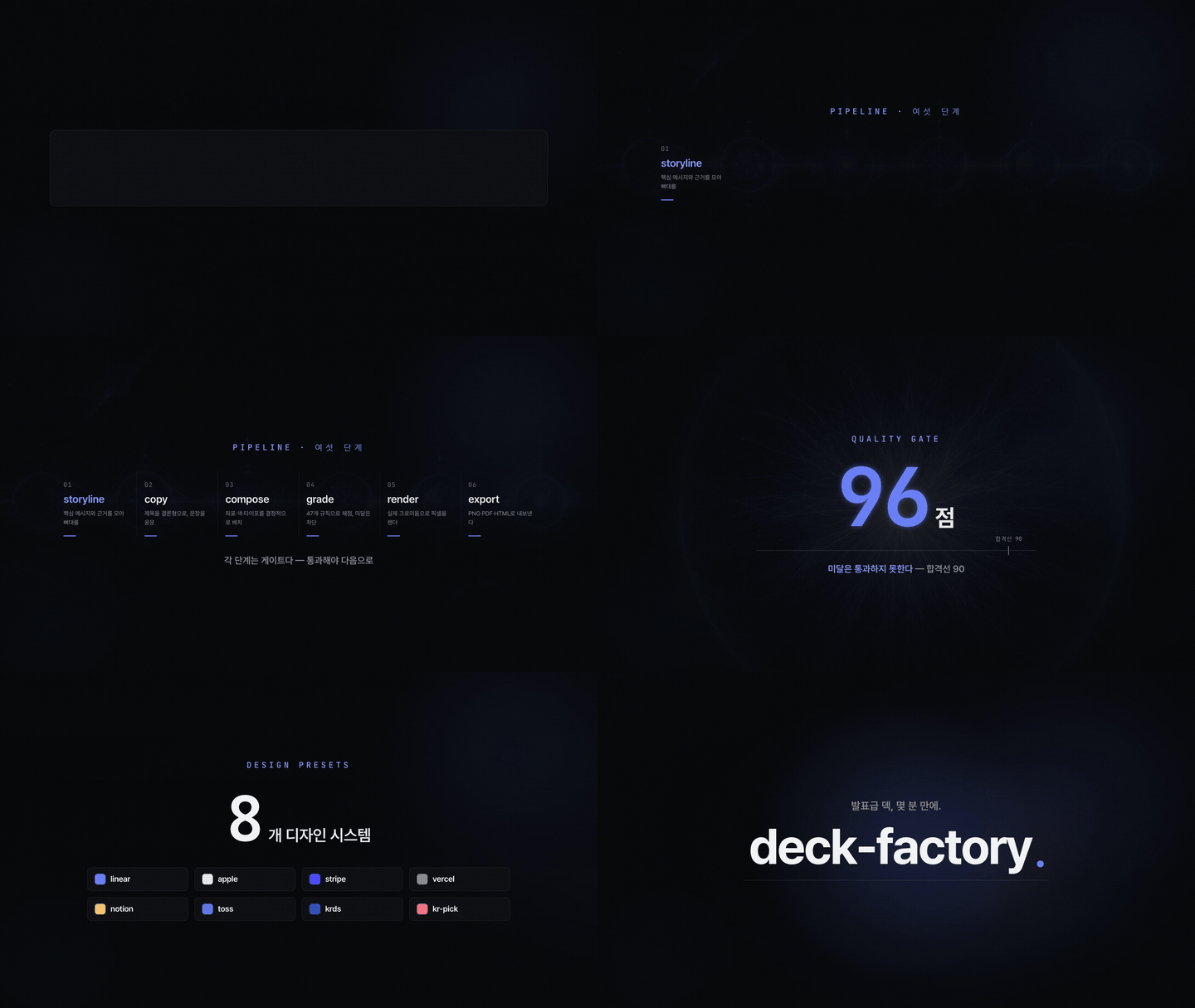
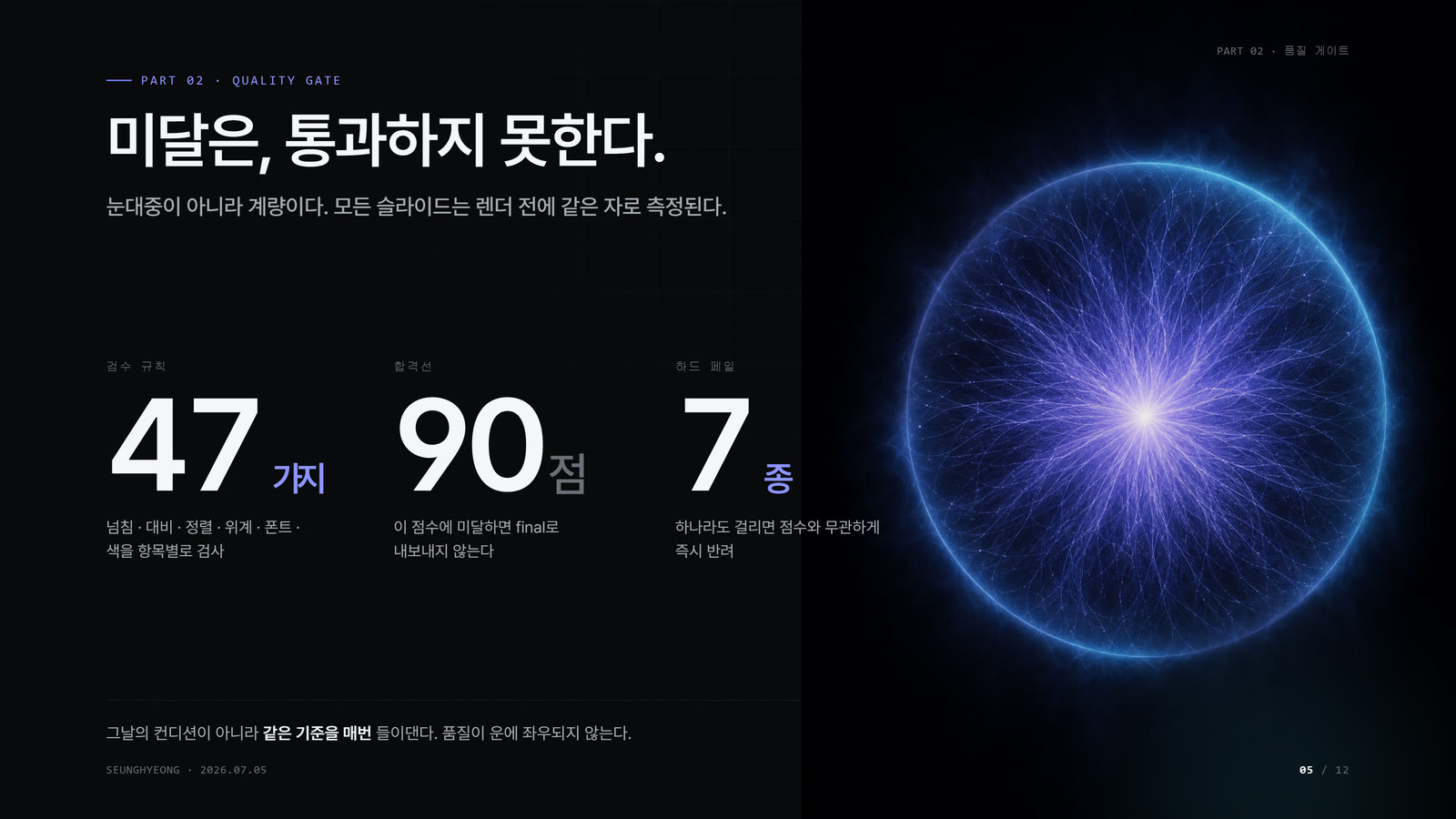
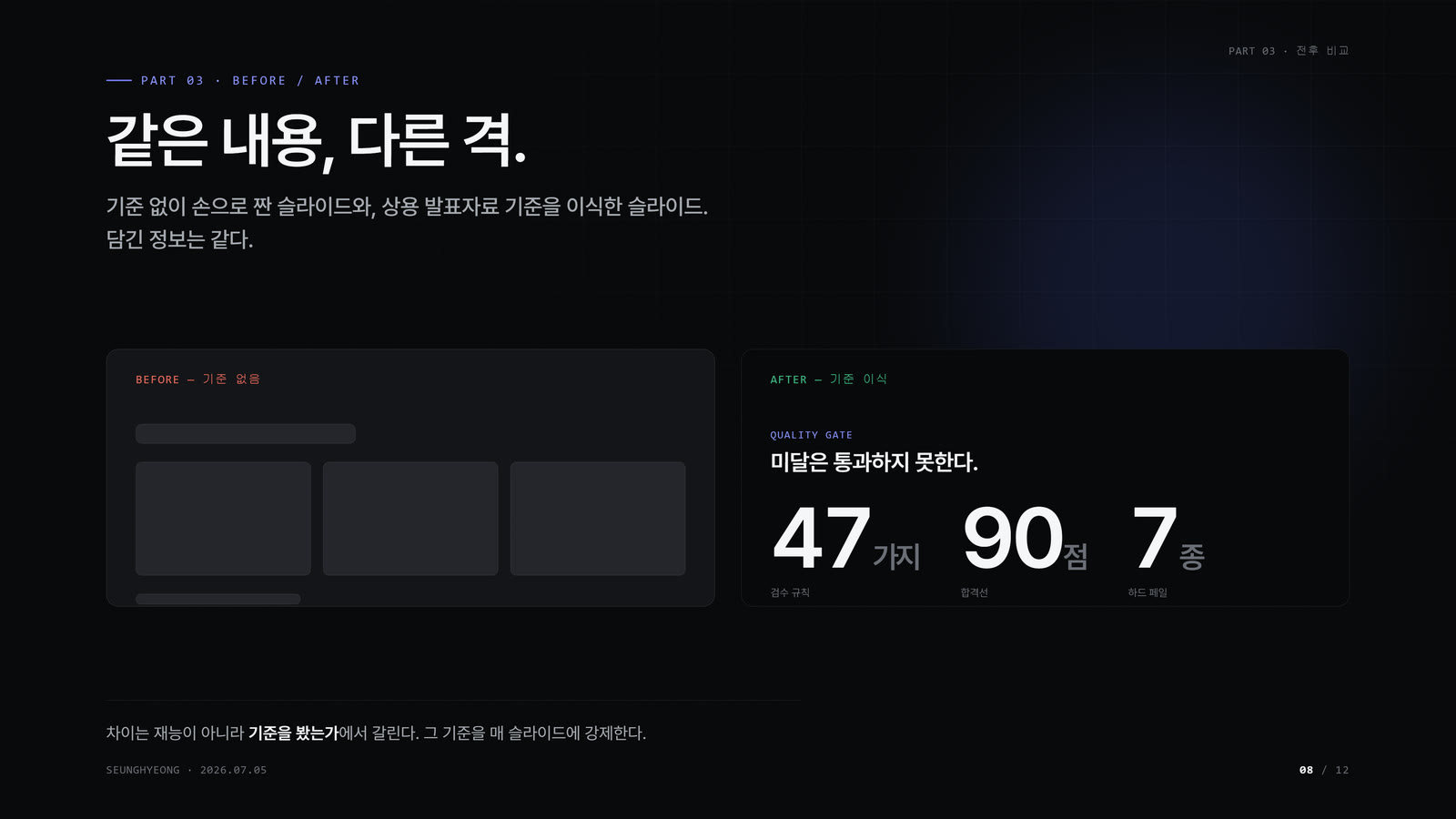
| Quality gate — by design | 47 deterministic checks across 6 weighted categories (typography, structure, trust, data-viz, color, alignment), a 90-point pass line, and 7 hard-fail thresholds. Autoscoring is calibration-pending; the gate is designed so a sub-grade deck can't quietly reach final. |
| Real Chromium render | slides are laid out in HTML/CSS and rendered by an actual browser engine — what you see is what exports. |
| Compact share PDF by default | raw Chrome PDFs are archival; *-lite.pdf is the default shareable artifact. |
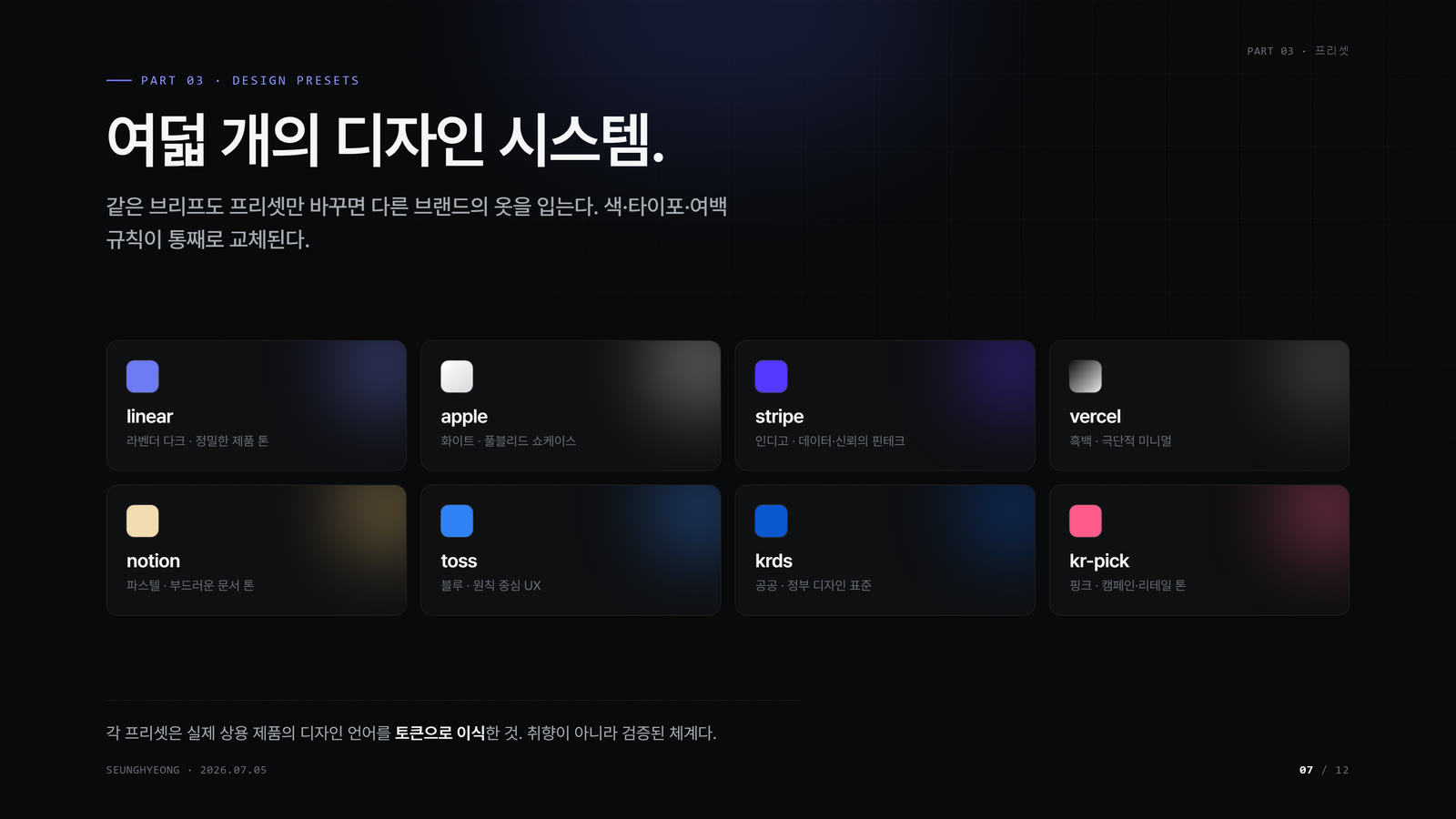
| 8 style presets | apple · linear · notion · stripe · vercel · krds · toss-principles · kr-pick. |
| CJK-safe | keep-all line-breaking and Hangul break rules — no text shattering mid-syllable. |
Gallery
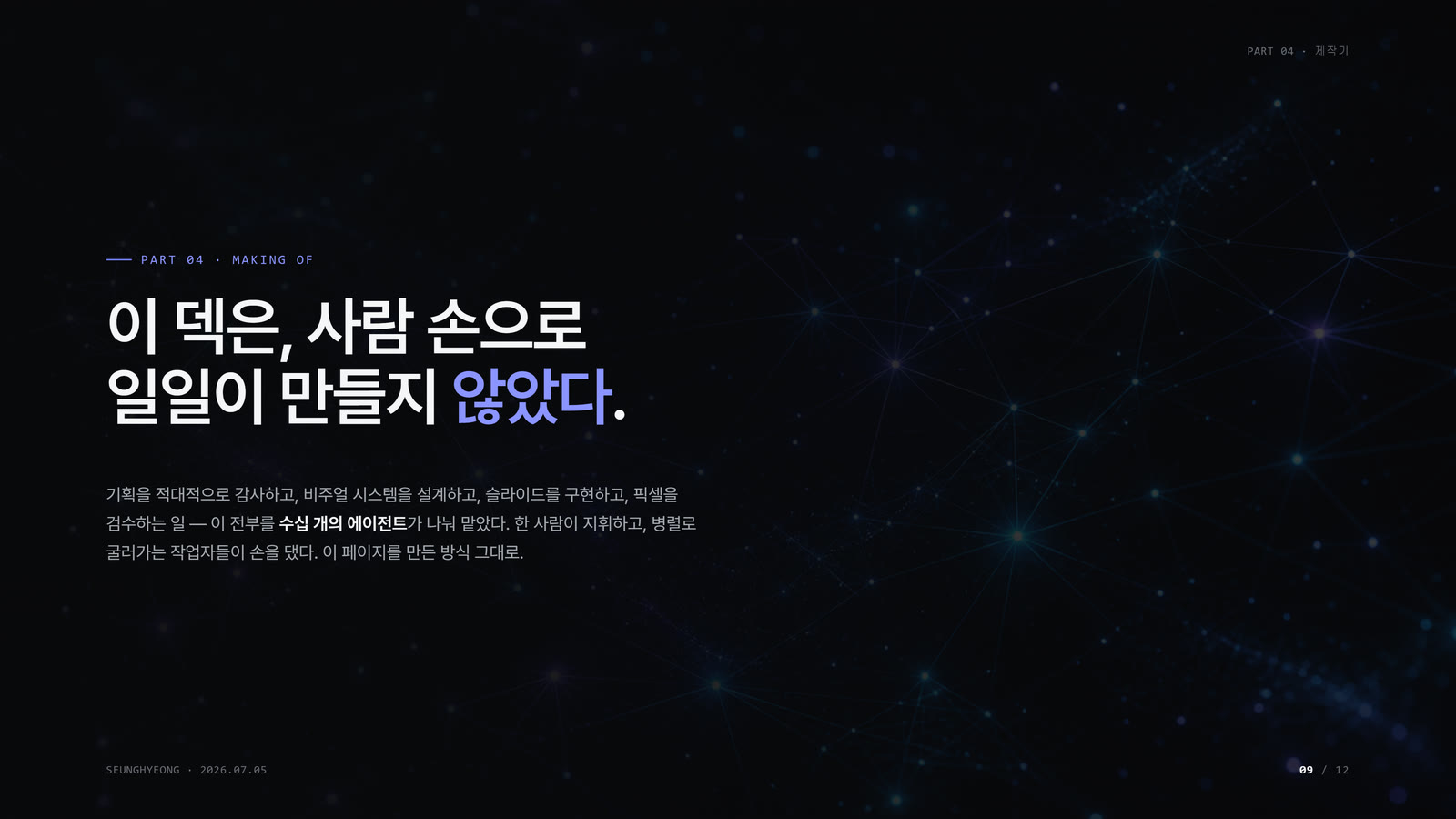
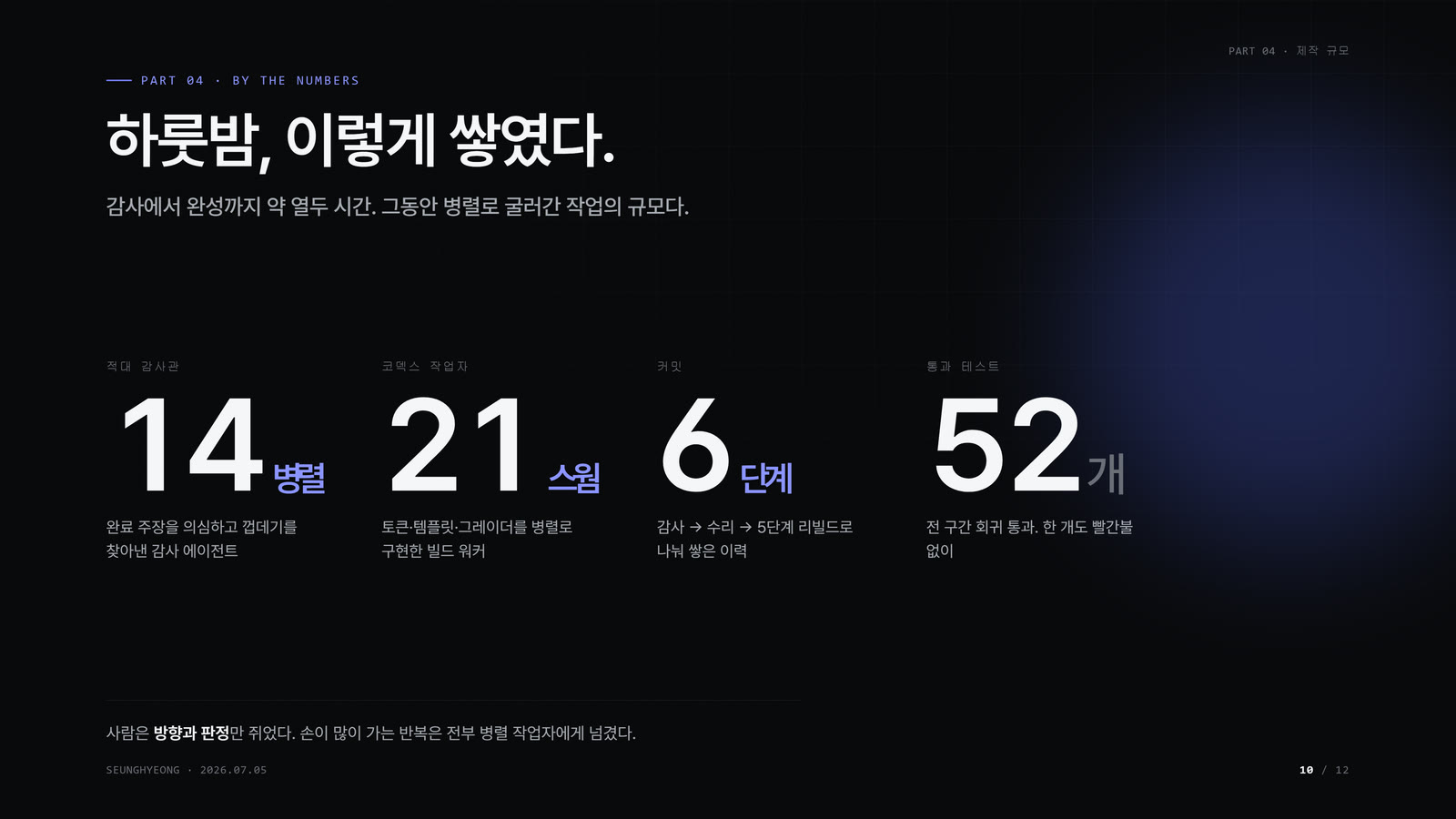
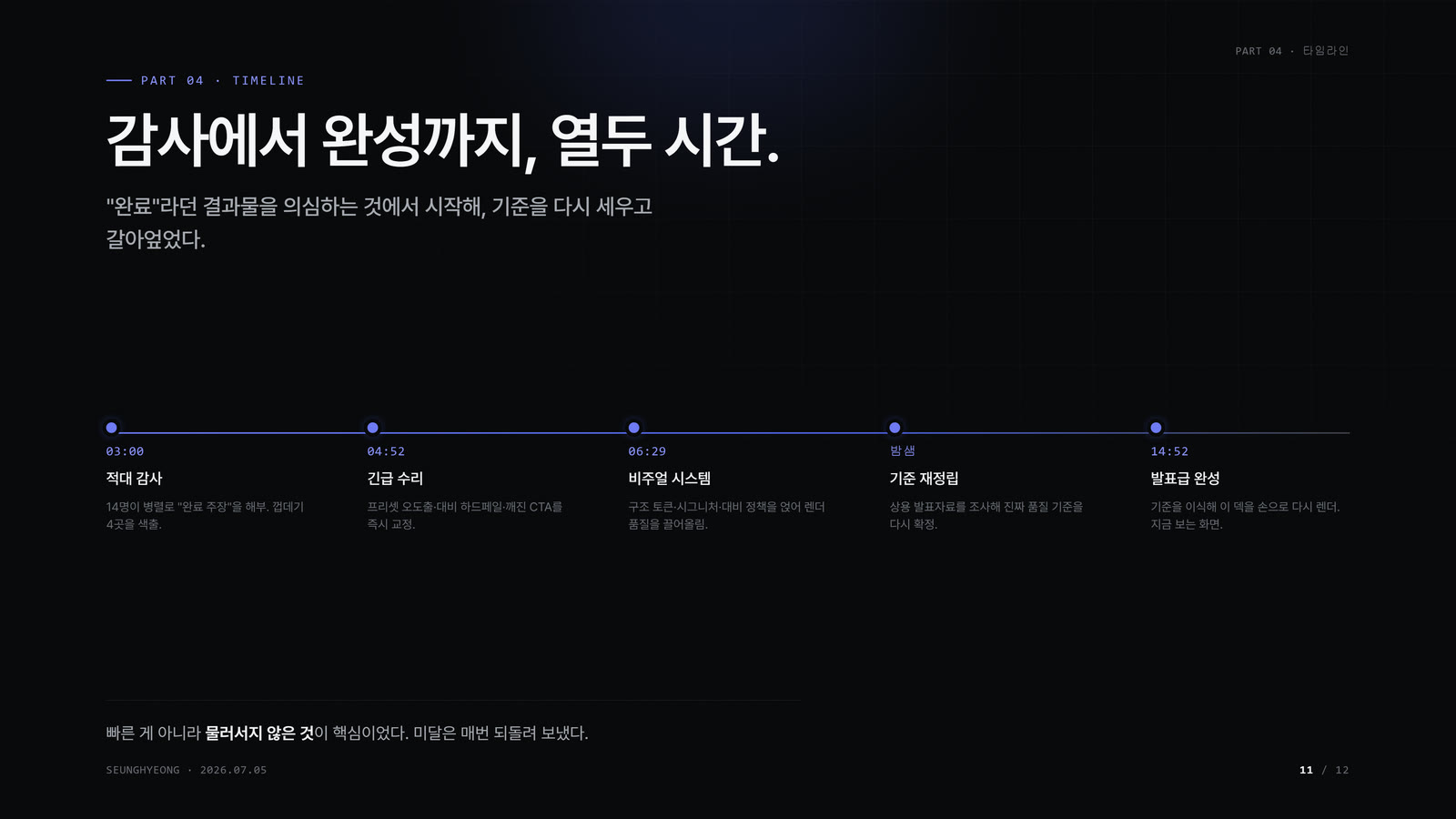
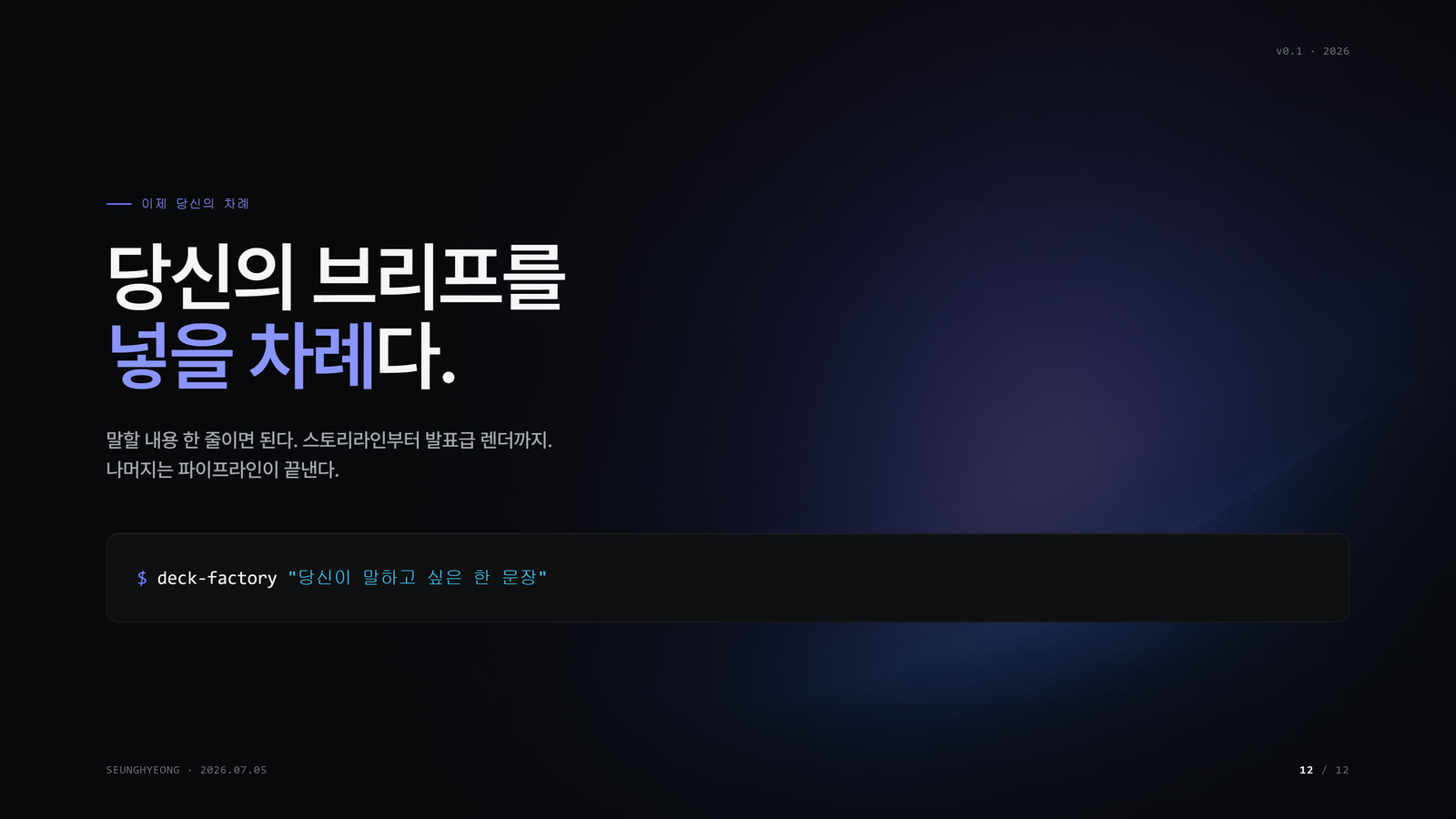
Twelve slides, one design system. This is the proof.
Show all 12 slides
How it works

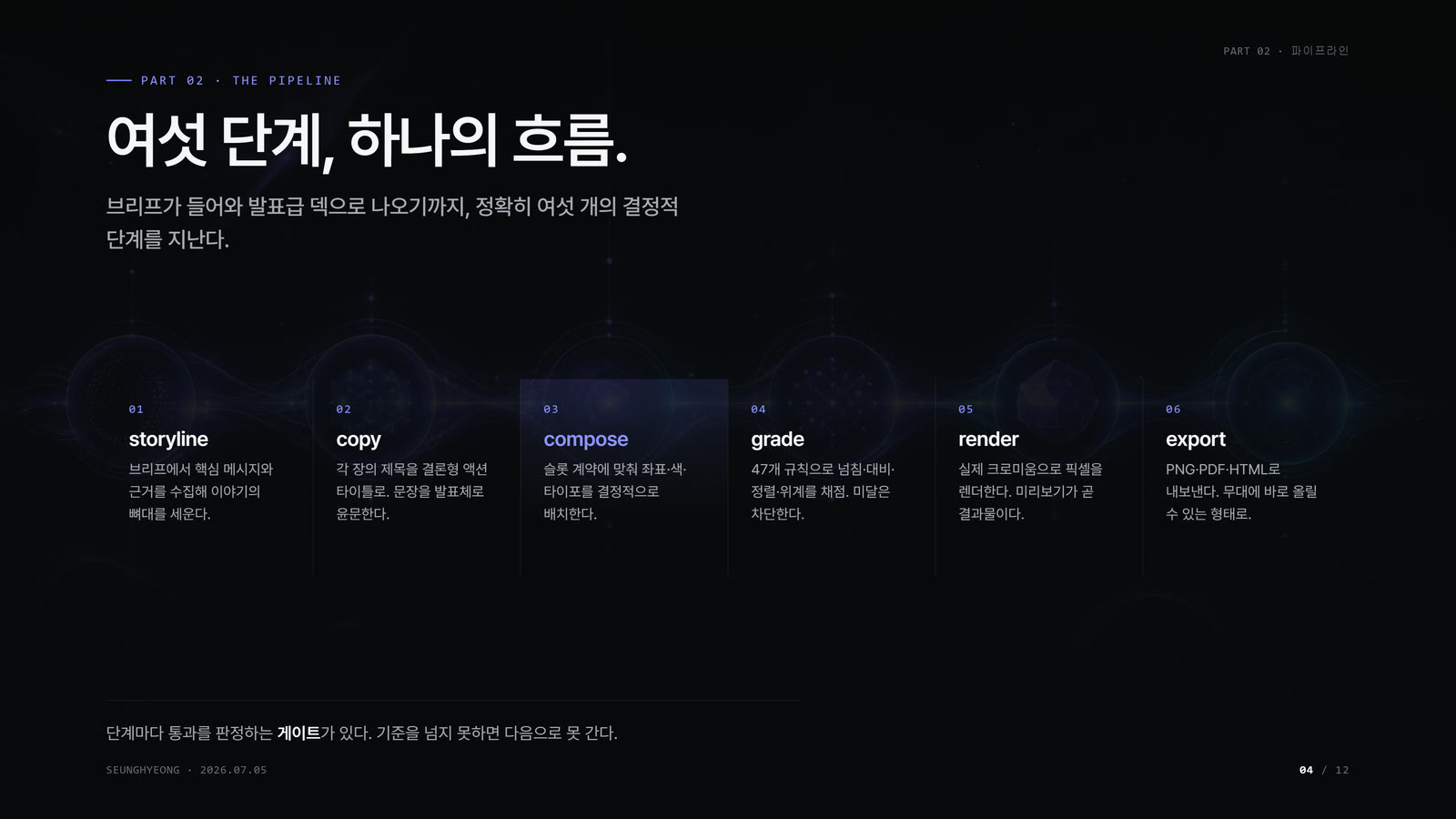
The design system is here today. The pipeline below is the vision that turns one sentence into a finished deck automatically — a six-stage chain where each stage hands off a file the next one verifies:
- storyline — gather sources and claims from your one-line brief.
- copy — write action titles (declarative, ending in a period — never noun lists).
- compose — deterministically assemble slides from a fixed layout vocabulary (the model writes content; code owns coordinates, color, and z-order).
- grade — run the quality gate; anything below the pass line is quarantined as
draft, never silently promoted.
- render — lay out and paint via a real Chromium engine.
- export — emit PNG / PDF / PPTX. Shareable PDFs default to a compact
*-lite.pdf artifact.
Stages storyline through render/export exist as working code in the incubator; end-to-end autoscoring and the final polish pass are the remaining calibration work.
Design system
The whole look reduces to a few enforced tokens — the skill is the source of truth:
- Canvas — dark uses
--bg-0: #08090A (near-black, never pure black); light uses --bg-0: #F7F4EC (paper). Both use surface ladders and hairlines for depth instead of drop shadows.
- Accent — lavender-blue
#6E7BF2 and cyan #43C7F4, one accent moment per slide.
- Ink —
#FFFFFF / #A1A1A6 / #6B6B70, a three-step foreground hierarchy.
- Type — Pretendard, aggressive negative tracking on display, ≤ 3 font sizes per slide.
- Structure —
no_box, alpha-white hairlines, four-corner chrome (brand chip · section · author · page), one dominant object per slide.
→ Full contract: skills/deck-factory/SKILL.md
Repository layout
deck-factory/
├── skills/deck-factory/     # the skill — SKILL.md + assets/styles.css
├── docs/
│   ├── media/               # hero.gif, pipeline.png
│   └── gallery/             # slide-01.jpg … slide-12.jpg
├── videos/                  # the three motion-graphics films
├── design/                  # DECK-STANDARD.md — the quality contract (SSOT)
└── incubator/               # pipeline code: deck-grader, deck-tokens, deck-editor
Customizing: pick a preset (/deck-factory "… preset: linear"), force a profile (/deck-factory "… profile: light"), or edit the token values in the skill's stylesheet to retune the palette. Presets change structure and signature devices; color always resolves through token variables.
Credits & license
Released under the MIT License.
- Font — Pretendard (SIL Open Font License).
- Motion — GSAP and HyperFrames for the showcase films.