

JuliusBrussee/
caveman

🪨 why use many token when few token do trick — Claude Code skill that cuts 65% of tokens by talking like caveman
105k
1 add
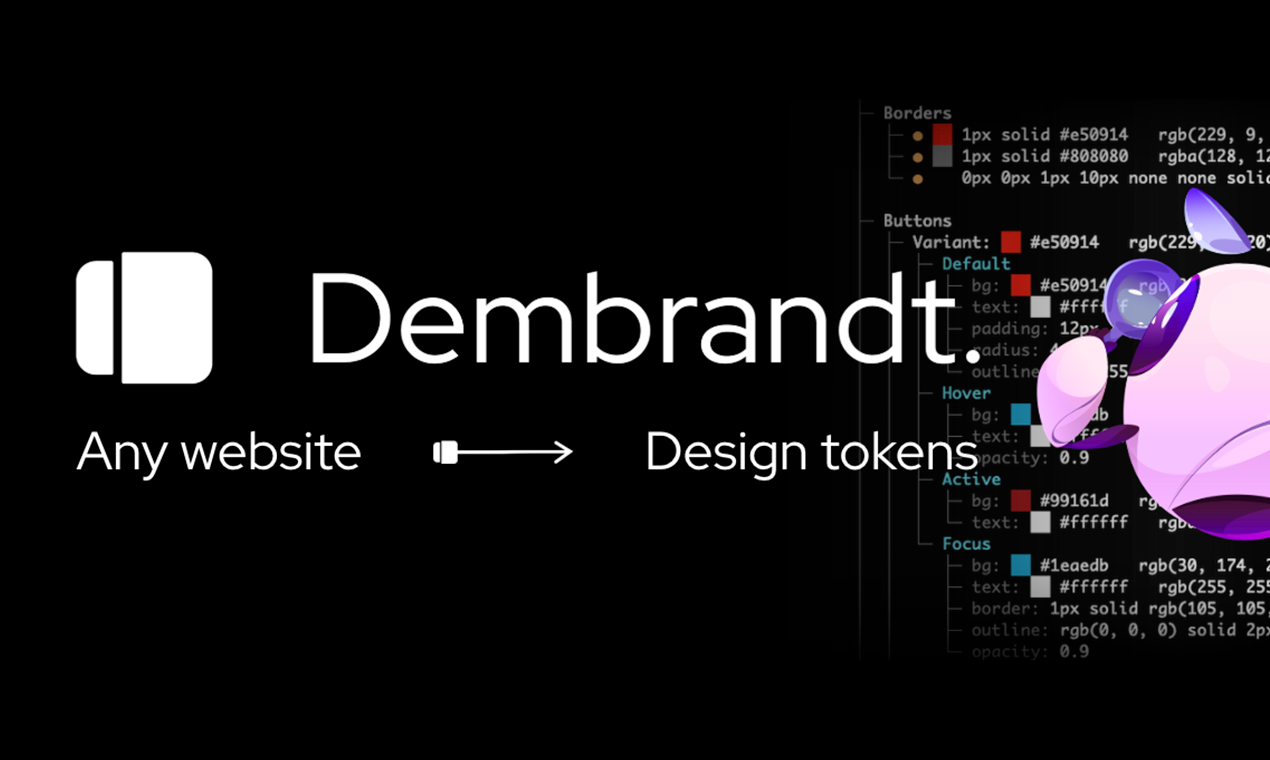
Dembrandt extracts a site’s design system by driving Chromium, reading DOM styles, and grouping the results into design tokens. It supports terminal output, JSON, DTCG export, Tailwind theme output, drift comparison, and MCP access for agent workflows.
Builders who want to inspect a website’s design system, compare it over time, or feed the result into Claude Code, Cursor, or Windsurf.
You can turn a live website into structured design tokens and reuse them in prompts, audits, and CI checks.
Pulls colors, typography, spacing, borders, shadows, motion, components, breakpoints, and icons from a website.
Uses Playwright and Chromium to render the page, inspect computed styles, and read what is actually on screen.
Compares a fresh extraction against a baseline and fails when tokens change.
Exposes tools like `get_design_tokens`, `get_color_palette`, `get_typography`, and `compute_drift` to MCP clients.
Can export W3C design tokens and generate a DESIGN.md file for agent workflows.
Can emit Tailwind v4 `@theme` CSS and contrast checks for accessible design review.
npm install -g dembrandt
dembrandt install-browser        # one-time: fetches the matching Chromium
dembrandt dembrandt.com



Extract any website's design system in one command. Enforce it in CI.
Logo, colors, typography, spacing, borders, shadows, motion, components. W3C design tokens in seconds.
npm install -g dembrandt
dembrandt install-browser        # one-time: fetches the matching Chromium
dembrandt dembrandt.com
The browser step is required. dembrandt drives Chromium through playwright-core,
which ships no browser binaries, so a fresh install has nothing to launch until you
run it. Skipping it fails with browser engine not available.
Or use npx without installing: npx dembrandt dembrandt.com. The browser step applies
here too: run npx dembrandt install-browser first. Browsers land in a shared
Playwright cache, so either route only needs it once.
Requires Node.js 18+
Playwright renders the page, dembrandt reads computed styles from the DOM, analyzes color usage and confidence, groups similar typography, detects spacing patterns, and returns design tokens.
dembrandt dembrandt.com --save-output   # Save JSON to output/dembrandt.com/TIMESTAMP.json
dembrandt dembrandt.com --dtcg          # W3C Design Tokens (DTCG) export, for Style Dictionary or Tokens Studio
dembrandt dembrandt.com --design-md     # DESIGN.md for AI agents
dembrandt dembrandt.com --tailwind      # Tailwind v4 @theme CSS, observed values only
dembrandt dembrandt.com --wcag          # WCAG 2.1 contrast, real DOM pairs with AA/AAA grades
dembrandt dembrandt.com --crawl 10      # Merge 10 pages into one output, cross-page confidence boosting
dembrandt dembrandt.com --slow          # 3x timeouts for JavaScript-heavy sites
Default is formatted terminal output only. Full flag reference in docs/usage.md: mobile and dark mode, browser selection and CDP, brand guide PDF, motion tokens, fingerprint options.
Extract a preview deployment, compare against a committed baseline, fail the job when tokens moved:
- uses: dembrandt/dembrandt@v0.32.2
  with:
    url: https://preview.example.com
    baseline: .dembrandt/baseline.json
The action annotates the PR with the drifted tokens. On any other runner the gate is just an exit code plus JSON: dembrandt URL --compare baseline.json --json-only exits 1 on drift and prints per-token changes[]. See docs/ci.md for the Action inputs, the platform-neutral gate, and the exit code table.
Copy a command, paste a prompt, get a result. Competitor benchmarking, WCAG audits, Figma token push, agentic design system builds. Filterable by role at dembrandt.com/recipes, with the basics in docs/recipes.md.
Use Dembrandt as a tool in Claude Code, Cursor, Windsurf, or any MCP-compatible client. Ask your agent to "extract the color palette from dembrandt.com" and it calls Dembrandt automatically.
claude mcp add --transport stdio dembrandt -- npx -y --package dembrandt dembrandt-mcp
Or add to your project's .mcp.json:
{
  "mcpServers": {
    "dembrandt": {
      "command": "npx",
      "args": ["-y", "--package", "dembrandt", "dembrandt-mcp"]
    }
  }
}
Available tools include get_design_tokens, get_color_palette, get_typography, get_component_styles, get_surfaces, get_spacing, and get_brand_identity, plus pure analysis tools (compute_drift, get_findings, export_dtcg, generate_design_md, render_report) and job-control tools.
Extraction tools accept slow, mobile, darkMode, wcag, cookie and header (for authenticated pages), userAgent, and noSandbox (Docker and most CI containers). Set pages above 1 to crawl and merge several pages, which produces a markedly stronger token set than one page; paths names them explicitly and sitemap discovers them from sitemap.xml.
Extraction returns a job_id. Poll it with get_job_status, then hand that same id to the pure tools instead of passing the extraction back as an argument:
get_design_tokens(url: "example.com", pages: 5)  ->  job_id
get_job_status(job_id)                           ->  tokens
get_findings(job_id)                             ->  contrast and consistency issues
export_dtcg(job_id)                              ->  W3C design tokens
Pair with dembrandt-skills to give your agent UX intelligence on top of extracted tokens: hierarchy, accessibility, interaction states, and a full 6-stage design pipeline orchestrator.
npx skills add dembrandt/dembrandt-skills
Load extractions, track token drift, and compare snapshots. dembrandt.com/app
--key to the CLI. Every run uploads a snapshot to your account and scores it against the previous one for that domain. Wire into GitHub Actions or any CI runner and every deploy records itself.--dark-mode flag (not automatically detected)--mobile for 390x844 mobile viewport)Dembrandt reads publicly available CSS and computed styles from website DOMs for documentation, learning, and analysis of design systems you own or have permission to analyze.
Only run Dembrandt against sites whose Terms of Service permit automated access, or against your own properties. Do not use extracted material to reproduce third-party brand identities, logos, or trademarks. Respect robots.txt, rate limits, and copyright.
Dembrandt does not host, redistribute, or claim rights to any third-party brand assets.
The CLI is MIT-licensed and free. Sponsorship funds the enforcement layer: a committed project-level token baseline, --compare and the ingest API for CI/CD drift gates, and the App platform (snapshot history, team drift dashboard, alerts to Slack, Linear, and GitHub).
Bugs, weird sites, pull requests. All welcome.
Open an Issue or PR.
@thevangelist
MIT. Do whatever you want with it.
Sign in to join the discussion.
No comments yet. Be the first to say what this is good for.
🪨 why use many token when few token do trick — Claude Code skill that cuts 65% of tokens by talking like caveman

The best-benchmarked open-source AI memory system. And it's free.

Orca is the ADE for working with a fleet of parallel agents. Run any coding agent with your own subscription. Available on desktop, mobile and remote runtime.

A cross-platform desktop All-in-One assistant for Claude Code, Codex, OpenCode, OpenClaw, Grok Build & Hermes Agent. Only official website: ccswitch.io

Never stop coding. Free MIT AI gateway: one endpoint, 352 providers (150+ free), 1200+ models Kimi, Claude, GPT, Gemini, GLM, DeepSeek, MiniMax. Works with Claude Code, Codex, Cursor, OpenCode, Cline & Copilot. Quota-aware auto-fallback, RTK+Caveman compression saves 15-95% tokens, MCP/A2A, Desktop/PWA. Built by 550+ contributors

Compress tool outputs, logs, files, and RAG chunks before they reach the LLM. 20% fewer tokens for coding agents, 60-95% fewer tokens for JSON, same answers. Library, proxy, MCP server.