
VoltAgent/awesome-openclaw-skillsCollections
The awesome collection of OpenClaw skills. 5,400+ skills filtered and categorized from the official OpenClaw Skills Registry.🦞
52k
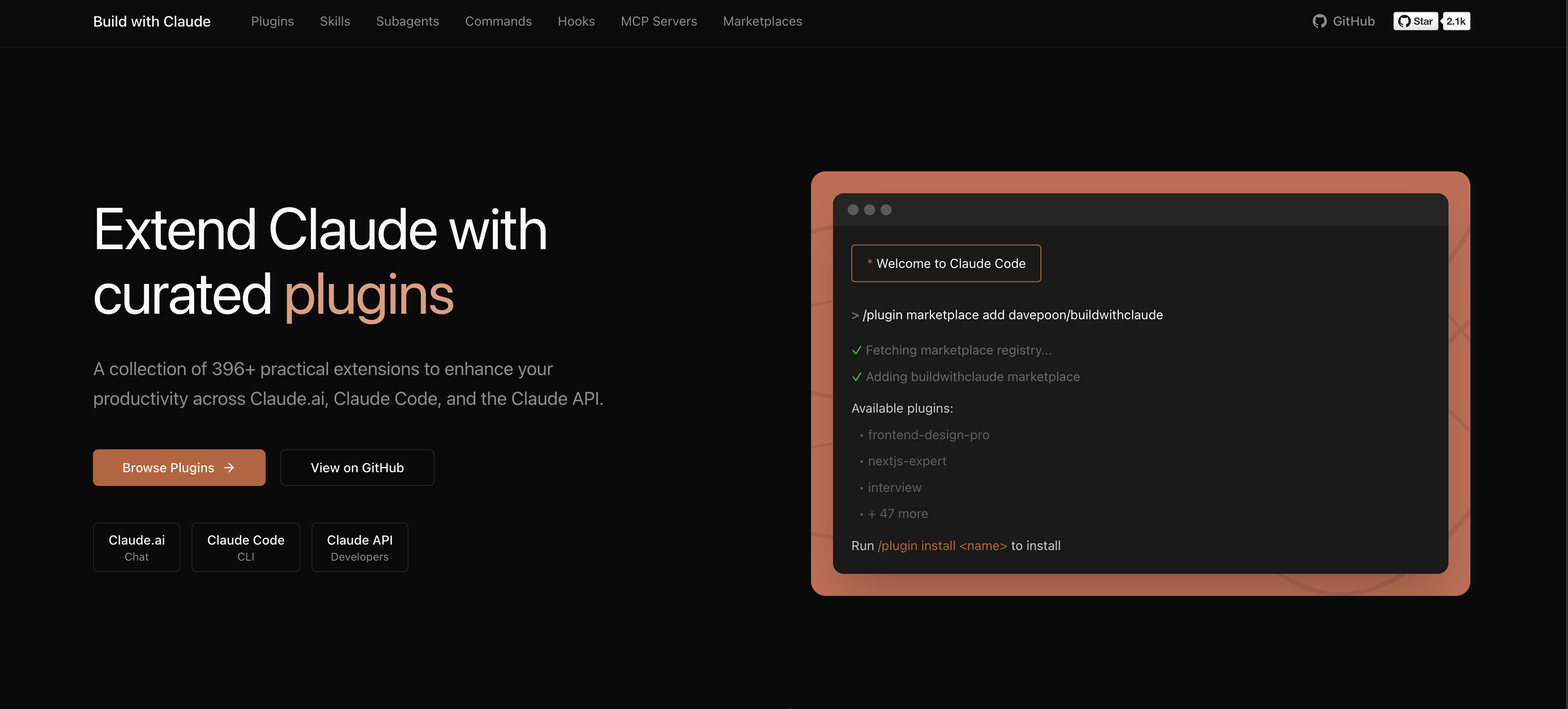
Build with Claude is a marketplace and discovery layer for Claude Code. It organizes reusable agents, commands, hooks, skills, plugin bundles, and MCP servers so you can find and install the pieces you want. The repo also powers a web index for browsing and searching the catalog.
Builders who use Claude Code and want a catalog of reusable agents, commands, hooks, and skills.
You can find and install Claude Code extensions without hunting through scattered community repos.
Adds the Build with Claude marketplace to Claude Code so you can search and install catalog items.
Groups reusable content into plugin packs such as agents, commands, hooks, skills, and combined collections.
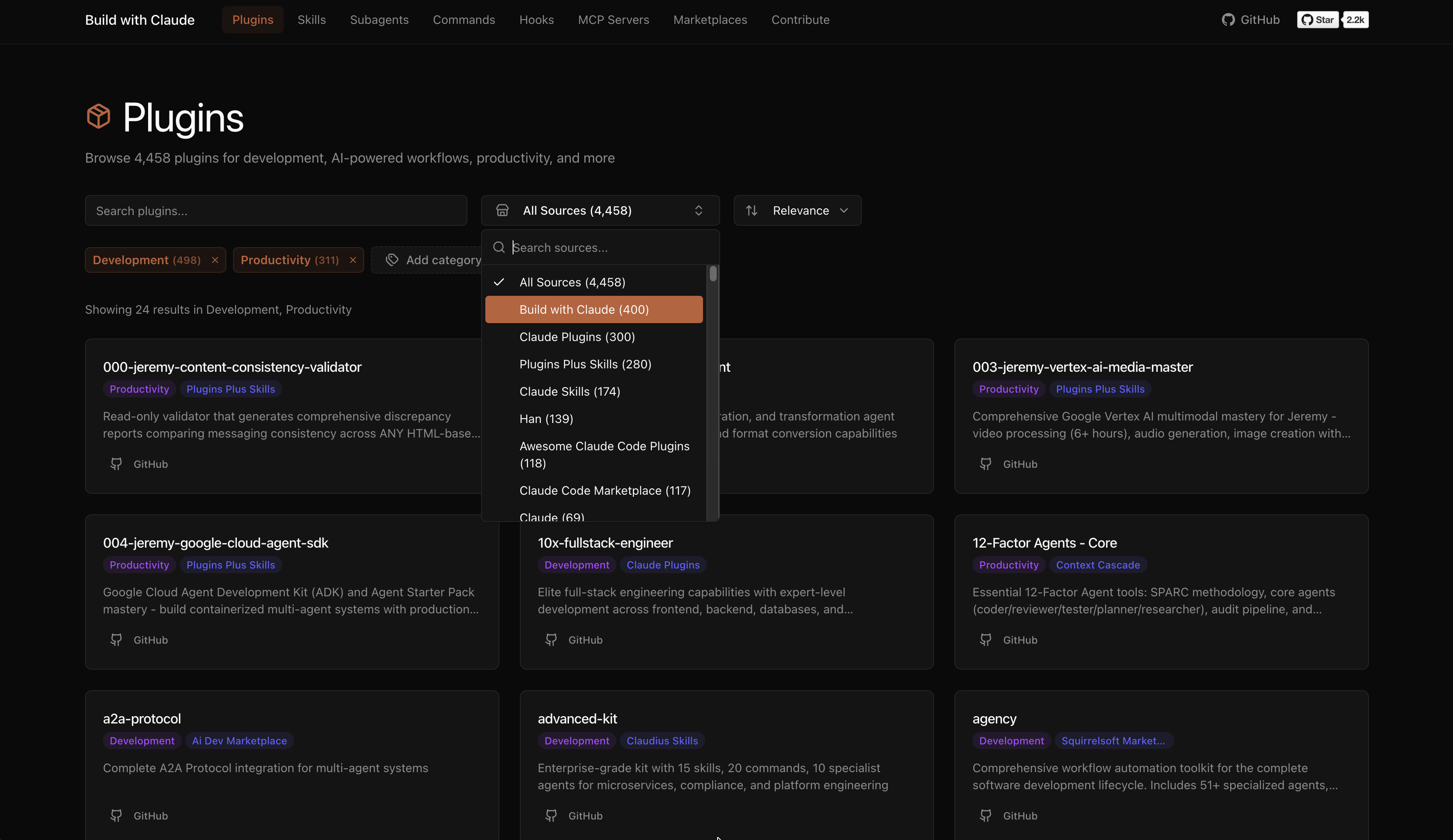
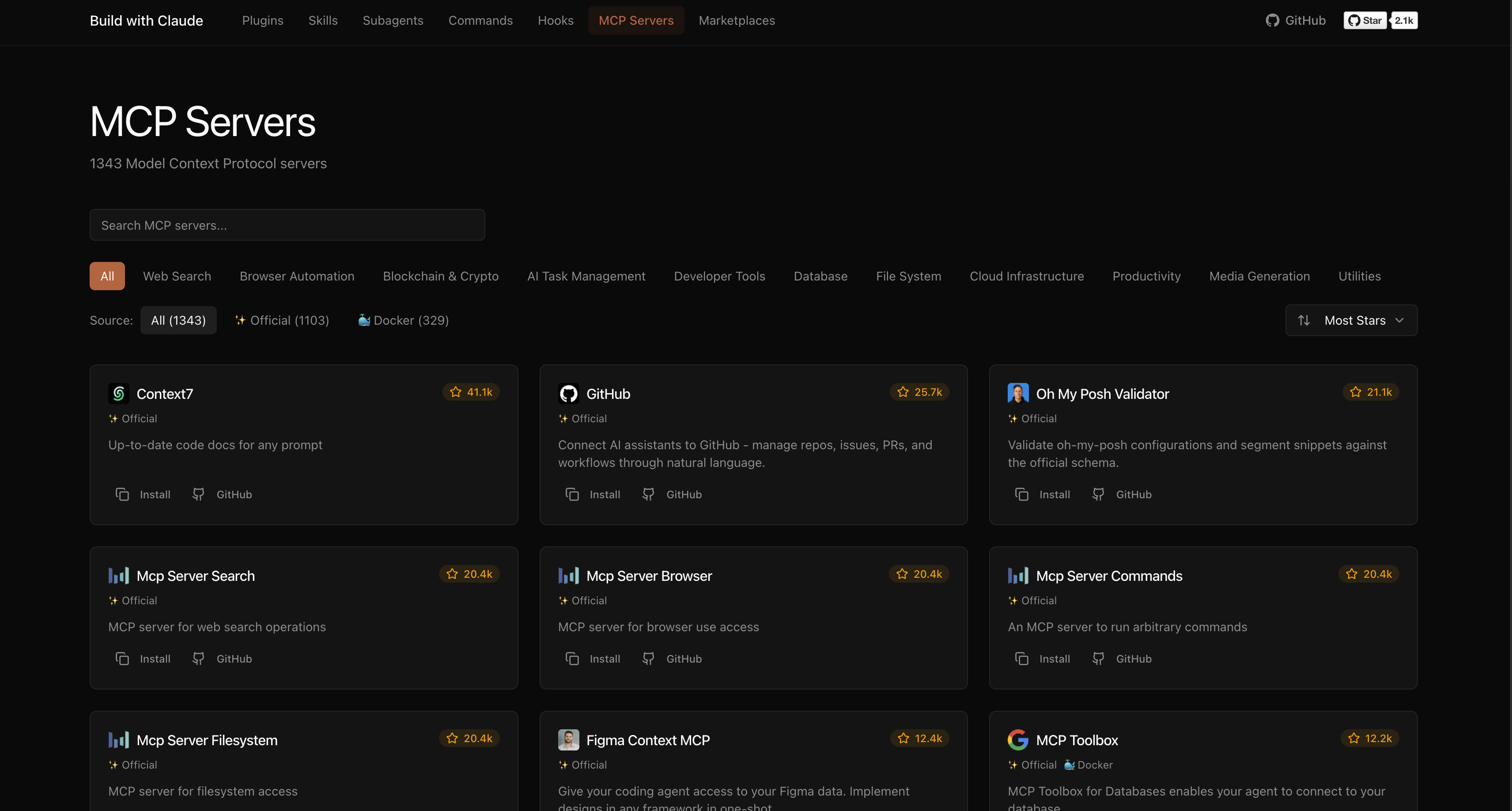
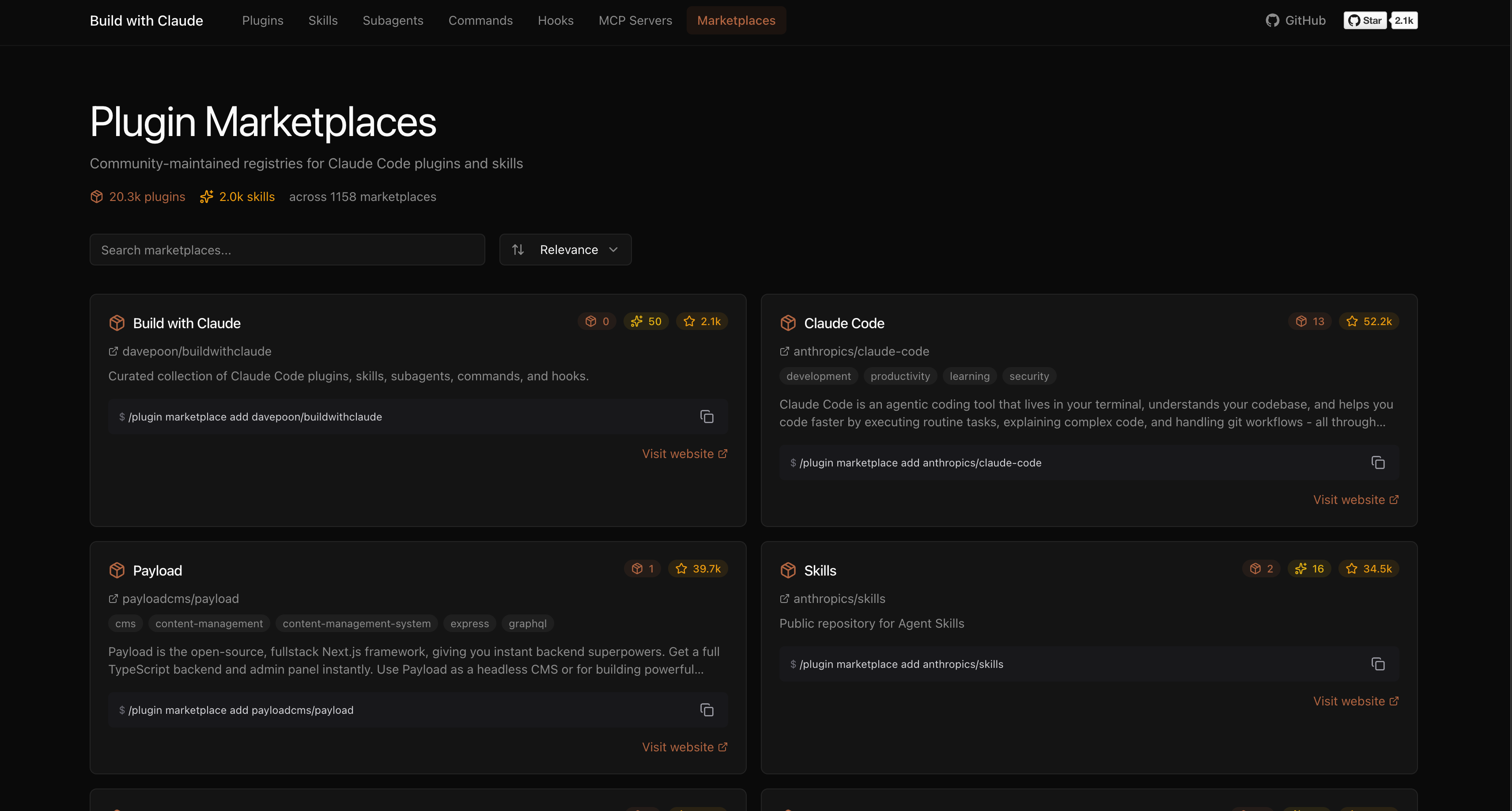
Lists external community plugins, MCP servers, and plugin marketplaces in one searchable catalog.
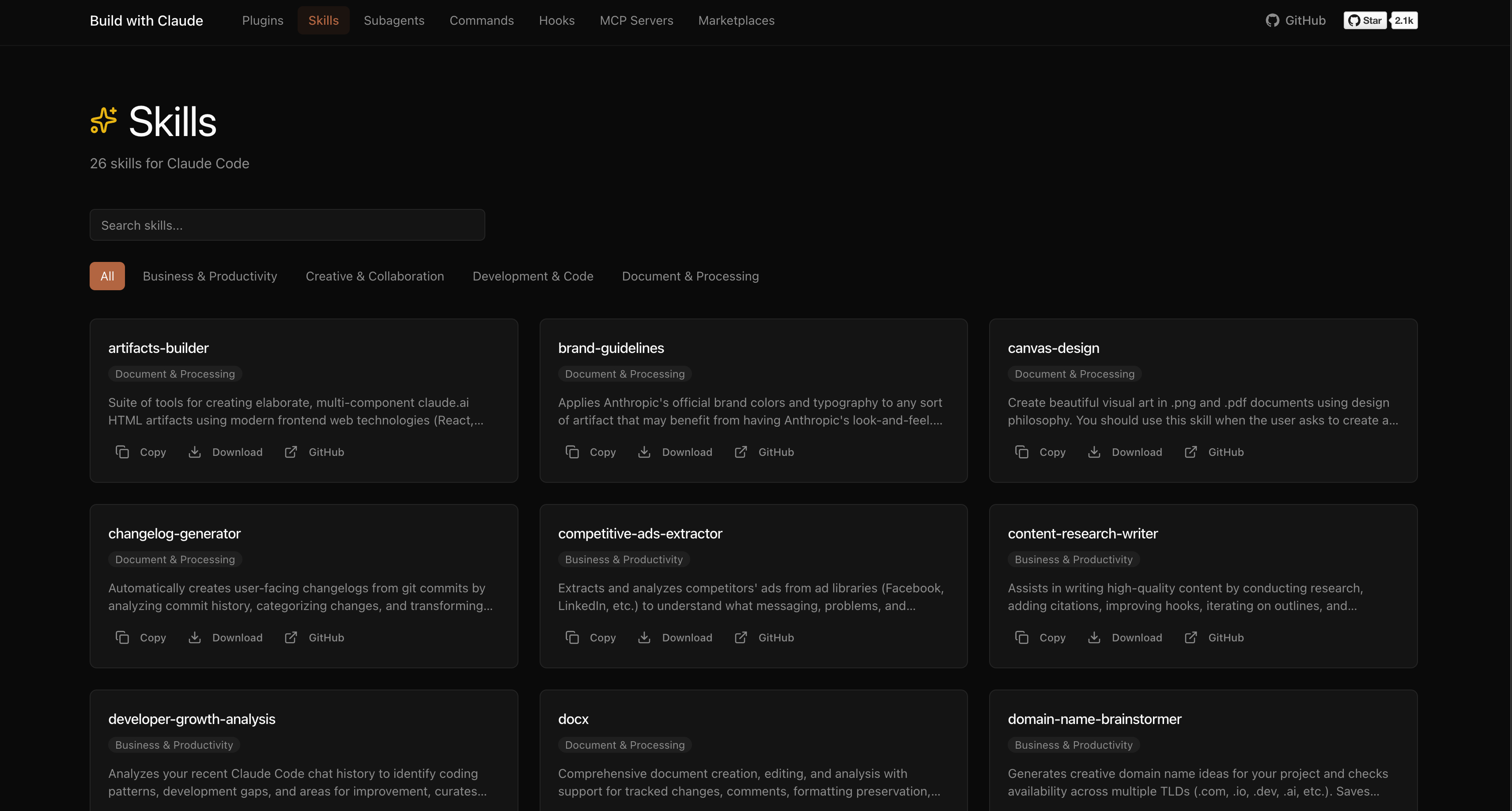
Provides a web UI for browsing plugins, skills, MCP servers, and marketplaces.
Shows how to copy agent and command files directly into Claude Code folders if you do not use the marketplace.
# Add the Build with Claude marketplace
/plugin marketplace add davepoon/buildwithclaude

# Browse available plugins
/plugin search @buildwithclaude

# Install plugins
/plugin install <plugin-name>@buildwithclaude
"Use the python-pro to optimize this function"
"@agent-security-auditor review this authentication code"
"Have the devops-troubleshooter help debug this deployment"
/commit                    # Create conventional commit
/create-pr                 # Create pull request
/docs                      # Generate documentation
/tdd                       # Start test-driven development
/code_analysis             # Analyze code quality



A plugin marketplace and discovery platform for Claude Code. Browse curated plugins, discover community contributions, and extend your Claude Code workflows.
# Add the Build with Claude marketplace
/plugin marketplace add davepoon/buildwithclaude

# Browse available plugins
/plugin search @buildwithclaude

# Install plugins
/plugin install <plugin-name>@buildwithclaude
Curated collections maintained in this repository:
| Type | Count | Description |
|---|---|---|
| Agents | 117 | Specialized AI experts (Python, Go, DevOps, Security, etc.) |
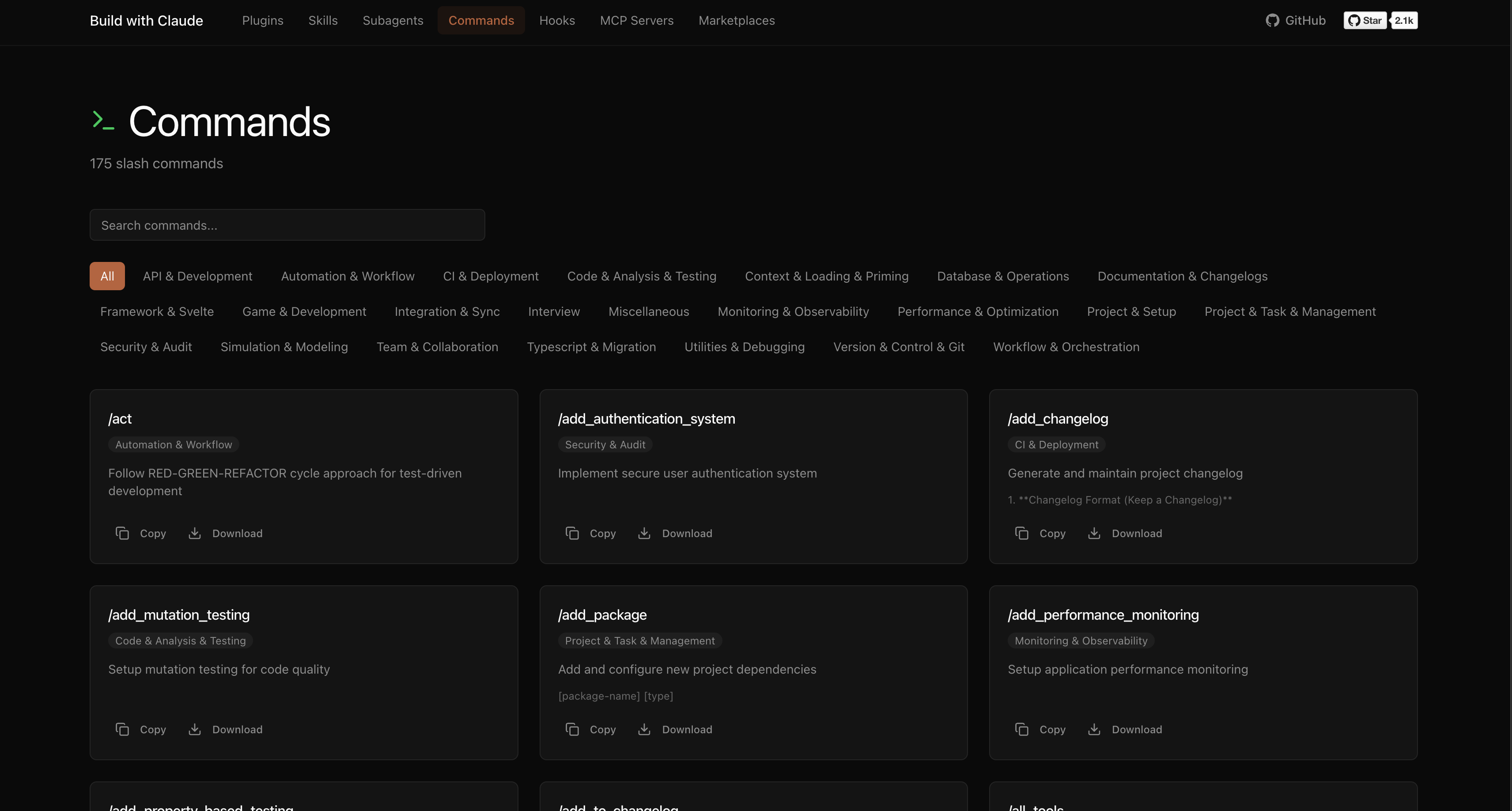
| Commands | 175 | Slash commands for automation (/commit, /docs, /tdd) |
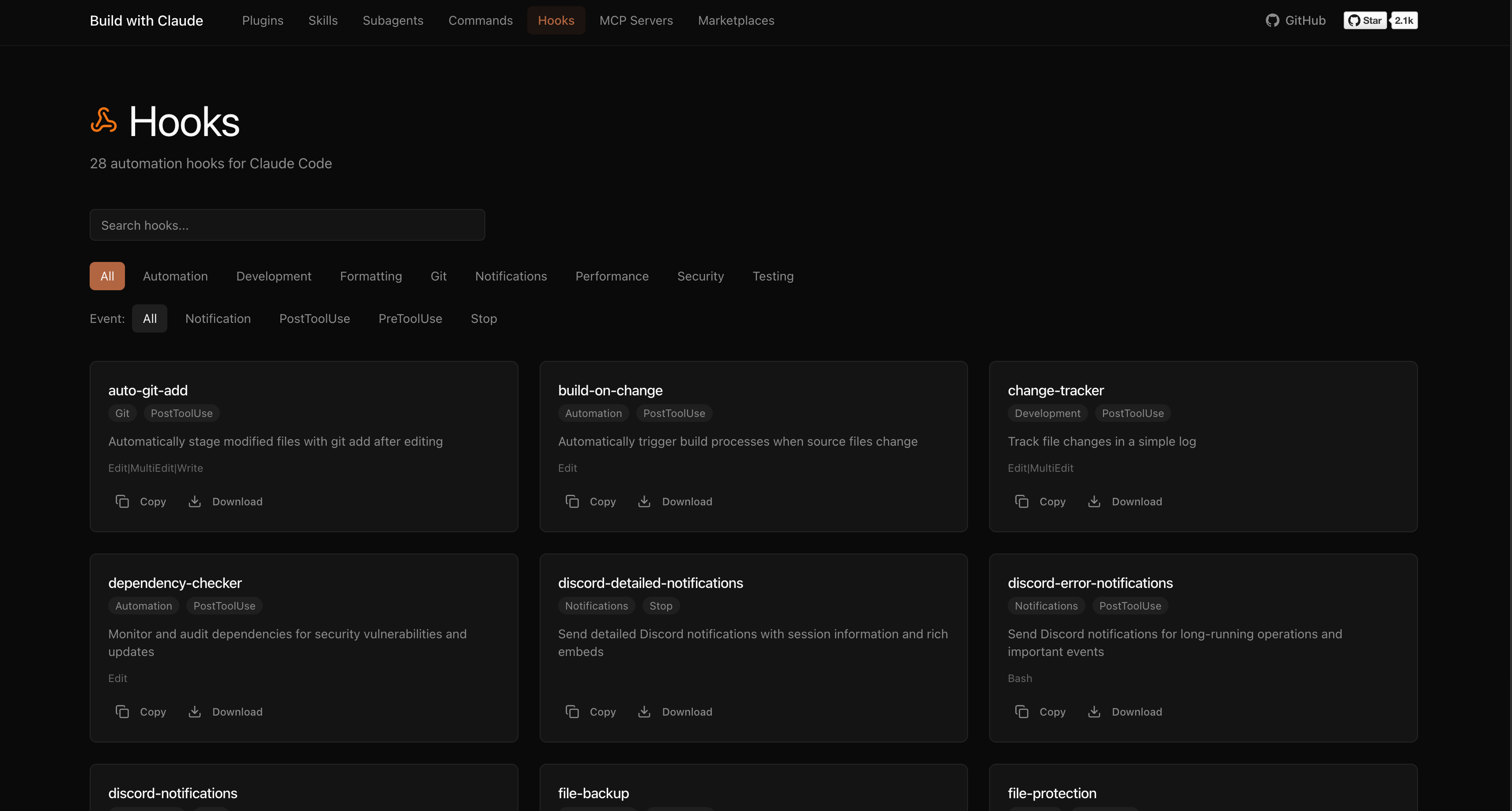
| Hooks | 28 | Event-driven automation (notifications, git, formatting) |
| Skills | 26 | Reusable capabilities from plugins |
| Plugins | 51 | Bundled plugin packages by category |
The platform indexes plugins from the broader Claude Code ecosystem:
Browse, search, and explore everything at buildwithclaude.com
# Add marketplace
/plugin marketplace add davepoon/buildwithclaude

# Install specific plugins
/plugin install agents-python-expert@buildwithclaude
/plugin install commands-version-control-git@buildwithclaude
/plugin install hooks-notifications@buildwithclaude

# Or install everything
/plugin install all-agents@buildwithclaude
/plugin install all-commands@buildwithclaude
/plugin install all-hooks@buildwithclaude
# Clone repository
git clone https://github.com/davepoon/buildwithclaude.git
cd buildwithclaude

# Install agents
find plugins/agents-*/agents -name "*.md" -exec cp {} ~/.claude/agents/ \;

# Install commands
find plugins/commands-*/commands -name "*.md" -exec cp {} ~/.claude/commands/ \;

# Restart Claude Code
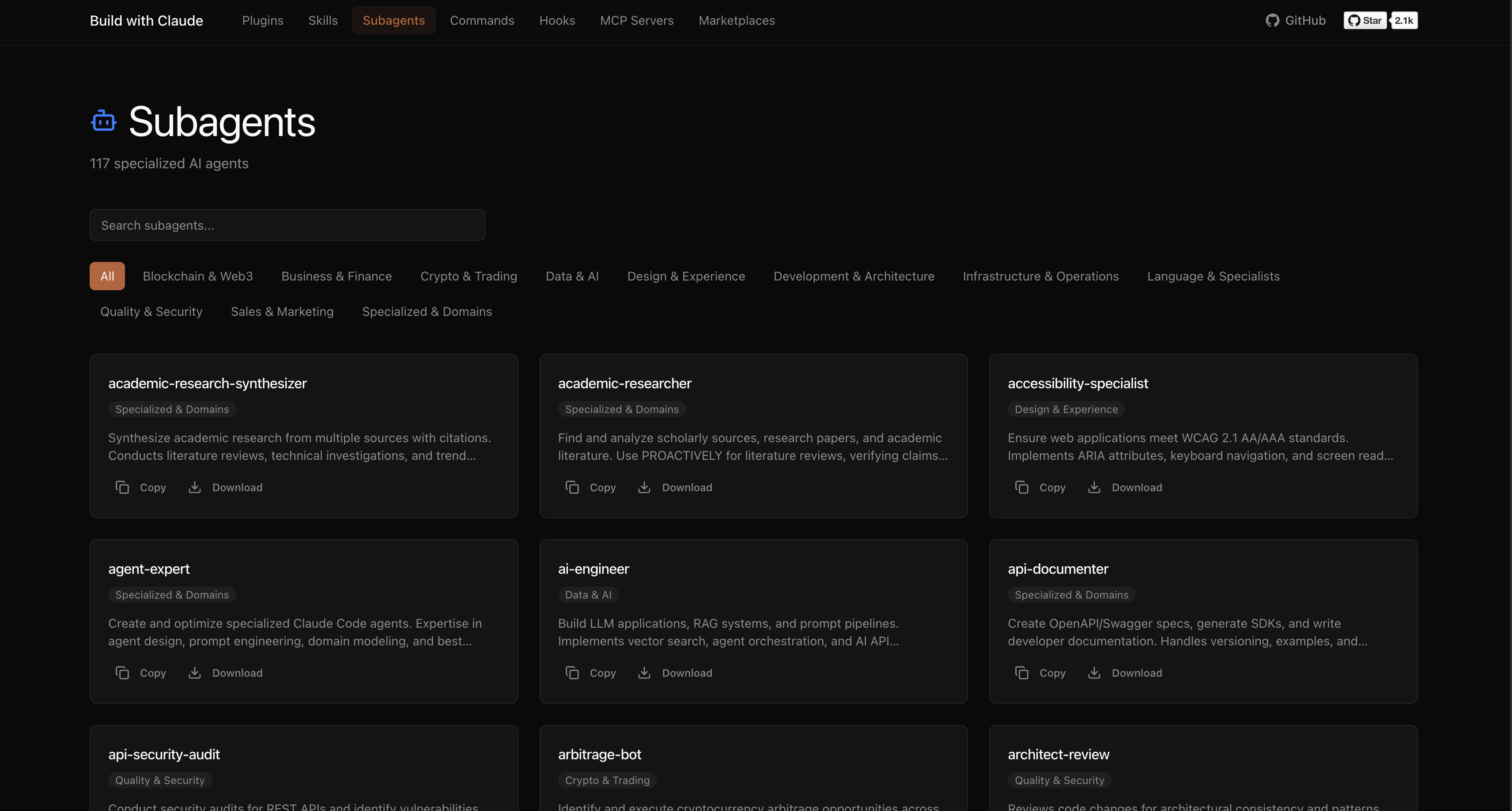
Agents are automatically invoked based on context, or explicitly called:
"Use the python-pro to optimize this function"
"@agent-security-auditor review this authentication code"
"Have the devops-troubleshooter help debug this deployment"
Commands use the / prefix:
/commit                    # Create conventional commit
/create-pr                 # Create pull request
/docs                      # Generate documentation
/tdd                       # Start test-driven development
/code_analysis             # Analyze code quality
Hooks run automatically on events like tool calls or session start.
We welcome contributions!
plugins/ following the naming conventionnpm test to validateAgent (plugins/agents-*/agents/*.md):
---
name: agent-name
description: When to invoke this agent
category: category-name
tools: Read, Write, Bash
---

You are a [role description]...
Command (plugins/commands-*/commands/*.md):
---
description: What this command does
category: category-name
argument-hint: <args>
---

Command implementation...
Hook (plugins/hooks-*/hooks/*.md):
---
hooks: PreToolUse, PostToolUse
description: What this hook does
---

Hook implementation...
See CONTRIBUTING.md for detailed guidelines.
MIT License - see LICENSE for details.
Made with ❤️ by Dave Poon
Sign in to join the discussion.
No comments yet. Be the first to say what this is good for.
The awesome collection of OpenClaw skills. 5,400+ skills filtered and categorized from the official OpenClaw Skills Registry.🦞
A curated list of awesome Claude Skills, resources, and tools for customizing Claude AI workflows

PM Skills Marketplace: 100+ agentic skills, commands, and plugins — from discovery to strategy, execution, launch, and growth.

A collection of MCP servers.

Model Context Protocol Servers
Extracted system prompts from Anthropic - Claude Fable 5.1, Opus 5, Claude Design, Claude Code. OpenAI - ChatGPT GPT-6-Astra, Codex. Google - Gemini 3.8 Flash, 3.1 Pro, Antigravity. xAI - Grok, Grok Bot, Cursor, Kimi and more! Updated regularly.