

JuliusBrussee/
caveman

🪨 why use many token when few token do trick — Claude Code skill that cuts 65% of tokens by talking like caveman
105k
1 add
Agentic-MCP wraps MCP servers in a daemon with socket-based communication and a CLI for discovery and tool calls. It uses three layers: server metadata, tool lists, and per-tool schemas, so builders load only what they need.
Builders who want MCP servers to stay lightweight in Claude Code, Codex, Cursor, or any agent CLI.
You can work with MCP servers without loading the full tool catalog into every session.
Shows server metadata first, then tool names and descriptions, then the schema for one tool when needed.
Keeps MCP connections open in a long-running daemon instead of reloading everything in each conversation.
Provides commands to inspect servers, list tools, view schemas, and call tools from the terminal.
Reloads MCP server configuration without restarting the daemon.
# Install globally
npm install -g @cablate/agentic-mcp

# Verify installation
agentic-mcp --version

# Start daemon
agentic-mcp daemon start
node dist/cli/index.js daemon start --config <config-path>
agentic-mcp call playwright browser_navigate --params '{"url": "https://example.com"}'# 1. Navigate to website
agentic-mcp call playwright browser_navigate --params '{"url": "https://www.apple.com/tw"}'
# 2. Take screenshot
agentic-mcp call playwright browser_take_screenshot
# 3. Click element
agentic-mcp call playwright browser_click --params '{"element": "Mac link", "ref": "e19"}'agentic-mcp daemon reload
✓ Configuration reloaded Old servers: playwright_global New servers: playwright_global, filesystem_global
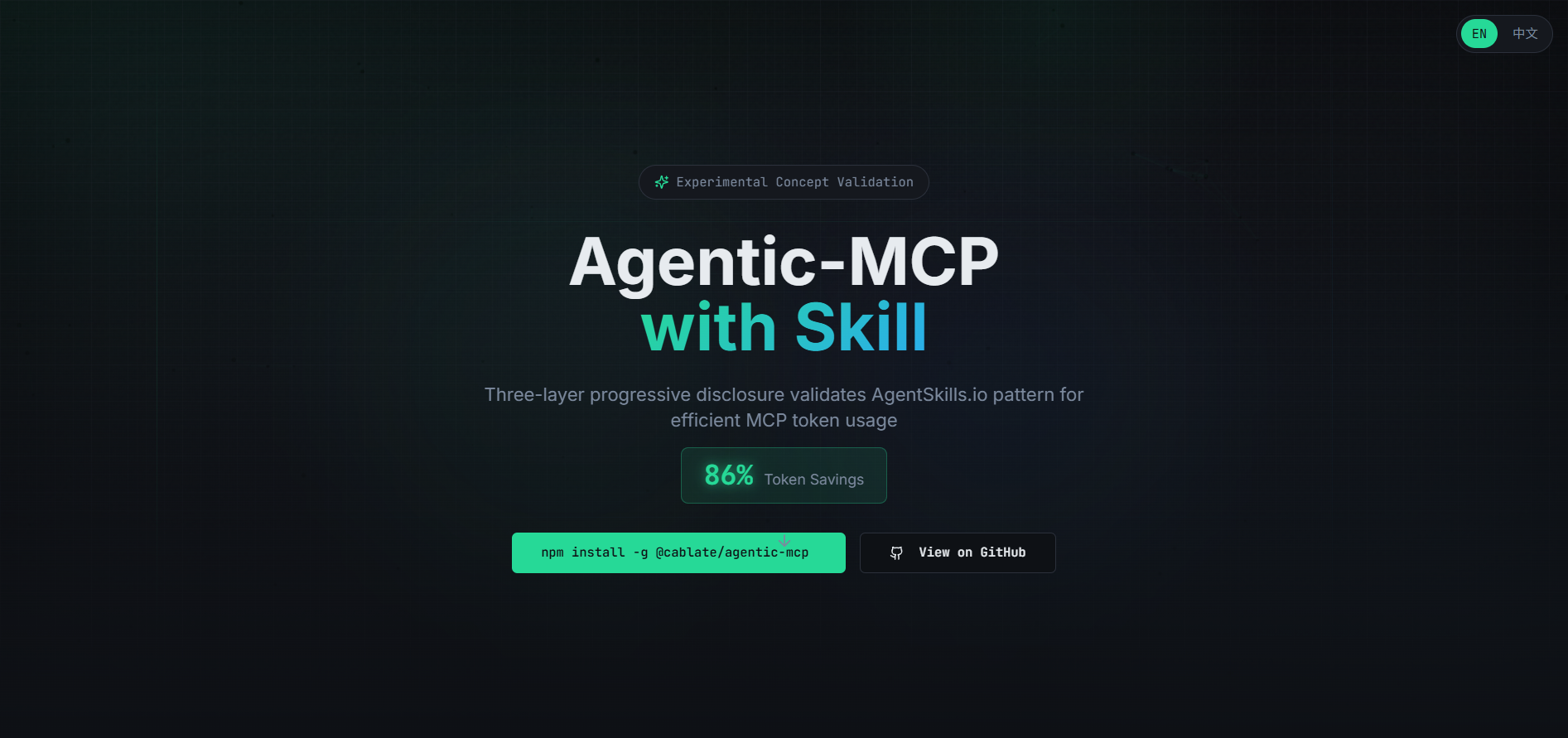

In the AgentSkills.io ecosystem, Progressive Disclosure combined with Script linkage has been validated as effective:
The impact of this pattern is significant and substantial.
Despite this, many Skills using MCP still face two extreme options:
Option 1: Install MCP directly in Claude Code, Skill only guides AI to call MCP
Option 2: Write custom scripts yourself
Validate whether AgentSkills.io pattern applies to improving MCP usage
This concept validation attempts to port AgentSkills' successful pattern to the MCP domain:
This is not a mature product, but an experiment:
This is a very early, rushed AI-assisted demo version with current goals:
Not recommended for production use. Expect many issues and optimization opportunities. If you find any problems or have suggestions, please open an Issue or contribute a PR.
Like AgentSkills, you don't need to load everything at once:
Layer 1: Know which servers are available
Load only basic info (name, version, status)
Usage: ~50-100 tokens
Use case: Check availability, choose server
Layer 2: Know what tools this server provides
Load tool list (names + brief descriptions)
Usage: ~200-400 tokens
Use case: Browse available tools, decide what to use
Layer 3: Load only the tools you need
Load complete input format for specific tool
Usage: ~300-500 tokens/tool
Use case: Before calling tool
Assume an MCP server has 20 tools, you only need 2:
| Loading Method | Token Usage | Description |
|---|---|---|
| Load All | 6,000 | 20 tools × 300 tokens |
| Three-Layer Progressive | 850 | Metadata(50) + List(200) + 2 tools(600) |
| Savings | 86% | Only load what you need |
Based on concept validation results, future directions include:
Short-term Goals
Mid-term Goals
This project's direction depends on:
Feedback and suggestions welcome.
# Install globally
npm install -g @cablate/agentic-mcp
# Verify installation
agentic-mcp --version
# Start daemon
agentic-mcp daemon start
Edit mcp-servers.json in the project root:
{
"servers": {
"playwright": {
"description": "Browser automation tool for web navigation, screenshots, clicks, form filling, and more",
"type": "stdio",
"command": "npx",
"args": ["@playwright/mcp@latest", "--isolated"]
}
}
}
node dist/cli/index.js daemon start --config <config-path>
# Check daemon health
agentic-mcp daemon health
# Layer 1: Check server status
agentic-mcp metadata playwright
# Layer 2: List available tools
agentic-mcp list playwright
# Layer 3: View specific tool format
agentic-mcp schema playwright browser_navigate
agentic-mcp call playwright browser_navigate --params '{"url": "https://example.com"}'
This project uses Vitest for testing with the following test suites:
# Run tests in watch mode
npm test
# Run tests once
npm run test:run
# Run with coverage report
npm run test:coverage
tests/
├── unit/
│ ├── client.test.ts # ProgressiveMCPClient tests (12 tests)
│ ├── socket-client.test.ts # SocketClient tests (7 tests)
│ └── cli/
│ └── commands.test.ts # CLI command tests (6 tests)
Test coverage focuses on core modules (client.ts, socket-client.ts). Daemon integration tests are deferred to future work.
This project follows a pragmatic progressive approach:
@modelcontextprotocol/server-filesystem) for integrationnet module for SocketClient)Automate browser operations using Playwright MCP server:
# 1. Navigate to website
agentic-mcp call playwright browser_navigate --params '{"url": "https://www.apple.com/tw"}'

# 2. Take screenshot
agentic-mcp call playwright browser_take_screenshot

# 3. Click element
agentic-mcp call playwright browser_click --params '{"element": "Mac link", "ref": "e19"}'
Reload after modifying mcp-servers.json without restarting daemon:
agentic-mcp daemon reload
Response example:
✓ Configuration reloaded
  Old servers: playwright_global
  New servers: playwright_global, filesystem_global
+-----------------------------+
|     AI / CLI Layer          |
|  (CLI commands)              |
|  - agentic-mcp metadata      |
|  - agentic-mcp list          |
|  - agentic-mcp schema        |
|  - agentic-mcp call          |
+-----------+-----------------+
            | Socket (newline-delimited JSON)
            v
+-----------------------------+
|   MCP Daemon (Long-Running)  |
|  - Maintain persistent MCP   |
|    connections               |
|  - Socket communication      |
|  - Manage shared sessions    |
|  - Support Hot Reload        |
+-----------+-----------------+
            | MCP Protocol
            v
+-----------------------------+
|        MCP Servers           |
|  - playwright (browser)      |
|  - filesystem (files)        |
|  - github (Git)              |
|  - custom servers            |
+-----------------------------+
Edit mcp-servers.json:
{
  "servers": {
    "playwright": {
      "description": "Browser automation tool for web navigation, screenshots, clicks, and form filling",
      "transportType": "stdio",
      "command": "npx",
      "args": ["@playwright/mcp@latest", "--isolated"]
    }
  }
}
Configuration Notes:
description (optional): Server description for AI to understand the MCP server's purpose. If not provided, Layer 1 metadata will not include this field.This is a concept validation project, feedback welcome
Sign in to join the discussion.
No comments yet. Be the first to say what this is good for.
🪨 why use many token when few token do trick — Claude Code skill that cuts 65% of tokens by talking like caveman

The best-benchmarked open-source AI memory system. And it's free.

Orca is the ADE for working with a fleet of parallel agents. Run any coding agent with your own subscription. Available on desktop, mobile and remote runtime.

A cross-platform desktop All-in-One assistant for Claude Code, Codex, OpenCode, OpenClaw, Grok Build & Hermes Agent. Only official website: ccswitch.io

Never stop coding. Free MIT AI gateway: one endpoint, 352 providers (150+ free), 1200+ models Kimi, Claude, GPT, Gemini, GLM, DeepSeek, MiniMax. Works with Claude Code, Codex, Cursor, OpenCode, Cline & Copilot. Quota-aware auto-fallback, RTK+Caveman compression saves 15-95% tokens, MCP/A2A, Desktop/PWA. Built by 550+ contributors

Compress tool outputs, logs, files, and RAG chunks before they reach the LLM. 20% fewer tokens for coding agents, 60-95% fewer tokens for JSON, same answers. Library, proxy, MCP server.