
obra/
superpowers

obra/superpowersSkills
An agentic skills framework & software development methodology that works.
285k
1 add
BrowserAct provides Skills that let an agent control a real browser, reuse login state, run parallel sessions, and hand off to a human when needed. The repo also includes Skill Forge for generating reusable scraping skills and docs for commands, concurrency, anti-blocking, and browser modes.
Builders who want their agent to browse websites, extract data, and manage account-based workflows.
You can run browser tasks with less re-explaining, fewer blocks, and cleaner parallel sessions.
Commands for opening pages, reading state, clicking by index, and typing into fields from a local browser session.
Stealth fingerprints, TLS rotation, proxy switching, CAPTCHA solving, and protected-page extraction.
`remote-assist` creates a link so a person can take over in the browser and hand control back later.
Independent cookies, fingerprints, proxies, and multi-session browser lanes so tasks do not cross-contaminate.
`get-skills` returns browser state, browser list, and commands so the agent can discover what it can do.
A separate skill pack that explores a site, generates a reusable scraping skill, and runs it again later.
# Extract protected page content (zero config)
browser-act stealth-extract https://example.com

# Full browser automation
browser-act --session my-task browser open <id> https://example.com
browser-act --session my-task state          # See clickable elements
browser-act --session my-task click 3        # Click by index
browser-act --session my-task input 2 "hi"   # Type into a field
browser-act get-skills core --skill-version 2.0.2







BrowserAct enables AI agents and teams to perform real-browser automation, web data extraction, and account-based workflows.
It helps agents get past anti-bot walls, hand off to humans across platforms when stuck, run parallel tasks without cross-contamination, and isolate multiple accounts in independent browsers, backed by stealth fingerprints, TLS rotation, residential proxies, CAPTCHA solving, and stable fingerprint-proxy setups for authenticated sessions.
Two usage modes are available: fully cloud-managed execution, or local browser control driven by your own agent workflow.
No agent setup required, with lower operating cost. Describe the website, filters, and fields you need. BrowserAct builds and tests a reusable scraping Bot in a real cloud browser, then runs it from the cloud. Build once. Run reliably. Improve continuously.
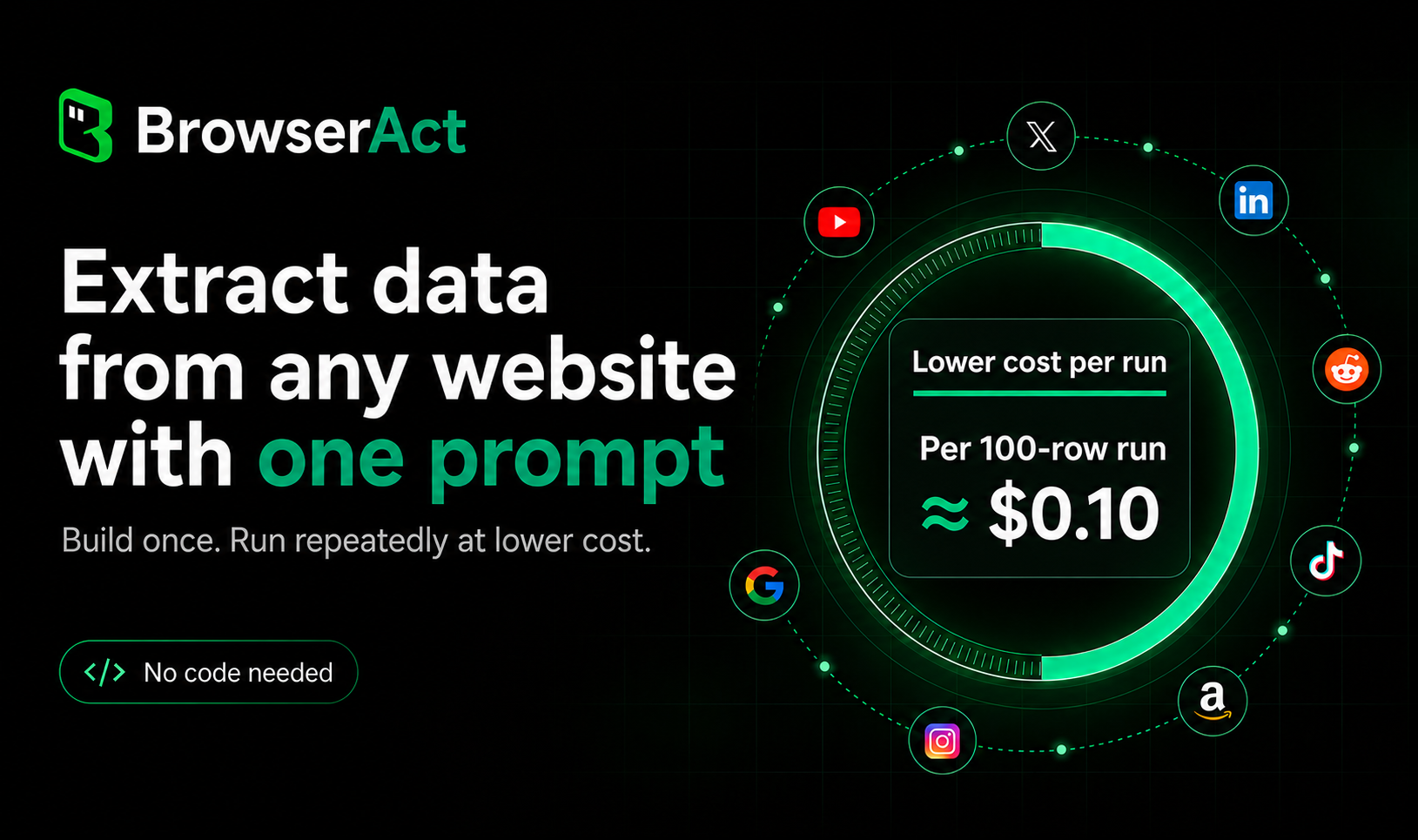
Watch demo: Build a Web Scraper from One Prompt | BrowserAct →
Use BrowserAct Skills when you want local browser control, local Chrome login-state reuse, or direct integration into your own AI agent workflow.
Your agent can load the BrowserAct Skill, discover browser state with get-skills, and run browser automation commands directly from your local environment.
Watch demo: BrowserAct: Give AI Agents a Real Browser →
Start from BrowserAct Skills →
The browser an AI agent needs has to reach places standard tools can't, let a human seamlessly take over when the agent is stuck, keep parallel tasks from cross-contaminating, and be designed for LLM reasoning — not human-written scripts. A browser for agents must get four things right.
1. Break through blocks — three progressive layers
solve-captcha auto-solves CAPTCHAs; stealth-extract pulls protected pages in one command.remote-assist generates a live URL; the user takes over from any device, and the agent continues seamlessly when done.2. Three browser modes — by real-world scenario
| Mode | Scenario | Key trait |
|---|---|---|
chrome | Reuse local Chrome login state | Profile import or CDP attach |
stealth privacy mode | Frictionless batch scraping without login | Fresh fingerprint per session + proxy rotation, zero residue |
stealth fixed identity | Logged-in accounts · multi-browser parallel | Stable fingerprint + stable IP, stable account identity, not flagged as bots |
3. Zero-interference concurrency — every agent in its own lane
4. Designed for agent reasoning — not human scripts
state returns an indexed list; click 3 / input 2 "...". No DOM parsing required.desc, matched to tasks by meaning.Security: confirmation gating — sensitive operations (browser create / delete, Profile import, proxy changes, security and privacy toggles) require explicit user approval. Prior approvals do not carry over. Enforced at the Skill layer, not a configuration toggle.
Tell your AI agent:
Install browser-act. Skill source: https://github.com/browser-act/skills/tree/main/browser-act . Verify it works after installation.
# Extract protected page content (zero config)
browser-act stealth-extract https://example.com

# Full browser automation
browser-act --session my-task browser open <id> https://example.com
browser-act --session my-task state          # See clickable elements
browser-act --session my-task click 3        # Click by index
browser-act --session my-task input 2 "hi"   # Type into a field
The agent runs get-skills at the start of each session — gets environment state, browser list, and commands in one call:
browser-act get-skills core --skill-version 2.0.2
How agents discover and use BrowserAct →
OS: Windows, macOS, Linux
Agents: Claude Code · Cursor · VS Code · OpenCode · OpenClaw · Codex · Gemini CLI — works with any agent that can execute shell commands and load Skills.
Almost everything is free. Only two features require payment: managed proxies (Dynamic / Static), and stealth browsers beyond the first 5.
| Feature | Free (No Signup) | Free (Login Only) | Paid |
|---|---|---|---|
| Browser automation, Chrome / Chrome-direct | ✓ | ✓ | ✓ |
| Stealth browser (≤ 5), stealth-extract, solve-captcha, remote-assist, privacy mode, Skill Forge | — | ✓ | ✓ |
| Stealth browser (> 5), Dynamic / Static proxy | — | — | ✓ |
Full documentation covers anti-blocking, browser modes, sessions and concurrency, headless and remote handoff, agent design, the Skills system, and the complete command reference.
Need to extract data from the same website repeatedly at scale? Don't write scrapers by hand. Skill Forge explores a site once, discovers its APIs and data patterns, generates a deploy-ready Skill package, then runs reliably without re-exploration — 500 or 5,000 records through the same stable path.
Any website. Any data. One command to start:
Install browser-act-skill-forge. Skill source: https://github.com/browser-act/skills/tree/main/browser-act-skill-forge . Verify it works after installation.
Then tell your agent what you need:
"Forge a Skill that extracts job listings from LinkedIn — title, company, salary, URL. I'll run 300 keywords later."
30+ pre-built Skills already generated by Skill Forge, ready to install and run. Covers Amazon, Google Maps, YouTube, Reddit, WeChat, Zhihu, and more.
Browse the full Solutions Catalog →
Can't find what you need above? Generate a custom Skill for any website in minutes — no coding required. Just describe what data you want or what action to perform, and Skill Forge handles the rest.
BrowserAct Skills is free and open source. If it saves you time, please give us a ⭐ Star — it keeps the project alive and helps us ship more skills.
🎁 Bonus: Once you star the repository, you can join our Discord and post in the #claim-500-credits channel to receive 500 free credits!
Built with ❤️ by the BrowserAct Team
Sign in to join the discussion.
No comments yet. Be the first to say what this is good for.
An agentic skills framework & software development methodology that works.

Turn any codebase, with its docs, SQL schemas, configs, and PDFs, into a queryable knowledge graph. A /graphify skill for Claude Code, Cursor, Codex, and Gemini CLI: local deterministic AST parsing, every edge explained, no vector store.

Topic in, narrated explainer video out. A Claude Code / Codex skill that turns any topic into a black-canvas motion-graphics explainer video with TTS voiceover, subtitles and a chapter progress bar. Chinese or English; every frame drawn in code with Remotion.
Public repository for Agent Skills
Open-source AI job search: scan job portals, evaluate listings into a structured A-H report with a global 1-5 score, tailor your CV, track applications — runs locally in your AI coding CLI (Claude Code, Codex, OpenCode, Antigravity…)

Production-grade engineering skills for AI coding agents.