

obra/
superpowers

obra/superpowersSkills
An agentic skills framework & software development methodology that works.
285k
1 add
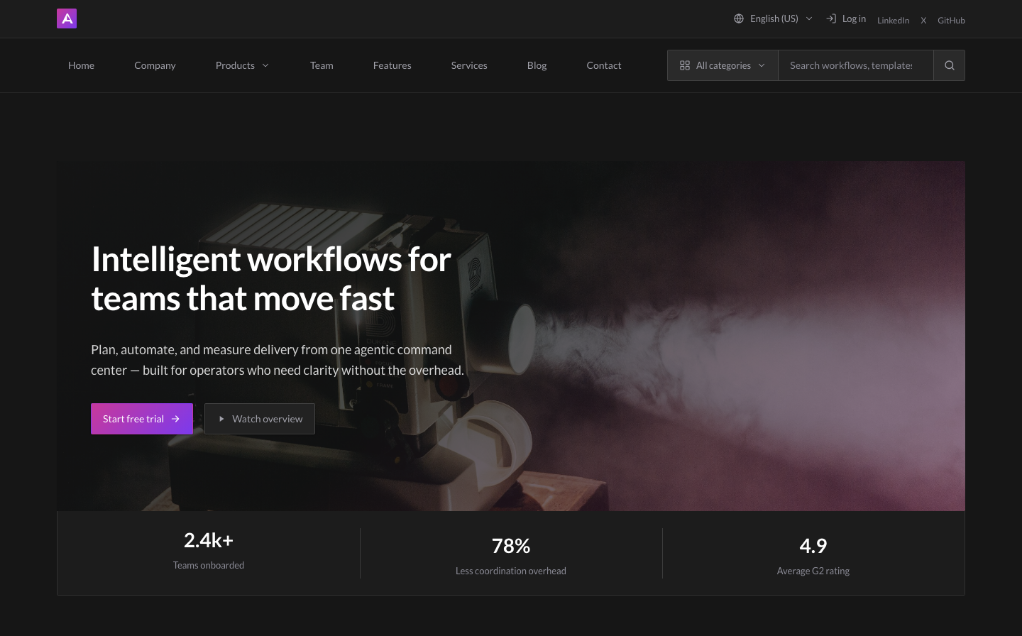
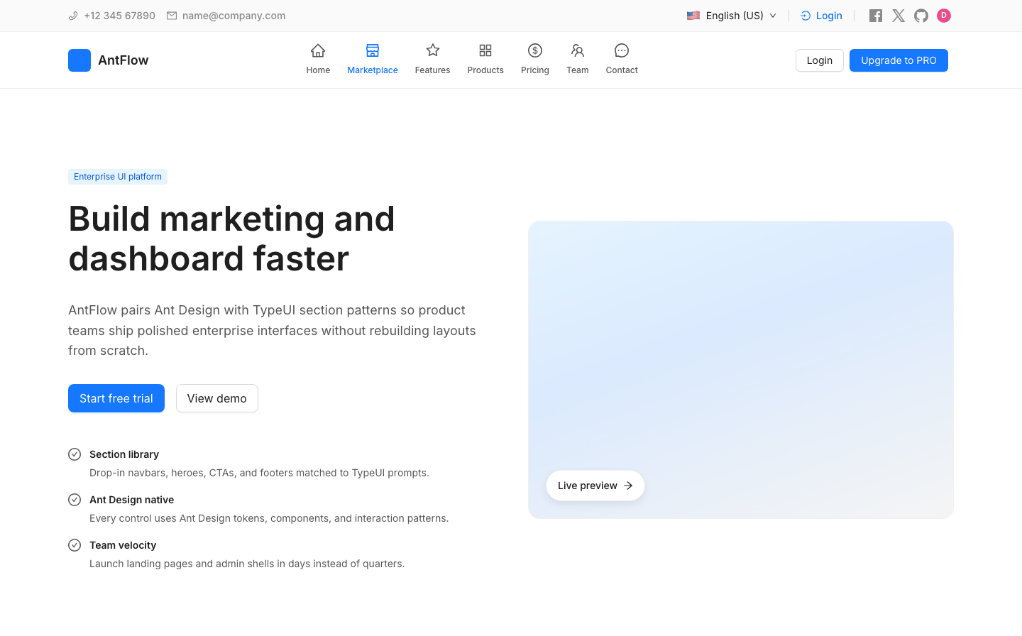
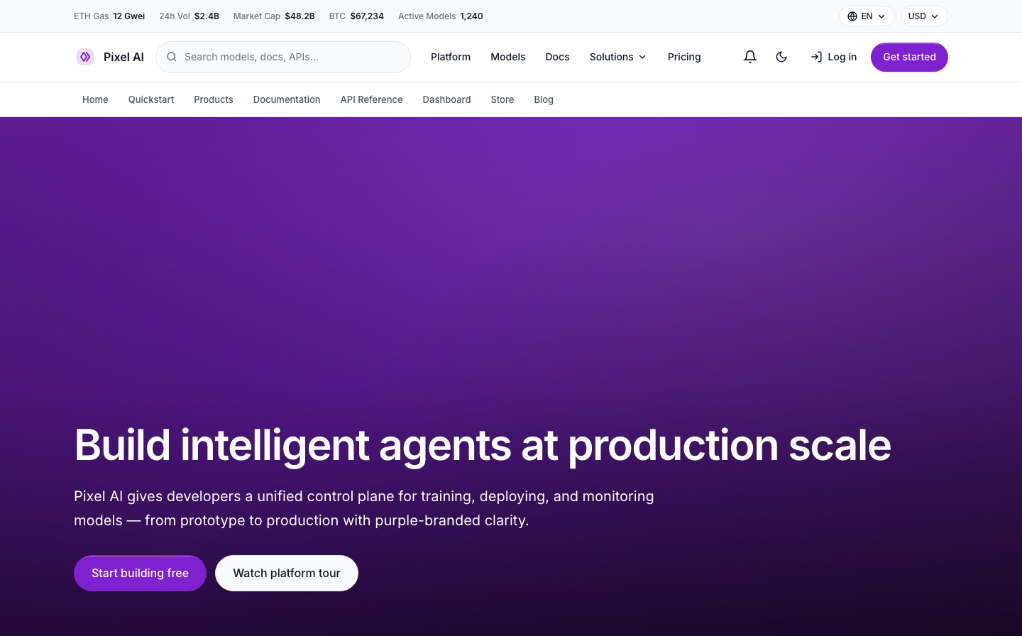
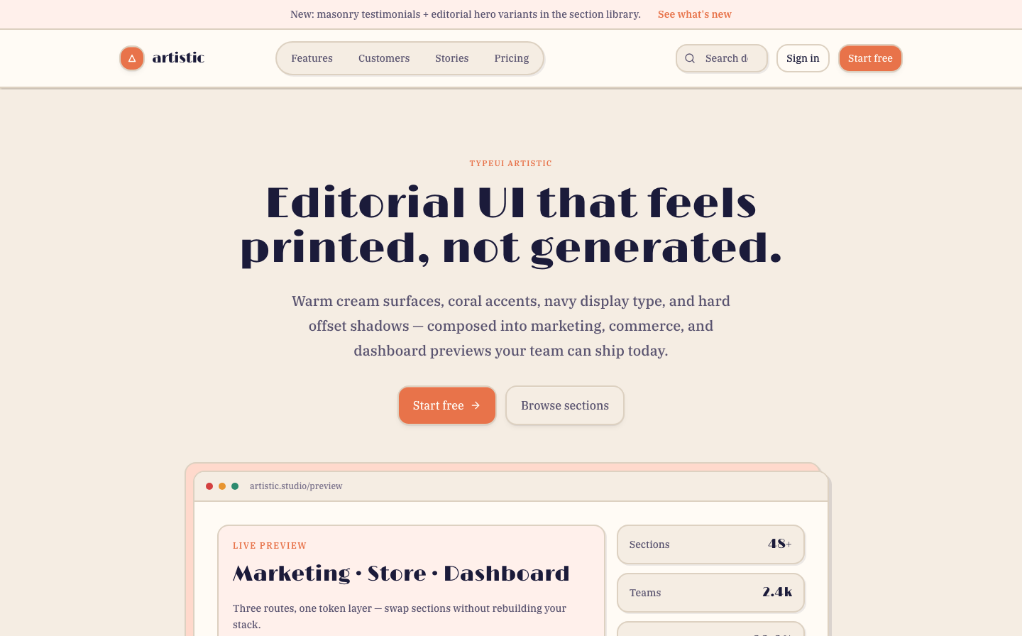
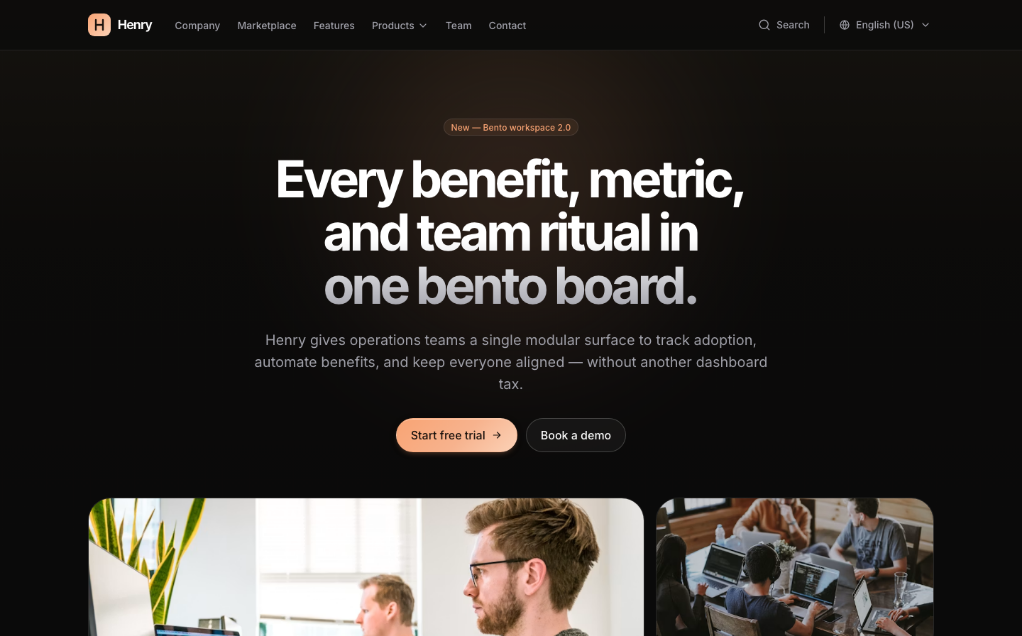
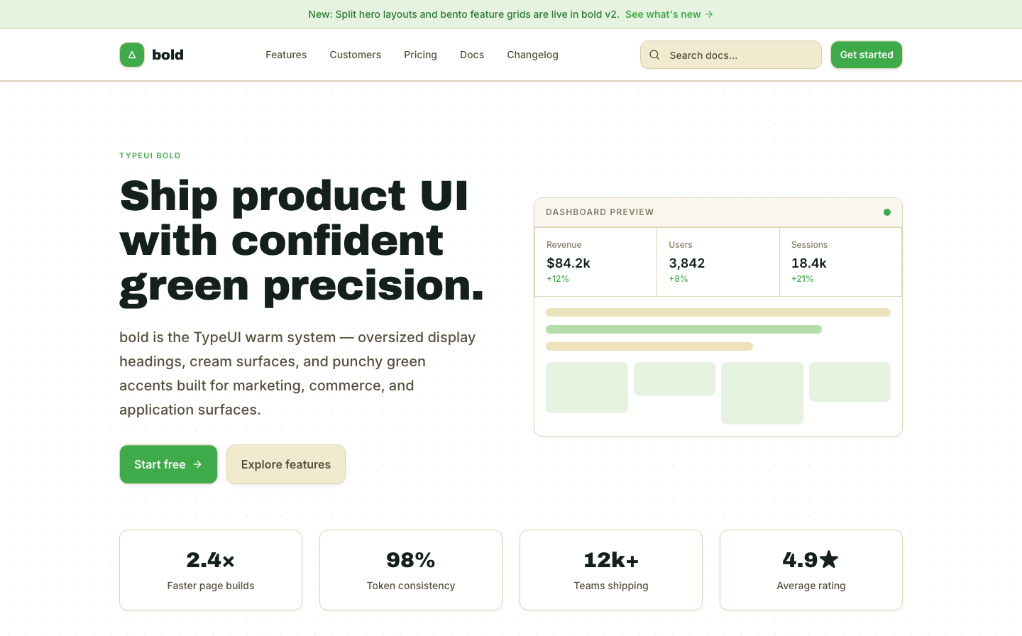
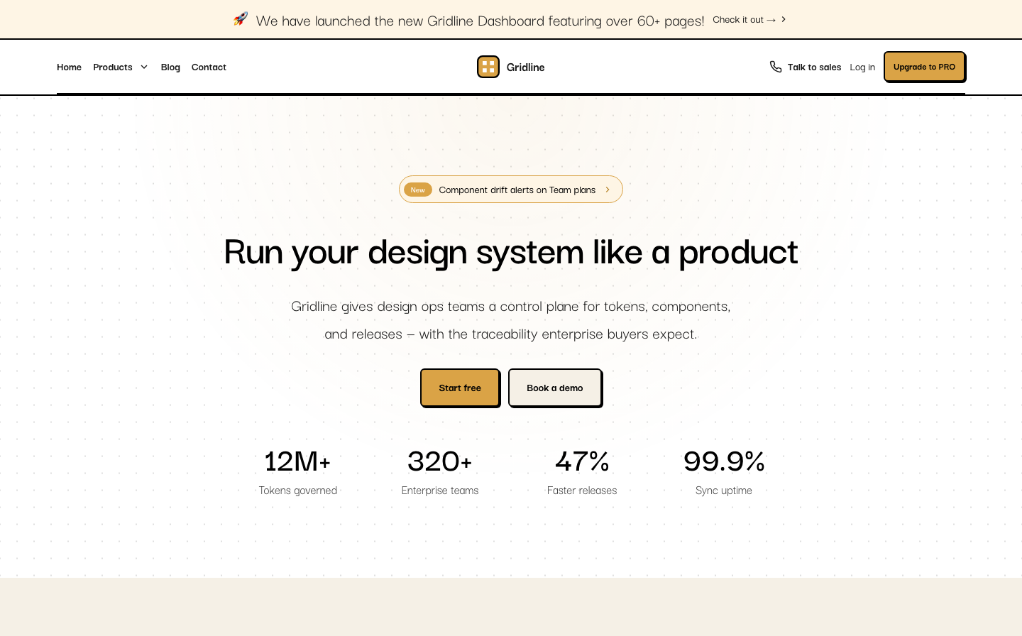
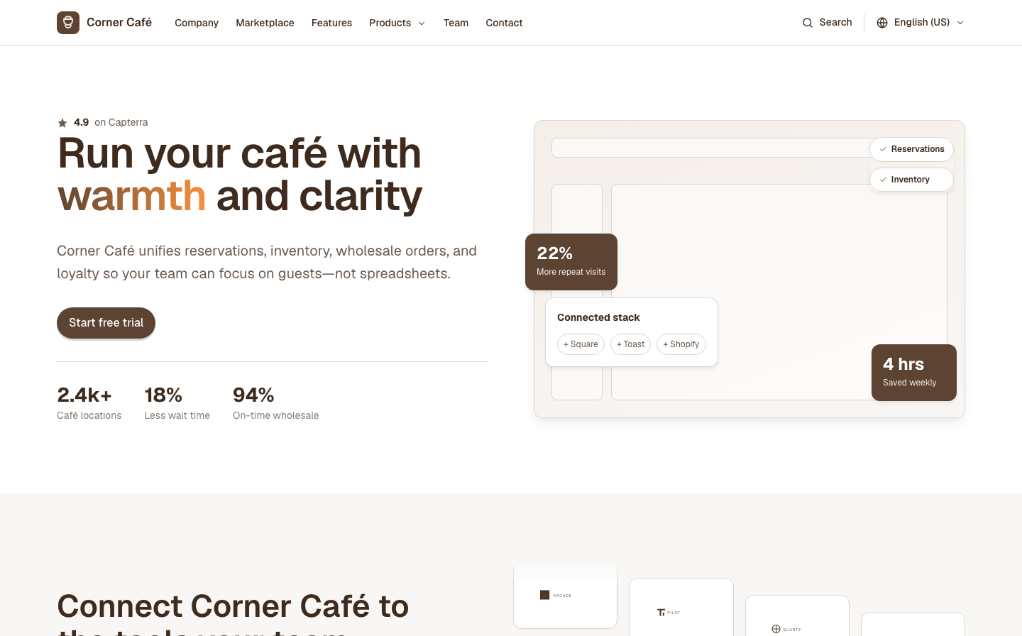
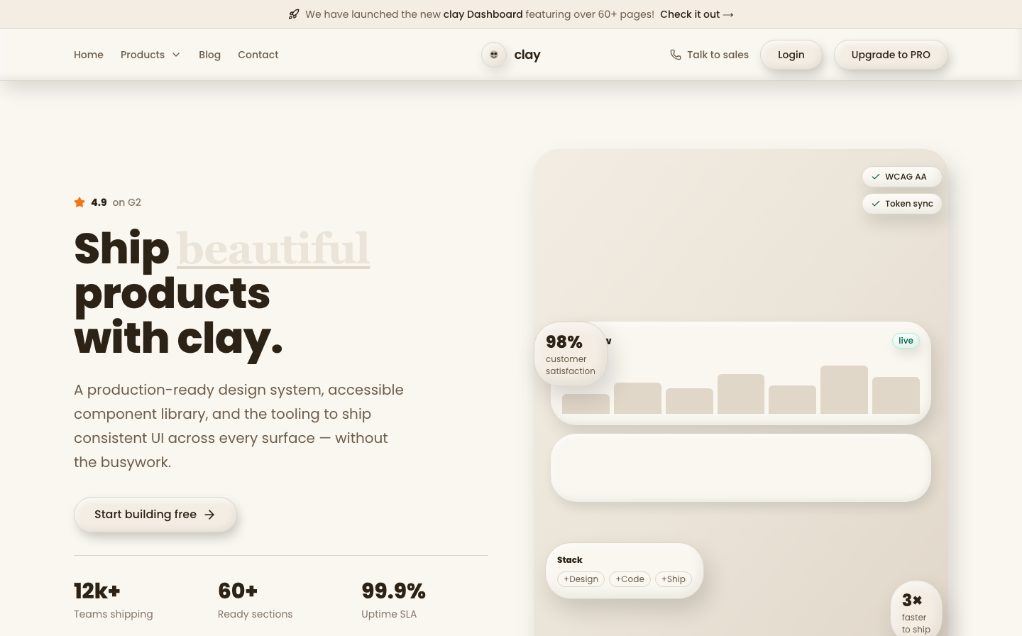
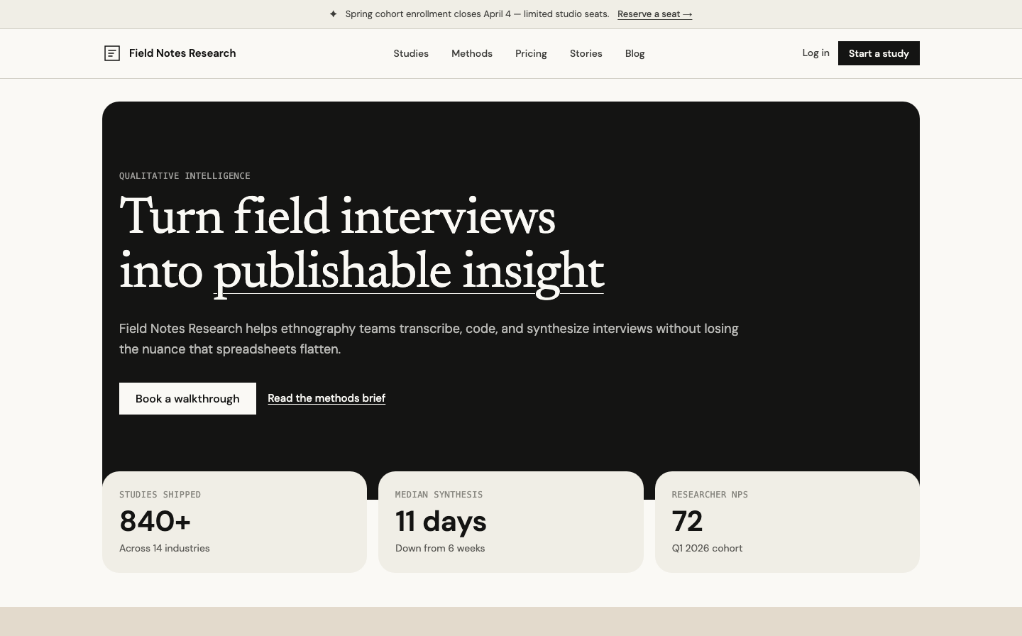
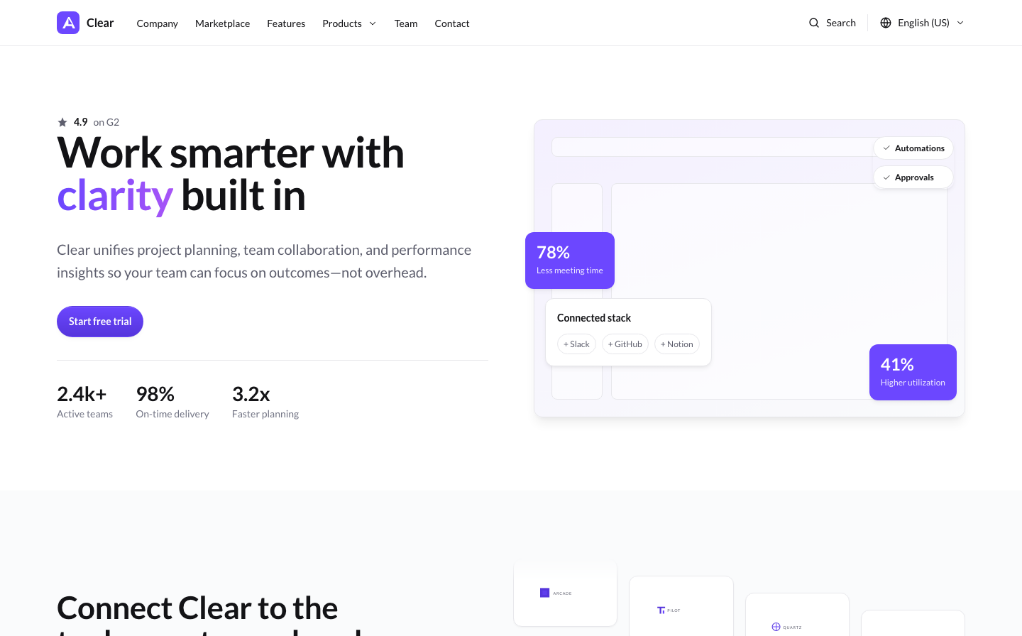
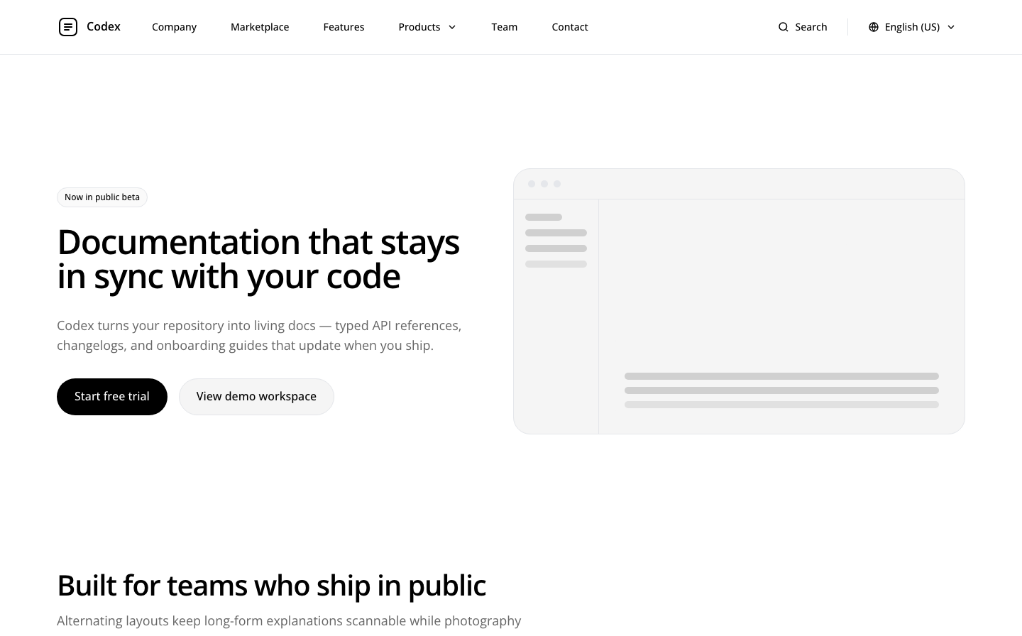
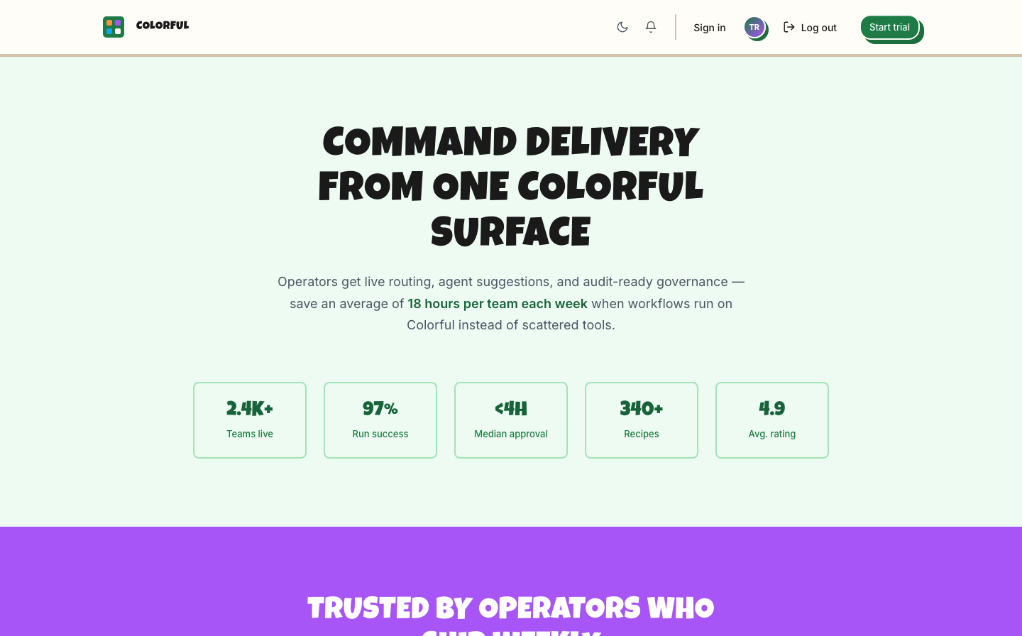
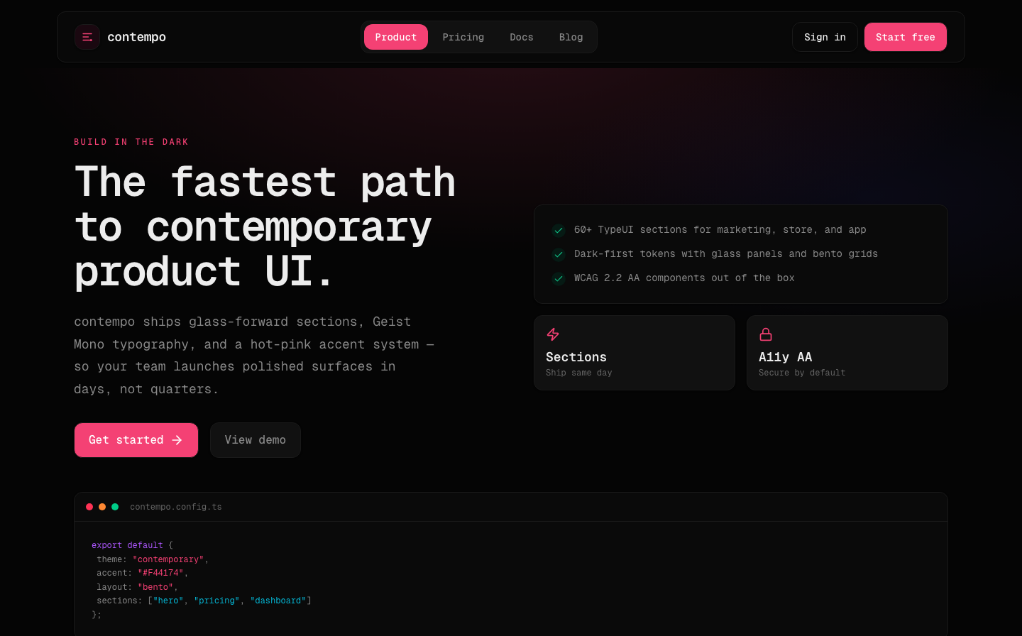
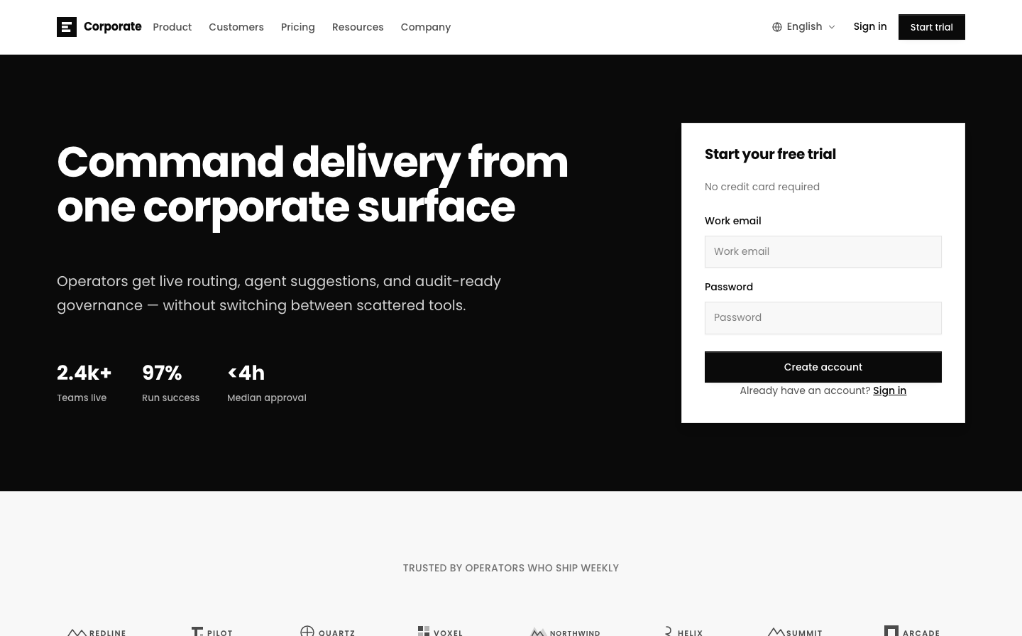
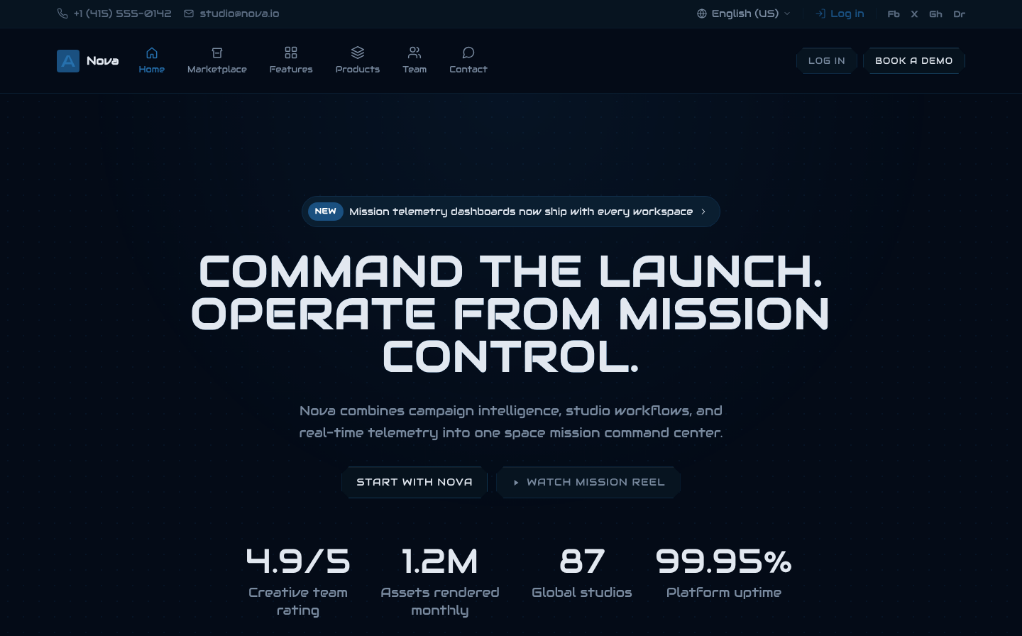
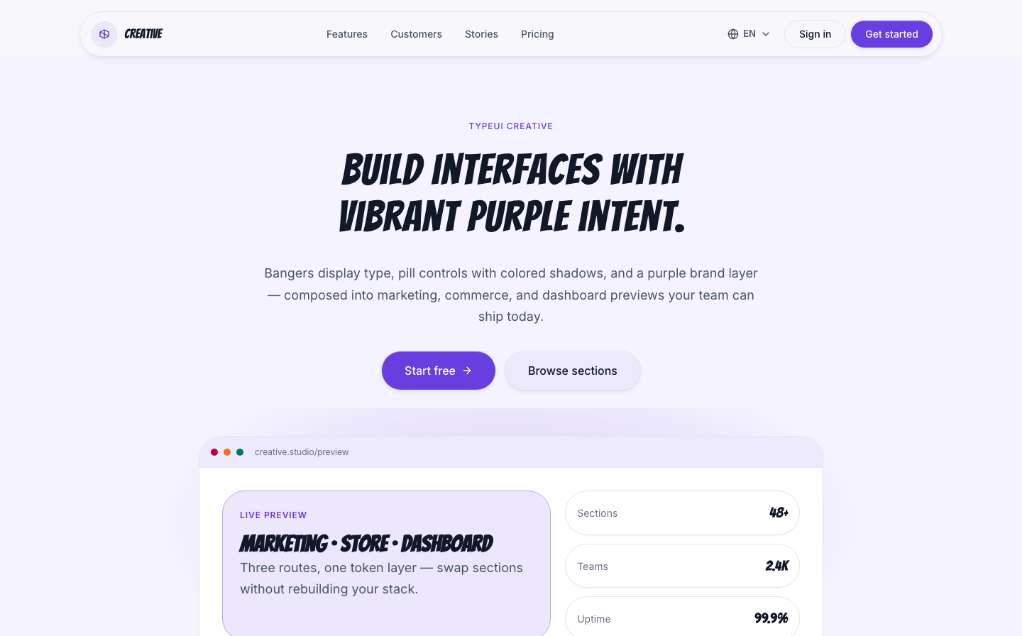
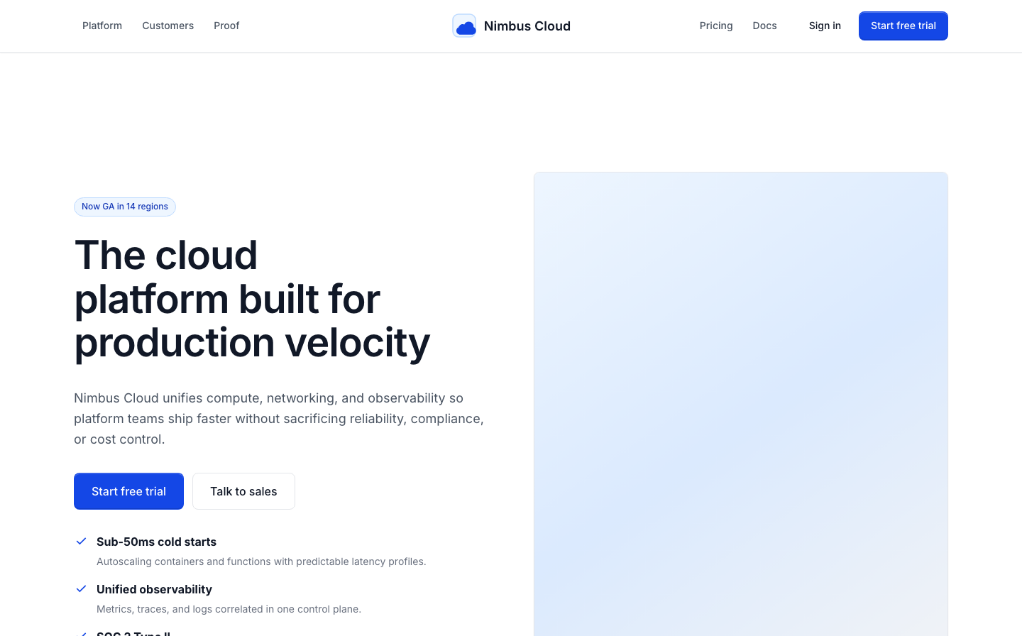
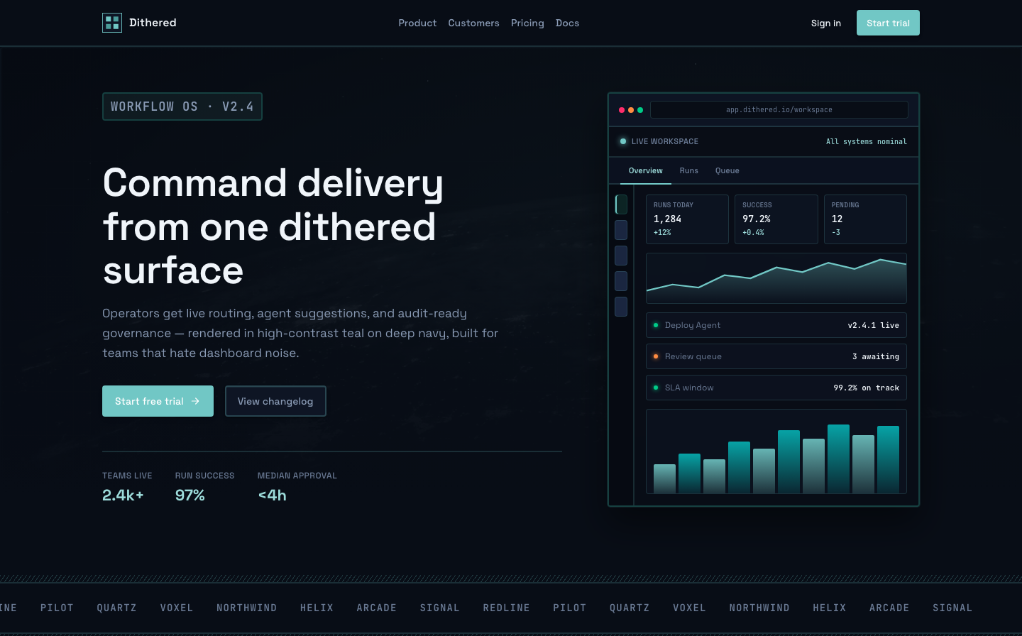
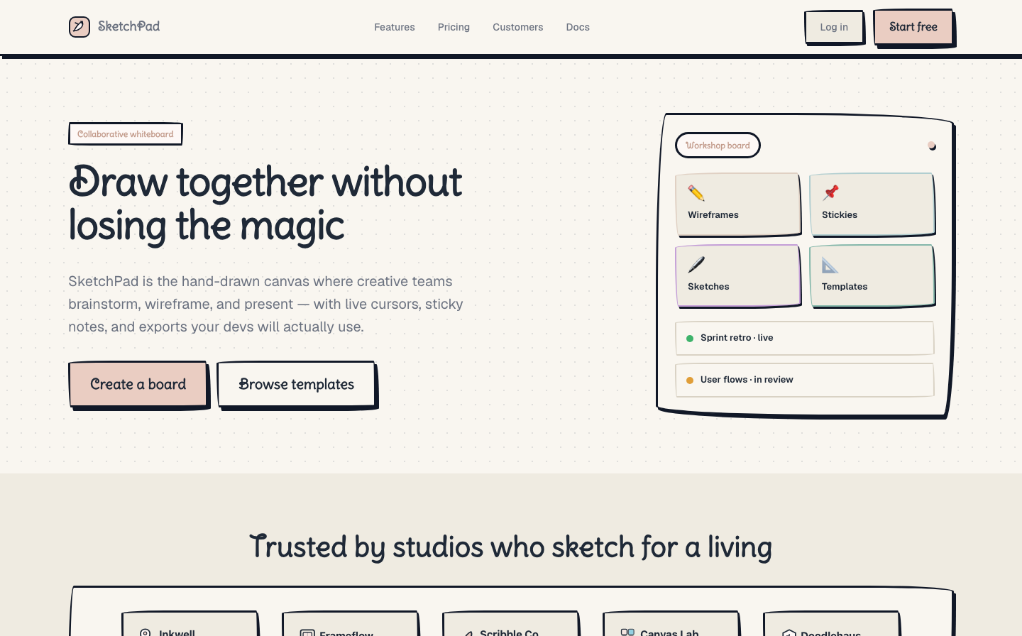
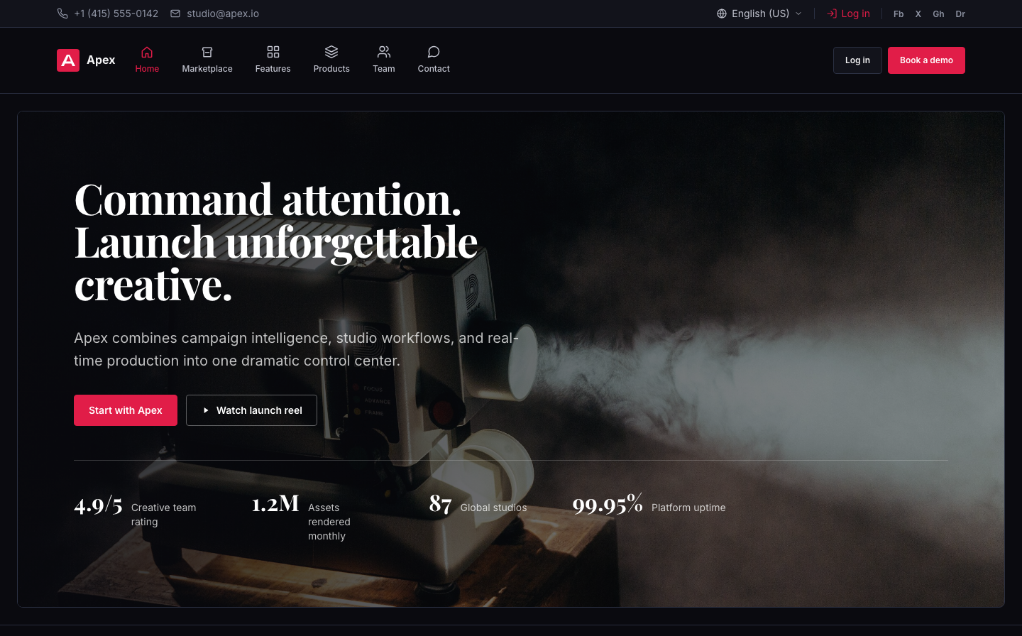
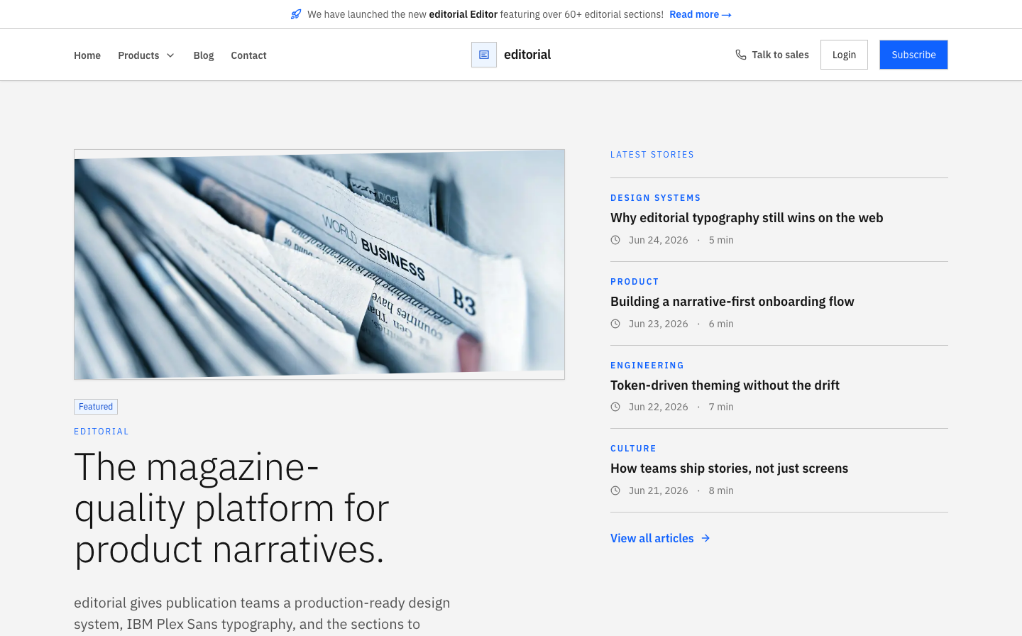
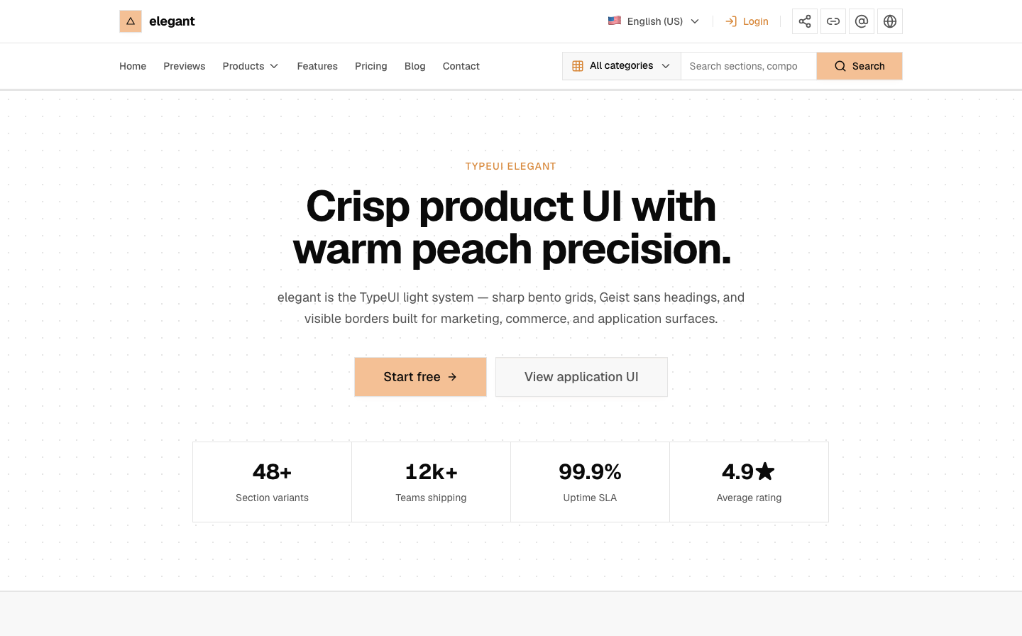
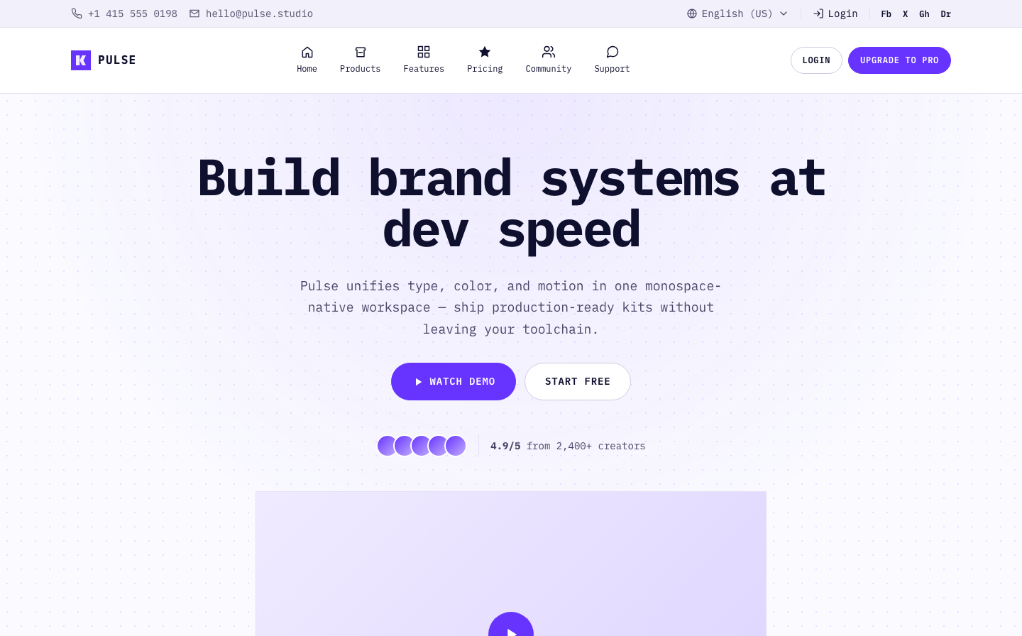
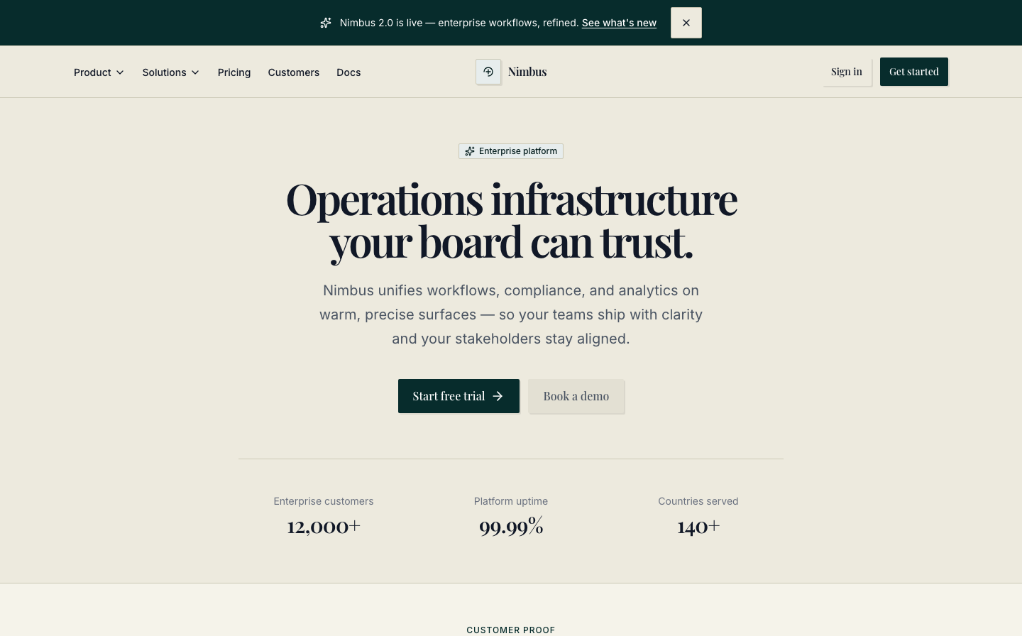
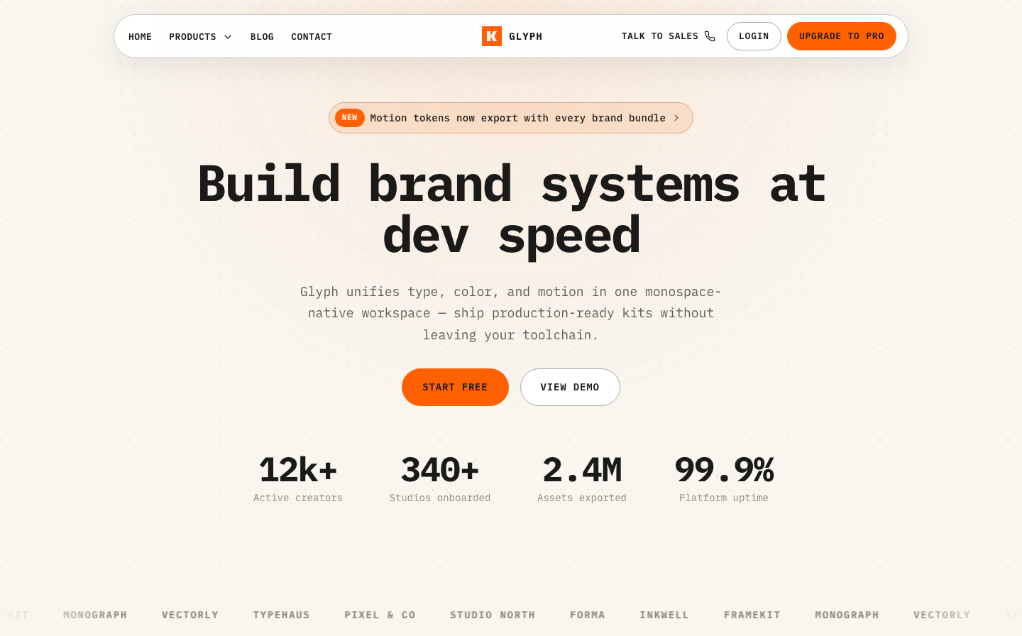
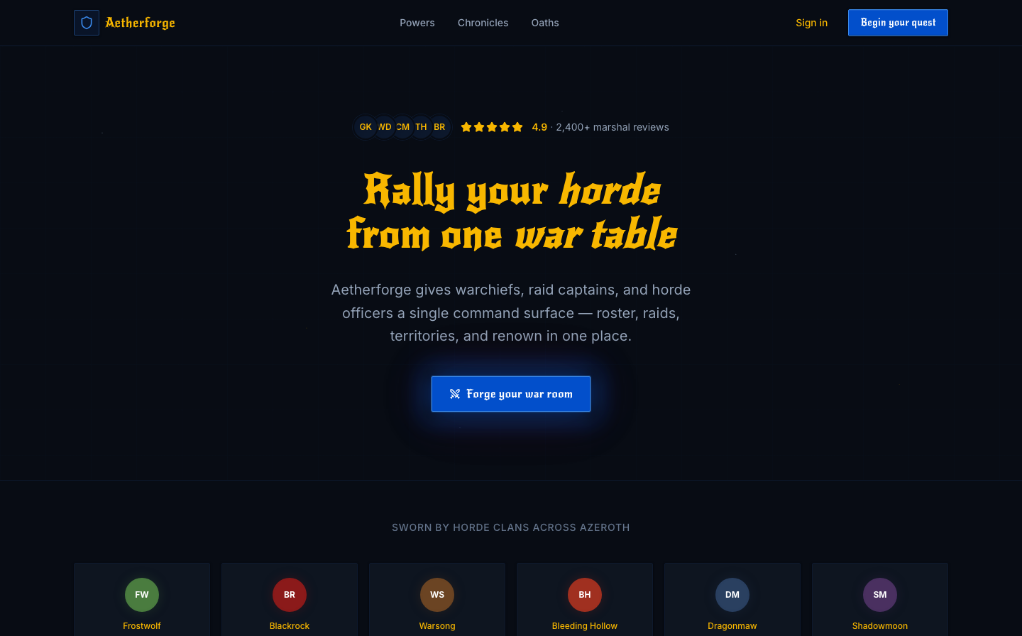
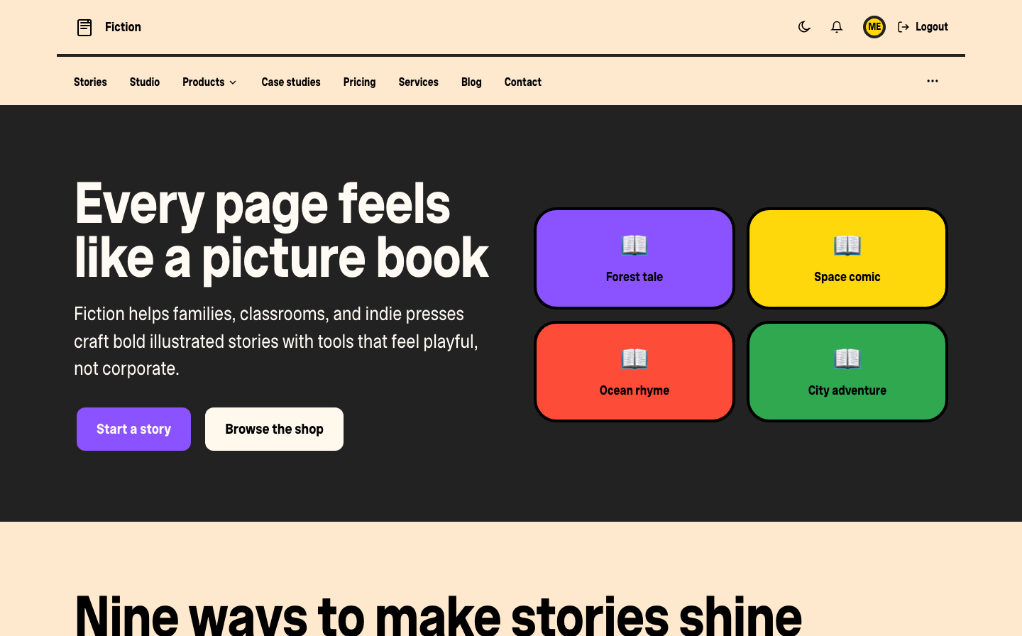
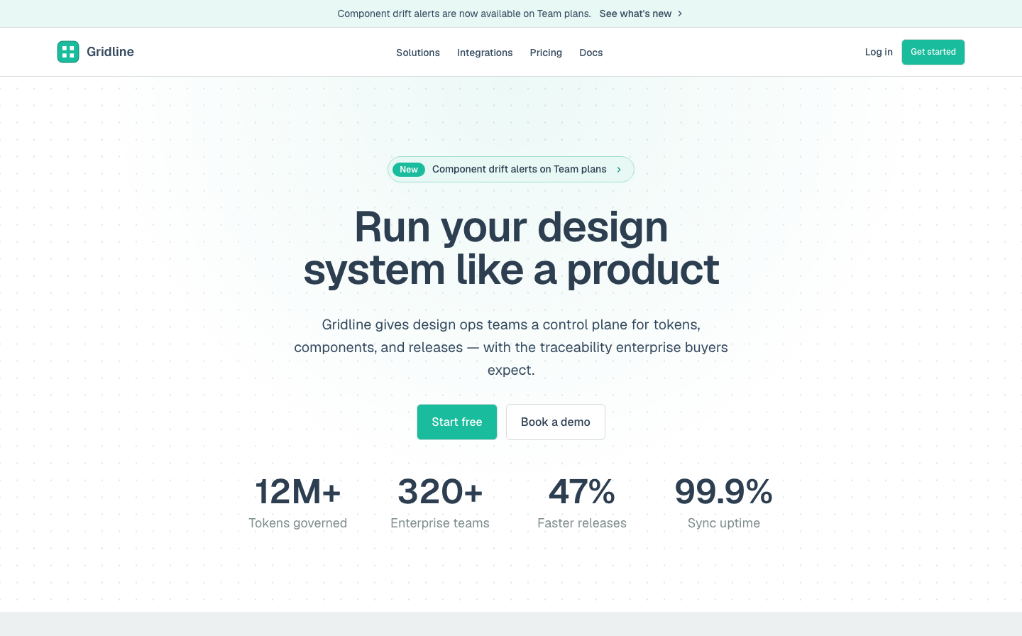
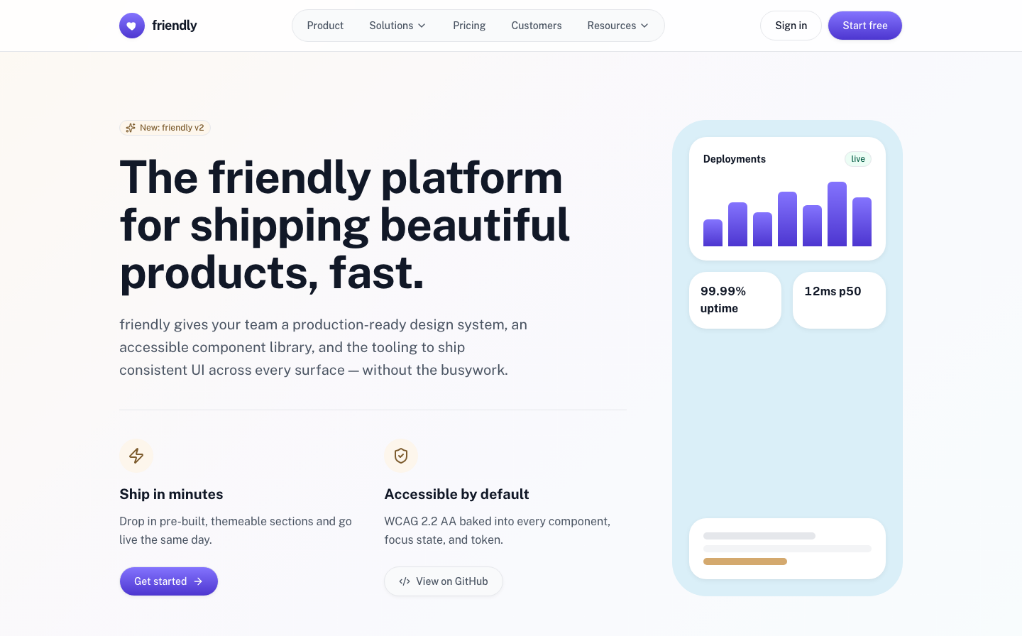
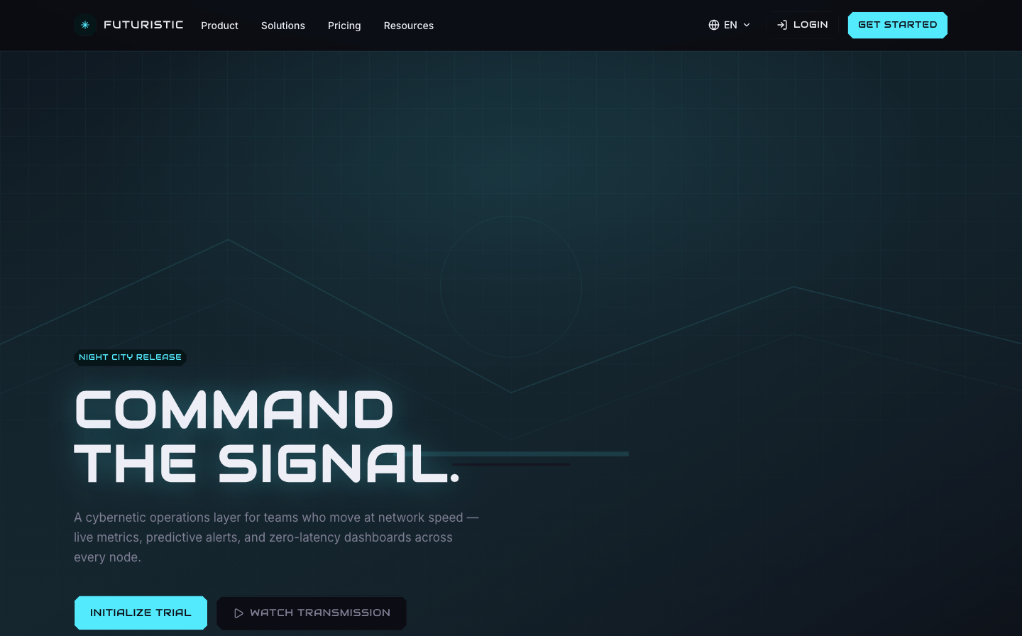
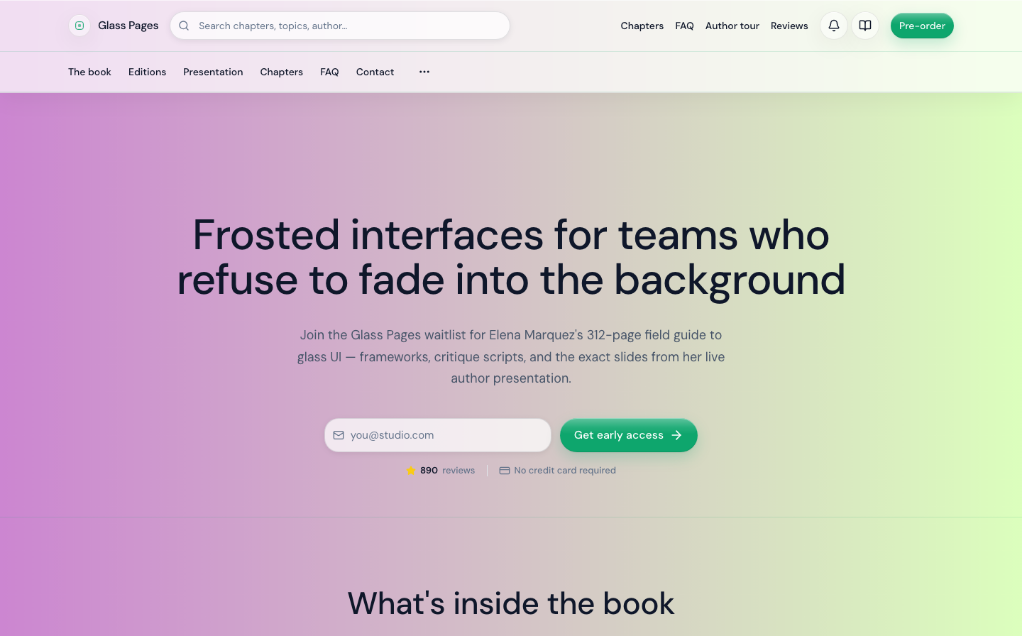
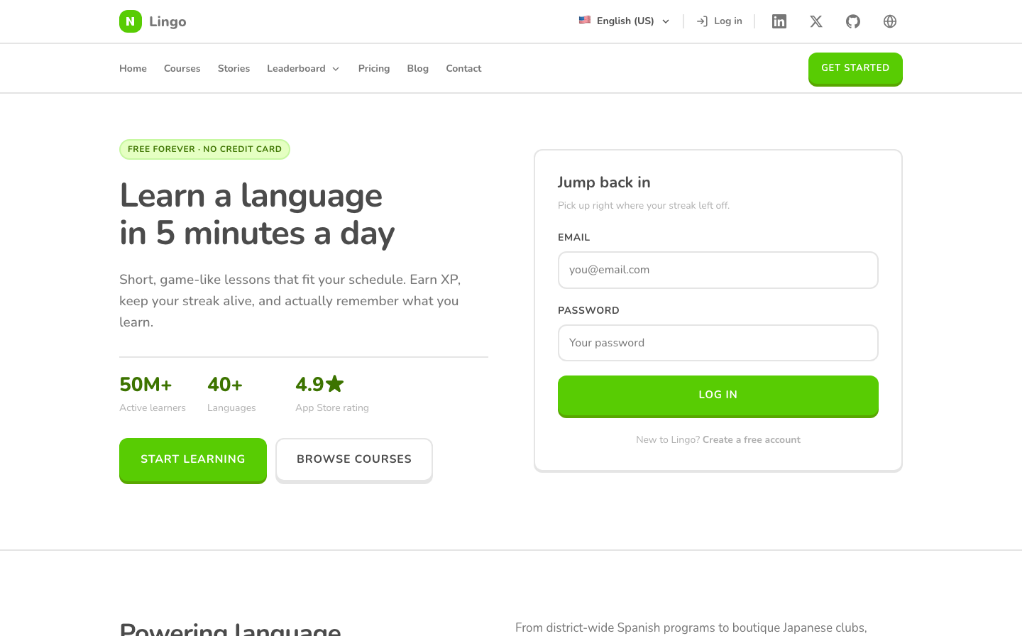
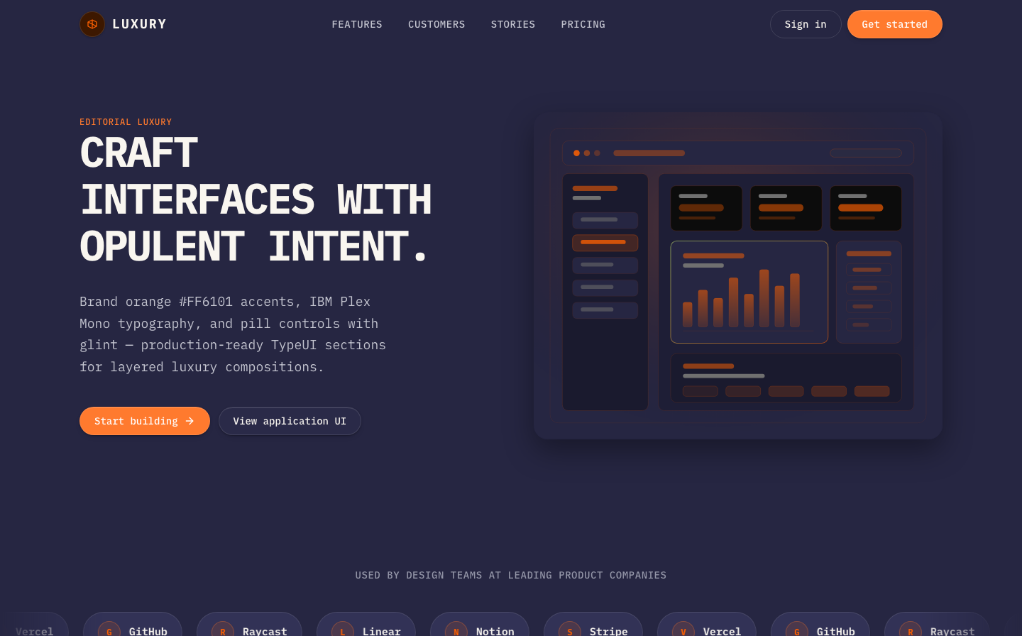
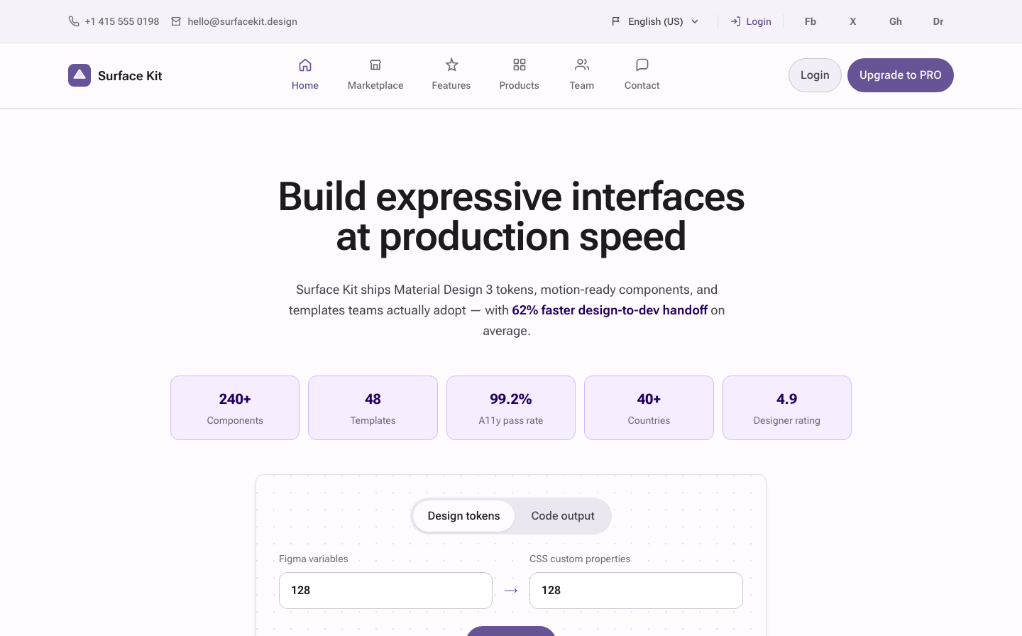
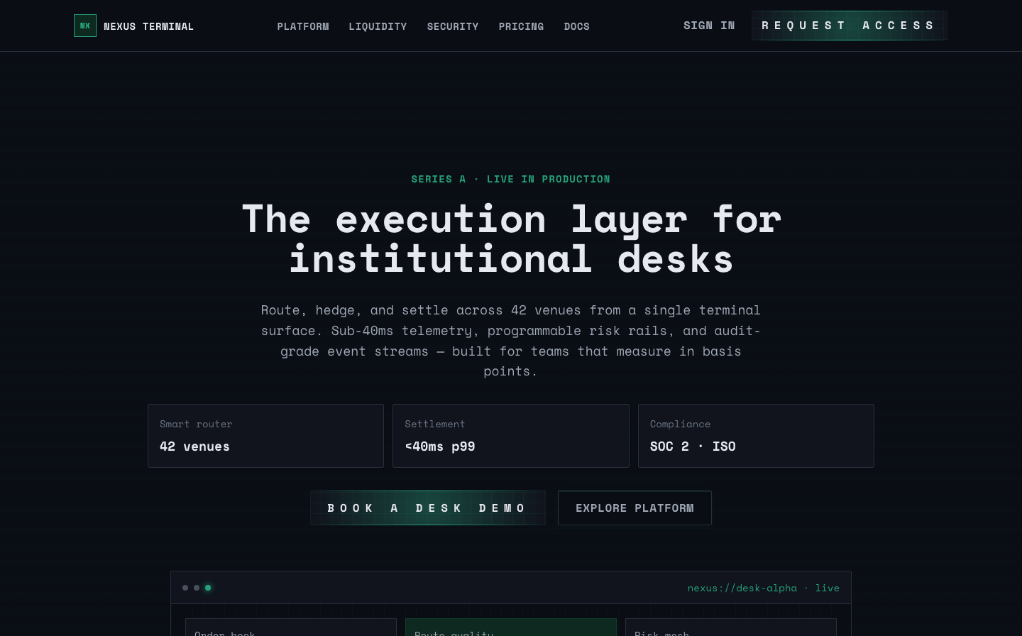
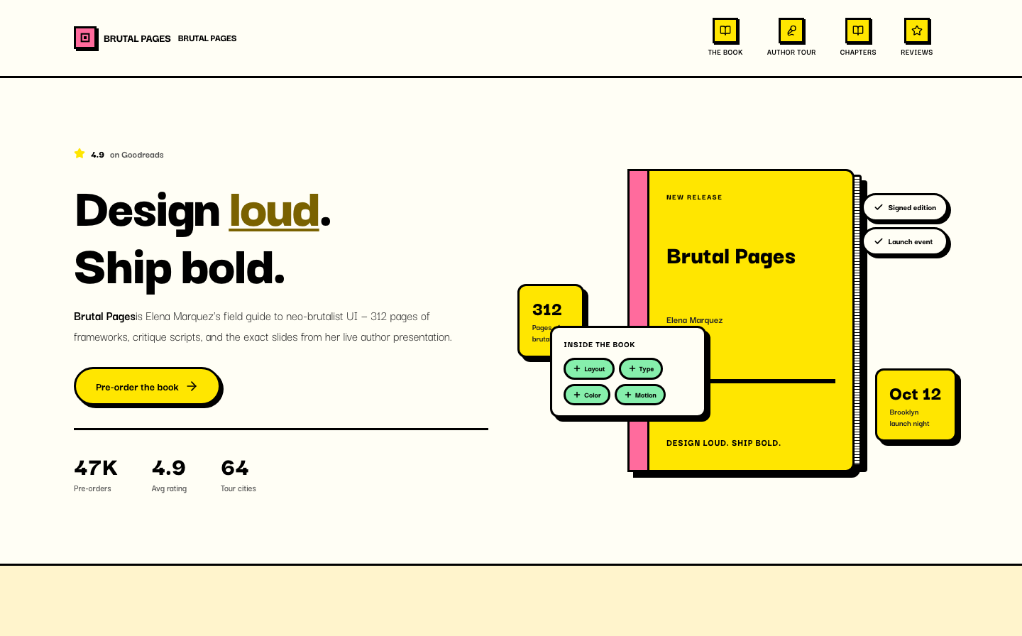
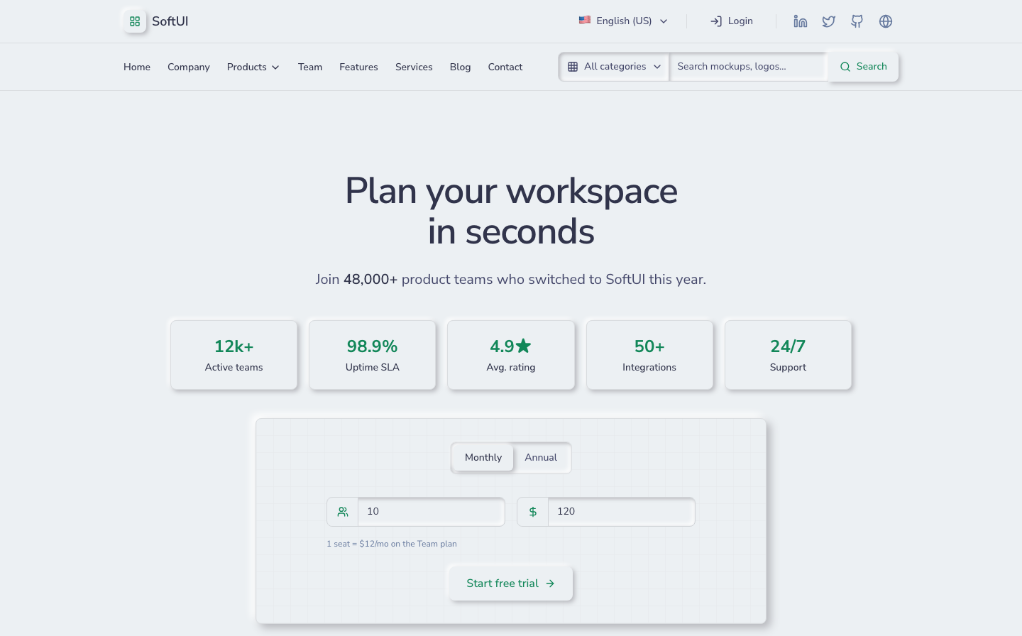
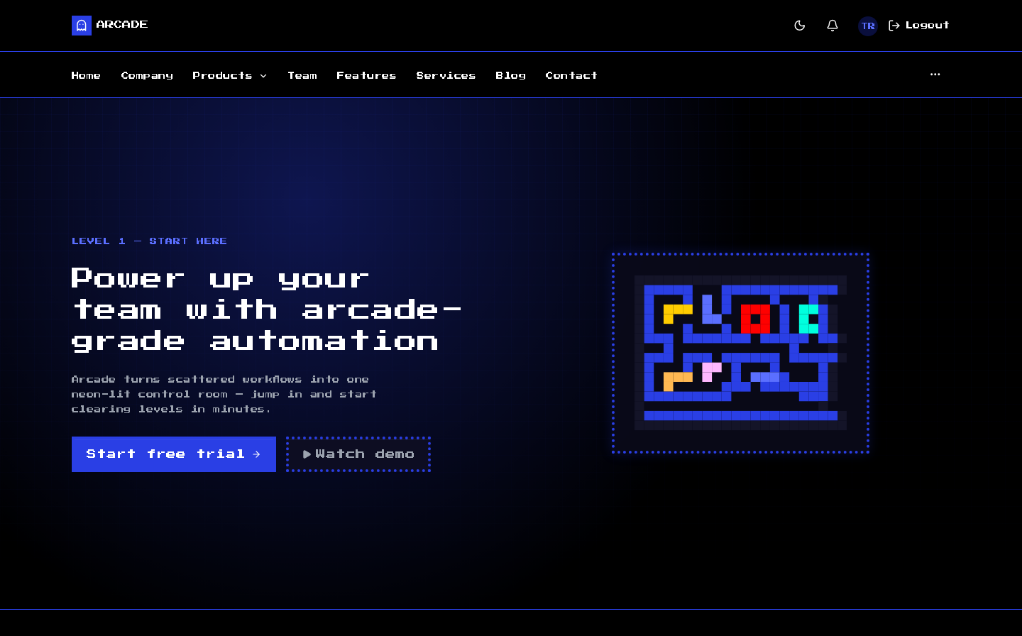
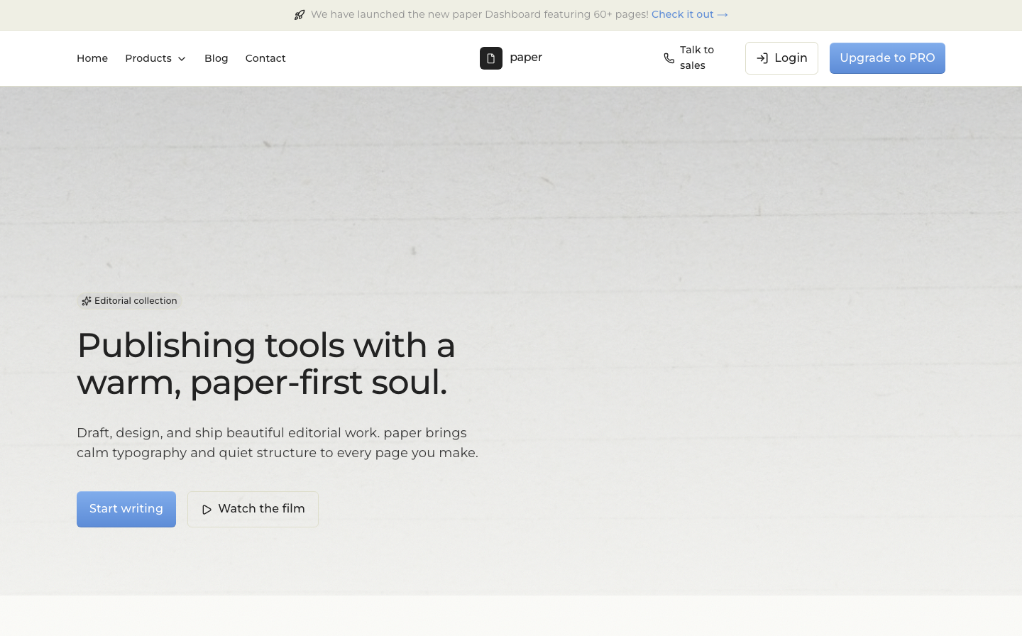
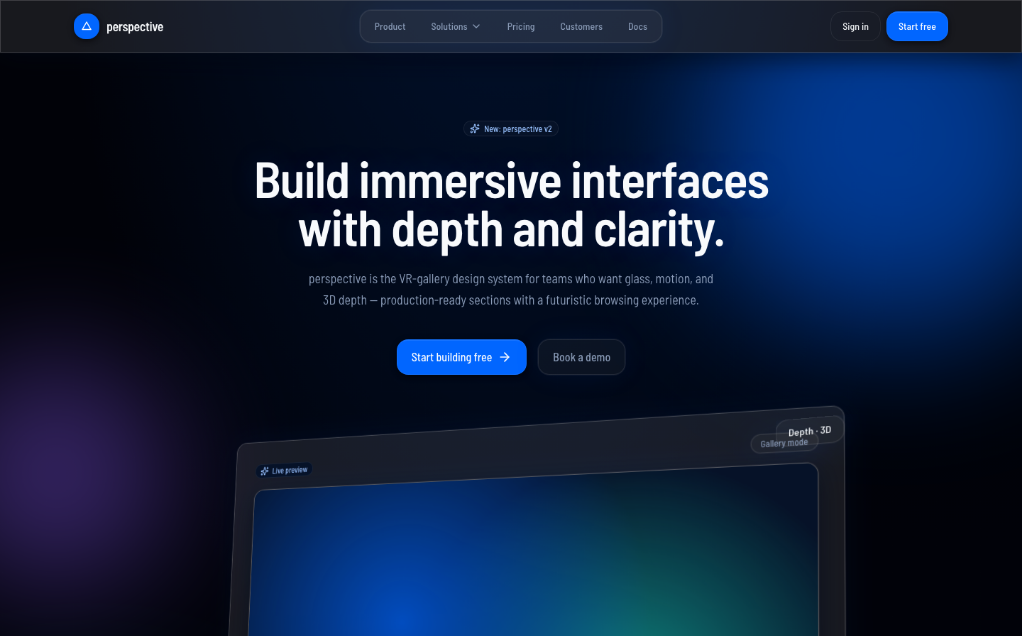
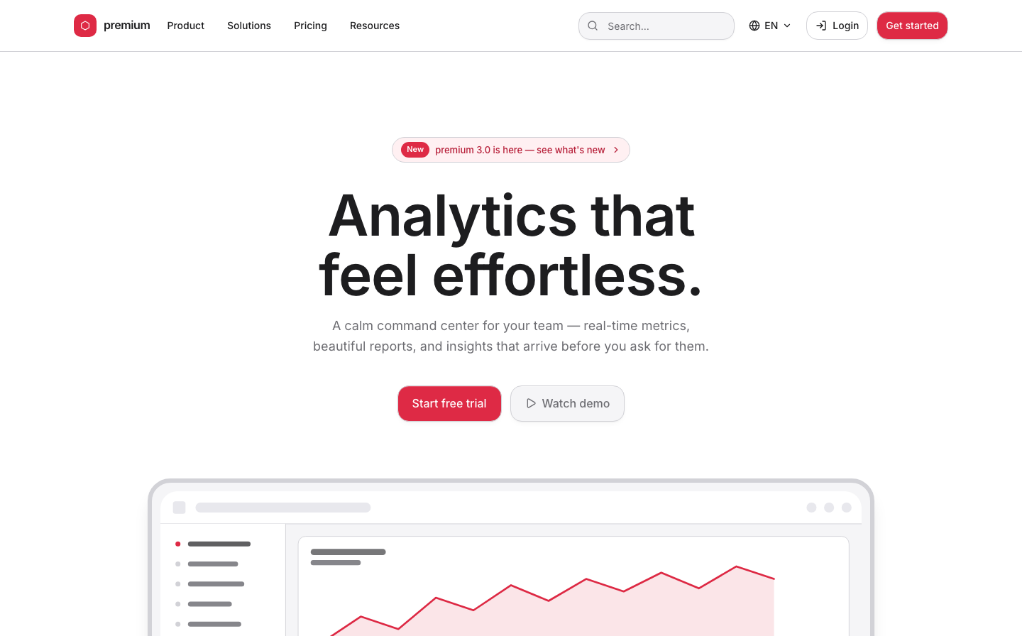
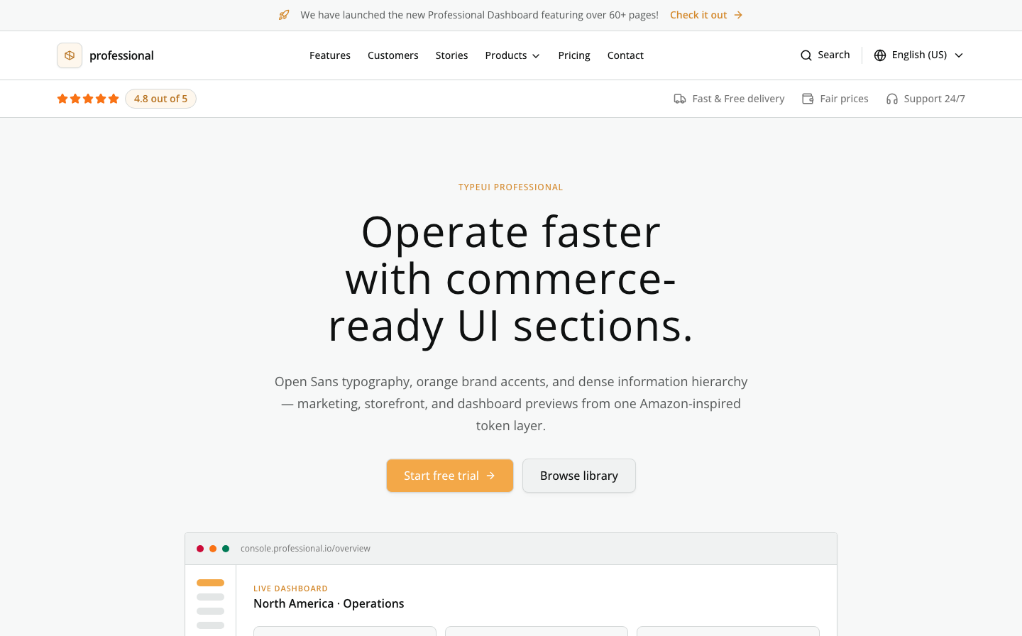
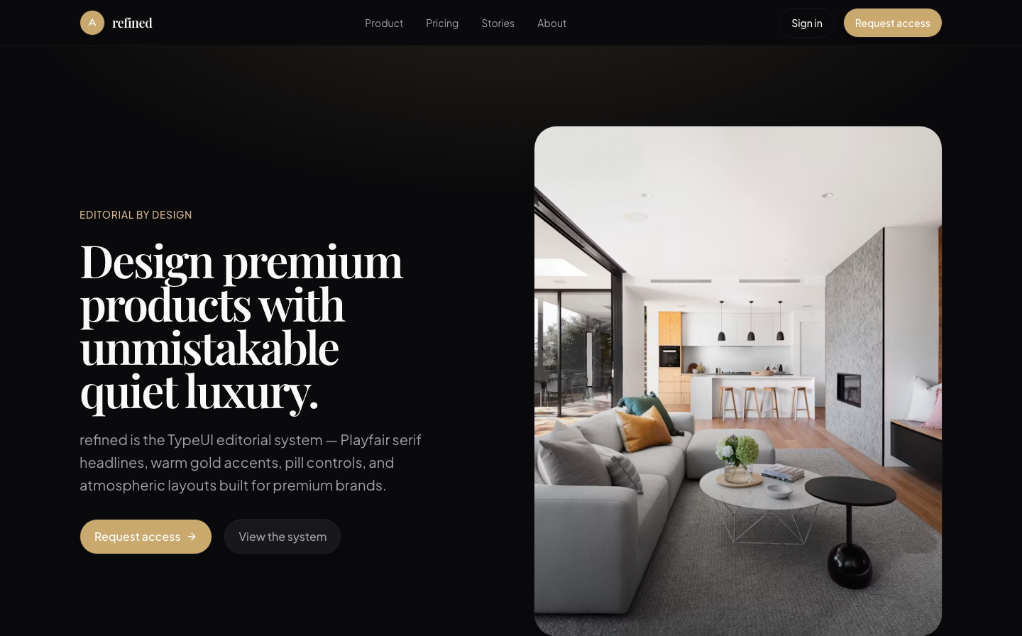
TypeUI packages design skills, prompt files, and plugin configs so agent tools can produce UI with more structure and style guidance. It works across multiple assistants through MCP and per-tool plugins, with styles and examples stored in the repo.
Builders who want their AI tool to follow design systems, prompt patterns, and layout guidance while making screens.
You can ask for UI in plain language and get designs shaped by reusable style guidance instead of generic output.
Reusable design skills live in `skills/` and are published in both `DESIGN.md` and `SKILL.md` formats.
`prompts/application` and `prompts/marketing` provide prompt material for different UI and content tasks.
`plugins/` contains installable bundles for Claude, Codex, Cursor, Cline, VS Code, Zed, and other tools.
`.mcp/server.json` and `mcp_config.json` support connecting agents to TypeUI resources through MCP.
`REGISTRY.md` and `registry-examples/` organize style variants and example looks for UI generation.
npx skills add https://github.com/bergside/typeui --skill typeui-fundamentals
npx typeui.sh generate
npx typeui.sh generate --format design
npx typeui.sh update
npx typeui.sh randomize
npx typeui.sh randomize --format design
npx typeui.sh list
npx typeui.sh list --format design
npx typeui.sh pull <slug>
npx typeui.sh pull <slug> --format design
TypeUI is an AI-first platform where you can use design skills, UI prompts, and other resources to enhance AI capabilities to generate better user interfaces and design when building websites and applications. The resources from this repository will work with any AI provider, given they support markdown files or general prompting.
Install TypeUI where you build. Connect your AI coding tool to TypeUI MCP, then ask for UI in plain language while TypeUI supplies design systems, prompts, and layout variation guidance.

Codex Connect Codex to TypeUI MCP automatically with the TypeUI Codex plugin. Install in Codex → |

Claude Give Claude access to curated design guidance while it writes or refactors UI. Install in Claude → |

Cursor Use the TypeUI Cursor plugin while Cursor builds screens, sections, and variations. Install in Cursor → |

Grok Add the hosted TypeUI MCP server to Grok. Open Grok guide → |

Z.ai Add the hosted TypeUI MCP server to Z.ai ZCode. Open Z.ai guide → |

Hermes Install the TypeUI MCP plugin for Hermes Agent. Open Hermes guide → |

OpenClaw Add the hosted TypeUI MCP server to OpenClaw. Open OpenClaw guide → |

Eve Add TypeUI design skills to Eve agents. Open Eve guide → |

Mistral Add the hosted TypeUI MCP server to Mistral. Open Mistral guide → |

OpenCode Give OpenCode access to TypeUI design systems and prompts. Install in OpenCode → |

VS Code Connect GitHub Copilot in VS Code to TypeUI MCP. Install in VS Code → |

Antigravity Connect Antigravity to TypeUI MCP for UI generation workflows. Open Antigravity guide → |

Windsurf Connect Windsurf Cascade to TypeUI MCP. Install in Windsurf → |

JetBrains Connect JetBrains AI Assistant or Junie to TypeUI MCP. Install in JetBrains → |

Zed Add the hosted TypeUI MCP server to Zed. Open Zed guide → |

GitHub Copilot Add the hosted TypeUI MCP server to GitHub Copilot. Open GitHub Copilot guide → |

Cline Add the hosted TypeUI MCP server to Cline. Install in Cline → |

Qwen Add the hosted TypeUI MCP server to Qwen Code. Open Qwen guide → |

Amp Add the hosted TypeUI MCP server to Amp. Open Amp guide → |

Goose Add the hosted TypeUI MCP server to Goose. Open Goose guide → |

Lovable Add the hosted TypeUI MCP server to Lovable. Open Lovable guide → |

Replit Add the hosted TypeUI MCP server to Replit. Open Replit guide → |

v0 Add the hosted TypeUI MCP server to v0. Open v0 guide → |
Check out all design skills. Available in both DESIGN.md and SKILL.md formats.
Sign in to join the discussion.
No comments yet. Be the first to say what this is good for.
An agentic skills framework & software development methodology that works.

Turn any codebase, with its docs, SQL schemas, configs, and PDFs, into a queryable knowledge graph. A /graphify skill for Claude Code, Cursor, Codex, and Gemini CLI: local deterministic AST parsing, every edge explained, no vector store.

Topic in, narrated explainer video out. A Claude Code / Codex skill that turns any topic into a black-canvas motion-graphics explainer video with TTS voiceover, subtitles and a chapter progress bar. Chinese or English; every frame drawn in code with Remotion.
Public repository for Agent Skills
Open-source AI job search: scan job portals, evaluate listings into a structured A-H report with a global 1-5 score, tailor your CV, track applications — runs locally in your AI coding CLI (Claude Code, Codex, OpenCode, Antigravity…)

Production-grade engineering skills for AI coding agents.