Skiller
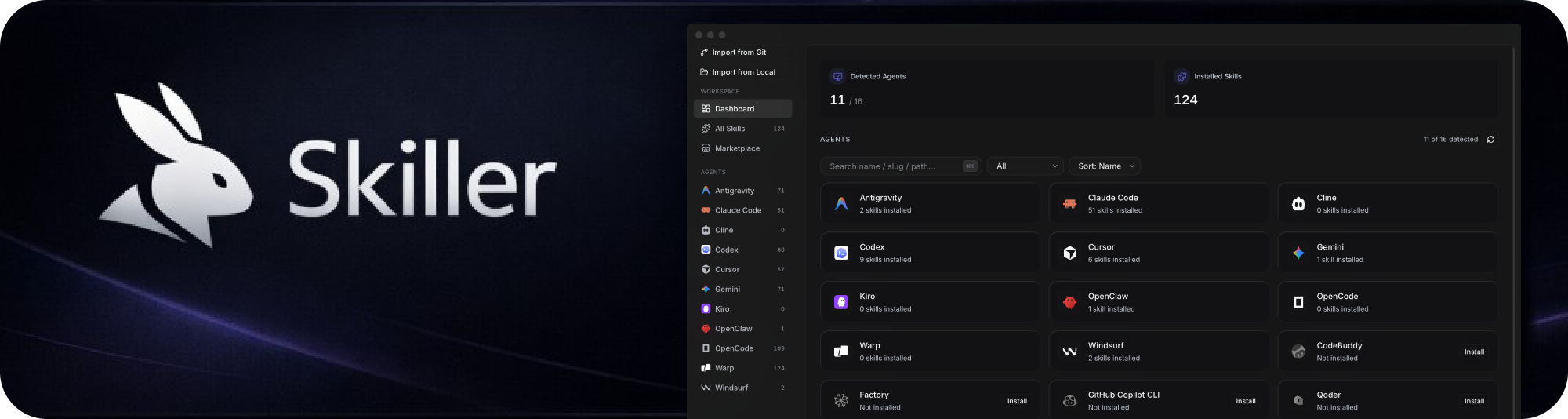
Install, sync, and manage skills with Skiller across your coding agents from one desktop app.
Why Skiller
Managing skills separately in every agent is repetitive and error-prone.
Skiller gives you one control center to:
- See everything at once — agents, installed skills, and status in one dashboard
- Install once, use everywhere — propagate skills across your agent stack with one click
- Clean house per-agent — right-click an agent to copy every skill from another or wipe them all
- Project-scoped skills — pin a skill to a specific repo without polluting your global setup
- Edit confidently — update
SKILL.md content with immediate local visibility
- Discover faster — browse marketplace sources like skills.sh and ClawHub
Supported agents
Skiller supports 49 agents natively — drop a skill into one place and it propagates to all of them.
+ 28 more agents (click to expand)
Adal · Amp · Antigravity CLI · Augment · Bob · Command Code · Continue · Cortex · Crush · DeepAgents · Dexto · Firebender · Goose · iFlow CLI · Junie · Kilo · Kimi CLI · Kode · Loaf · MCPJam · Mistral Vibe · Mux · Neovate · OpenHands · Pi · Pochi · PromptScript · Qwen Code · Replit · Roo · Trae (CN) · Zed · Zencoder
Skiller auto-detects any of these the moment they're installed — no setup required.
Skills CLI compatibility
Project skills use the shared .agents/skills/ convention wherever an agent supports it. The universal-agent snapshot is pinned in apps/desktop/agents/skills-sh-universal.json to the upstream Skills CLI commit; maintainers refresh it deliberately with:
node apps/desktop/scripts/sync-skills-sh-universal-agents.mjs --refresh --ref <immutable-commit-sha>
node apps/desktop/scripts/sync-skills-sh-universal-agents.mjs --check
Skiller also reads the Skills CLI v3 global .skill-lock.json ($XDG_STATE_HOME/skills/.skill-lock.json or ~/.agents/.skill-lock.json) through its local API. It is strictly read-only, so Skills CLI remains the owner of update history and selected agents. Runtime agent context is exposed separately using AI_AGENT and @vercel/detect-agent; it never marks an agent as installed or changes install targets.
Repository layout
apps/desktop — the Electron application.apps/marketplace-proxy — the optional Vercel gateway for skills.sh. It keeps OIDC credentials server-side and caches catalog, search, and file-preview responses.packages/marketplace-contracts — the response contract shared by the gateway and its client boundary.
dotagents remains an independent package: it owns portable agent-library behavior, not Marketplace discovery.
Product Tour
Core experience
- Dashboard — system-wide visibility into your skill environment
- Skills Manager — inspect, edit, sync, and remove skills (per-agent or everywhere)
- Projects — group skills under specific repos so
.claude/skills/ etc. stays scoped
- Marketplace — search and install community skills quickly
- Settings — configure behavior, sources, and runtime preferences
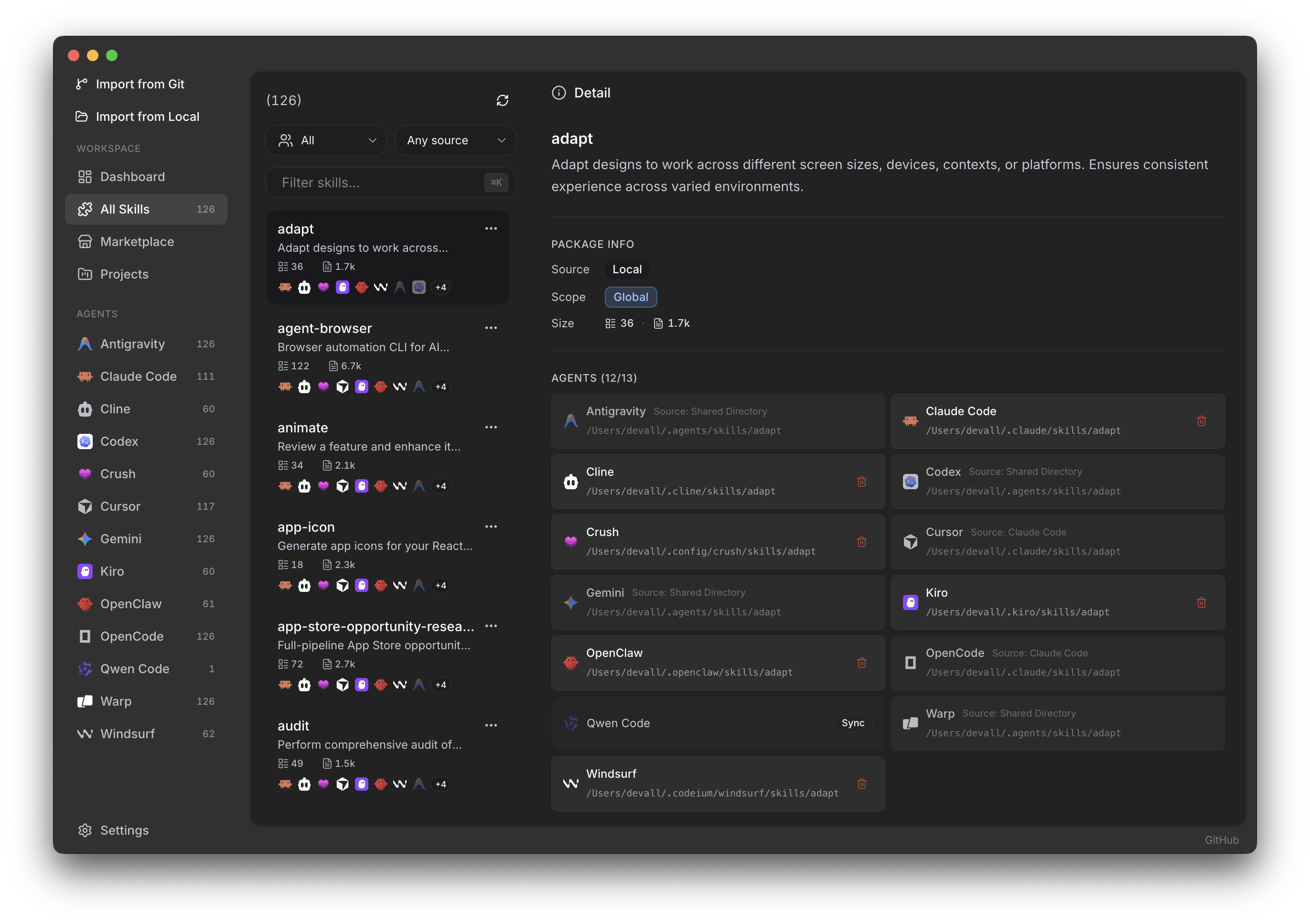
Skills Manager
Browse every installed skill, see which agents consume it, edit SKILL.md inline, and sync with one click.
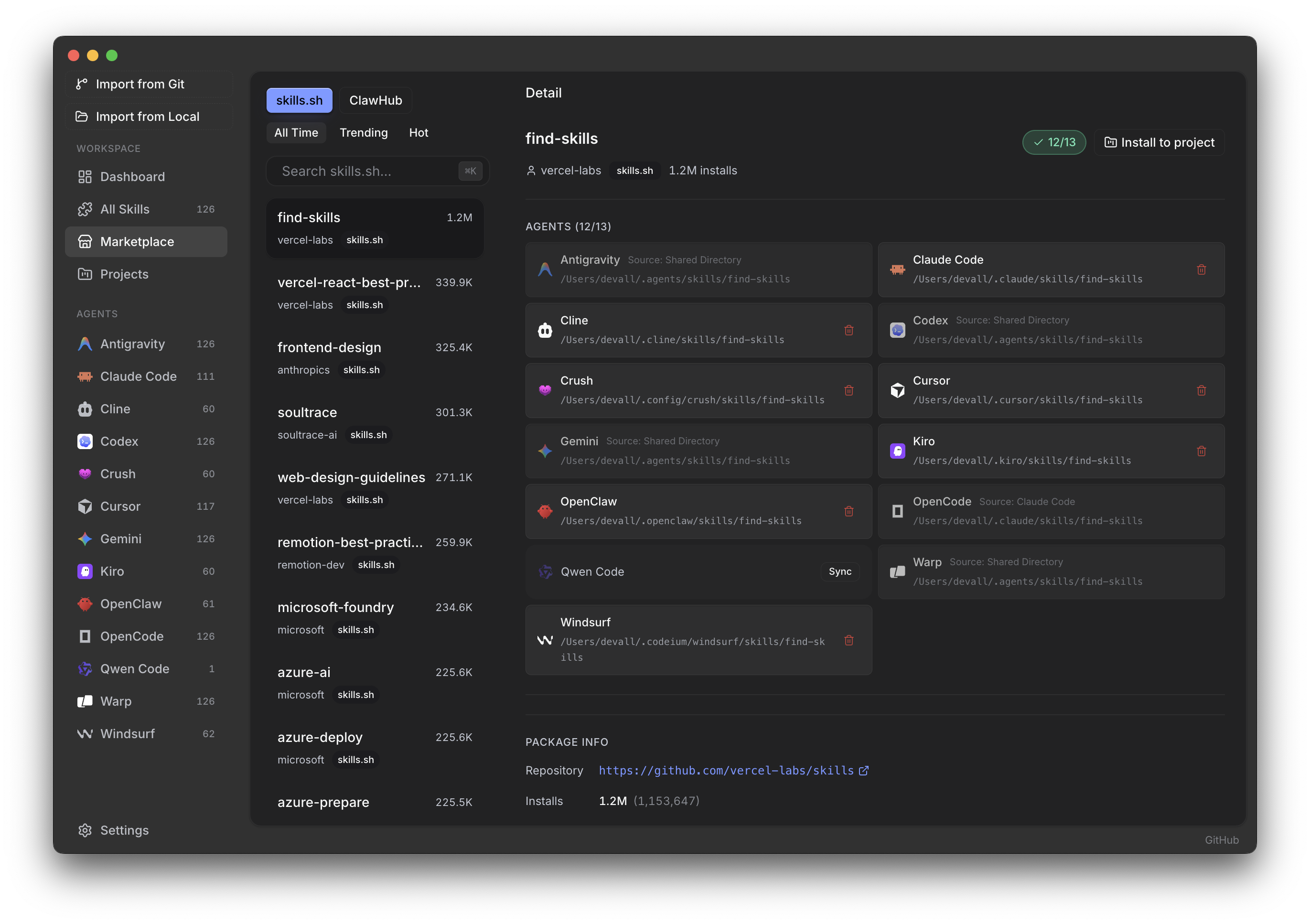
Marketplace
Search skills.sh and ClawHub in-app, preview a skill's target agents and repository, and install without touching the filesystem.
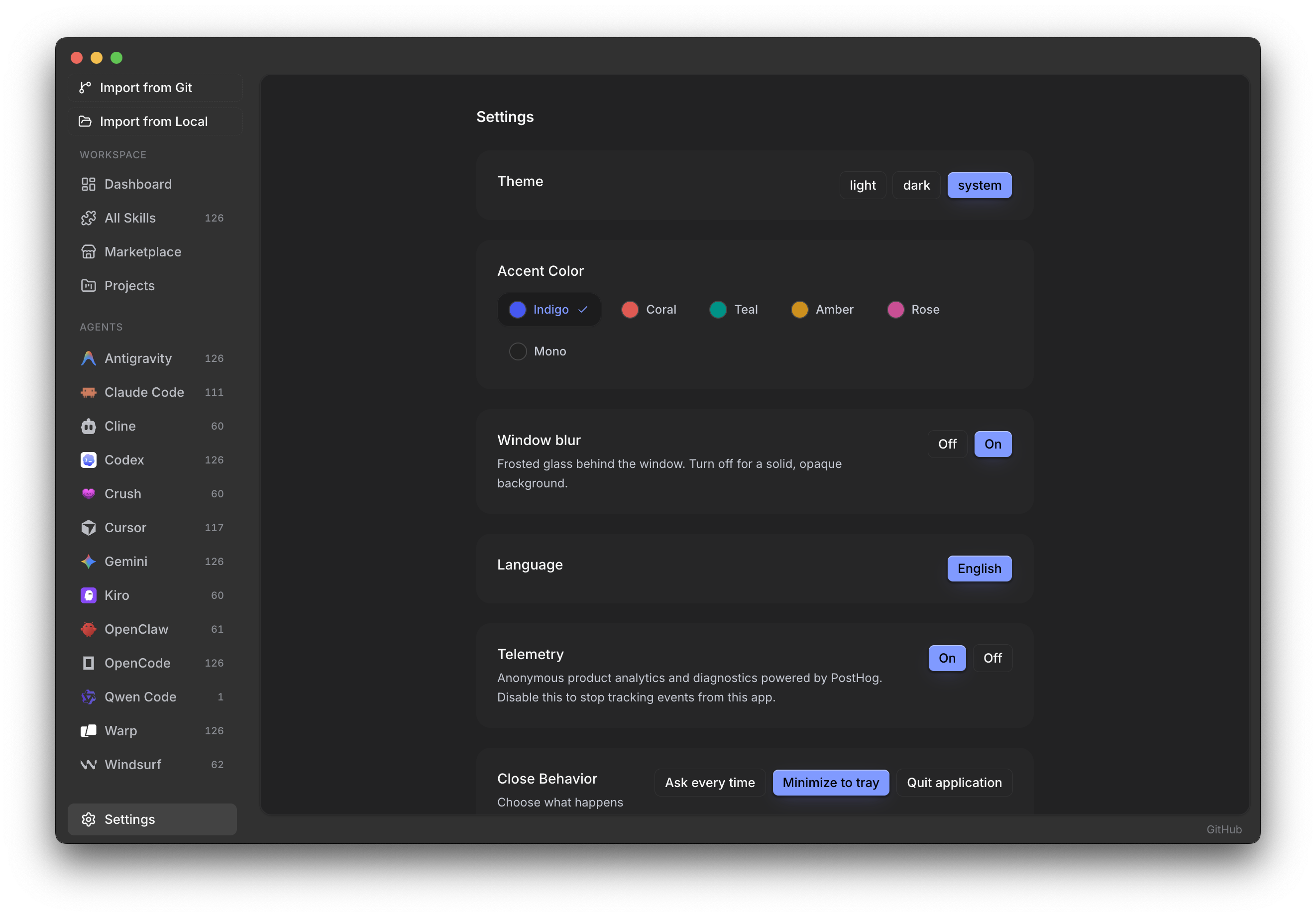
Settings
Theme, accent color, window blur, language, close behavior, and cache controls — all in one place.
Installation
Visit skiller.download or grab the installer for your OS from the latest release:
| OS | File | Notes |
|---|
| macOS (Apple Silicon) | Skiller-<version>-macos-arm64.dmg | Signed + notarized. Open the DMG and drag Skiller to Applications. |
| macOS (Intel) | Skiller-<version>-macos-x64.dmg | Signed + notarized. Same flow as the Apple Silicon build. |
| Windows (x64) | Skiller-<version>-win-x64.exe | NSIS installer. SmartScreen may show a one-time warning — click "More info" → "Run anyway". |
| Linux (x64) | Skiller-<version>-linux-x86_64.AppImage, .deb, or .tar.xz | AppImage: chmod +x, run — static squashfuse runtime, no libfuse2 required (works on CachyOS/Manjaro/EndeavourOS out of the box). .deb for Ubuntu/Debian. .tar.xz: extract, cd Skiller-*, run ./install.sh once (sets SUID on chrome-sandbox, registers a .desktop entry). Passing --uninstall to the same script removes the menu entry. |
Every release is built and published by the CI matrix in .github/workflows/release.yml — tagging vX.Y.Z produces all three platforms automatically.
If you had an older stable-*-Skiller.* build: those were produced by a previous Electrobun-based packaging pipeline and can't auto-update to the current Electron-based builds. Grab the new installer above; your local data in ~/Library/Application Support/com.beautyfree.skiller/ (or the Windows/Linux equivalent) stays intact.
Auto-updates
Once installed, Skiller keeps itself current:
- Checks for new versions on launch, then every 6 hours in the background.
- Downloads the full updated bundle on demand (click Download update in Settings → App Updates).
- Shows status and a one-click Restart & install button once ready.
- After the first launch of a new version, opens What's new with the release's dated changes. The same window and recent release history are always available from Settings → App Updates.
Powered by electron-updater reading from this repo's GitHub Releases.
Release notes are generated at build time from the Release Please-maintained CHANGELOG.md; no separate in-app changelog needs manual editing.
For Developers
All development, build, and debugging details are in docs/DEVELOPMENT.md.
Contributing
Contributions are welcome.
Open an issue first if you want to discuss a feature or behavior change.
License
Sustainable Use License v1.0