
JuliusBrussee/
caveman

🪨 why use many token when few token do trick — Claude Code skill that cuts 65% of tokens by talking like caveman
105k
1 add
Claude Code runs in your terminal and works against your codebase through natural language. It helps with code changes, explanations, and git workflows, and the repo also ships plugin examples and command files for extending how it behaves.
Builders who want Claude Code to read their repo, make edits, and manage routine coding work from the terminal.
You can hand routine coding, review, and git tasks to Claude Code without leaving your project.
Work with your repo by typing requests instead of stepping through commands manually.
Ask Claude Code to explain complex code and handle repetitive changes.
Use Claude Code to manage common git tasks as part of development.
The `plugins/` directory includes packaged extensions such as code review, frontend design, security guidance, and commit commands.
`.claude/commands` and `.claude-plugin` provide project-specific command and plugin setup.
curl -fsSL https://claude.ai/install.sh | bash
brew install --cask claude-code
irm https://claude.ai/install.ps1 | iex
winget install Anthropic.ClaudeCode
npm install -g @anthropic-ai/claude-code


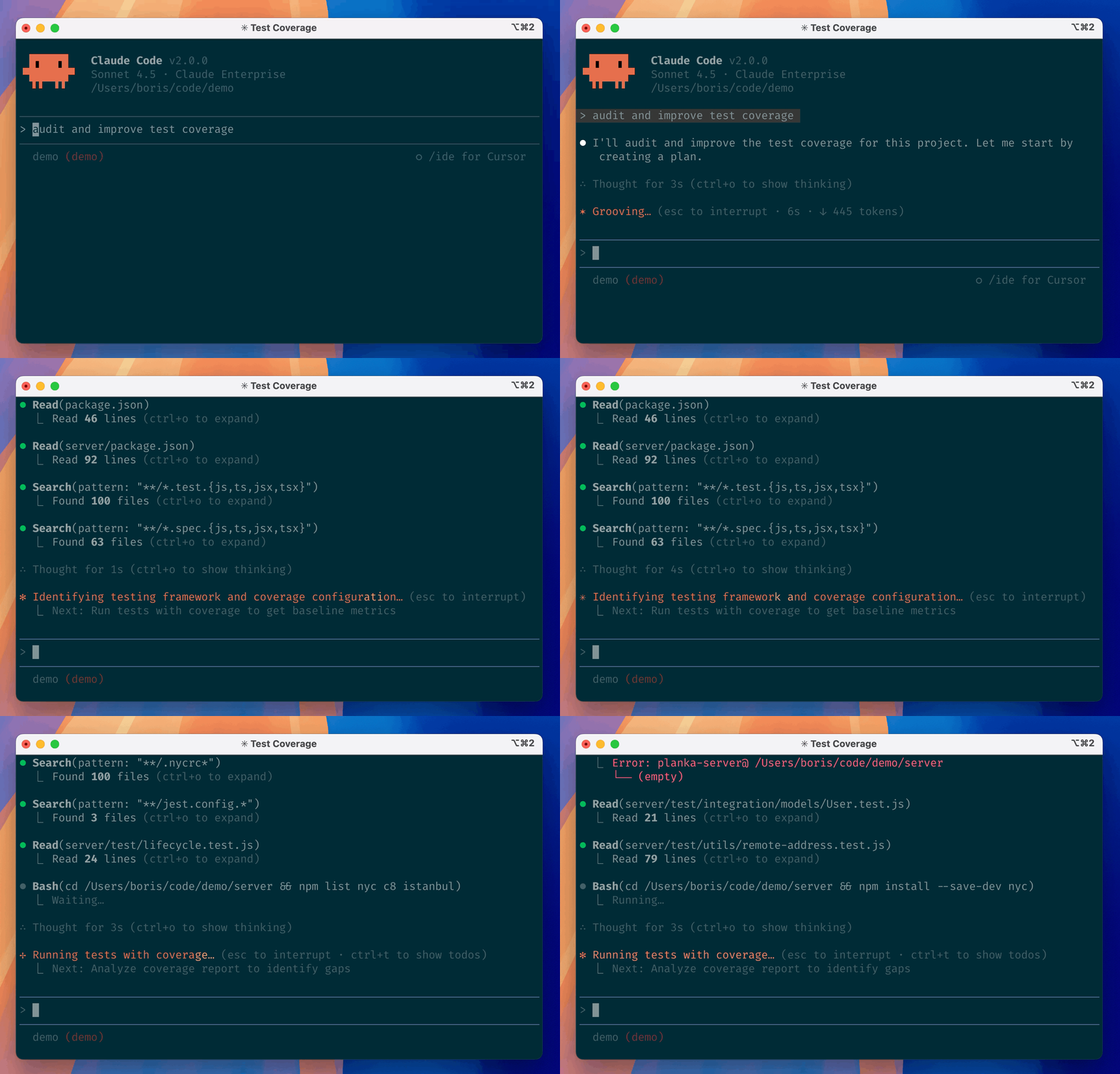
Claude Code is an agentic coding tool that lives in your terminal, understands your codebase, and helps you code faster by executing routine tasks, explaining complex code, and handling git workflows -- all through natural language commands. Use it in your terminal, IDE, or tag @claude on Github.
Learn more in the official documentation.
[!NOTE] Installation via npm is deprecated. Use one of the recommended methods below.
For more installation options, uninstall steps, and troubleshooting, see the setup documentation.
Install Claude Code:
MacOS/Linux (Recommended):
curl -fsSL https://claude.ai/install.sh | bash
Homebrew (MacOS/Linux):
brew install --cask claude-code
Windows (Recommended):
irm https://claude.ai/install.ps1 | iex
WinGet (Windows):
winget install Anthropic.ClaudeCode
NPM (Deprecated):
npm install -g @anthropic-ai/claude-code
Navigate to your project directory and run claude.
This repository includes several Claude Code plugins that extend functionality with custom commands and agents. See the plugins directory for detailed documentation on available plugins.
We welcome your feedback. Use the /bug command to report issues directly within Claude Code, or file a GitHub issue.
Join the Claude Developers Discord to connect with other developers using Claude Code. Get help, share feedback, and discuss your projects with the community.
When you use Claude Code, we collect feedback, which includes usage data (such as code acceptance or rejections), associated conversation data, and user feedback submitted via the /bug command.
See our data usage policies.
We have implemented several safeguards to protect your data, including limited retention periods for sensitive information, restricted access to user session data, and clear policies against using feedback for model training.
For full details, please review our Commercial Terms of Service and Privacy Policy.
Sign in to join the discussion.
No comments yet. Be the first to say what this is good for.
🪨 why use many token when few token do trick — Claude Code skill that cuts 65% of tokens by talking like caveman

The best-benchmarked open-source AI memory system. And it's free.

Orca is the ADE for working with a fleet of parallel agents. Run any coding agent with your own subscription. Available on desktop, mobile and remote runtime.

A cross-platform desktop All-in-One assistant for Claude Code, Codex, OpenCode, OpenClaw, Grok Build & Hermes Agent. Only official website: ccswitch.io

Never stop coding. Free MIT AI gateway: one endpoint, 352 providers (150+ free), 1200+ models Kimi, Claude, GPT, Gemini, GLM, DeepSeek, MiniMax. Works with Claude Code, Codex, Cursor, OpenCode, Cline & Copilot. Quota-aware auto-fallback, RTK+Caveman compression saves 15-95% tokens, MCP/A2A, Desktop/PWA. Built by 550+ contributors

Compress tool outputs, logs, files, and RAG chunks before they reach the LLM. 20% fewer tokens for coding agents, 60-95% fewer tokens for JSON, same answers. Library, proxy, MCP server.