

obra/
superpowers

obra/superpowersSkills
An agentic skills framework & software development methodology that works.
285k
1 add
PowerSkills gives agents a set of Windows automation skills in PowerShell. It covers Outlook via COM, Microsoft 365 via Work IQ, Edge browser control through CDP, desktop actions, and system commands, all wrapped in a JSON result format.
Builders who want their agent to work with Windows apps, Microsoft 365, and browser sessions from PowerShell.
You can let an agent inspect mail, open tabs, manage the desktop, and run system commands without scraping raw terminal output.
Reads mail and calendar data through Outlook COM.
Uses Work IQ and Microsoft Graph for mail, calendar, Teams, SharePoint, and OneDrive.
Controls Microsoft Edge through the Chrome DevTools Protocol.
Takes screenshots and handles window and keyboard actions.
Runs shell commands, inspects processes, and returns system info.
Returns a consistent envelope with status, exit code, data, and timestamp.
Lets you call each skill directly without the top-level dispatcher.
git clone https://github.com/aloth/PowerSkills
npx skills add aloth/PowerSkills
# Start Edge with debugging enabled
Start-Process "msedge" -ArgumentList "--remote-debugging-port=9222"





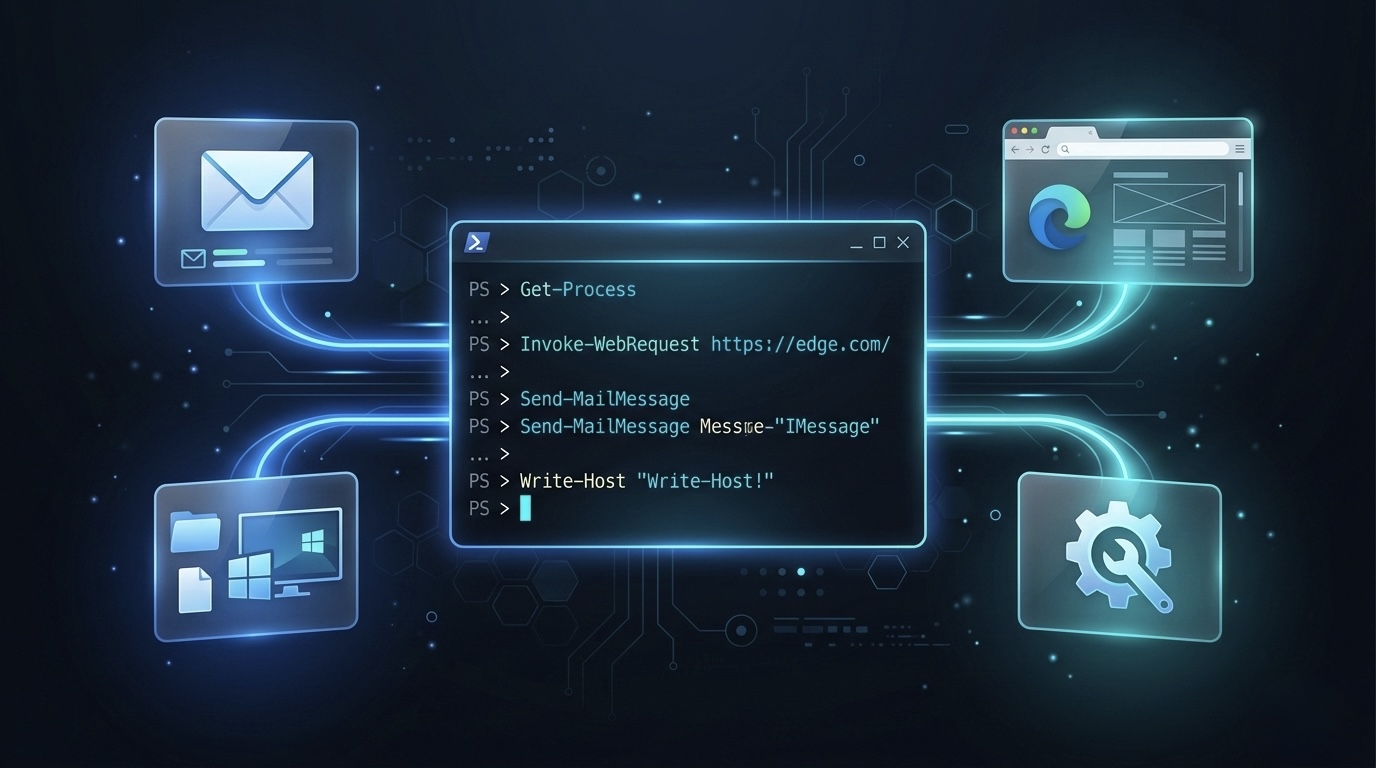
Windows capabilities for AI agents — Outlook, Edge browser, desktop automation, and shell commands as structured JSON skills.
git clone https://github.com/aloth/PowerSkills
Each skill has a SKILL.md for self-discovery. No dependencies required.
npx skills add aloth/PowerSkills
# List available skills
.\powerskills.ps1 list

# Get skill help
.\powerskills.ps1 outlook help

# Run actions
.\powerskills.ps1 outlook inbox --limit 10
.\powerskills.ps1 browser tabs
.\powerskills.ps1 desktop screenshot --out-file screen.png
.\powerskills.ps1 system exec --command "whoami"
.\powerskills.ps1 workiq check
.\powerskills.ps1 workiq ask --question "What's on my calendar tomorrow?"
| Skill | Description |
|---|---|
outlook | Email & calendar via Outlook COM |
workiq | Microsoft 365 (mail/calendar/Teams/SharePoint/OneDrive) via Work IQ CLI |
browser | Edge automation via CDP (Chrome DevTools Protocol) |
desktop | Screenshots, window management, keystrokes |
system | Shell commands, processes, system info |
All commands return JSON with consistent envelope:
{
  "status": "success",
  "exit_code": 0,
  "data": { ... },
  "timestamp": "2026-03-06T16:00:00+01:00"
}
outlook skill)--remote-debugging-port=9222 (for browser skill)workiq install; skip if you install Work IQ another way)If scripts are blocked (UnauthorizedAccess error), set the execution policy:
Set-ExecutionPolicy -Scope CurrentUser -ExecutionPolicy RemoteSigned
Or run one-off with bypass:
powershell -ExecutionPolicy Bypass -File .\powerskills.ps1 list
Each skill can be called directly without powerskills.ps1:
.\skills\outlook\outlook.ps1 inbox --limit 5
.\skills\system\system.ps1 info
.\skills\browser\browser.ps1 tabs
Standalone mode uses lib\bootstrap.ps1 for arg parsing and JSON output.
# Start Edge with debugging enabled
Start-Process "msedge" -ArgumentList "--remote-debugging-port=9222"
Edit config.json:
{
  "edge_debug_port": 9222,
  "default_timeout": 30,
  "outlook_body_max_chars": 5000,
  "output_dir": ""
}
Each skill has a SKILL.md with action documentation. Point your agent to skills/<name>/SKILL.md for structured capability discovery.
Add to your skills directory or reference directly:
# SKILL.md reference
skills:
  - name: powerskills
    description: Windows automation via PowerShell (Outlook, Edge, desktop)
    location: /path/to/PowerSkills/
PowerSkills/
├── powerskills.ps1          # CLI entry point / dispatcher
├── config.json              # Configuration
├── lib/
│   └── bootstrap.ps1        # Shared arg parsing & JSON output helpers
├── assets/
│   └── powerskills-ai-agents-windows-powershell-automation.jpg
├── skills/
│   ├── outlook/
│   │   ├── SKILL.md         # Agent-readable skill documentation
│   │   └── outlook.ps1      # Outlook COM automation
│   ├── workiq/
│   │   ├── SKILL.md
│   │   └── workiq.ps1       # Microsoft 365 via Work IQ CLI
│   ├── browser/
│   │   ├── SKILL.md
│   │   └── browser.ps1      # Edge CDP automation
│   ├── desktop/
│   │   ├── SKILL.md
│   │   └── desktop.ps1      # Win32 window/screenshot/clipboard
│   └── system/
│       ├── SKILL.md
│       └── system.ps1       # System info, processes, exec
├── tests/
│   └── test-all.ps1         # Test suite (-SkipBrowser, -SkipOutlook, -SkipWorkIq)
├── SKILL.md                 # Root skill metadata
├── LICENSE                  # MIT
└── README.md
Contributions are welcome! Here's how you can help:
skills/ with a .ps1 and SKILL.mdWhen adding or modifying skills, please follow the existing patterns:
lib\bootstrap.ps1 for arg parsing and JSON outputWrite-SkillResult / Write-SkillErrorSKILL.md with action documentationMIT
Sign in to join the discussion.
No comments yet. Be the first to say what this is good for.
An agentic skills framework & software development methodology that works.

Turn any codebase, with its docs, SQL schemas, configs, and PDFs, into a queryable knowledge graph. A /graphify skill for Claude Code, Cursor, Codex, and Gemini CLI: local deterministic AST parsing, every edge explained, no vector store.

Topic in, narrated explainer video out. A Claude Code / Codex skill that turns any topic into a black-canvas motion-graphics explainer video with TTS voiceover, subtitles and a chapter progress bar. Chinese or English; every frame drawn in code with Remotion.
Public repository for Agent Skills
Open-source AI job search: scan job portals, evaluate listings into a structured A-H report with a global 1-5 score, tailor your CV, track applications — runs locally in your AI coding CLI (Claude Code, Codex, OpenCode, Antigravity…)

Production-grade engineering skills for AI coding agents.