
DietrichGebert/ponytailPlugins
Makes your AI agent think like the laziest senior dev in the room. The best code is the code you never wrote.
138k
1 add
This VS Code extension gives you one place to search for MCP servers, install them, and manage installed skills. It connects those tools to Copilot Chat and supports Claude Code and Codex CLI as well.
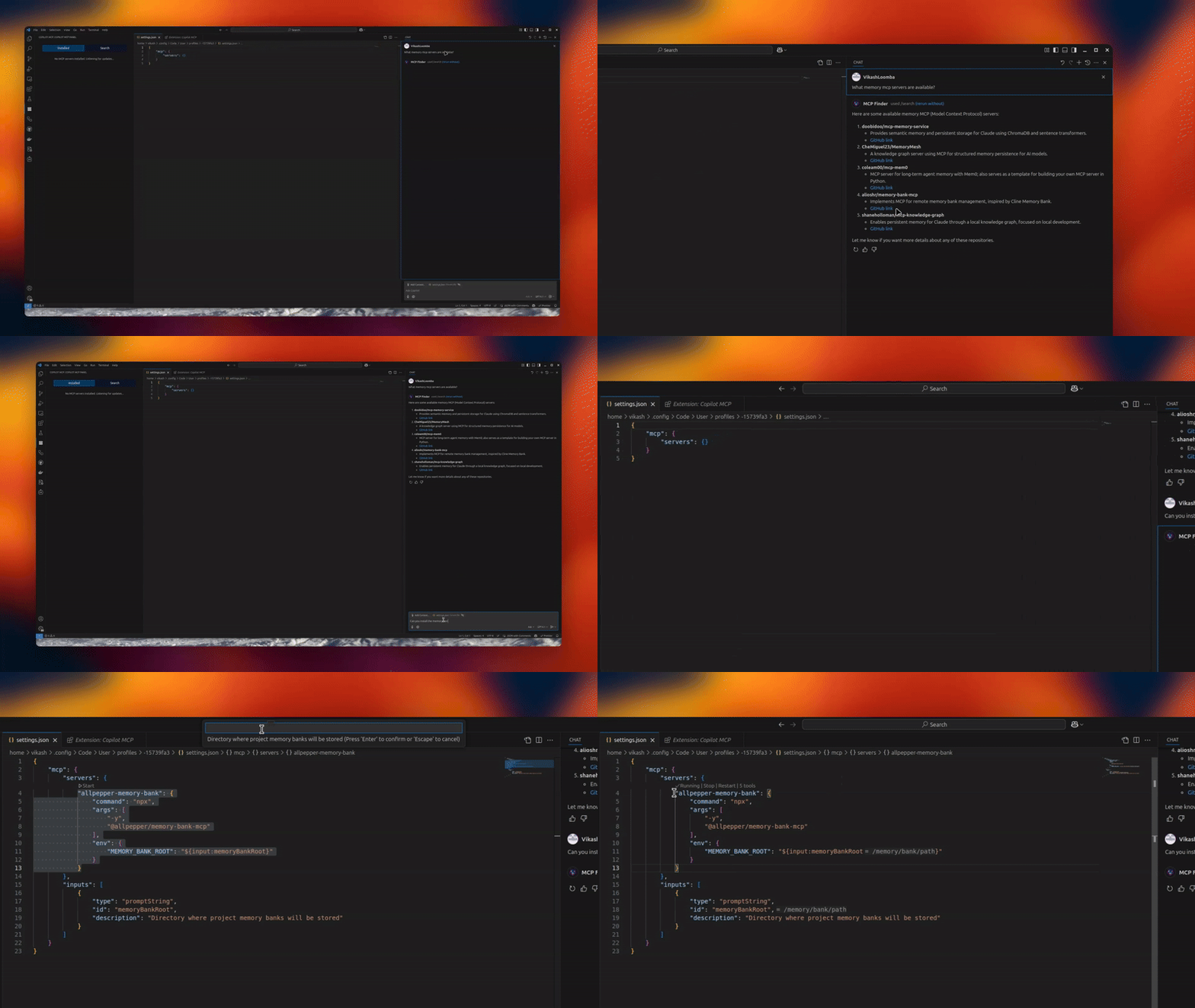
Builders who want to add MCP servers and reusable skills to their VS Code agent setup.
You can discover and install agent tools without switching between separate sites and setup flows.
Connect and manage multiple MCP servers through the extension UI.
Search skills from `skills.sh` and install them for your agents.
View installed skills and uninstall them with agent-level controls.
Expose MCP tools directly to supported agents and editors.
Automatically find open-source MCP servers and show deployment options when supported.
npm run sync:copilot-provider
npm run sync:copilot-provider:check
Want remote MCP in ~30s? Try Cloud MCP — paste a URL → OAuth → done.
Works with Copilot & Claude (no keys, no terminal).
Get started at cloudmcp.run




A powerful VS Code extension that lets you discover, install, and manage open‑source MCP servers and agent skills from one place.
skills.sh and install to your agentsIf you don’t want to run servers locally, use Cloud MCP (remote, OAuth‑only).
Paste the MCP URL into Copilot/Claude and you’re done:
Configure via the UI or VS Code settings. Look for the MCP Servers icon in the Activity Bar.
Tip: When a server supports
npx/uvx, the Server Discovery panel shows a “Deploy via Cloud MCP” option so you can run it remotely without installing anything.
Copilot MCP collects a small set of anonymous usage events — searches, install attempts, and clicks on in-extension links/CTAs — so we can understand which features are useful.
@mcp chat prompts, truncated to 100 characters), public GitHub repository names/URLs and skill source locators for items you search for or act on, your OS platform/architecture and the extension version, and error messages/diagnostics (truncated) when something fails.telemetry.telemetryLevel setting. If you have disabled telemetry in VS Code, the extension sends nothing.To opt out, set telemetry.telemetryLevel to off in your VS Code settings.
This repo vendors an upstream Copilot provider from anomalyco/opencode under:
vendor/opencode-copilot/src/**Sync it with:
npm run sync:copilot-provider
Check drift without writing files:
npm run sync:copilot-provider:check
Automated daily sync PRs are created by:
.github/workflows/sync-opencode-copilot.ymlPRs and feature requests welcome! See issues.
Vikash Loomba
Website: https://cloudmcp.run
X: @DevAutomata
GitHub: @vikashloomba
GPL‑3.0 — see LICENSE.
Part of the MCP Client Ecosystem
Sign in to join the discussion.
No comments yet. Be the first to say what this is good for.
Makes your AI agent think like the laziest senior dev in the room. The best code is the code you never wrote.

Graphs that teach > graphs that impress. Turn any code into an interactive knowledge graph you can explore, search, and ask questions about. Works with Claude Code, Codex, Cursor, Copilot, Gemini CLI, and more.

OmO: Just type "mass ulw" keyword with your prompt. Now you are the master of graph engineering.
Persistent Context Across Sessions for Every Agent – Captures everything your agent does during sessions, compresses it with AI, and injects relevant context back into future sessions. Works with Claude Code, OpenClaw, Codex, Gemini, Hermes, Copilot, OpenCode + More
Opinionated Oxlint rules for rejecting low-evidence TypeScript and JavaScript patterns
Teams-first Multi-agent orchestration for Claude Code