

DietrichGebert/ponytailPlugins
Makes your AI agent think like the laziest senior dev in the room. The best code is the code you never wrote.
138k
1 add
skill-git adds version control workflows to agent skills. It uses plugin metadata, slash commands, and shell scripts to let you track changes, roll back edits, find overlap, and merge similar skills into one shared version.
Builders who manage local agent skills across Claude Code, Codex, Gemini, or similar tools.
You can keep agent skills versioned, searchable, and easier to merge instead of letting them drift or conflict.
`/skill-git:init` sets up version tracking for skills and registers paths in the local config.
`/skill-git:commit` snapshots skill changes and auto-bumps a semantic version tag.
`/skill-git:revert <skill>` rolls a skill back to an earlier version with a backup first.
`/skill-git:scan` finds semantically similar skills and rates merge candidates.
`/skill-git:merge <skill1> <skill2>` combines two similar skills into one stronger skill after confirmation.
`/skill-git:search` and `/skill-git:install` find skills from SkillHub and ClawHub and add them in one command.
`/skill-git:list` shows installed skills and versions, and `/skill-git:delete` removes a skill with confirmation.
claude plugin marketplace add KnowledgeXLab/skill-git
claude plugin install skill-git@knowledgexlab
/skill-git:init
/skill-git:search I want to do code review
/skill-git:install clawhub:code-review # or whichever result you picked
claude plugin marketplace add KnowledgeXLab/skill-git
claude plugin install skill-git@knowledgexlab
clawhub install skill-git



Git, but for your AI agent skills. 🧠
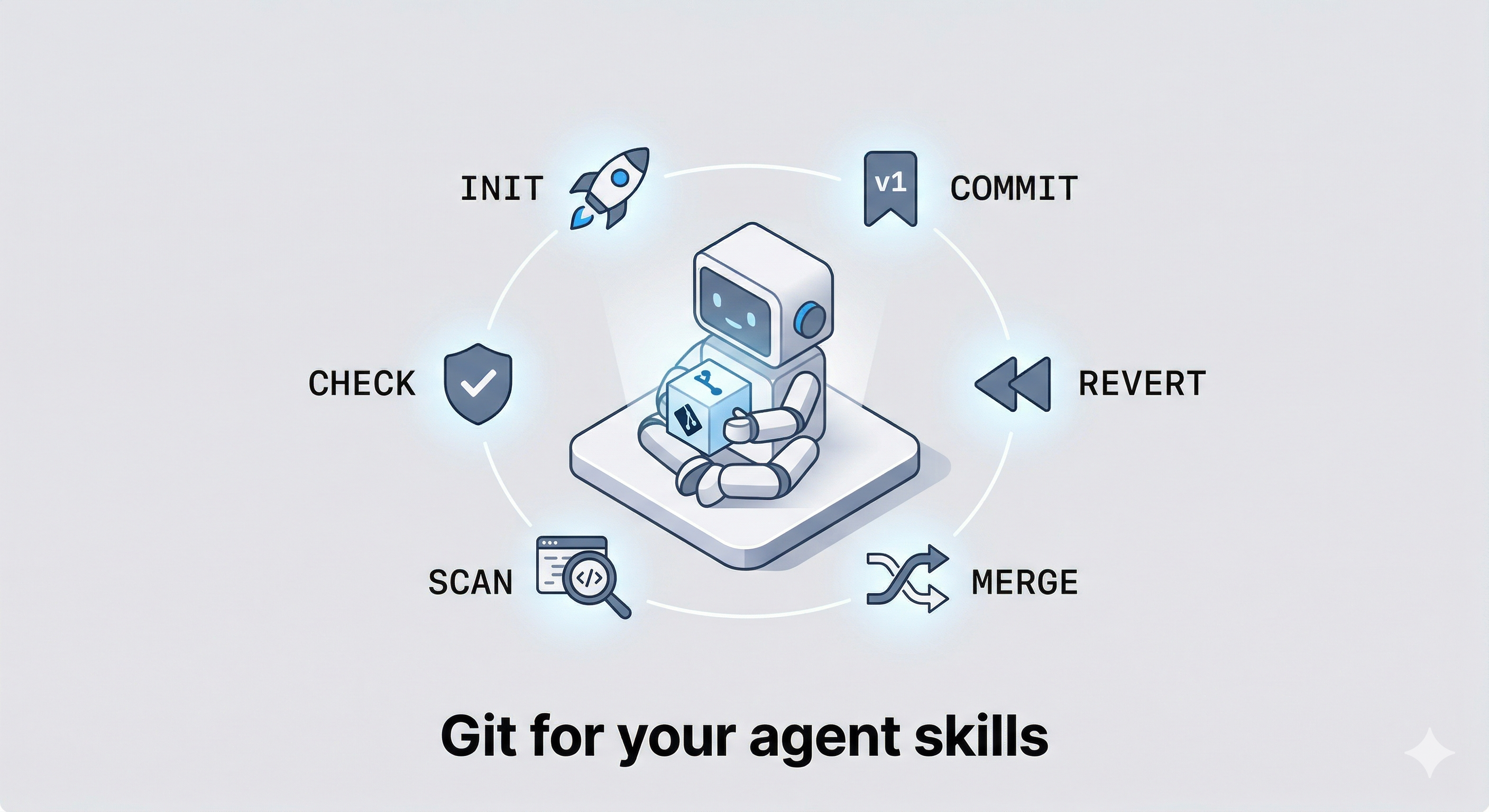
Tired of agent skills that conflict, overlap, or drift out of control? skill-git brings the power of version control directly to your AI workflows.
Track changes, seamlessly roll back bad edits, and—most importantly—merge overlapping local skills into stronger, unified tools. Works out-of-the-box across any AI Agent platform, including Claude, OpenClaw, Gemini, and Codex.
.git repository.We ship updates weekly. Here's what's new:
| Date | Release | What's new |
|---|---|---|
| 2026-04-09 | v1.1 | search — discover skills from SkillHub & ClawHub; install — one-command install with conflict detection; list — view your skill library |
| 2026-03-30 | v1.0 | init, commit, revert, check, scan, merge — full version control and merge workflow |
One line install the plugin to Claude code:
claude plugin marketplace add KnowledgeXLab/skill-git
claude plugin install skill-git@knowledgexlab
Then run:
/skill-git:init
| Command | What it does |
|---|---|
🚀 init | Initialize version tracking for all your skills |
🔖 commit | Snapshot changes with an auto-bumped semver tag |
⏪ revert | Roll back a skill to any previous version |
🛡️ check | Audit a skill for rule conflicts and security issues |
🔎 scan | Find semantically overlapping skills and rate merge candidates |
🔀 merge | Combine two similar skills into one stronger skill |
🔍 search | Discover skills from SkillHub and ClawHub by keyword or similarity |
📥 install | Install a skill from SkillHub or ClawHub with one command |
📋 list | List all installed skills with their current versions |
🗑️ delete | Permanently remove a skill from disk and config |
You want to add a code-review skill but aren't sure what's out there.
/skill-git:search I want to do code review
→ Returns the top 5 results from SkillHub and ClawHub, ranked by relevance and download count. Pick one — it installs, previews the content, and asks you to confirm.
/skill-git:install clawhub:code-review # or whichever result you picked
→ Files land in ~/.claude/skills/code-review/ and are tagged v1.0.0 automatically. You're version-controlled from day one.
You tweak your planner skill. Some changes work; one update breaks your workflow a week later.
/skill-git:commit             # after a good edit — tags v1.0.1
/skill-git:commit             # after another — tags v1.0.2
/skill-git:revert planner     # something broke → rolls back to v1.0.1 instantly
→ Each commit captures the full diff and bumps the version. Revert is atomic — a backup is taken first and restored automatically if anything fails. No edit is ever truly gone.
Over time you accumulated code-review, critic, and pr-feedback. They've started contradicting each other.
/skill-git:scan                        # finds all overlapping pairs, rated ★★★ / ★★☆ / ★☆☆
/skill-git:merge code-review critic    # combines the top pair interactively
/skill-git:commit                      # snapshots the merged result as v1.1.0
/skill-git:delete critic               # remove the now-redundant original
→ scan shows you the overlap score before you commit to anything. merge resolves conflicts interactively — nothing is written until you confirm. delete asks for explicit confirmation and warns you if the skill has uncommitted changes. The result is a leaner library where every skill pulls its weight.
Claude (Recommended)
claude plugin marketplace add KnowledgeXLab/skill-git
claude plugin install skill-git@knowledgexlab
OpenClaw
clawhub install skill-git
Gemini
gemini extensions install https://github.com/KnowledgeXLab/skill-git
Codex
npx skills add KnowledgeXLab/skill-git -a codex
Then initialize:
/skill-git:init
Supports multiple agents via -a <agent>:
/skill-git:init -a claude
/skill-git:init -a gemini
/skill-git:init -a codex
/skill-git:init -a openclaw
~/.claude/skills/
├── humanizer/
│   ├── SKILL.md
│   └── .git/          ← per-skill repo, tagged v1.0.0, v1.0.1 …
├── mcp-builder/
│   ├── SKILL.md
│   └── .git/
└── …

~/.skill-git/
└── config.json        ← registered agents and skill paths
Each skill's .git is fully independent — moving or sharing a skill folder preserves its entire version history.
claude --plugin-dir ./
MIT © KnowledgeXLab
Sign in to join the discussion.
No comments yet. Be the first to say what this is good for.
Makes your AI agent think like the laziest senior dev in the room. The best code is the code you never wrote.

Graphs that teach > graphs that impress. Turn any code into an interactive knowledge graph you can explore, search, and ask questions about. Works with Claude Code, Codex, Cursor, Copilot, Gemini CLI, and more.

OmO: Just type "mass ulw" keyword with your prompt. Now you are the master of graph engineering.
Persistent Context Across Sessions for Every Agent – Captures everything your agent does during sessions, compresses it with AI, and injects relevant context back into future sessions. Works with Claude Code, OpenClaw, Codex, Gemini, Hermes, Copilot, OpenCode + More
Opinionated Oxlint rules for rejecting low-evidence TypeScript and JavaScript patterns
Teams-first Multi-agent orchestration for Claude Code