🎨 Custom Icons Skill




A specialized agent skill for creating cohesive custom icons as native or traced SVGs and transparent PNG/WebP assets. It combines explicit format routing, reusable generation prompts, deterministic processing scripts, and structural plus visual validation.
Tested with Codex and Antigravity.
🚀 Installation
To add this skill to your agent environment, run:
npx skills add jkc66/custom-icons-skill
or
bunx skills add jkc66/custom-icons-skill
🛠 Usage
Invoke the installed skill with a concrete request, for example:
Use $custom-icons to create four cohesive geometric navigation icons as #2563EB SVGs.
The skill infers routine defaults, chooses a traced-vector or transparent-raster branch, keeps inspectable intermediates under tmp/custom-icons/, and validates every final asset. See SKILL.md for the core workflow and skills/references/ for vector and raster instructions.
Processing requirements
- Python 3 and Pillow for all bundled image scripts.
- Potrace for the traced-SVG branch.
- SVGO, run through
bunx svgo or a compatible local installation, for SVG optimization.
The scripts report missing dependencies explicitly. Their paths are resolved from the installed skill directory; outputs stay in the user's target project.
Trace a prepared source manually
python3 skills/scripts/crop_and_trace.py source.png tmp/custom-icons/example example
potrace tmp/custom-icons/example/example.pbm \
  --svg --flat --tight \
  -o tmp/custom-icons/example/example.trace.svg
python3 skills/scripts/normalize_svg_icon.py \
  --input tmp/custom-icons/example/example.trace.svg \
  --out tmp/custom-icons/example/example.normalized.svg \
  --canvas-size 24 --padding 2
bunx svgo tmp/custom-icons/example/example.normalized.svg \
  --output tmp/custom-icons/example/example.svg --multipass
python3 skills/scripts/validate_icon.py tmp/custom-icons/example/example.svg
Remove a chroma-key background manually
python3 skills/scripts/remove_chroma_key.py \
  --input source.png \
  --out tmp/custom-icons/example/example.png \
  --auto-key border --soft-matte --spill-cleanup \
  --trim --padding 12
python3 skills/scripts/validate_icon.py \
  tmp/custom-icons/example/example.png \
  --require-transparent-corners
📂 Structure
skills/SKILL.md: Core logic and instructions for the AI agent.skills/references/: Vector and raster branch guidance.skills/scripts/: Processing utilities used by the skill.readme-assets/icons/: Example outputs shown only in this README.
🖼 Reference Gallery
These are showcase outputs created with the skill. They demonstrate its capabilities and are not loaded or required when the skill runs.
🧪 Blind 10-agent evaluation
Ten fresh agents were each given the $custom-icons skill, one original concept, and a shared visual-family brief. They had no conversation history and could not inspect the existing gallery or one another's output. The evaluator supplied the concepts and style direction, then reviewed, validated, and assembled the final assets; each agent executed its own icon workflow.
- Icons 01–07 are transparent raster assets created with image generation, a flat chroma-key background, local alpha cleanup, and
1024×1024 canvas normalization.
- Icons 08–10 are native colored SVGs authored directly by the agents with vector paths, shapes, fills, and gradients. They were not generated as raster images and were not traced.
- Every final asset passed individual validation and matching-canvas validation for its format group.
Open the detailed evaluation and individual concepts.
| | | | |
|---|

Chronobloom | 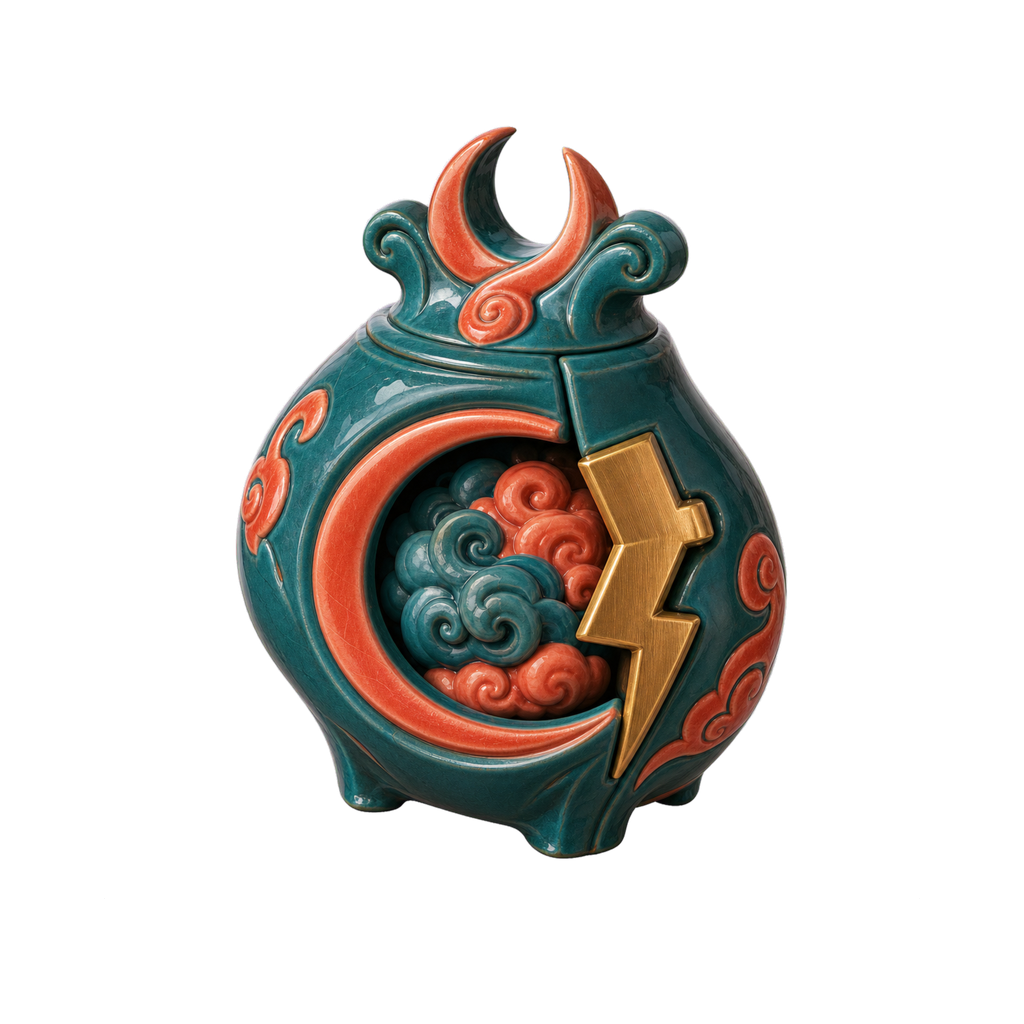
Stormkeeper | 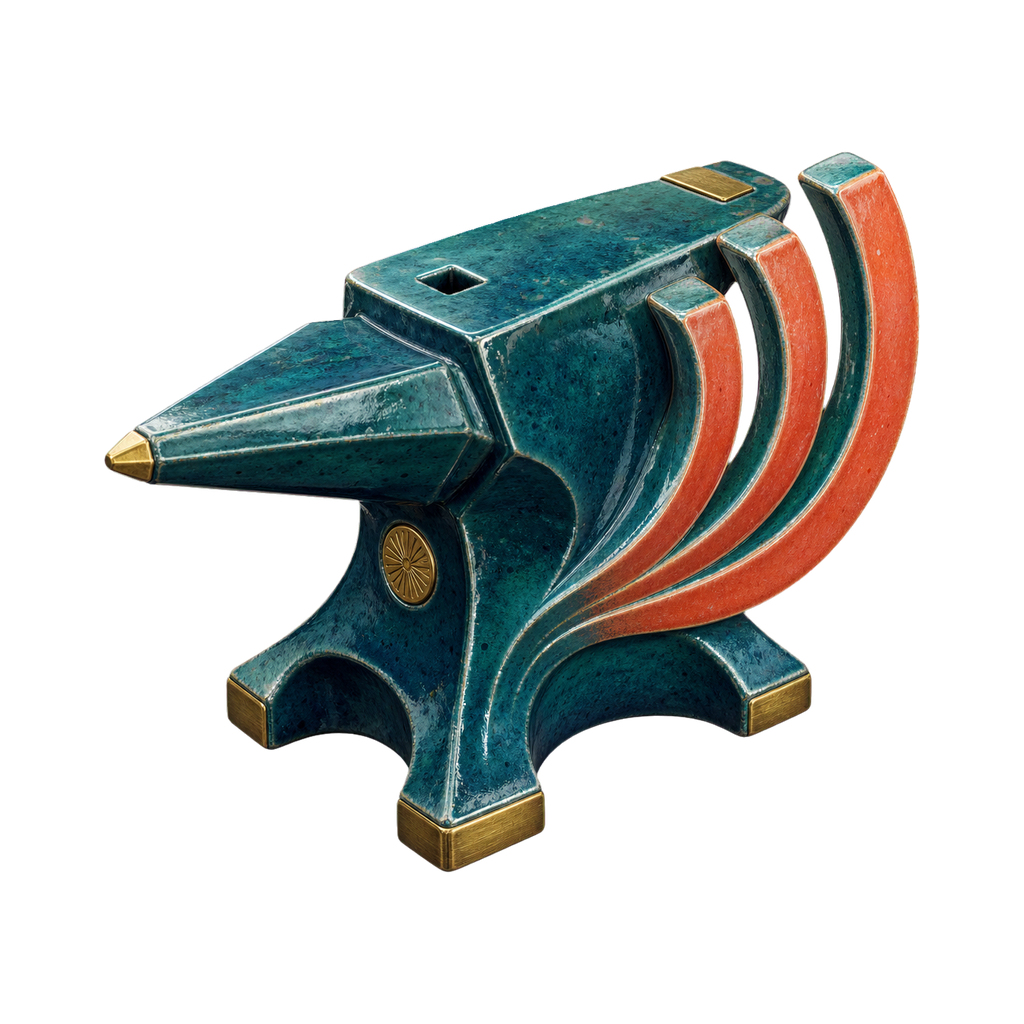
Echo Forge | 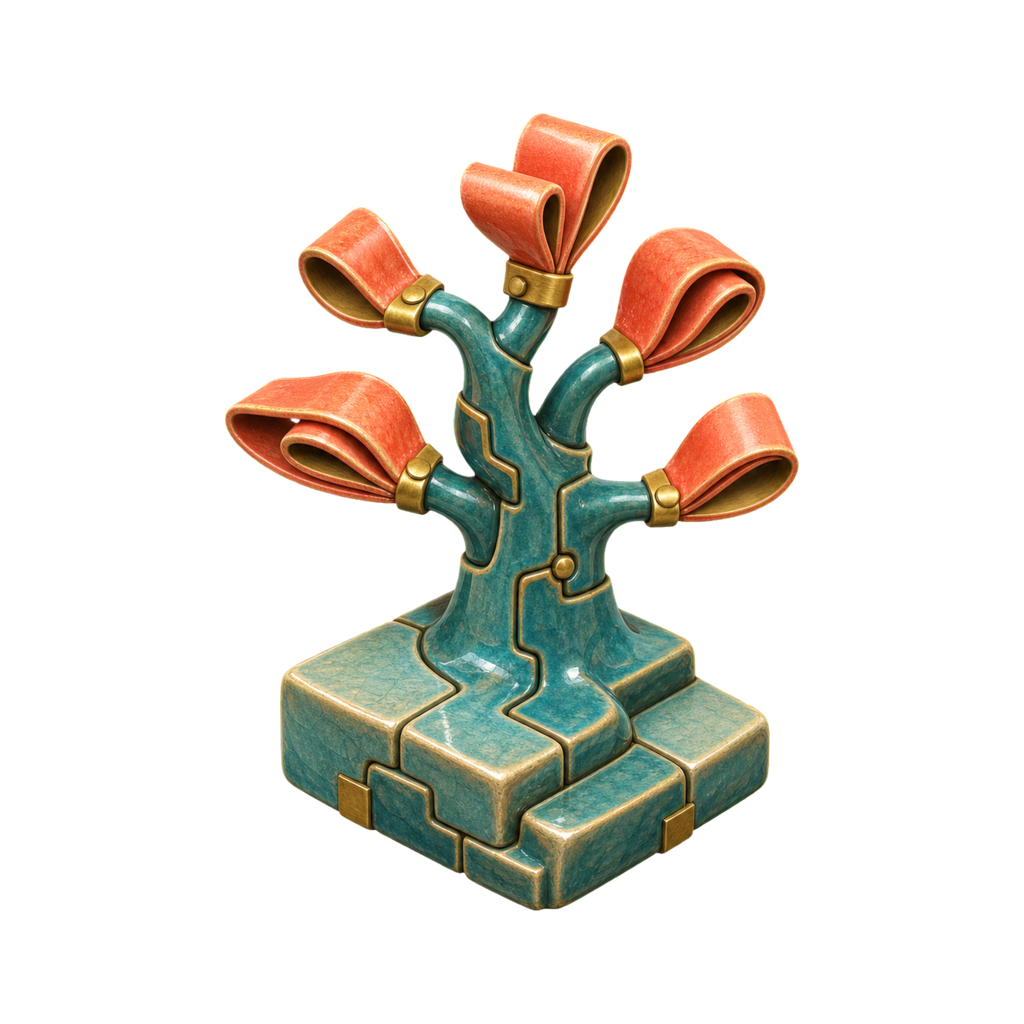
Memory Orchard | 
Tide Compass |
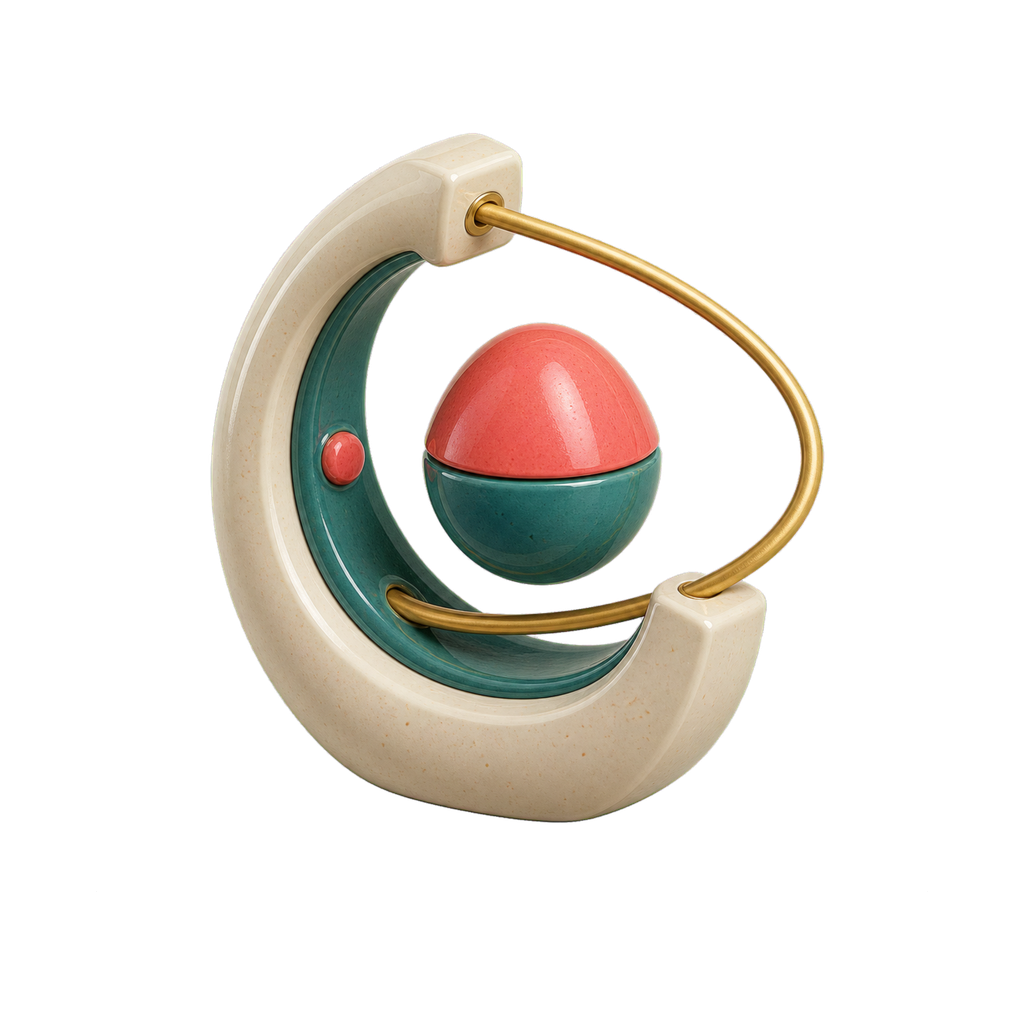
Dream Relay | 
Gravity Loom | 
Kindness Engine · SVG | 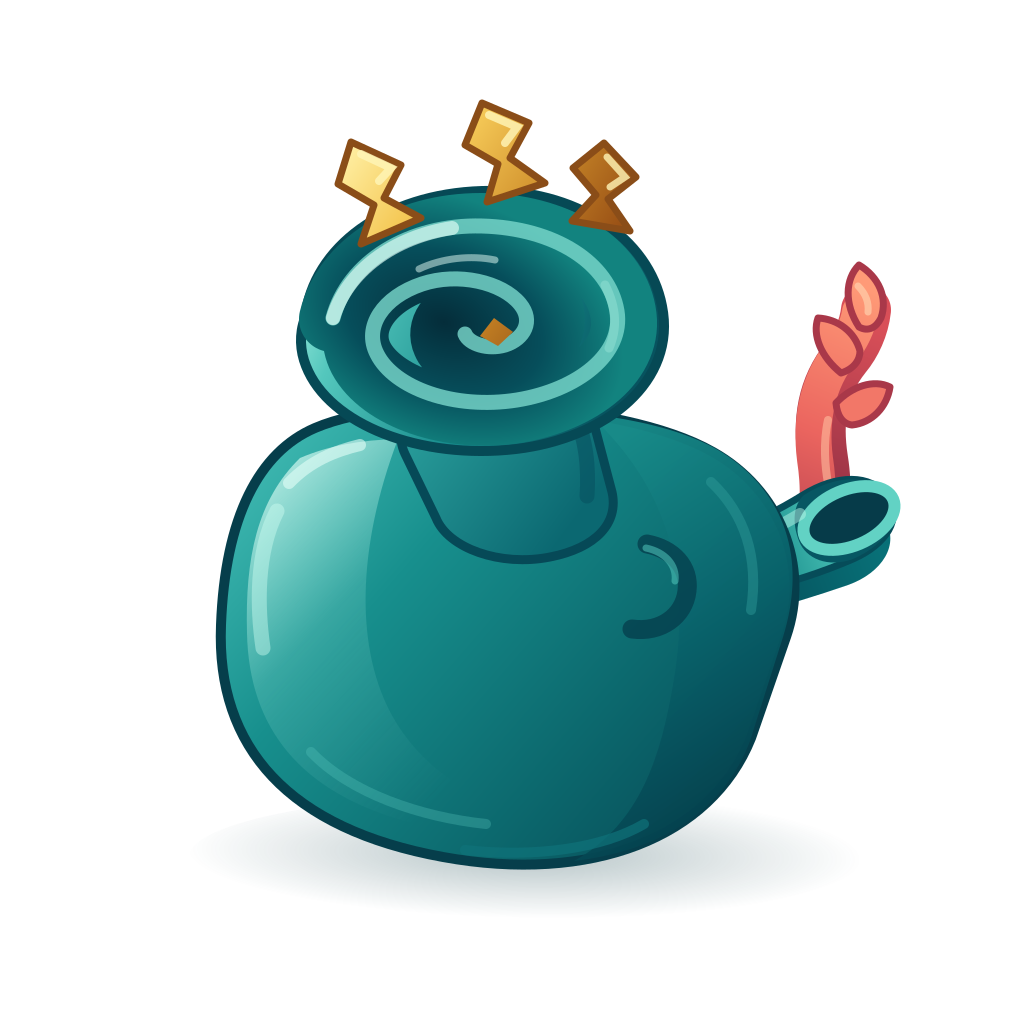
Idea Cistern · SVG | 
Quiet Signal · SVG |
💎 Premium (Strategy A)
Monoline, elegant, thin strokes.
🤖 Tech (Strategy A)
Geometric, bold, 2px stroke weight.
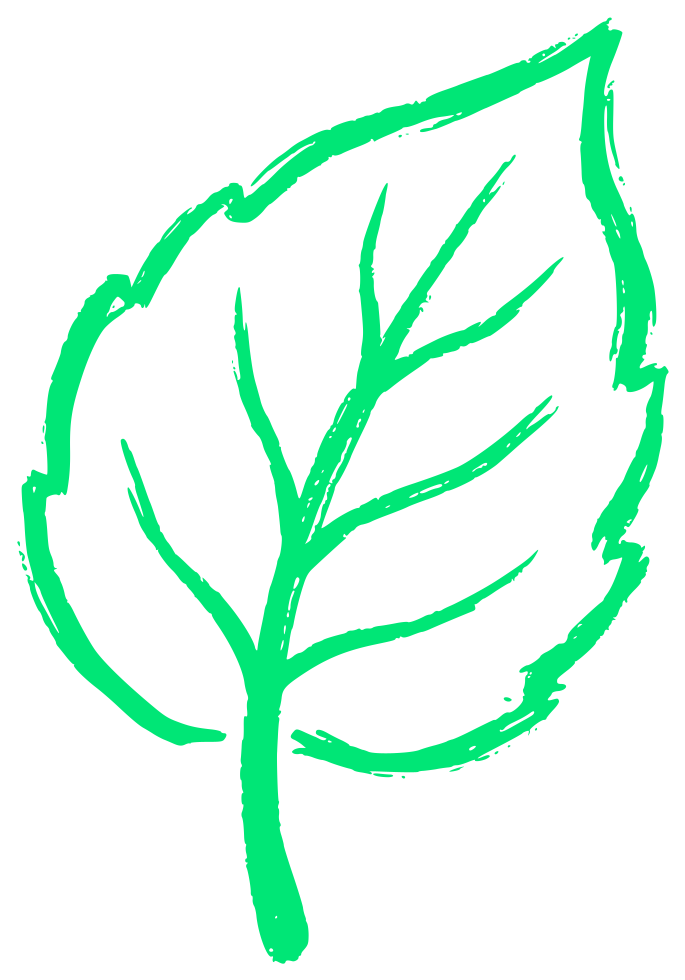
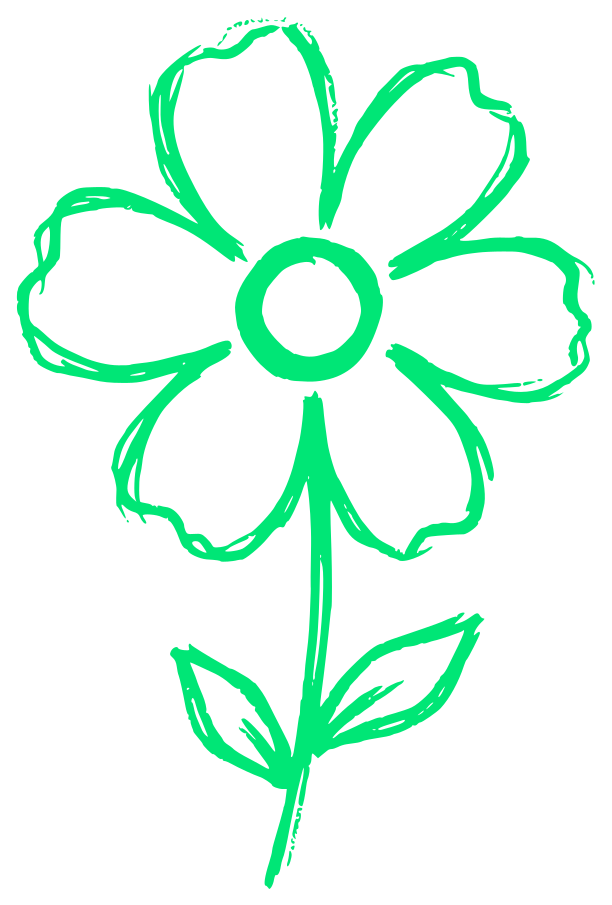
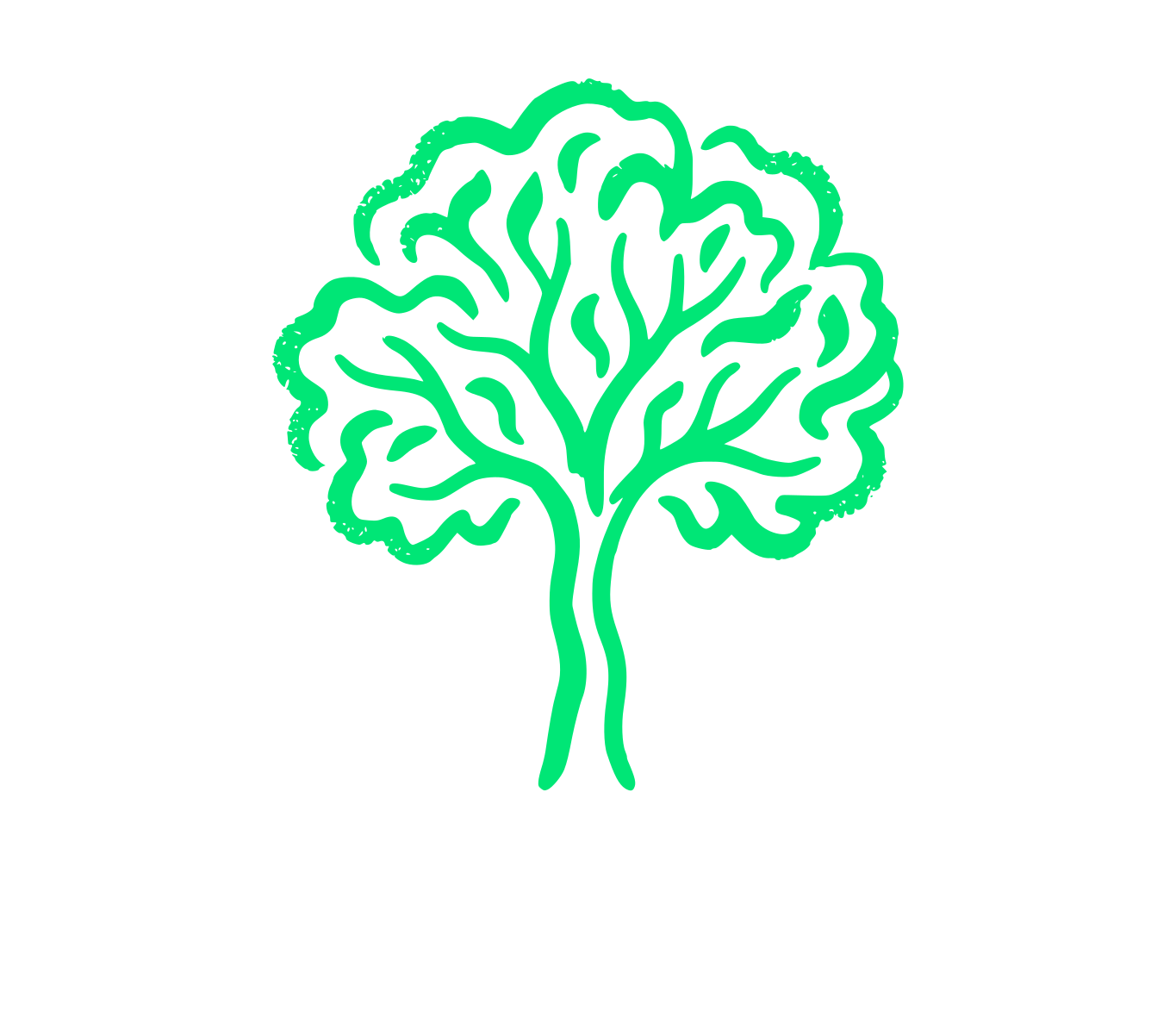
🌿 Lifestyle (Strategy A)
Organic, hand-drawn, textured edges.
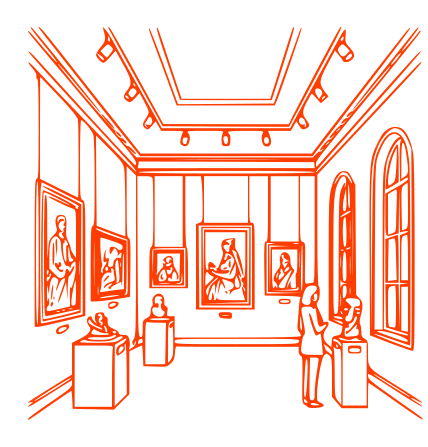
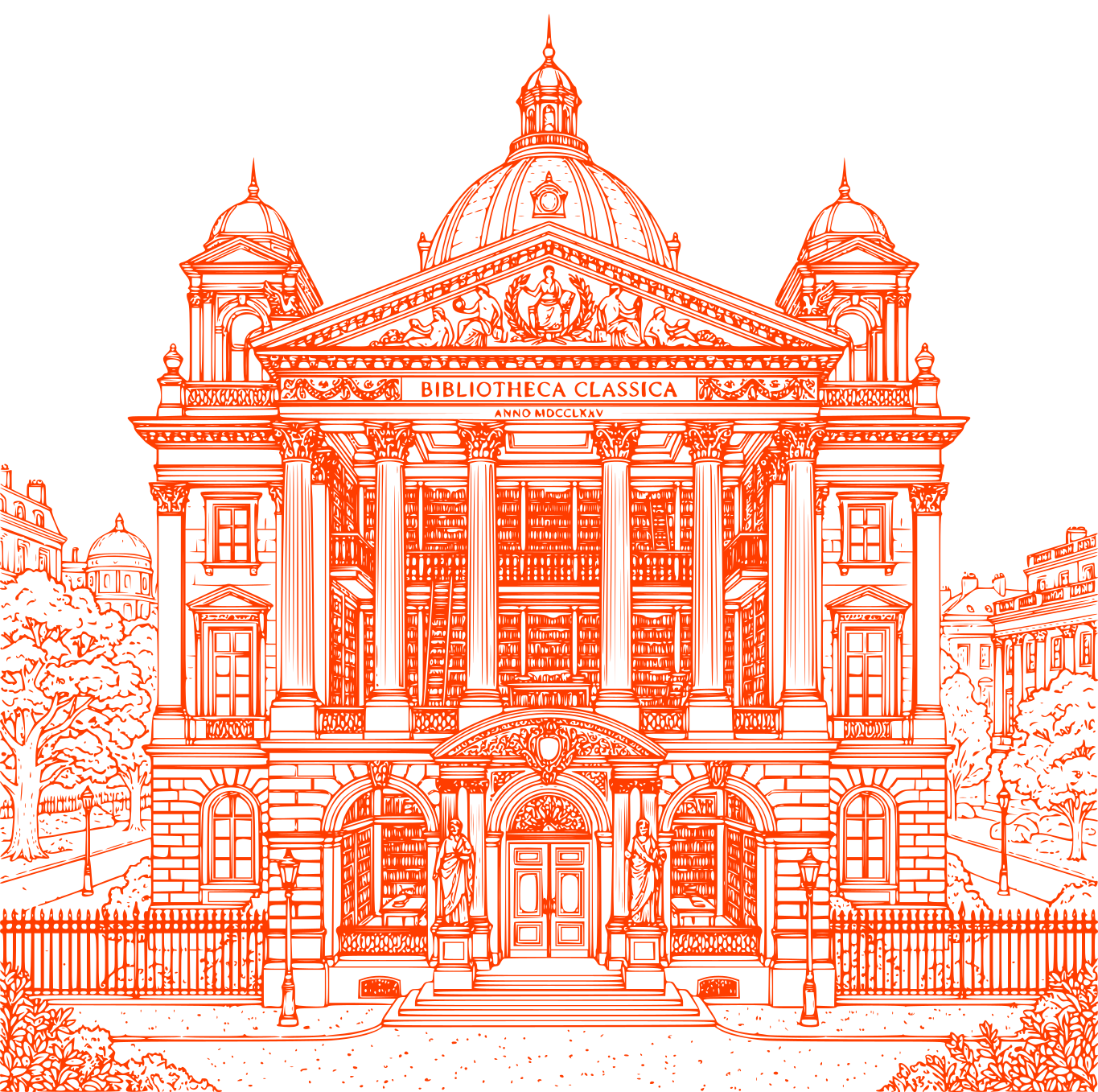
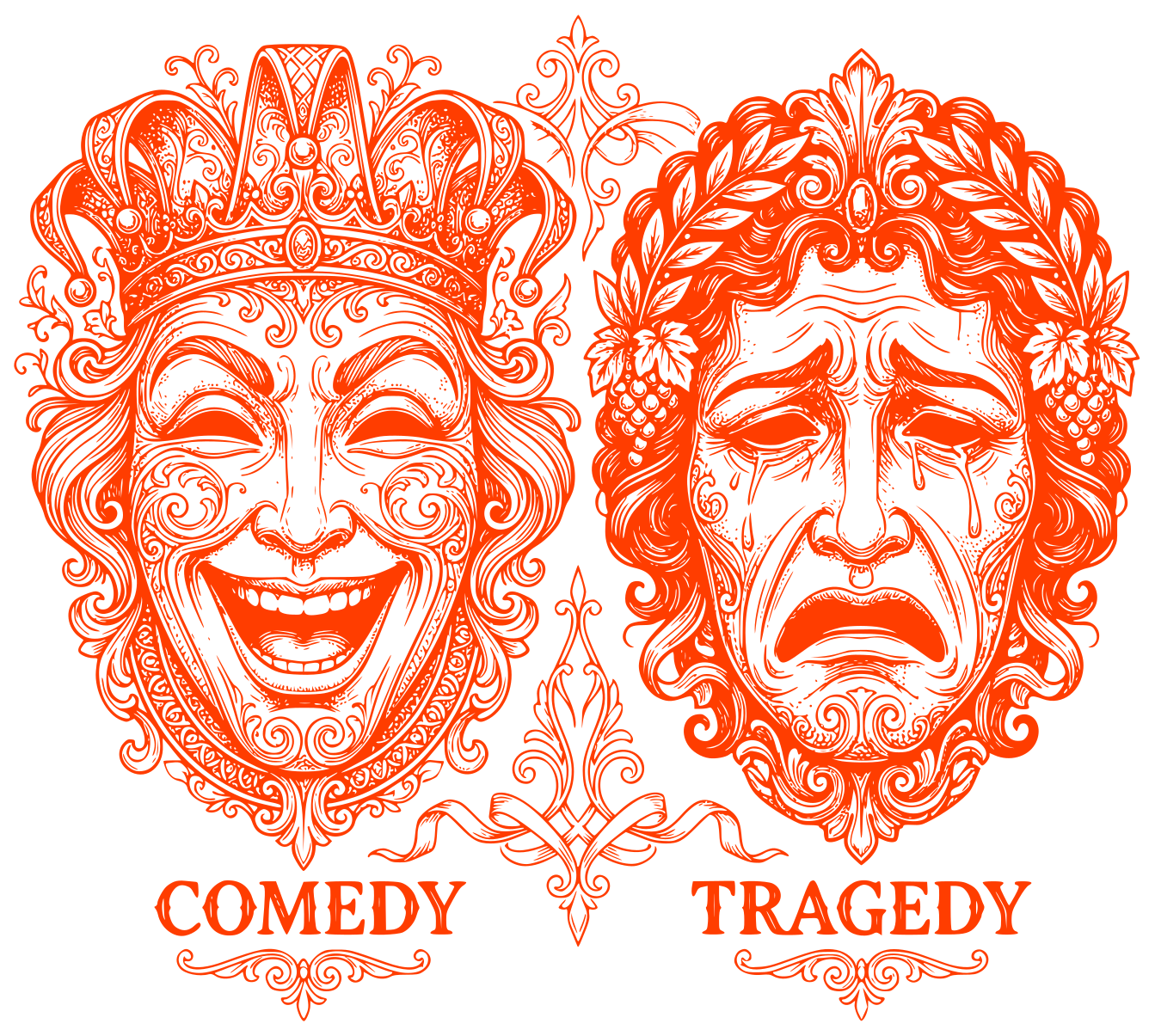
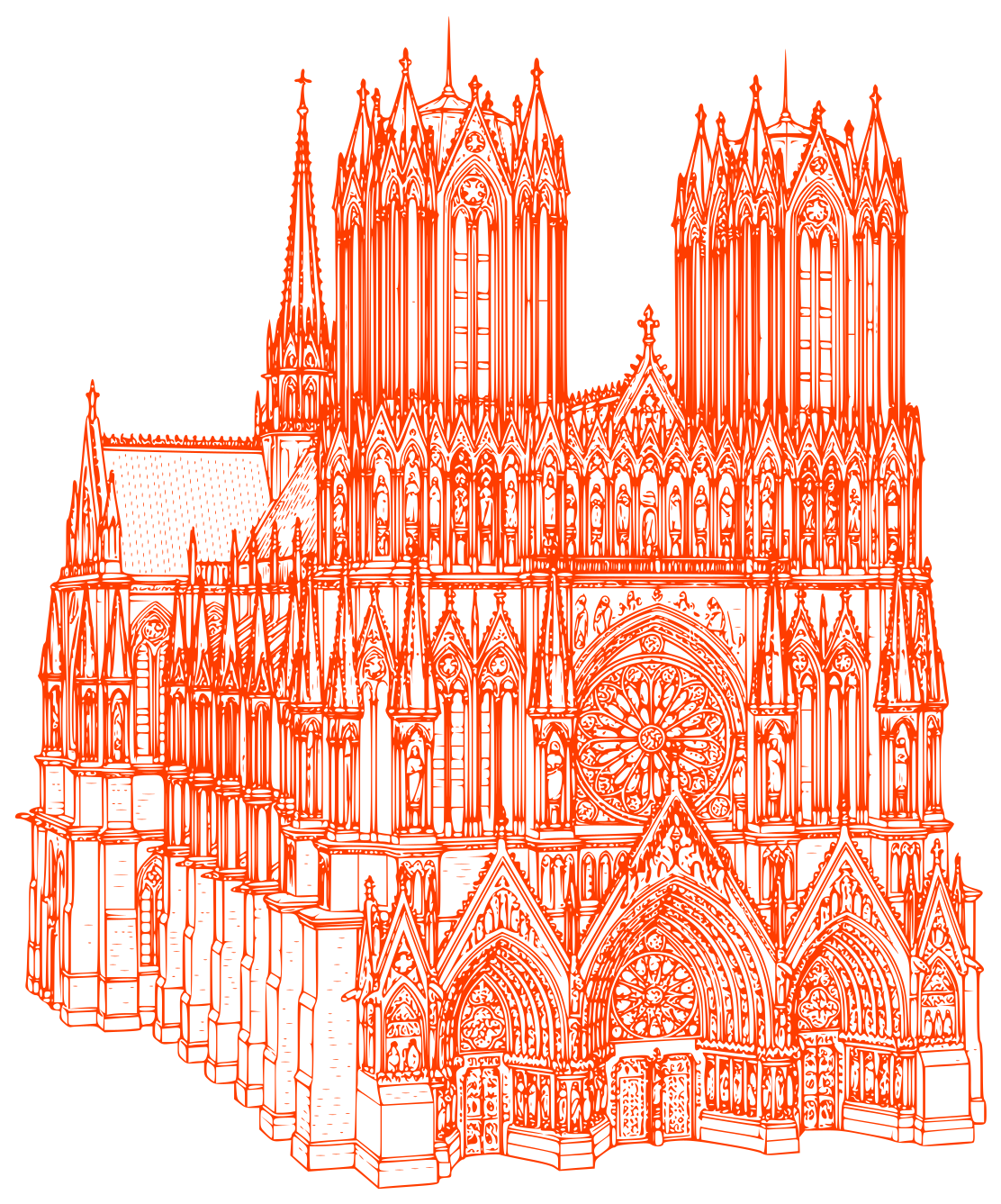
🏛 Detailed (Strategy A)
Intricate, high-detail vector art.
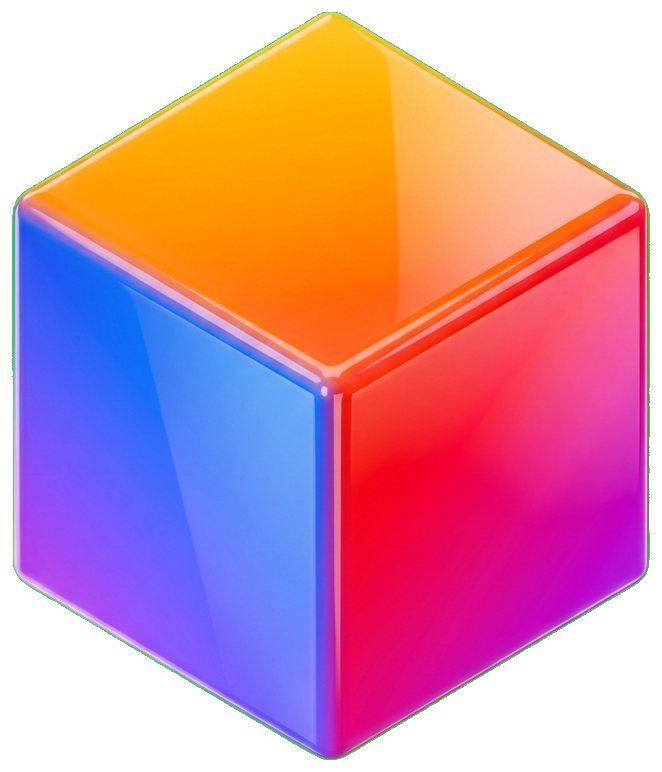
🌈 Complex (Strategy B)
3D, multi-color, transparent PNGs (Green Screen workflow).