

JuliusBrussee/
caveman

🪨 why use many token when few token do trick — Claude Code skill that cuts 65% of tokens by talking like caveman
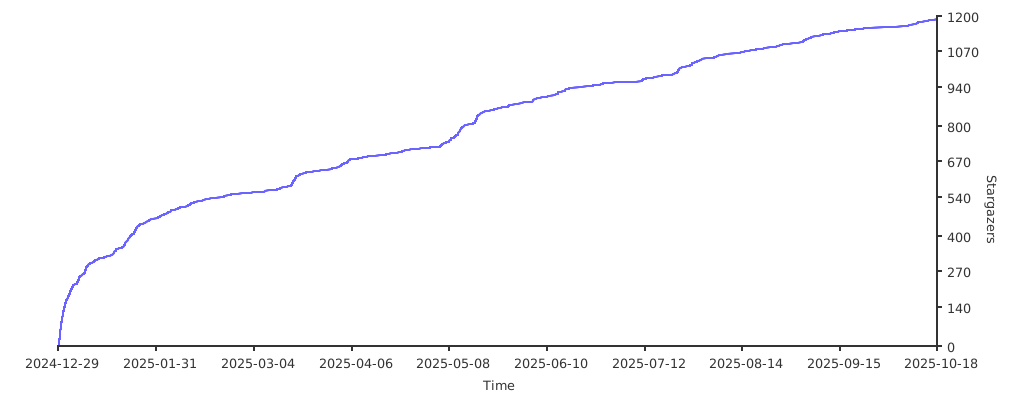
105k
1 add
LitterBox is a local sandbox for checking payloads against static scanners, dynamic checks, and EDR profiles before they leave the lab. The main app exposes a web UI, while `GrumpyCats` adds CLI, Python, and MCP entry points so an agent can upload samples and collect results without manual clicking.

Builders who want an agent-driven way to analyze suspicious payloads in an isolated environment.
You can decide whether a payload is field-ready from one analysis run instead of stitching together separate tools by hand.
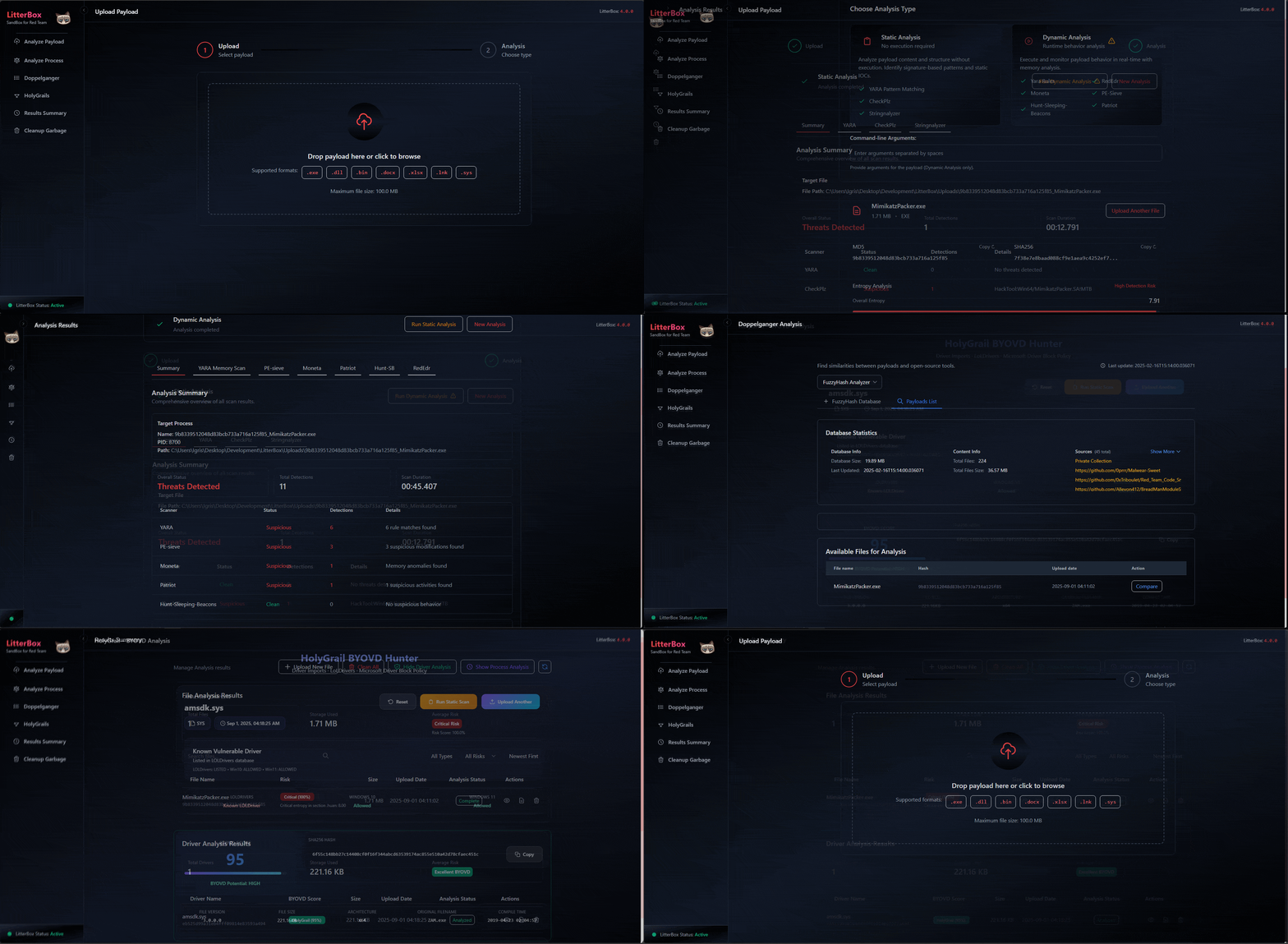
Uploads a sample and runs it through bundled scanners, YARA rules, and other checks.
Shows a score plus the indicators that caused it, so you can see why a sample triggered.
Can send payloads to a Windows VM with Elastic Defend or Fibratus and pull the alerts back into the report.
`GrumpyCats` provides MCP, CLI, and Python library access for agent-led workflows.
Uses the `Scanners/` and `Config/edr_profiles/` folders to manage tools, paths, and EDR profiles.
Includes Docker-based setup scripts for running the sandbox in an isolated environment.
git clone https://github.com/BlackSnufkin/LitterBox.git
cd LitterBox
python -m venv venv
.\venv\Scripts\Activate.ps1
pip install -r requirements.txt
python litterbox.py            # add --debug for verbose logging
git clone https://github.com/BlackSnufkin/LitterBox.git
cd LitterBox/Docker
chmod +x setup.sh
./setup.sh
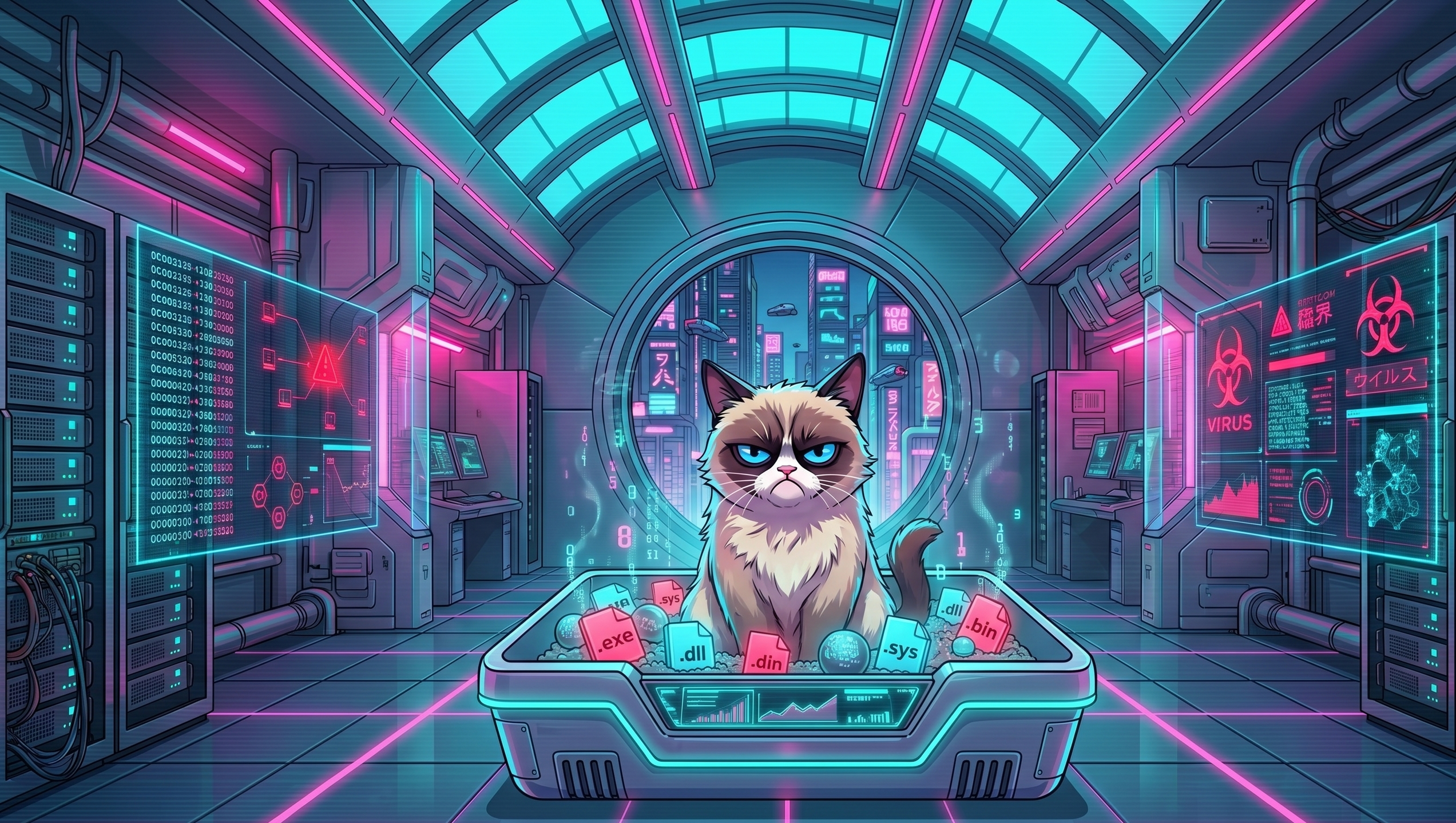






A self-hosted payload-analysis sandbox for red teams. Upload a sample, run static / dynamic / EDR analysis against it, get a Detection Score and a triggering-indicators breakdown — decide whether the payload is field-ready before it leaves the lab.
LitterBox can also dispatch payloads to a separate EDR-instrumented Windows VM (Elastic Defend or Fibratus) and pull the correlated detection alerts back into the results page.
While designed primarily for red teams, LitterBox is equally useful for blue teams running the same tools in their malware-analysis workflows.
Operator and developer documentation lives in the LitterBox Wiki.
| Topic | Wiki page |
|---|---|
| How everything fits together | Application Architecture |
| Run static + every reachable EDR in parallel | All in One Pipeline |
| Dispatch payloads to a real EDR VM | EDR Integration → Elastic Defend / Fibratus |
| Whiskers agent (install, endpoints, build) | Whiskers Agent |
| Every HTTP endpoint | HTTP API Reference |
| CLI / Python lib / MCP for LLMs | GrumpyCats CLI · GrumpyCats Library · LitterBoxMCP |
| What feeds the Detection Score | Detection Score Explained |
| Configure scanners / paths / timeouts | Configuration Reference |
| Add custom YARA rules / scanners | YARA Rules Management · New Scanner |
git clone https://github.com/BlackSnufkin/LitterBox.git
cd LitterBox
python -m venv venv
.\venv\Scripts\Activate.ps1
pip install -r requirements.txt
python litterbox.py            # add --debug for verbose logging
Open http://127.0.0.1:1337. Requires Python 3.11+ and an admin shell.
git clone https://github.com/BlackSnufkin/LitterBox.git
cd LitterBox/Docker
chmod +x setup.sh
./setup.sh
The setup script provisions a Windows 10 container with KVM and runs LitterBox inside. Initial build takes ~1 hour.
http://localhost:8006localhost:3389 (creds in the docker compose file)http://127.0.0.1:1337 once setup completesDrop one or more profile YAMLs under Config/edr_profiles/ and the upload page picks them up at boot. Full walkthroughs in the wiki: Whiskers Agent → Elastic Defend Setup or Fibratus Setup.
Bundled binaries under Scanners/. Versions and last-update dates tracked here so operators can tell at a glance whether a scanner is current.
| Scanner | Version | Last updated | Source |
|---|---|---|---|
| PE-Sieve | 0.4.1.2 (f1dc39d) | 2026-05-02 | hasherezade/pe-sieve |
| Hollows-Hunter | 0.4.1.2 (e271f7e) | 2026-04-18 | hasherezade/hollows_hunter |
| Moneta | 5b65395 | 2024-03-16 | forrest-orr/moneta |
| Patriot | — | 2024-12-29 | joe-desimone/patriot |
| Hunt-Sleeping-Beacons | 84dd3a9 | 2026-01-25 | thefLink/Hunt-Sleeping-Beacons |
| RedEdr | 3bd6b97 (EXE-only build) | 2026-05-03 | dobin/RedEdr |
YARA (engine yara64.exe) | — | 2024-12-29 | VirusTotal/yara |
Elastic YARA rules (Scanners/Yara/rules/elastic-yara/) | d131ea8 | 2026-04-30 | elastic/protections-artifacts |
YARA-Forge Extended (Scanners/Yara/rules/YARAForge/) | 0.9.1 (release 20260503) | 2026-05-03 | YARAHQ/yara-forge |
| CheckPlz | — | 2024-12-29 | BlackSnufkin/CheckPlz |
| Stringnalyzer | — | 2025-01-27 | BlackSnufkin/Rusty-Playground |
| HolyGrail | — | 2025-08-18 | BlackSnufkin/HolyGrail |
Version format: <release-version> or <release-version> (release) when the binary is pulled from an upstream release; <release-version> (\`)or just``` when built from source. Last-updated date is the upstream commit / release date, not the local build date.
When you refresh a scanner: replace the binary under its Scanners/<Name>/ directory and update the row above (version + date).
See CONTRIBUTING.md. Work in feature branches on personal forks.
LitterBox stands on the work of these projects and their authors:
Sign in to join the discussion.
No comments yet. Be the first to say what this is good for.
🪨 why use many token when few token do trick — Claude Code skill that cuts 65% of tokens by talking like caveman

The best-benchmarked open-source AI memory system. And it's free.

Orca is the ADE for working with a fleet of parallel agents. Run any coding agent with your own subscription. Available on desktop, mobile and remote runtime.

Never stop coding. Free MIT AI gateway: one endpoint, 352 providers (150+ free), 1200+ models Kimi, Claude, GPT, Gemini, GLM, DeepSeek, MiniMax. Works with Claude Code, Codex, Cursor, OpenCode, Cline & Copilot. Quota-aware auto-fallback, RTK+Caveman compression saves 15-95% tokens, MCP/A2A, Desktop/PWA. Built by 550+ contributors

Compress tool outputs, logs, files, and RAG chunks before they reach the LLM. 20% fewer tokens for coding agents, 60-95% fewer tokens for JSON, same answers. Library, proxy, MCP server.

Turn any technical book PDF into a Claude Code skill — ready to study, reference, and use while you work.